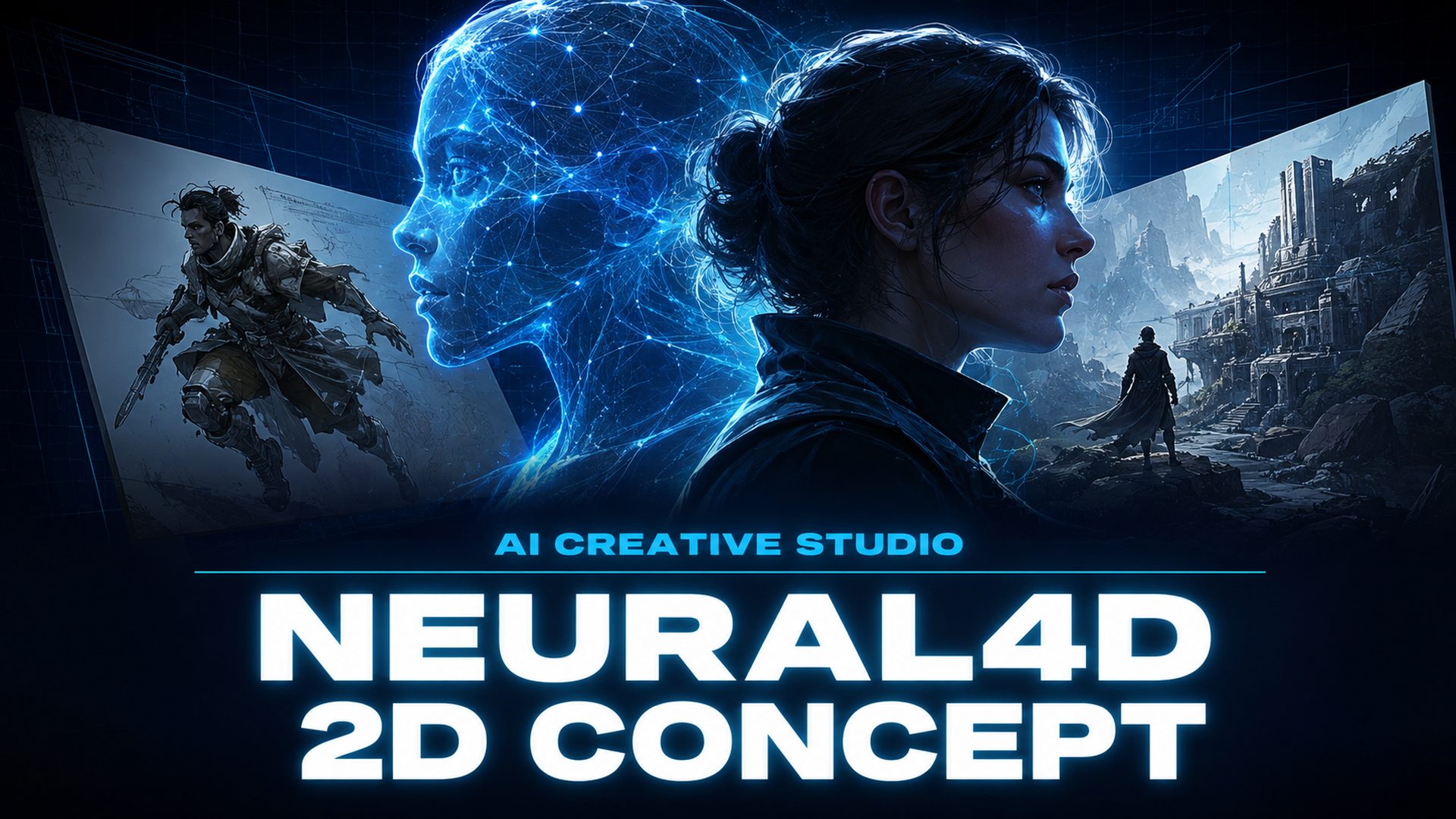
Neural4D 2D Concept Update: New AI Models, 4K Video, and Native Audio
Quick Summary
- The Neural4D 2D Concept update adds two new image models and three new video models to the Neural4D Studio.
- Image Generator now offers Seedream 4.5 and Flux 2 Pro with resolution control from 1K to 4K.
- Video Generator now offers Veo 3.1, Grok Imagine, and Seedance 2.0 Fast, with native audio and 4K output on supported models.
- Credit consumption now reflects your actual generation settings, including model, resolution, duration, and audio.
Neural4D’s 2D Concept update expands what you can generate from a text prompt in a single workspace. The Neural4D 2D Concept update covers both the image and video generators, which gain new models, adjustable resolution, and a credit system that prices each generation by the settings you actually choose.
Table of Contents
- Part 1: Image Generator Adds Two New Models and 1K-4K Resolution Control
- Part 2: Video Generator Adds Three New Models, Native Audio, and 4K
- Part 3: Credit Consumption Now Reflects Your Generation Settings
- Part 4: What the New Controls Mean for Real Creator Workflows
- Part 5: Common Questions on the Neural4D 2D Concept Update
- Try the New Generators Free
Part 1: Image Generator Adds Two New Models and 1K-4K Resolution Control
The Image Generator now runs four AI models. Seedream 4.5 produces stable, detail-rich imagery for prompt-heavy compositions, while Flux 2 Pro targets high-fidelity commercial visuals where precise rendering matters. They join GPT Image 2, which leads on deep prompt understanding, and Nano Banana Pro, which favors fast high-quality output.
Model choice is now paired with a resolution picker. Each generation can be set to 1K for quick iteration, 2K for standard web use, or 4K for production-grade assets, all inside a single interface. You no longer generate once and hope the size matches your delivery format.
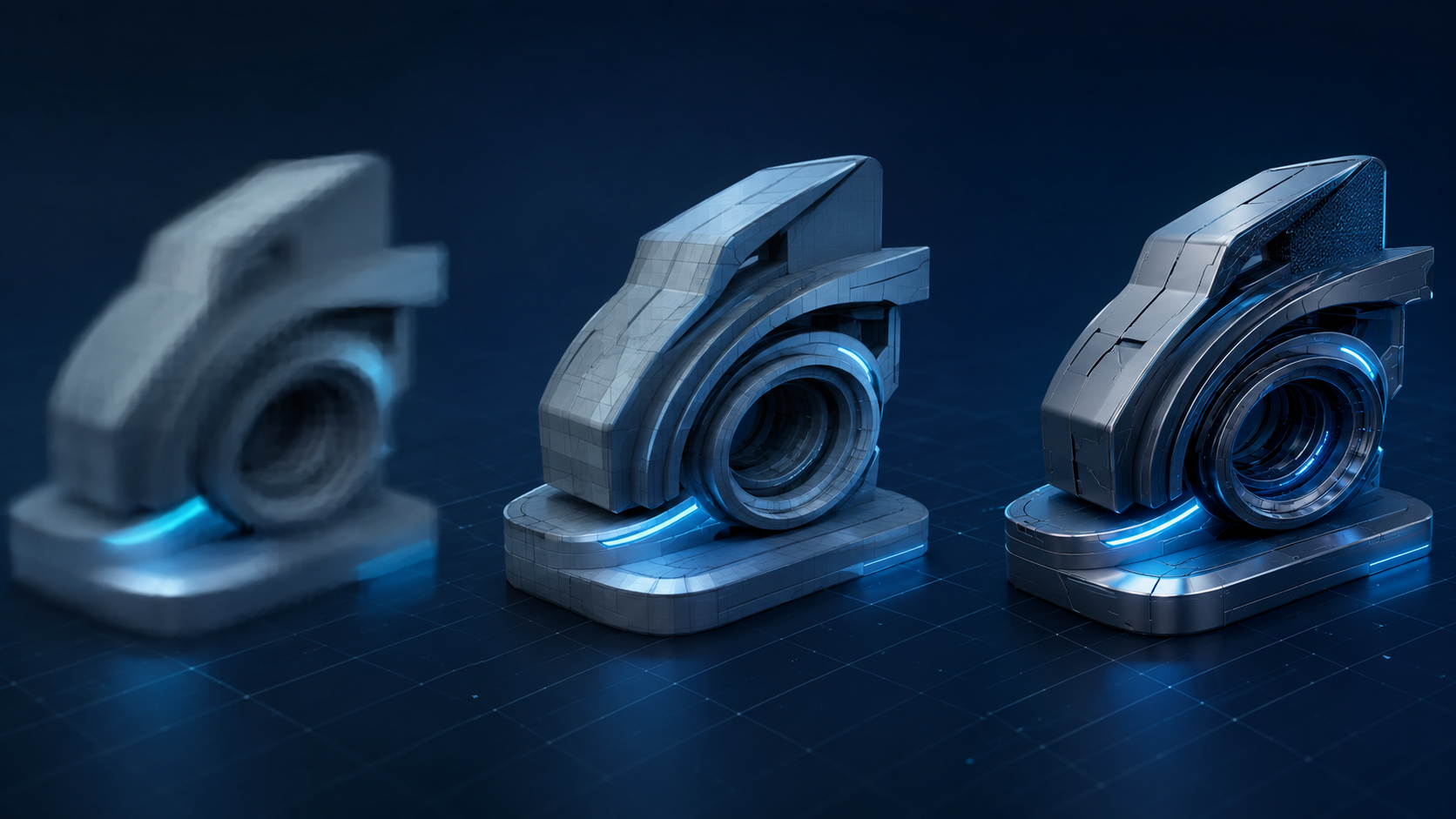
The practical effect is that the same engine can serve a thumbnail draft and a print-ready render. An independent creator testing visual directions can burn a 1K output per concept to explore fast, then commit to a 4K render once the direction is locked. That split between exploration and delivery is the core of what the new controls enable.
Part 2: Video Generator Adds Three New Models, Native Audio, and 4K
The Video Generator now offers four models. Veo 3.1 targets high-fidelity realism with native 4K output, Grok Imagine handles expressive, efficient motion generation, and Seedance 2.0 Fast delivers a faster turnaround for quick iterations. They join Seedance 2.0, which remains the choice for stable, complex motion sequences.
A new Native Audio toggle lets you generate clips with or without sound. Most models produce synchronized audio in the same pass, removing a separate editing step. The exception is Grok Imagine, which generates silent clips, so plan around that when a brief requires a soundtrack.

Not every model supports every output tier, so the matrix below is worth keeping open while you choose:
| Model | Positioning | 4K | Native Audio |
|---|---|---|---|
| Veo 3.1 | High-fidelity realism | Yes | Yes |
| Seedance 2.0 | Stable complex motion | Yes | Yes |
| Seedance 2.0 Fast | Faster turnaround | No | Yes |
| Grok Imagine | Expressive efficient motion | No | No |
Veo 3.1, which Google introduced with 4K output and synchronized native audio, is the model to reach for when the final deliverable is a broadcast-grade clip. Seedance 2.0 Fast is the opposite end of the same toolset, built for speed over ceiling, which makes it a natural fit for drafts and social iterations.
Part 3: Credit Consumption Now Reflects Your Generation Settings
Neural4D’s credit system now assigns a cost to each generation based on the specific parameters you configure. For images, the calculation considers the model, resolution, and image count. A 4K render consumes more credits than a 1K output from the same engine because higher resolutions require more compute.
For video, the calculation adds duration, audio toggle, and quantity to the model and resolution dimensions. A 4-second clip without audio costs fewer credits than a 15-second render with full sound from the same model. The system gives you visibility into how each parameter affects usage, so you can balance output quality against the credits you have available.
Match Your Credits to Your Next Generation
Pick the model, resolution, and audio settings that fit the deliverable.
Open the Image Generator Open the Video Generator
Free accounts refill 50 Power credits every week.
This pricing model matters most for teams running repeated generations. A marketing team producing a campaign can predict the credit cost of a consistent batch of 4K renders. An e-commerce seller generating product images in bulk gets the same predictability per batch, instead of a flat per-image rate that ignores resolution.
Part 4: What the New Controls Mean for Real Creator Workflows
The update is structured around a simple idea: the settings you choose should be the settings you pay for, and the tools should adapt to the stage of the work. Three workflows now fit cleanly inside a single toolset.
Exploration and iteration
An independent creator testing visual concepts can run multiple low-resolution generations to explore styles before committing to a final render. Seedance 2.0 Fast plays the same role on the video side, letting you compare motion and pacing without spending your whole budget on each draft.
Consistent production output
A marketing team producing a campaign needs consistent high-resolution output across images and video assets. Locking a model and a resolution tier gives the whole batch a uniform look, while 4K support on Veo 3.1 and Seedance 2.0 covers broadcast-style deliverables.
Bulk generation with predictable cost
An e-commerce seller generating product images in volume wants predictable credit consumption per batch. The resolution picker and credit formula make that forecast possible, and the weekly 50 Power refill on free plans keeps small experiments affordable. If you are new to the toolset, the guides on how to create video with AI from text for e-commerce and how to create images with AI from text walk through the same workflows step by step.
The Neural4D 2D Concept update sits alongside the 3D pipeline in one Studio, so creators who move from concept images to 3D assets, or from video briefs to product renders, keep the whole workflow in a single surface. It builds on the interface changes covered in the Neural4D Studio update.
Part 5: Common Questions on the Neural4D 2D Concept Update
Grok Imagine favors expressive, efficient motion and generates silent clips with no 4K tier, which makes it good for fast style tests. Veo 3.1 produces high-fidelity realism with synchronized native audio and 4K output, so it fits final deliverables that need a soundtrack and broadcast-grade resolution. Choose by the target format: quick motion exploration or polished finished clip.
Yes. Audio is one of the dimensions in the video credit formula, alongside model, resolution, duration, and quantity. A clip rendered with sound costs more than the same clip rendered silent, so disabling audio is a reliable way to cut cost during drafting.
Seedance 2.0 Fast is the same Seedance motion DNA tuned for a faster turnaround, which suits quick iterations and drafts. It does not support the 4K tier, while Seedance 2.0 keeps 4K output alongside stable complex motion sequences. Use Fast to explore and the standard model for final renders.
Higher resolution tiers demand more compute and more credits, and they deliver sharper detail that holds up at larger delivery sizes. A 1K render is still a usable image for drafts and thumbnails, while 4K is reserved for production assets where fine detail matters. The right tier depends on where the image will be shown.
Image Generator and Video Generator are independent features that both accept text prompts, so a video generation starts from a fresh prompt rather than from an uploaded image. If you want a video that matches an image you generated, describe the image’s subject and style in the video prompt and regenerate until the result lands.
Try the New Generators Free
The updated Image Generator and Video Generator are live now at Neural4D Studio. Both features are free to try with a Neural4D account, and free users receive 50 Power credits per week to explore any engine and configuration. Paid plans offer higher concurrency limits and discounted credit rates, documented on the pricing page.
Generate Your Next Image or Video
Four image models and four video models, with resolution and audio control.
Launch Image Generator Launch Video Generator
50 Power credits refilled weekly on free accounts.