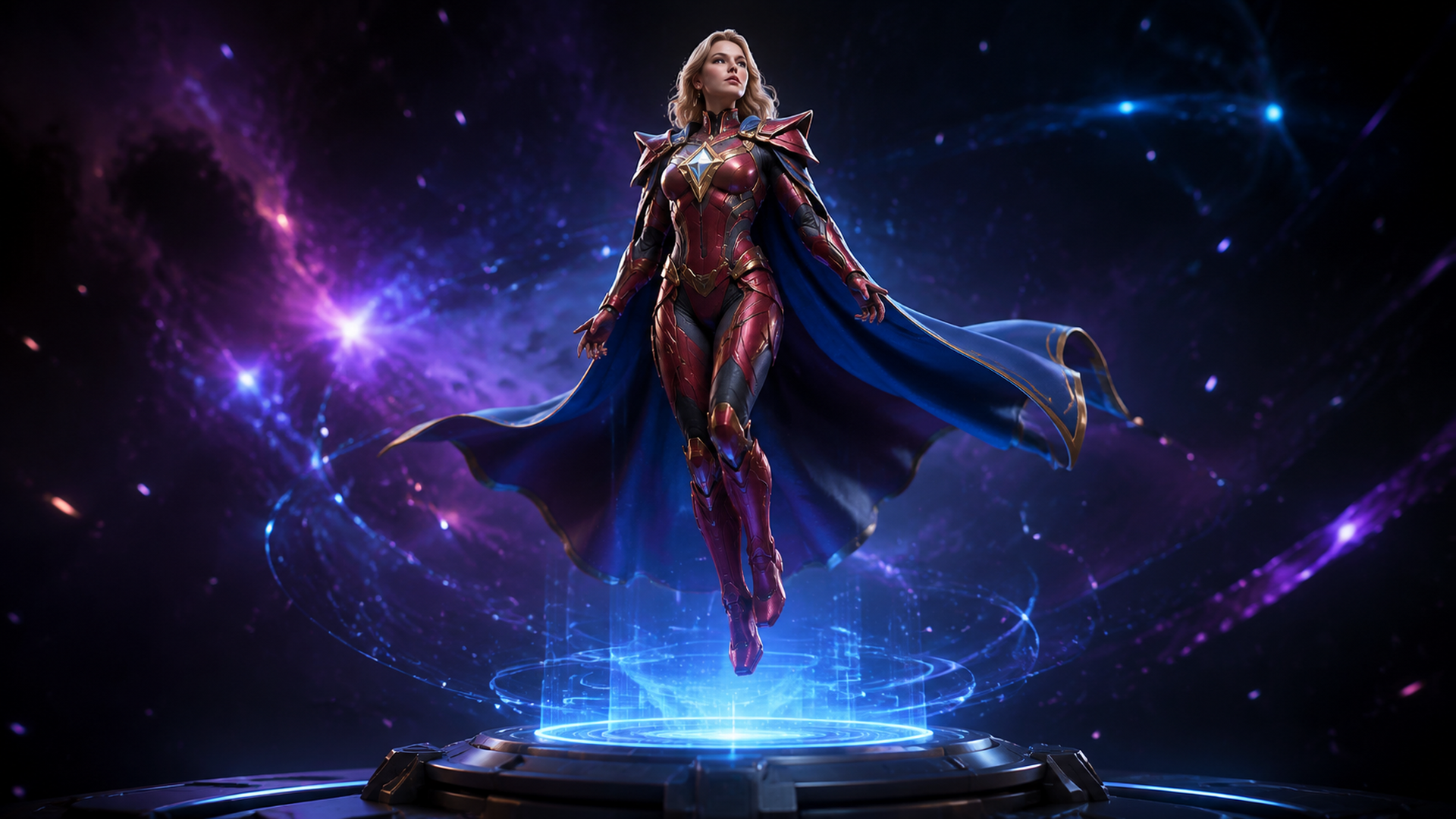
Supergirl 3D Model: Create Your Own Superhero Figurine with AI (2026 Guide)
Quick Summary
- Supergirl: Woman of Tomorrow (2026, dir. Craig Gillespie, starring Milly Alcock) has driven a surge in fan-made Supergirl 3D model searches and print projects.
- Neural4D Image to 3D generates a base mesh in approximately 90 seconds; with full PBR textures the total generation time is 2 minutes or more.
- The Direct3D-S2 engine outputs watertight, manifold geometry, meaning your STL or OBJ file prints without manual hole-patching.
- Neural4D-2o lets you refine your model in plain language after generation: “lengthen the cape,” “add a chest emblem,” “widen the shoulder armor.”
- Neural4D is the fastest path from a single reference photo to a print-ready superhero figurine, no 3D modeling experience required.
Supergirl 3D model searches have spiked since the film hit theaters on June 26, 2026. The challenge: licensed Supergirl assets require permission, and most AI generators produce meshes with broken geometry that fails in a slicer. Neural4D’s Image to 3D pipeline takes a reference image of any superhero-inspired design and outputs a watertight, texture-mapped 3D file ready for printing or game engine import in under five minutes.
Table of Contents
- Part 1: Why the Supergirl Movie Makes This the Best Time to Build Your Own 3D Hero
- Part 2: Choosing Your Reference Image for a Superhero 3D Model
- Part 3: Step-by-Step: Generate a Supergirl-Inspired 3D Model with Neural4D
- Part 4: Refine Your Hero with Neural4D-2o Conversational Editing
- Part 5: Export and Print Your AI Superhero Figurine
- Part 6: Common Questions on Supergirl 3D Model Creation
- Design Your Own Superhero 3D Model Today
Part 1: Why the Supergirl Movie Makes This the Best Time to Build Your Own 3D Hero
Supergirl: Woman of Tomorrow arrived in theaters on June 26, 2026, with Milly Alcock as Kara Zor-El and Craig Gillespie directing for Warner Bros. The costume design team, led by Anna B. Sheppard and Michael Mooney, spent three months building a suit that is widely considered the most comic-accurate live-action Kryptonian costume to date: a flowing performance-fabric skirt engineered for combat choreography, a dimensional S-glyph with physical depth, structured shoulder pads, and a cape sourced from fabric matching the original 1978 Superman production.
Fan communities on Cults3D, CGTrader, and Printables responded within days. Supergirl-style figurines, head busts, and Funko-adjacent sculptures started appearing across maker forums, and the search phrase “Supergirl 3D model” has been growing steadily since. Most of that demand is for original interpretations rather than screen-accurate copies, because the licensed Supergirl mesh files carry commercial restrictions. That is the opening this article covers.
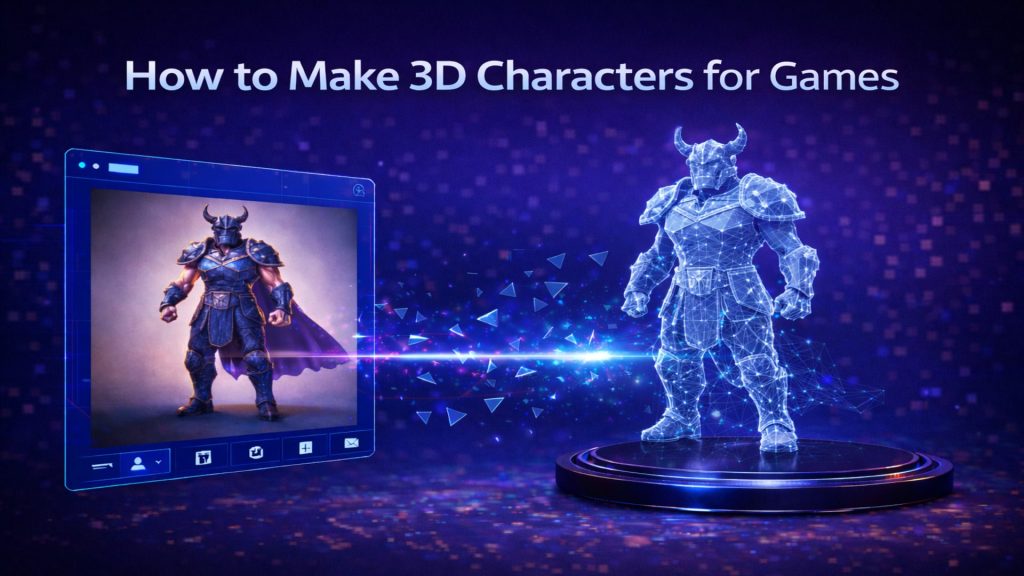
You can use the film’s aesthetic cues as visual inspiration to design a completely original superhero figure. The flowing skirt silhouette, the armored shoulder treatment, the dramatic cape weight: all of those can guide a reference image you own and control. Feed that reference image into Neural4D’s image to 3D model AI tools, and you get a printable, fully textured superhero 3D model in a few minutes.
Neural4D was built from research at Nanjing University, DreamTech, Oxford University, and Fudan University. The underlying Direct3D-S2 architecture, published at NeurIPS 2025 (arXiv:2505.17412), doesn’t estimate geometry from a 2D projection; it reconstructs the full volume. That is the difference between a model that holds up in a slicer and one that arrives with a dozen non-manifold errors.
Part 2: Choosing Your Reference Image for a Superhero 3D Model
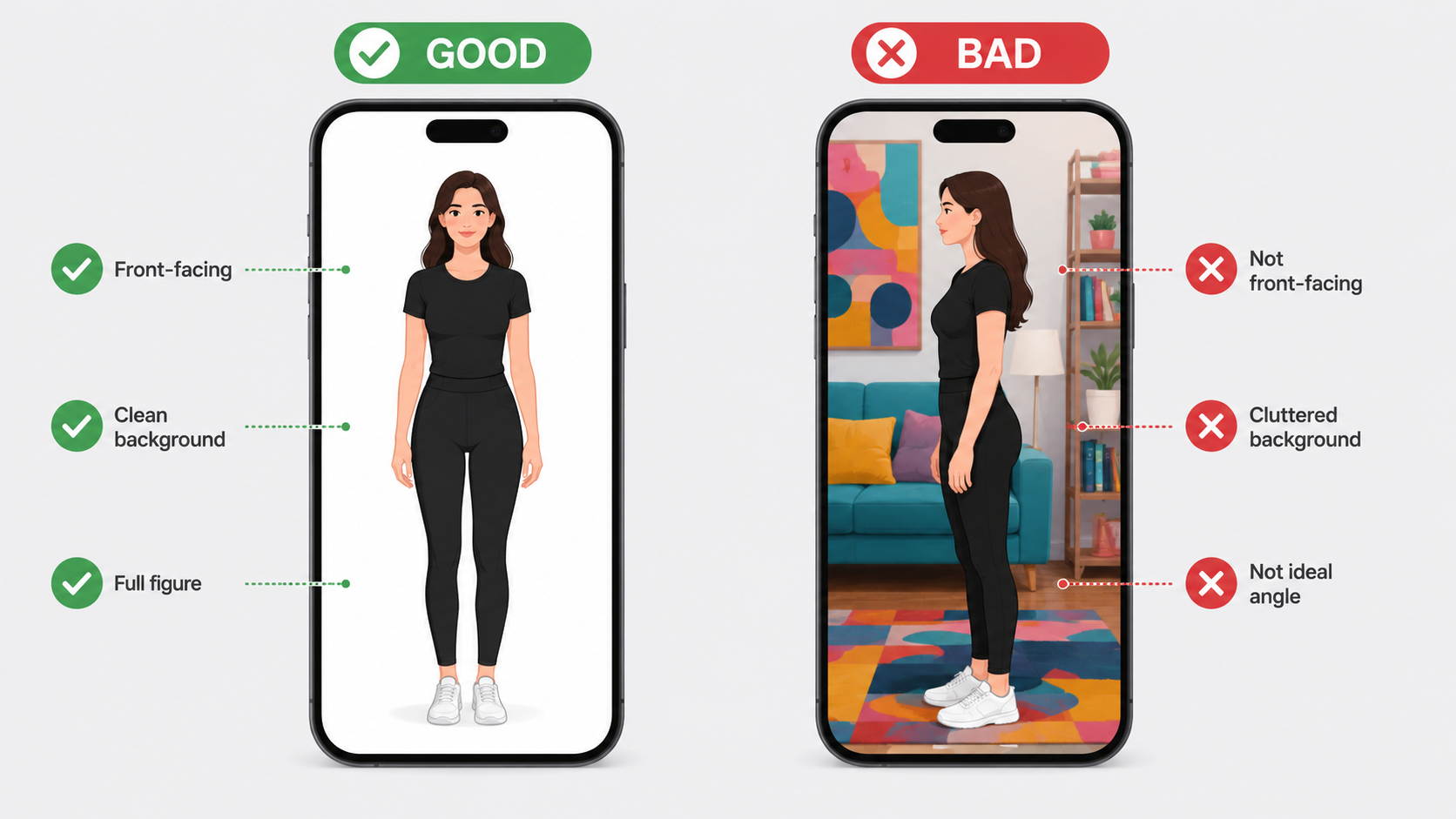
The quality of your Neural4D output tracks directly with the quality of your input image. A few specific variables matter far more than image resolution.
What works
✅ Front-facing pose, T-pose or a straight heroic stance (arms slightly away from body)
✅ Plain solid background (white, gray, or any uniform color with strong contrast against the costume)
✅ Even diffuse lighting, no harsh side shadows that carve false depth into the silhouette
✅ Full figure visible, head to foot, with no cropping at the edges
✅ 1080p or higher resolution for fine costume detail like emblem texture and boot seams
Good source options for a Supergirl-inspired design: an original cosplay photo you took yourself, an AI-generated concept image of a superhero in your own color scheme, or a clean character illustration. Hand-drawn sketches also work well if the lines are clean and the background is removed.
What to avoid
Movie screenshots and official promotional images are copyrighted and should not be uploaded as input. Beyond the IP concern, film stills are shot with dramatic side lighting and depth-of-field blur, both of which confuse the depth estimation pass and produce artifact geometry on the back of the mesh. A three-quarter profile shot has the same problem.
Any image where the figure blends into a busy background will also degrade model quality. The algorithm needs a clean boundary between the character silhouette and the background to build accurate edge geometry.
Once your model is generated, you can push the design further with editing your model after generation using Neural4D-2o, so you don’t need to nail every design choice in the reference photo.
Part 3: Step-by-Step: Generate a Supergirl-Inspired 3D Model with Neural4D
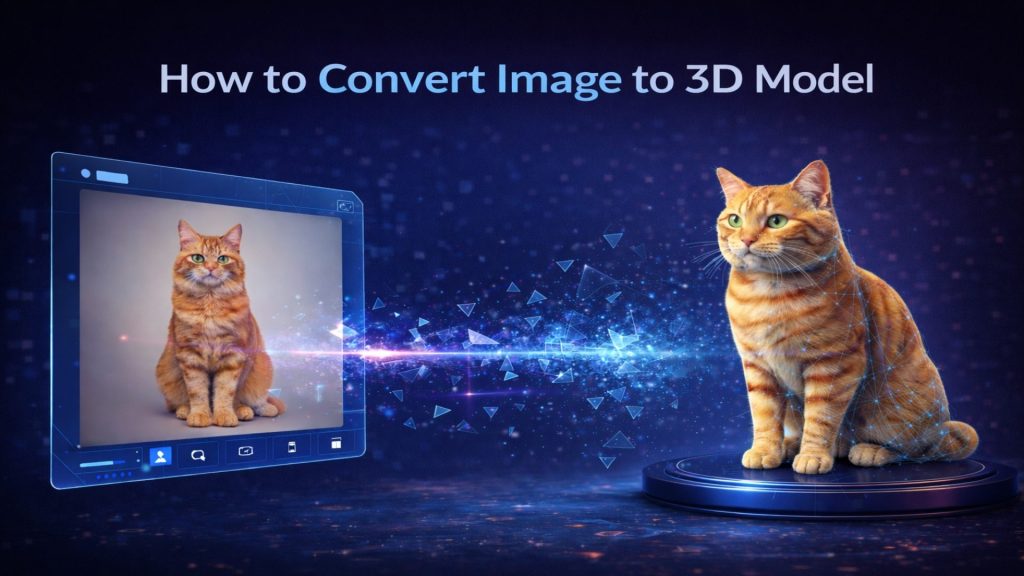
The full workflow from image upload to a textured, downloadable 3D file takes under five minutes. Here is each step in order.
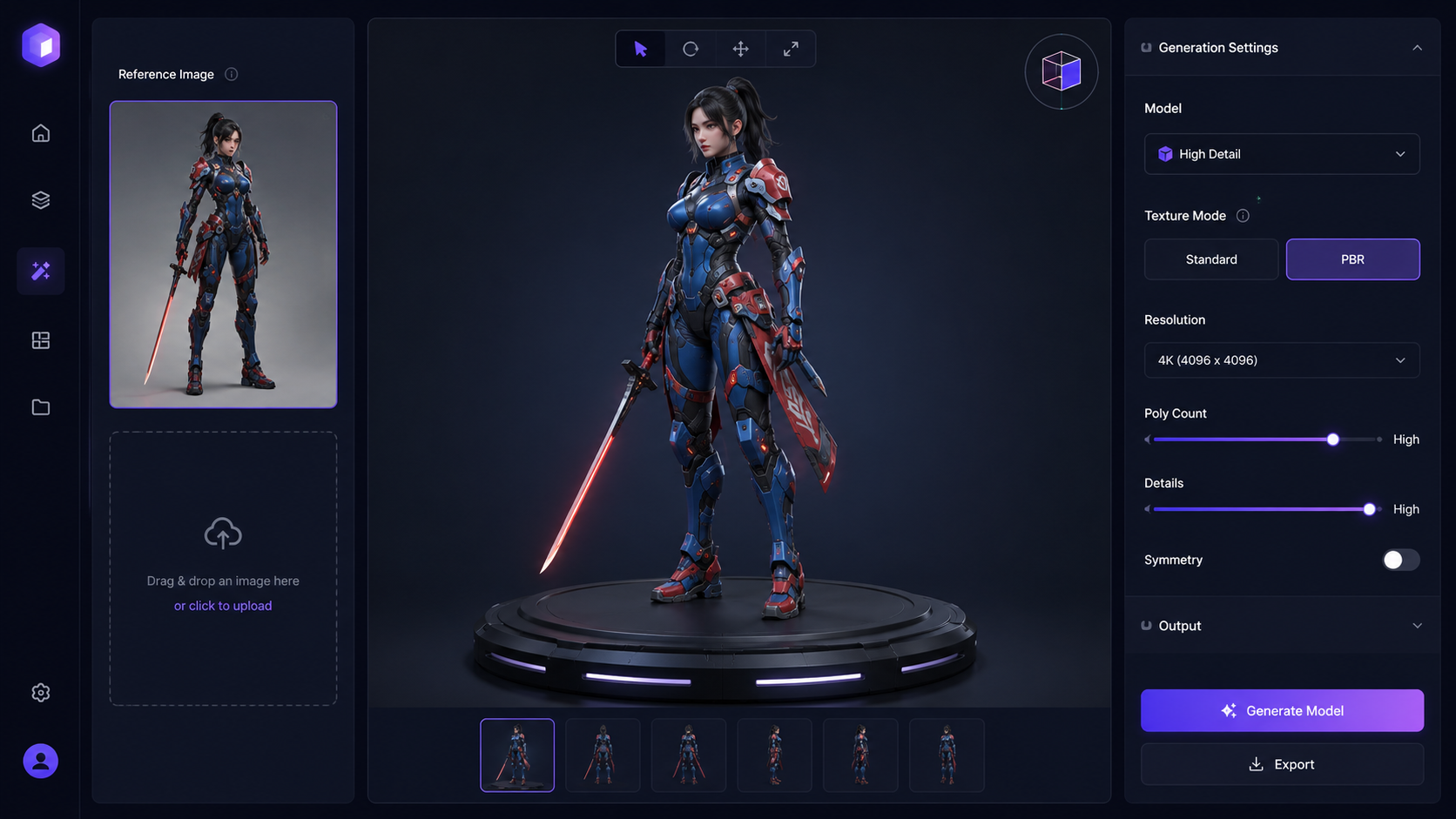
- 1Go to Neural4D Image to 3D Studio. No plugins or desktop software required.
- 2Click Upload and select your reference image (PNG or JPG). The preview panel shows a thumbnail confirmation.
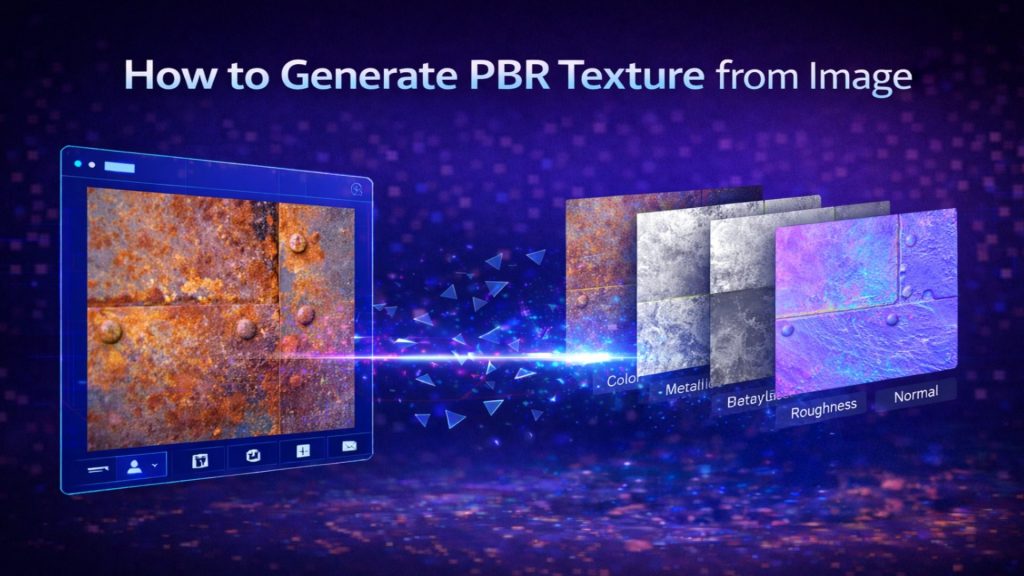
- 3Select your texture mode. Standard generates a diffuse color map: fast, clean, good for concept review. PBR generates Normal, Roughness, and Metallic maps alongside the geometry: adds computation time but is strongly recommended for 3D printing and game engines where material response to light matters.
- 4Click Generate. The system queues your job and begins reconstruction.
- 5The untextured base mesh appears at roughly 90 seconds. This geometry-only preview lets you check proportions before textures complete.
- 6Full PBR textures finish at 2 minutes or more total, depending on mesh complexity and server load. Do not close the tab during this pass.
- 7Review the completed model in the 360-degree viewport. Orbit, zoom, and inspect the back and underside of the mesh before exporting.
The output is a 200,000+ polygon mesh with 4K PBR texture maps. The geometry is watertight and manifold: no open edges, no intersecting faces, no holes. That is the key difference from mesh repair workflows you may have dealt with using other image to 3D model AI tools. There is nothing to fix before your slicer loads it.
See how Neural4D compares to other AI tools for 3D printing if you want a side-by-side breakdown of mesh quality across platforms.
Generate Your Superhero Figure Now
Upload your reference image and get a print-ready 3D model in minutes.
Free plan includes 50 Power credits per week. No credit card required.
Part 4: Refine Your Hero with Neural4D-2o Conversational Editing
Your first generation will capture the overall silhouette and costume read from the reference image. You may want adjustments: a more dramatic cape, a longer skirt panel, a chest emblem with physical depth. Neural4D-2o handles all of that through plain-language instructions.
Type a request in the Neural4D-2o chat panel and the model applies it to your 3D mesh directly:
💬 “Make the cape longer and add more volume to the drape”
💬 “Add a raised circular emblem on the chest with sharp edge detail”
💬 “Widen the shoulder armor and add a subtle edge bevel”
💬 “Change the boot finish to a metallic silver surface”
Neural4D-2o only operates on models generated within Neural4D. You cannot import a mesh from Blender, Meshy, or Tripo and run conversational edits on it. If you want to refine an existing design, start the workflow from a reference image in Neural4D’s Image to 3D studio and then use Neural4D-2o on the result.
The practical advantage over traditional sculpting is revision speed. Iterating the cape length in ZBrush requires manual brushwork, symmetry management, and likely a re-bake of the normal map. In Neural4D-2o, the same change takes a typed sentence and a 30-second generation pass. Multiple rounds are supported before final export.
Because you are designing an original character shaped entirely by your own prompts and reference images, there is no IP concern with the final output. The figure belongs entirely to you.
When you are ready to output for printing, see the full breakdown of converting your model to STL for slicer compatibility across different printers.
Part 5: Export and Print Your AI Superhero Figurine
Once you are satisfied with the model in the Neural4D viewport, choose your export format based on what you are building toward.
3D printing path
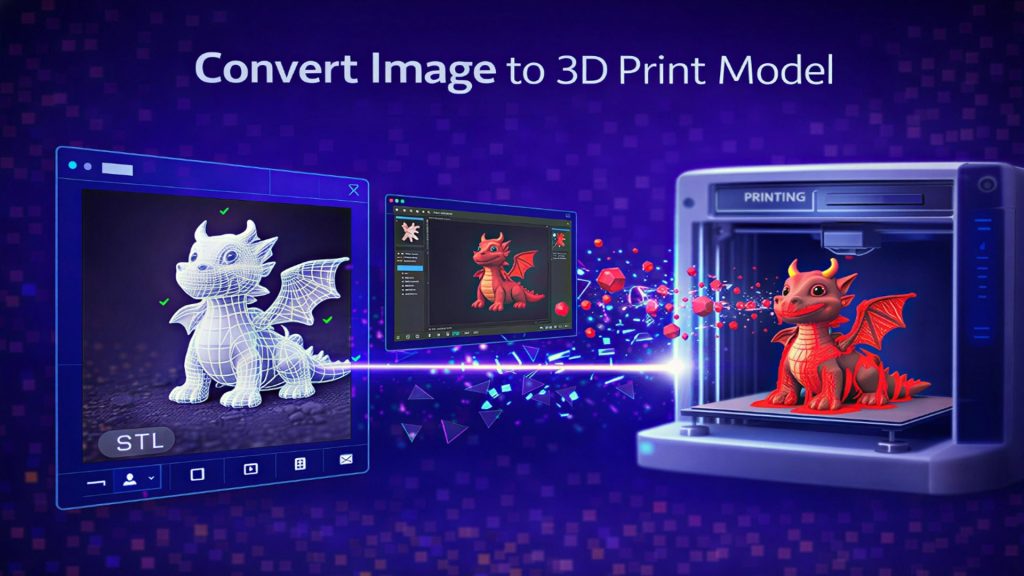
Export as OBJ or STL. The Supergirl 3D model you generated in Neural4D uses the Direct3D-S2 engine, which outputs a manifold mesh, meaning your slicer loads it without running a repair step first. Select PBR texture output if you plan to paint the print using reference maps, or if the figure will be used in a render. Recommended print materials by use case:
| Print Method | Best For | Layer Height | Notes |
|---|---|---|---|
| Water-washable resin | Detailed figurines under 20 cm | 0.10 mm | Captures emblem texture and fabric fold detail |
| Standard resin (ABS-like) | Display pieces, medium figurines | 0.10 mm | More durable; good for shelf display |
| FDM / PLA+ | Large display pieces 30 cm+ | 0.20 mm | Faster; requires sanding on visible seams |
Scale: 1:6 scale (approximately 30 cm) is the standard for superhero collectible figurines and captures fine costume details like the S-glyph and boot seams cleanly. At smaller scales, emblem detail starts to collapse.
Orientation and post-processing
Print the figure upright. Add supports under the cape extension and any arm or accessory overhangs. Post-processing sequence for a clean superhero costume finish: prime with filler primer, wet-sand at 120/220/400 grit, prime again, base-coat in your primary costume colors, apply metallic paint to armored panels, finish with gloss clear coat on metallic areas and matte on fabric zones.
For reference on the full armor printing workflow, printing superhero armor with AI-generated models follows the same preparation steps. For anime and character figure printing, the character figure printing tips in our Naruto guide cover orientation, support placement, and paint prep in detail.
Game engine and web path
Export as GLB for Unity, Unreal, or Blender. The file includes the full texture maps (diffuse, normal, roughness, metallic) correctly mapped to the UV layout. Drop the GLB directly into your project; no intermediate conversion is needed. For iOS AR or web 3D viewers, export as USDZ or GLB respectively.
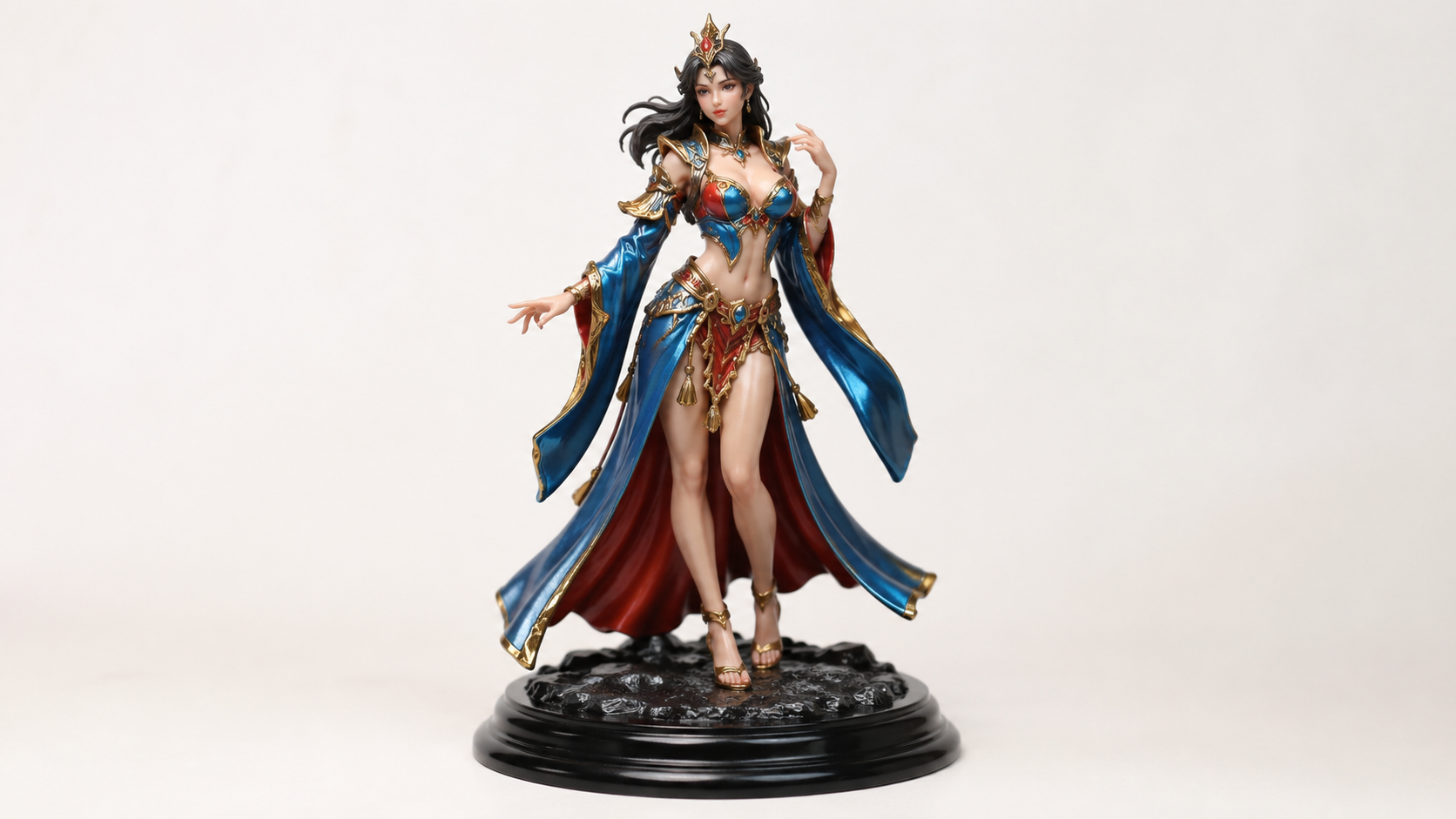
This is what makes Neural4D genuinely useful as an AI superhero figurine pipeline: your Supergirl 3D model from one generation pass can go to a 3D printer this afternoon or into a game engine tomorrow.
Part 6: Common Questions on Supergirl 3D Model Creation
Q: Can Neural4D create a 3D model that looks exactly like Milly Alcock’s Supergirl?
No. Neural4D cannot reproduce copyrighted characters or real actor likenesses. You can upload a photo of an original superhero-inspired cosplay or an original illustration you own, and the AI generates a unique 3D model from that input. The result is your original design, not a licensed character.
Q: What reference image works best for generating a superhero 3D model with image to 3D model AI?
A front-facing image with the figure in a neutral or heroic pose, a plain solid background, and even lighting across the full body. Side profiles and three-quarter angles reduce geometry accuracy on the non-visible half of the model. Avoid images with heavy rim lighting or background clutter that blurs the character’s edge silhouette.
Q: How long does it take to generate a Supergirl-style 3D figure with full textures?
The untextured base mesh generates in approximately 90 seconds. Full PBR textures (Normal, Roughness, Metallic maps) add further computation, bringing the total generation time to 2 minutes or more depending on mesh complexity and server load. Do not close the browser tab while textures are generating.
Q: Can I edit the model after generation, for example to change the cape or chest emblem?
Yes. Neural4D-2o accepts natural language edit requests on any model generated inside Neural4D. Type instructions like “lengthen the cape,” “add a raised chest emblem,” or “change the boot texture to matte silver,” and the system applies the changes in a new generation pass. This does not work on models imported from other tools.
Q: Is the exported file ready to 3D print immediately without fixing geometry?
Yes. The Direct3D-S2 engine outputs a watertight, manifold mesh with no open edges or intersecting faces. Your slicer (Chitubox, Lychee, PrusaSlicer, Bambu Studio) will load the file without triggering a mesh repair prompt. Export in OBJ or STL format, scale to your target size, add supports, and slice.
Q: Can I use my Supergirl-inspired 3D model in a video game?
Yes. Export as GLB, which includes the full PBR texture set mapped to the mesh’s UV layout. Import directly into Unity, Unreal, or Blender without any intermediate conversion step. The polygon count (200,000+) is suitable for cinematic renders; for real-time game use, run a retopology pass in your engine’s LOD pipeline to reduce draw call cost.
Design Your Own Superhero 3D Model Today
The Supergirl film has shown what a truly costume-faithful superhero suit looks like on screen. That visual standard is now the reference point for thousands of makers and collectors building their own interpretations. You do not need 3D modeling software, sculpting experience, or licensed assets to participate. Start with a reference image you own, run it through Neural4D Image to 3D, refine the result with Neural4D-2o, and export a watertight file to your printer or game engine.
The full workflow from upload to print-ready Supergirl 3D model takes under five minutes. The only thing blocking you is not having started yet.
Turn Your Supergirl Inspiration into a 3D Figurine
Watertight mesh. Full PBR textures. Print-ready in under 5 minutes.
Paid plans include full commercial rights. See pricing.