Best Image to 3D Model AI (2026 Compared): 4 Tools Reviewed
Quick Summary
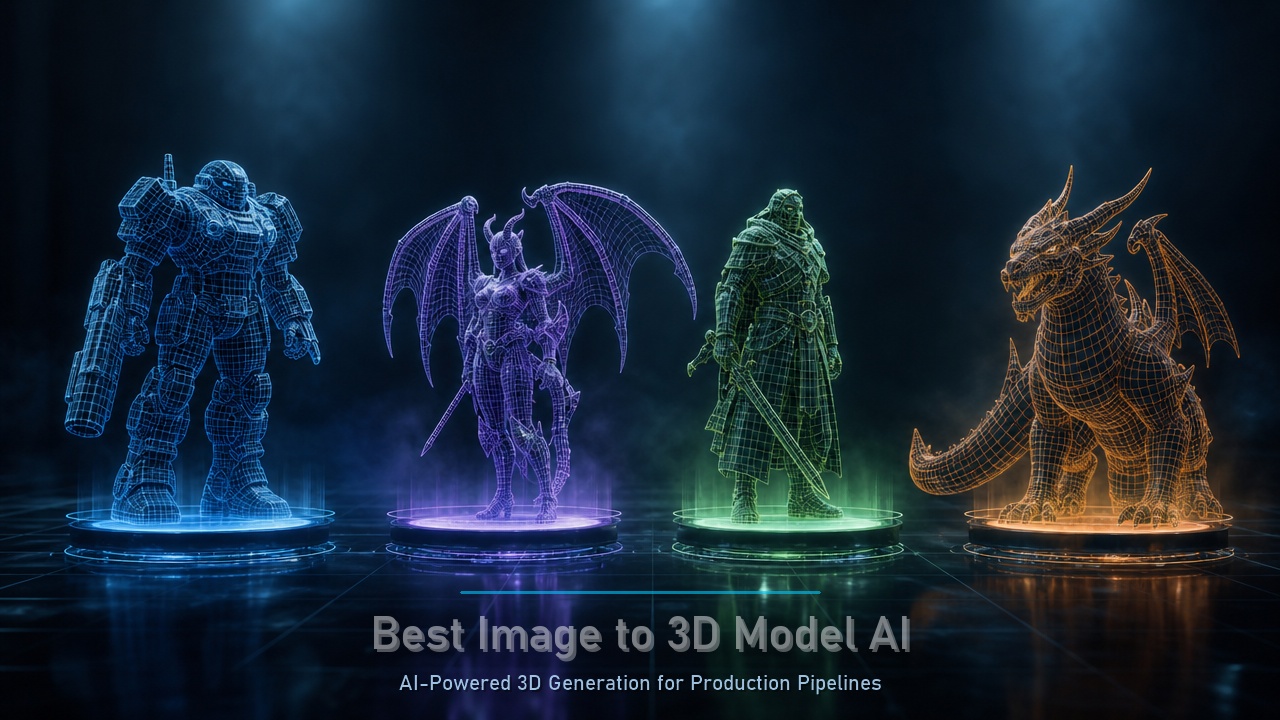
Image to 3D model AI refers to neural network tools that convert a single 2D photograph or sketch into a fully textured 3D mesh. In 2026, the best platforms go beyond visual quality to deliver production-ready geometry with native quad topology, watertight manifold edges, and semantic edge loops that animate correctly. This comparison covers four leading tools:
- Neural4D delivers production-grade native quad remeshing with 50 free weekly credits and the industry’s lowest retopology overhead
- 3D AI Studio bundles Rodin, Meshy, and other engines into one dashboard for rapid concept iteration but output consistency varies across backends
- Rodin AI produces photorealistic hero assets with micro-detail capture suitable for close-up shots but requires decimation for real-time use
- Meshy generates textured models in under one minute for rapid prototyping but geometry lacks the edge-flow complexity needed for rigged characters
The 3D world is moving fast. By 2026, the global AI 3D generator market has already blown past a $2.6 billion valuation. But for those of us actually working in game dev or digital design, we know the “growth” isn’t the whole story. The real conversation in studios right now is about the “Mesh Crisis.”
It’s easy for an AI to spit out a 3D shape that looks okay in a thumbnail. It’s much harder to get an asset you can actually use in a real production pipeline without spending five hours fixing broken geometry. Choosing the best image to 3D model AI in 2026 isn’t about finding the coolest-looking render anymore. It’s about the structural integrity of the mesh. If you have to spend half a day on retopology, that AI hasn’t saved you time. It has just moved the frustration from one stage to another.
- Part 1. What Makes an AI Tool the “Best” in 2026?
- Part 2. Which is the Best Image to 3D Model AI?
- Part 3. Image to 3D AI Tool Comparison Table
- Part 4. The Technical Edge: Solving the Mesh Crisis
- Part 5. Market Insights: The ROI of Quality
- Part 6. Conclusion: Choosing Your Pipeline
- Part 7. Frequently Asked Questions
Part 1. What Makes an AI Tool the “Best” in 2026?
You can tell whether an AI-generated model will survive a production pipeline within about 10 seconds. Rotate the viewport. If the wireframe looks like a spiderweb of random triangles with no logical flow, what you are looking at is unpaid labor disguised as a time-saver. Someone will have to rebuild that topology by hand.
This is the disconnect that still defines most image to 3D AI tools in 2026. The renders look impressive in a portfolio, but the actual mesh is held together by bad geometry that nobody talks about in the demo video. The gap between what the thumbnail promises and what the asset delivers is where the real cost lives.
What separates the tools that ship from the tools that stall comes down to three non-negotiable technical outcomes: the mesh has to be made of quads so it deforms predictably during animation. It has to be watertight so it does not break render engines or 3D printing slicers. And the edge flow has to follow the object’s natural structure, so a character’s elbow bends like an elbow and a hard-surface edge stays crisp without manual cleanup. These are not bonus features. They are the minimum bar for calling the output production-ready.
Generate Production-Ready 3D Meshes
Turn a single image into a native quad mesh with clean topology, watertight geometry, and PBR materials.
Free users get 50 credits per week. No credit card required.
Part 2. Which is the Best Image to 3D Model AI?
The 2026 market has stabilized around a few key players. Each one serves a different part of the creative journey. Here is the honest breakdown of how they stack up.
🔍 Neural4D: The Professional Choice
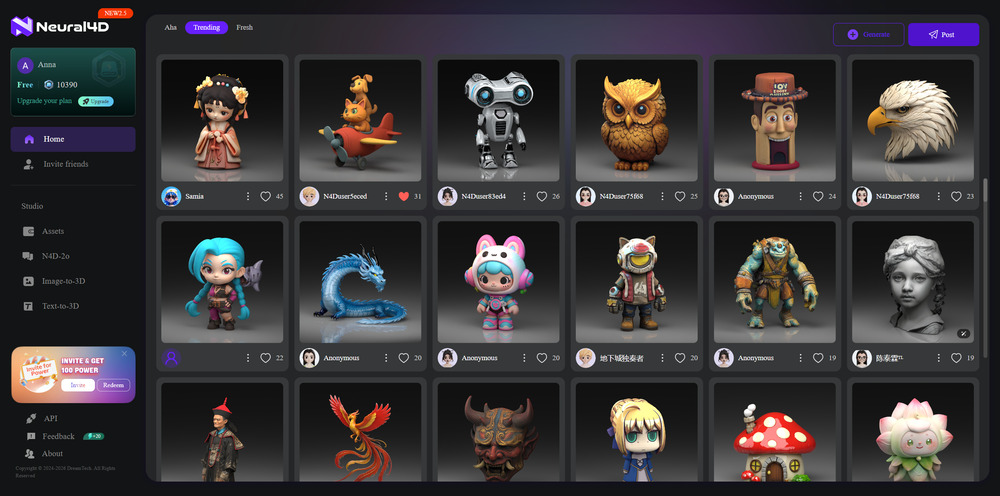
Neural4D has basically set the standard for production-grade output. It’s not just an aggregator; it’s a native technology engine that obsesses over “Right-First-Time” geometry.
✅ The Edge: They lead the industry in native quad-remeshing. By using a Sparse Attention Diffusion Transformer, the engine predicts edge loops while it builds the model. This effectively kills the need for manual retopology.
✅ The Access: While other tools are locking their doors behind steep paywalls, Neural4D remains the best image to 3D model AI free option. You get 50 free credits per week, enough to finish a real professional project without paying a cent.
Start Creating with Neural4D
Generate, export, and refine production-quality 3D assets from images. 50 free credits per week to begin.
50 credits per week. Export as GLB, FBX, OBJ, or STL.
🔍 3D AI Studio: The Versatility Hub
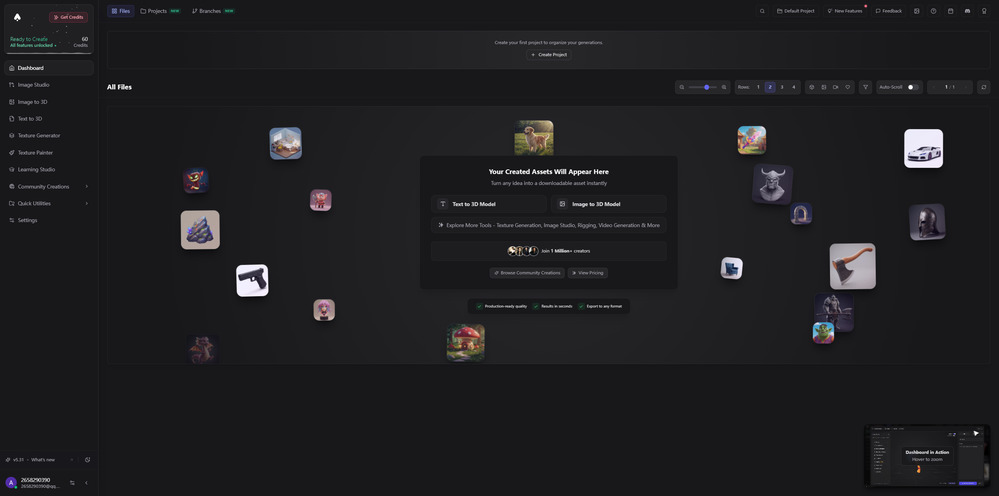
Think of 3D AI Studio as a marketplace. It bundles models like Rodin and Meshy into one dashboard.
✅ Why it works: It’s incredible for the early concept phase. If you want to see five different “takes” on a single sketch, this is your sandbox.
✅ The Catch: Consistency is the issue here. Since it relies on external backends, you never quite know if the mesh will be clean or if it will require a full night of cleanup.
🔍 Rodin AI: The Photorealistic Specialist
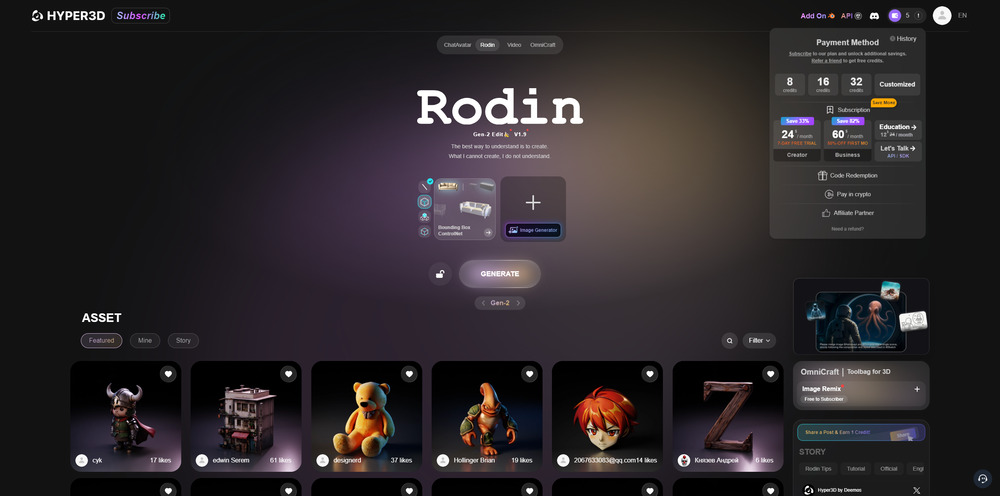
Rodin is where you go for “Hero Assets.” If you’re building a main character that will be seen in extreme close-up, this is usually the pick.
✅ Why it works: It captures micro-details, like fabric textures or skin pores, with insane precision.
✅ The Catch: The models are “heavy.” You’ll often need to decimate the vertex count before these assets can run smoothly in VR or on mobile.
🔍 Meshy: The Iteration King
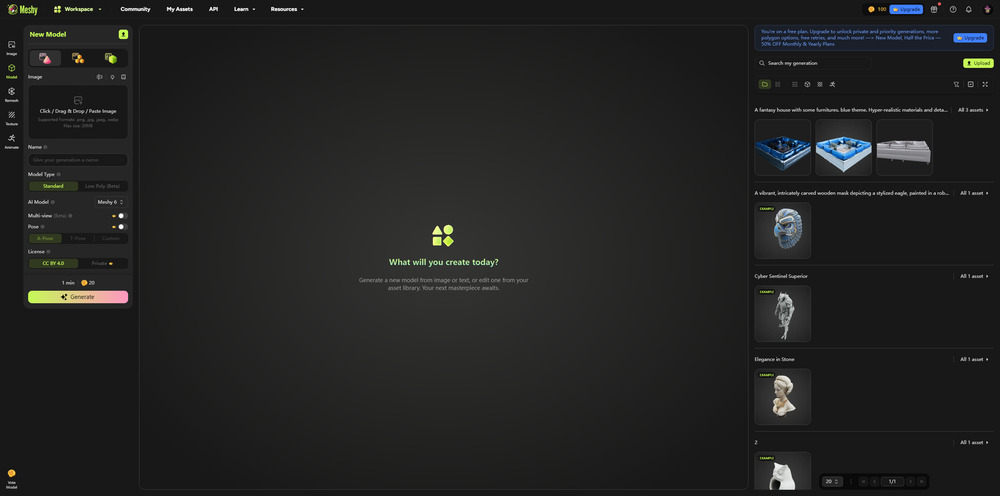
Meshy is built for speed, period. It’s famous for delivering textured models in under a minute.
✅ Why it works: It’s the king of rapid prototyping. For background props or environmental assets that aren’t the star of the show, it’s unbeatable.
✅ The Catch: The geometry is often simplified. It looks great from a distance, but the mesh flow usually isn’t complex enough for rigged characters.
Part 3. Image to 3D AI Tool Comparison Table
| Tool | Best For | Mesh Quality | Speed | Pricing | Key Limitation |
|---|---|---|---|---|---|
| Neural4D | Production pipelines, game-ready assets | Native quad topology, manifold watertight | ~60-90 seconds | Free (50 credits/wk), Pro $18/mo | Newer platform with smaller community |
| 3D AI Studio | Concept exploration, multi-engine output | Varies by backend engine used | ~30-120 seconds per engine | $19+/mo | Inconsistent mesh quality across backends |
| Rodin AI | Photorealistic hero assets, avatars | High-detail, quad with high vertex density | ~60-120 seconds | $24+/mo | Models need decimation for real-time use |
| Meshy | Rapid prototyping, background props | Simplified geometry, triangle-heavy | ~30-60 seconds | $20+/mo | Geometry not complex enough for rigged characters |
Each tool fills a specific niche. The right choice depends on whether your priority is mesh integrity, rendering photorealism, iteration speed, or pipeline flexibility. For most production work that demands animation-ready assets, quad topology and manifold geometry should be the deciding factors.
Part 4. The Technical Edge: Solving the Mesh Crisis
The real secret to being the best image to 3D model AI in 2026 is how the system handles occlusion and topology. Traditional AI engines often “guess” what the back of an object looks like, which usually results in melted textures.
Neural4D handles this differently through Semantic Voxel Reconstruction. It identifies the category of the object, like “Humanoid” or “Vehicle,” and applies a logical topological template. This means you get consistent edge loops that are actually ready for a rigging artist and automated UV unwrapping that makes sense in Substance Painter. Studios using this approach have reported a 70% reduction in technical labor.
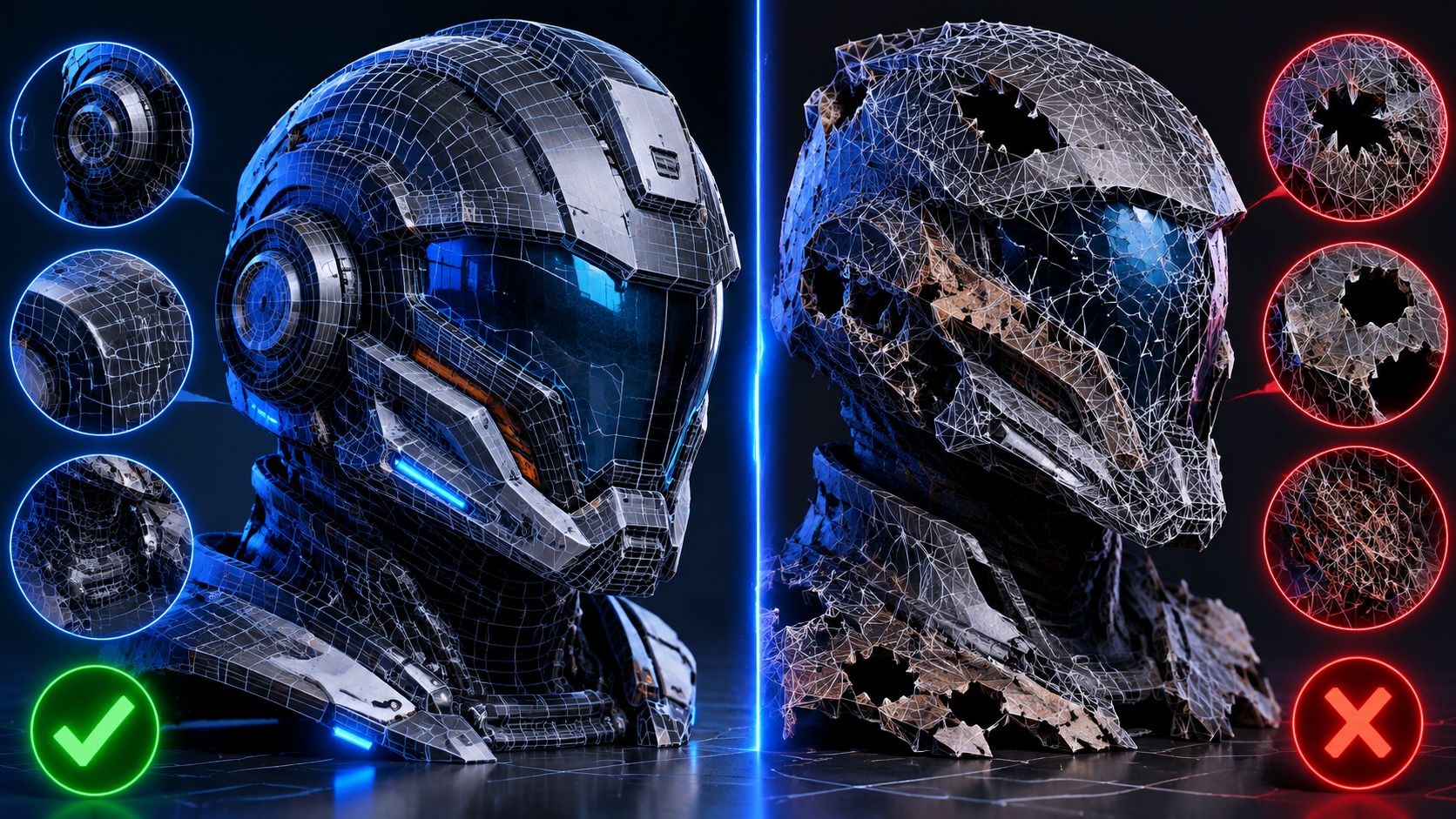
Clean quad topology (left) versus triangle-heavy mesh output (right). The difference in edge flow determines whether a model is production-ready or requires hours of manual retopology.
Part 5. Market Insights: The ROI of Quality
Market Data: The shift toward quality-first tools is driven by measurable returns. According to Neural4D’s 2026 internal platform data, studios using quad-native pipelines report a 70% reduction in retopology labor costs. Industry-wide, cloud-based AI solutions now account for 71% of enterprise 3D asset spending.
“We were spending about 12 hours per character model just cleaning up triangle soup from other AI generators before it was usable. With Neural4D, the quad mesh comes out clean enough that our artists can start rigging immediately. On our last title, that saved us roughly 300 person-hours across 25 environment assets. The time savings alone justified switching, but the fact that the geometry holds up under close-up shots in Unreal Engine 5 sealed it.”
Marcus Chen
Lead 3D Artist, Stellar Forge Games
For a studio, the ROI is about velocity, not subscription price. Choosing an image to 3D model AI that outputs clean quads lets a team bypass the retopology phase entirely. A mid-sized team of 10 artists saves roughly 1,200 person-hours per year based on production benchmarks across game studios using quad-native pipelines.
For independent creators, the fact that there is a best image to 3D model AI free tier of this caliber has completely leveled the playing field. You can now produce a volume of assets that used to require a whole department.
Part 6. Conclusion: Choosing Your Pipeline
At the end of the day, the best tool is the one that fits your engine, not just your eyes. 3D AI Studio gives you variety across multiple backends. Rodin delivers stunning detail for hero assets that need to hold a close-up. Meshy provides unmatched speed for prototyping background props and environment fill.
Neural4D is the only platform that bridges all three requirements by delivering professional mesh quality with native quad topology, a genuinely accessible free tier, and the lowest retopology overhead in the current market.
Ready to stop fixing meshes and start building?
Generate your first production-ready 3D mesh from a single image. Native quads, watertight geometry, PBR materials included.
Generate Your First Production Mesh
Free users get 50 credits per week. No credit card required.
Part 7. Frequently Asked Questions
So if I pick up an AI tool today and generate a chair from a photo, can I drop it straight into Unreal Engine?+
Depends which tool. Most engines output a mesh that looks right in the preview but reveals holes, non-manifold edges, or triangle clusters the second you import it into a game engine. Neural4D is currently the only platform that consistently produces watertight quad meshes that import cleanly into Unreal, Unity, and Blender without a repair pass. If your workflow is import-and-go, that distinction saves real time.
I keep seeing “quad topology” everywhere. Is this actually a big deal or just marketing?+
It is the difference between a model you can rig in 10 minutes and one that needs a full retopology pass first. Quads deform predictably when you pose a character. Triangles pinch and stretch in ways that create visible artifacts during animation. For static background props that will never move, triangles are fine. For anything that needs to animate, subdivide, or bake normal maps, quads are structural, not cosmetic. The reason you hear about it constantly is that most AI models still ship triangle-heavy and leave the cleanup to you.
I am an indie dev with zero budget. What can I actually get for free?+
Enough to finish a real project. Neural4D gives you 50 free credits per week, which covers roughly 20 to 30 full generations per month depending on whether you include PBR textures. Meshy offers 200 monthly credits but limits export resolution on the free tier. Rodin has a 7-day trial, after which it is $24+ per month. For an indie dev iterating on concept art, the Neural4D free tier is the most usable without hitting a paywall mid-week.
Does AI-generated 3D mean I can stop learning Blender?+
Not entirely. AI handles the heavy lifting of base mesh generation from a single image, which is the part that takes the most manual hours. You still need Blender or Maya for things AI does not touch yet: setting up a proper armature for a two-legged character, creating blend shapes for facial expressions, or assembling a mechanical object with moving parts from separate generated pieces. Think of AI as removing the most tedious stage of the workflow, not the entire pipeline.
What happens if I generate a model and the mesh comes out messy? Can I fix it?+
You can fix almost anything in Blender or Maya given enough time, but that defeats the purpose of using AI. The question is whether the tool gives you a way to regenerate or refine before you export. Neural4D has a built-in refinement pass (Neural4D-2.5) that lets you adjust the output through natural language prompts, so you can fix shape issues without leaving the tool. With Meshy or Rodin, you are at the mercy of the initial generation and may need to run a separate retopology tool afterward.
Which format should I export in for 3D printing versus game engines?+
For 3D printing, export STL. Every slicer accepts it, and you do not need texture data. For game engines, export GLB or FBX: both carry PBR materials and skeleton data if the mesh has one. OBJ is the universal fallback when nothing else works, but it does not support animations or PBR maps. A good practice is to generate once and export both STL and GLB so you have a print-ready file and an engine-ready file from the same source mesh.