What Is 3D Modeling? A Complete Guide to the Technology, Techniques, and AI Revolution
Quick Summary
- What is 3D modeling? It is the process of creating a mathematical, three-dimensional representation of an object in virtual space using specialized software that defines it along X, Y, and Z axes.
- Eight core techniques plus a standard production pipeline serve different needs: polygonal modeling for real-time game assets, NURBS for precision surfaces, digital sculpting for organic characters, CAD for manufacturable parts, and procedural generation for large-scale environments.
- Three-quarters of engineering firms and over two-thirds of architecture studios now rely on 3D modeling platforms for design validation, simulation, and client visualization.
- AI-powered 3D modeling has emerged as a new category that generates production-ready textured meshes from text descriptions or single images in under two minutes, drastically lowering the barrier to entry.
- Neural4D’s proprietary Direct3D-S2 architecture achieves watertight, production-quality 3D generation with inference speeds up to 12 times faster than industry-standard approaches.
What is 3D modeling? In simple terms, it is the invisible engine behind modern digital content, from blockbuster visual effects and immersive game worlds to precision engineering and printable prototypes. This guide explains how it works, the core techniques that define the field, and how artificial intelligence is reshaping what is possible.
Table of Contents
Part 1: What 3D Modeling Actually Means
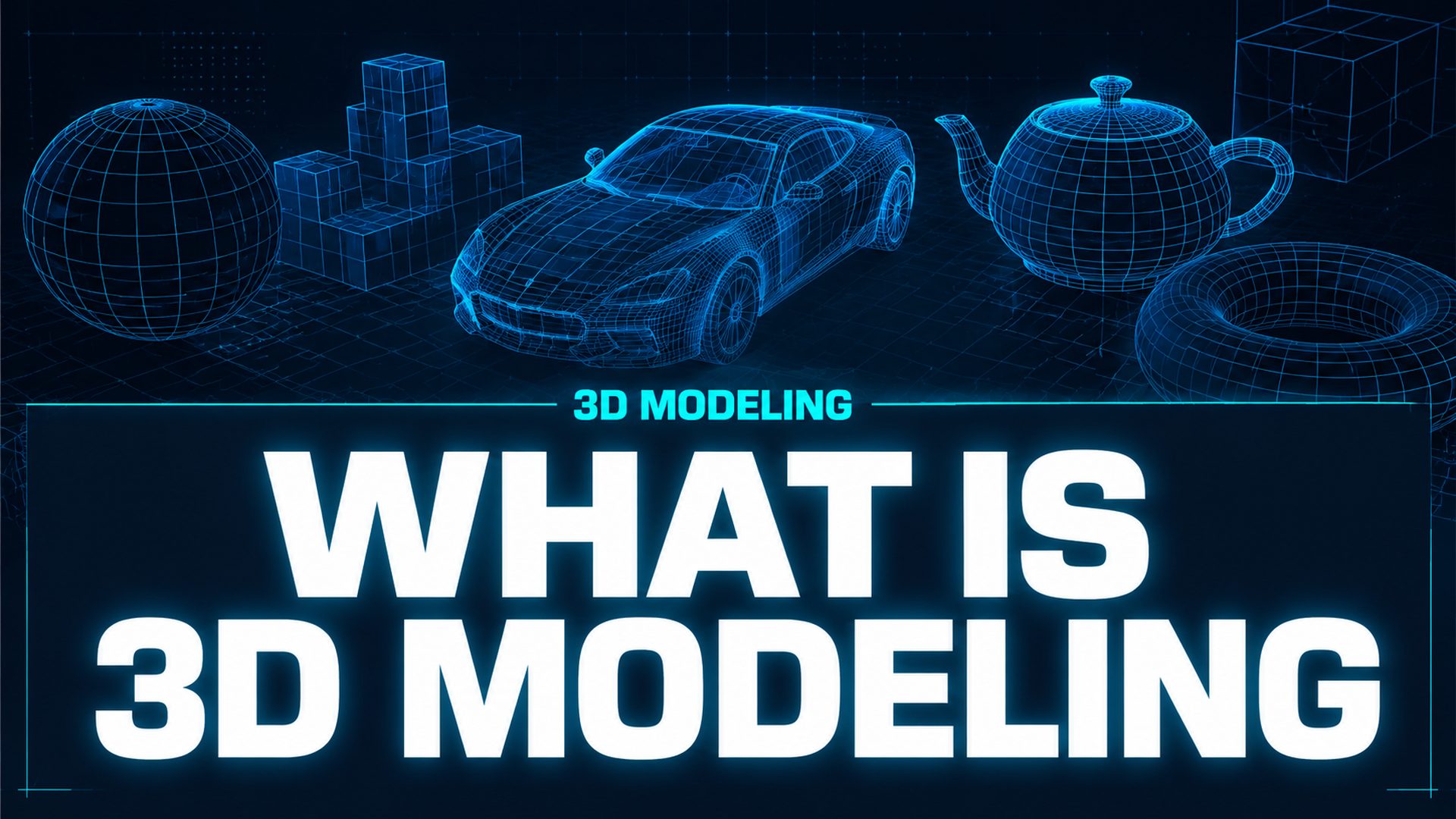
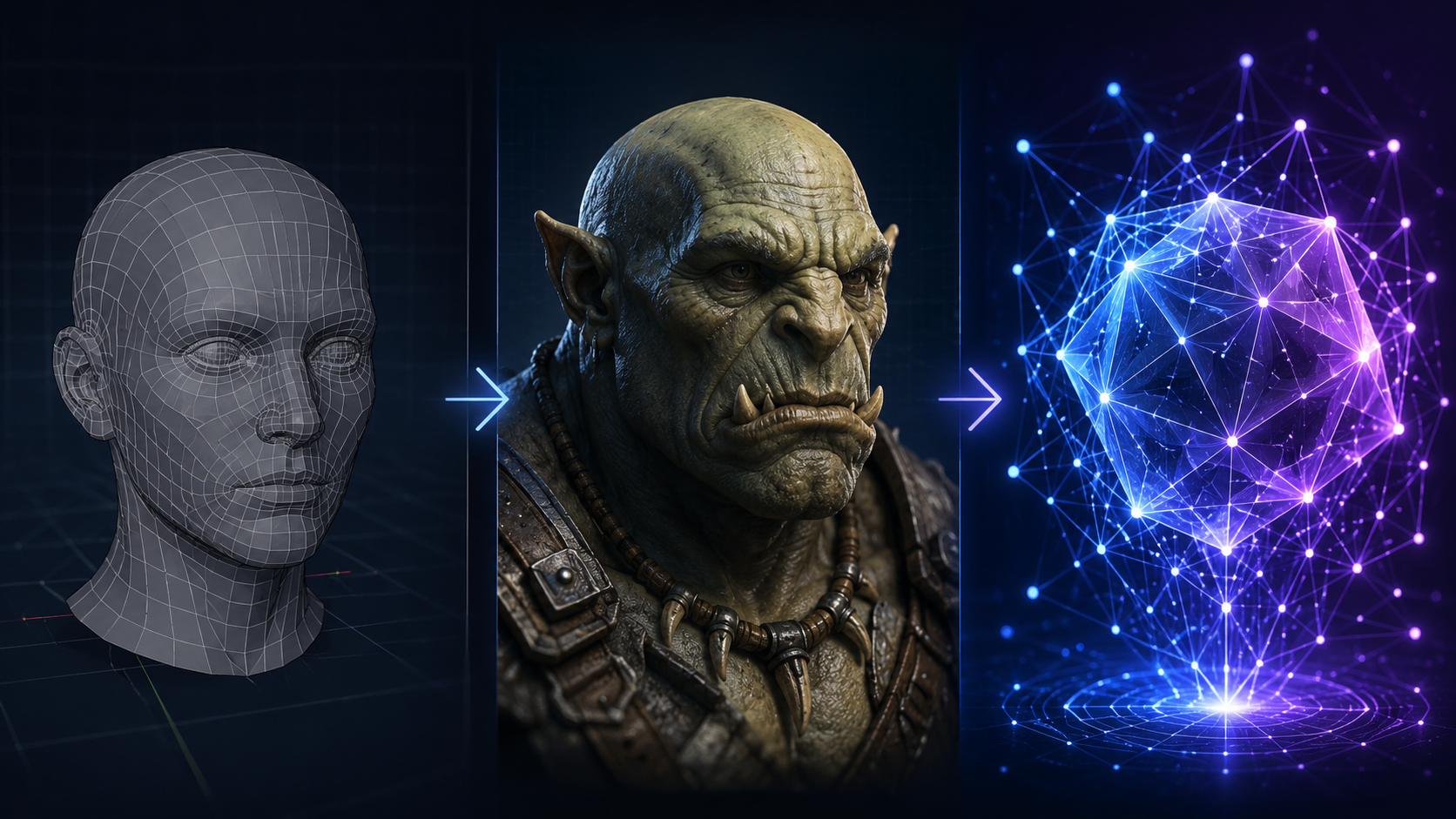
What is 3D modeling? It is the process of constructing a mathematical representation of any three-dimensional object or surface using specialized computer software. Unlike 2D graphics, which exist on a flat plane with only width and height, a 3D model operates within a virtual coordinate system defined by three axes: X (width), Y (height), and Z (depth). This gives the model measurable digital volume, surface area, and spatial coordinates. Today, both text to 3D generation and image to 3D technology have made it possible to skip the manual vertex-by-vertex process entirely.
The fundamental building blocks of a 3D model are vertices (points in space), edges (lines connecting vertices), and faces (flat surfaces enclosed by edges). Together, these elements form a polygon mesh, which is the most common representation used in real-time rendering engines. More sophisticated techniques such as NURBS (Non-Uniform Rational B-Splines) use mathematical curves instead of flat faces, enabling perfectly smooth surfaces that are critical in automotive and product design.
Once a model is built, it can be textured with surface materials, rigged with a skeleton for animation, lit by virtual light sources, rendered into 2D images or video, or exported as a physical file for 3D printing. The entire discipline sits at the intersection of mathematics, computer science, and visual art.
Part 2: How 3D Modeling Evolved
The Wireframe Era (1960s-1970s)
The origins of 3D modeling trace back to the 1960s, when Ivan Sutherland introduced Sketchpad, the first computer program that allowed a user to draw directly on a screen. Early 3D models were simple wireframes: collections of lines and points with no filled surfaces. In 1972, Ed Catmull (later a co-founder of Pixar) created the first-ever 3D computer animation of a hand, using custom software he built himself. Every vertex was placed manually.
The Surface Revolution (1980s-1990s)
As computing power grew, so did the complexity of what could be modeled. The 1980s brought NURBS surfaces, which enabled smooth, mathematically precise curves. CAD software matured into a multi-billion-dollar industry, and Hollywood began experimenting with computer-generated imagery. Films like Jurassic Park (1993) and Toy Story (1995) demonstrated that 3D modeling could create believable creatures and entire worlds.
Digital Sculpting and Procedural Systems (2000s-2010s)
The 2000s introduced digital sculpting tools like ZBrush, which treated a 3D model as digital clay that artists could push, pull, and carve with intuitive brush strokes. At the same time, procedural systems like Houdini began using node-based workflows to generate geometry algorithmically, making it possible to create entire cities, forests, and particle effects without manual placement.
The AI Revolution (2020s-Present)
The 2020s brought a paradigm shift. Large-scale generative models trained on millions of 3D assets began producing textured, production-ready geometry from text prompts or single images. Methods such as neural radiance fields (NeRF), diffusion models, and transformer-based architectures now allow users to generate a complete 3D model in seconds rather than days. This new category, AI-powered 3D modeling, removes the requirement to learn complex software interfaces or master vertex-level geometry.
Part 3: The Core 3D Modeling Techniques
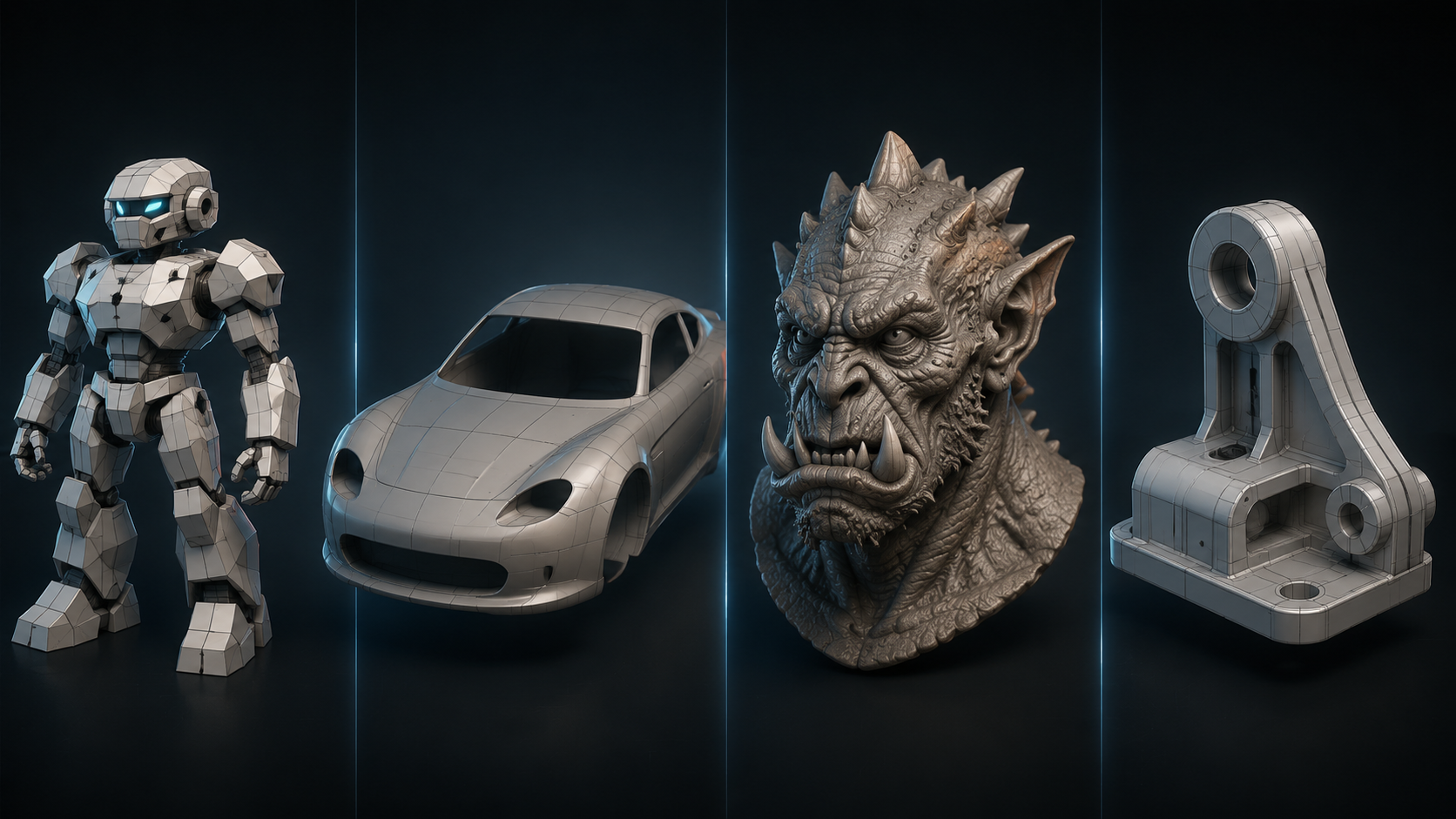
What is 3D modeling in practice? It is not a single skill but a family of distinct techniques, each suited to different types of output. Understanding which technique fits a given task is the first step toward efficient production.
| Technique | Best For | Learning Curve | Key Tools |
|---|---|---|---|
| Polygonal Modeling | Game assets, real-time environments, props | Low to Moderate | Blender, Maya, 3ds Max |
| Box Modeling | Hard-surface objects, furniture, stylized props | Low | Blender, Maya, Cinema 4D |
| NURBS / Surface Modeling | Automotive, product design, jewelry | Moderate | Rhino, Alias, SolidWorks |
| Digital Sculpting | Characters, creatures, organic anatomy | Moderate to High | ZBrush, Blender, 3DCoat |
| CAD Modeling | Engineering, architecture, 3D printing | High | Fusion, SolidWorks, FreeCAD |
| Parametric Modeling | Modular design, product families, architecture | Moderate to High | Fusion, Grasshopper, SolidWorks |
| Procedural Modeling | Large environments, terrain, cities | High | Houdini, Blender Geometry Nodes |
| AI-Powered Generation | Rapid prototyping, concept art, beginners | Very Low | Neural4D, Tripo, Meshy |
Each technique has its own workflow and output characteristics. A character artist might sculpt in ZBrush, retopologize in Maya, and texture in Substance Painter. An engineer works entirely within CAD software using exact dimensions. An AI-powered tool collapses the entire pipeline into a single step: input text or an image, and receive a ready-to-use mesh.
Part 4: How 3D Modeling Works
Understanding what is 3D modeling requires more than knowing the techniques; it demands familiarity with the production pipeline that connects them. Most 3D assets follow a standard sequence of stages, though the specific steps vary by industry and output medium.
The Standard 3D Pipeline
The pipeline begins with conceptualization and reference gathering. The artist collects photos, sketches, or concept art that defines the object’s proportions, materials, and structural details. In the base modeling stage, the core form is blocked out using the chosen technique. A game character might start with box modeling in Maya; an automotive surface begins as NURBS curves in Rhino; a rapid prototype can start directly from an AI-generated base mesh via text to 3D input.
Once the base form is established, high-detail sculpting adds surface features such as muscle definition, mechanical panels, or organic texture. For animation-ready assets, retopology follows: the high-resolution sculpt is rebuilt as a clean, low-polygon mesh with proper edge flow that deforms correctly when animated. The model then moves through UV mapping, which flattens the 3D surface into a 2D layout for texture application, and texturing, where surface materials such as color, roughness, and metallic maps are painted or generated.
The final stages are rigging for animated assets (adding a skeleton for deformation), lighting (positioning virtual lights to match the target environment), and rendering (computing the final 2D image or importing into a real-time engine). AI-powered generation compresses the early stages of this pipeline into a single step: base geometry, retopology, and UVs are produced simultaneously by the model, with the artist entering at the texturing and refinement stage.
The Software Landscape
The choice of software depends on the technique and the output target. Blender is the dominant free, open-source option covering the full pipeline from modeling to rendering, making it the most accessible entry point for beginners. Among commercial tools, Autodesk Maya and 3ds Max remain the industry standards for film and game production, while ZBrush leads in digital sculpting, Rhino and SolidWorks dominate engineering and NURBS-based design, and Houdini is the go-to for procedural and visual effects work.
For users who do not need the full software suite, AI-powered platforms such as Neural4D offer a focused alternative: input a text description or image and receive a textured, watertight mesh ready for direct use in game engines, 3D printing, or AR applications. The software landscape is shifting from monolithic tools toward modular pipelines where AI generation handles the heavy lifting and traditional tools serve the refinement stage.
Part 5: Industries That Rely on 3D Modeling
The answer to “what is 3D modeling used for” has expanded far beyond entertainment. As of 2026, the global 3D modeling market is valued at approximately USD 4.64 billion, with the broader 3D digital asset market reaching USD 36.72 billion.
🎮 Gaming is the largest segment at 22% of the market (USD 1.19 billion). Nearly 72% of game studios use high-detail 3D modeling for immersive environments and character development. Real-time engines like Unity and Unreal demand optimized polygon meshes that balance visual fidelity with performance.
🎬 Film and Animation accounts for 17% of the market (USD 0.92 billion). About 70% of animation studios rely on advanced 3D modeling for character work, and streaming content producers increasingly depend on 3D assets for visual storytelling and CGI sequences.
🏢 Architecture holds 15% of the market (USD 0.81 billion). Over 68% of architecture firms integrate 3D modeling with building information modeling (BIM) systems for spatial testing, lighting simulation, and material evaluation.
Beyond these three sectors, engineering and manufacturing have seen the fastest adoption curve. Approximately 74% of engineering firms have transitioned from 2D drafting to 3D modeling platforms. In manufacturing, 59% of automotive manufacturers combine 3D modeling with real-time simulation tools for vehicle performance testing and digital prototyping.1 For makers and hobbyists, AI for 3D printing has opened up printable model generation to users with no CAD experience.
For product designers and e-commerce sellers, 3D modeling enables photorealistic product visualization without physical photography. The furniture and home decor sector has seen 51% of brands adopt interactive 3D models for online shopping, reducing return rates and improving buyer confidence.
Part 6: Traditional vs. AI-Powered 3D Modeling
The arrival of generative AI has created a fork in the 3D modeling landscape. Traditional modeling techniques remain essential for high-precision, artist-directed work, but AI-powered generation offers a fundamentally different value proposition: speed and accessibility at the cost of granular control. For a practical breakdown of which approach fits different scenarios, see our guide on choosing between AI and traditional 3D modeling.
| Dimension | Traditional 3D Modeling | AI-Powered 3D Modeling |
|---|---|---|
| Time to first mesh | Hours to days | Seconds to minutes |
| Skill requirement | Software mastery, anatomy, topology | Prompt writing, reference selection |
| Control level | Vertex-level precision | High-level guidance (prompt or image) |
| Topology quality | Artist-dependent | Watertight, production-ready (Direct3D-S2) |
| Output consistency | Deterministic | Probabilistic (varies by seed) |
| Best use case | Hero assets, engineering, animation-rigged models | Rapid prototyping, concept iteration, batch generation |
The key insight is that AI generation does not replace traditional techniques; it compresses the early stages of the pipeline. Instead of spending days blocking out a base mesh and establishing proportions, a designer can generate a base mesh in 90 seconds with Neural4D and then refine it using existing tools. This hybrid workflow is becoming the industry standard. What is 3D modeling today is no longer defined by hours of manual vertex work but by the strategic choice between traditional precision and AI-powered speed. For a deeper look at how surface materials work in this pipeline, see our guide to PBR texturing.
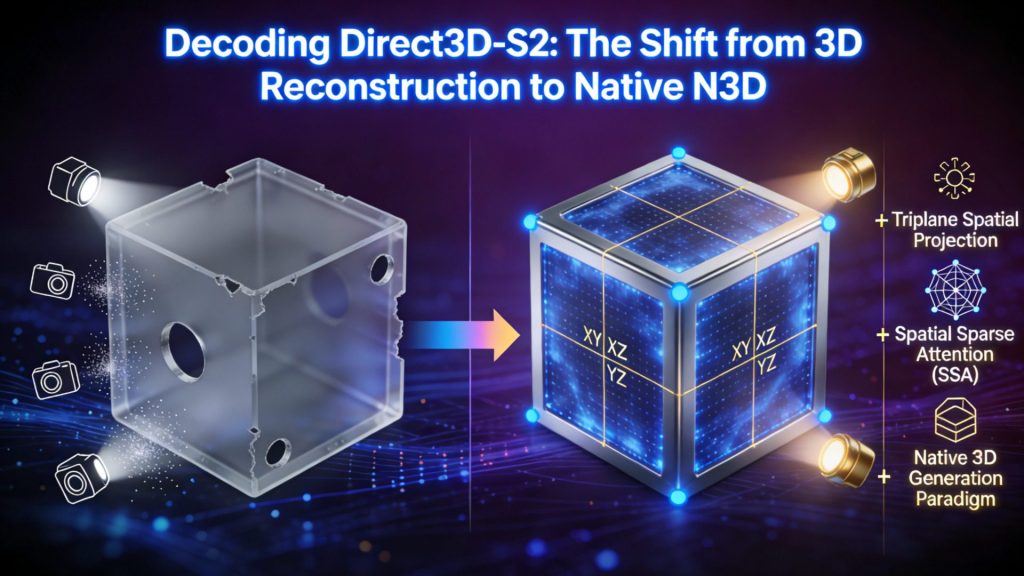
Neural4D’s approach is built on the proprietary Direct3D-S2 architecture, which was presented at NeurIPS 2025. Unlike generative models that produce approximate geometry requiring extensive cleanup, Direct3D-S2 uses Spatial Sparse Attention (SSA) to process the full volumetric space, outputting mathematically watertight meshes with clean topology. The system supports resolutions up to 2048 cubed for detailed geometry, and inference runs approximately 12 times faster than comparable architectures.
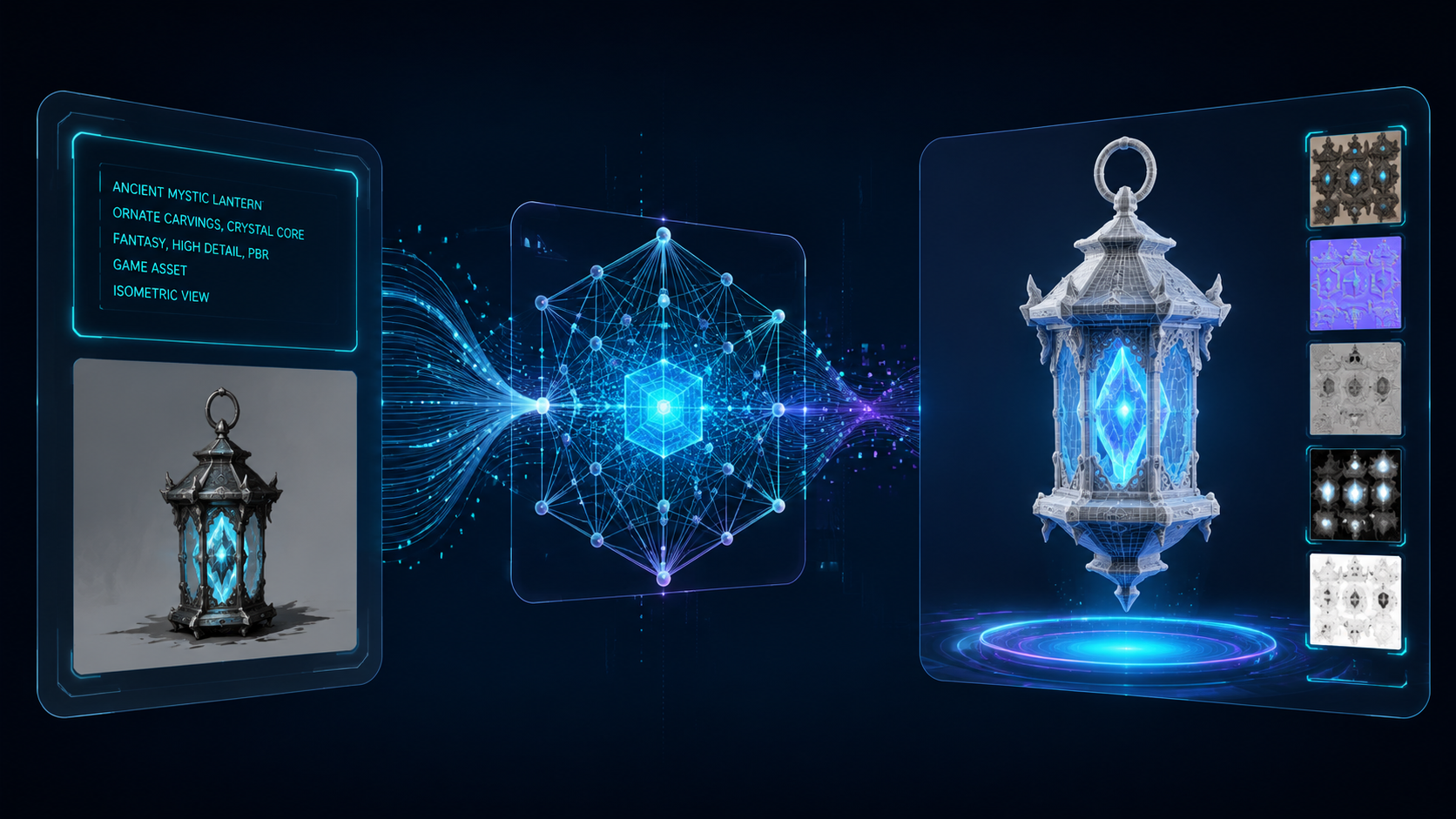
How the AI 3D modeling workflow works: Input a text description or upload a single reference image. The model generates a base mesh in about 90 seconds. When PBR textures are selected, the system completes a full textured GLB in 2 minutes or more. One-click regeneration produces a new variation, or Neural4D-2o allows conversational editing of the generated model using natural language commands. Export to .glb, .fbx, .obj, .stl, or .usdz for immediate use.
Experience 3D Modeling at AI Speed
From prompt to production-ready mesh in under two minutes. No software install, no learning curve.
50 free generations per week. No credit card required.
Part 7: Common Questions on 3D Modeling
3D modeling builds the geometric structure of an object (its shape, surface, and volume). 3D rendering takes that model and computes a 2D image from it, simulating lighting, shadows, reflections, and materials. A model is the digital sculpture; a render is the photograph of that sculpture.
Not necessarily. While traditional modeling workflows benefit from an understanding of form, perspective, and anatomy, AI-powered tools have removed the drawing requirement entirely. Text to 3D and image to 3D systems generate geometry from language or photos, making the entry point purely conceptual rather than artistic.
It depends entirely on the method and complexity. A simple hard-surface prop can take an experienced artist 2-4 hours using traditional polygonal techniques. An AI-powered tool can produce a comparable base mesh in 90 seconds. A highly detailed character sculpt might take weeks. The time gap between traditional and AI methods is largest at the base mesh stage and narrows as post-processing and refinement requirements increase.
Common formats include .glb and .gltf (web and AR), .fbx (game engines), .obj (universal interchange), .stl (3D printing), .usdz (Apple ecosystem), .blend (Blender native), and .mb (Maya native). The right format depends on the target platform. Neural4D supports all the major export formats, including GLB, FBX, OBJ, STL, and USDZ.
AI is transforming the 3D modeling workflow rather than eliminating the role. The most productive artists today use AI for base mesh generation, concept iteration, and texture creation, then apply traditional skills for refinement, animation rigging, and final polish. The demand for 3D content is growing faster than the talent pool, so the net effect is more work being done more efficiently, not fewer jobs.
Start Creating 3D Models Today
Upload an image or describe what you need. Neural4D generates a watertight, production-ready 3D mesh in minutes.
50 free generations per week. No credit card required.