AI 3D Printing Trends 2026 | 10 Workflow Changes to Watch
Quick Summary
- The AI 3D printing trends that matter in 2026 all collapse the design-to-print workflow from multi-day modeling cycles to sub-2-minute generation
- The biggest hidden cost in most AI pipelines: non-watertight mesh output that fails the slicer and requires 15-30 min of manual repair per model
- 10 concrete trends, from text to 3D design entry points to fully automated order-to-part loops, are restructuring who can print what and how fast
- Neural4D’s Direct3D-S2 engine outputs mathematically watertight STL/OBJ with zero non-manifold edges, eliminating the repair step entirely
- AI in 3D printing is growing at a 39.8% CAGR, with the market forecast to reach $17.49B by 2030, per The Business Research Company
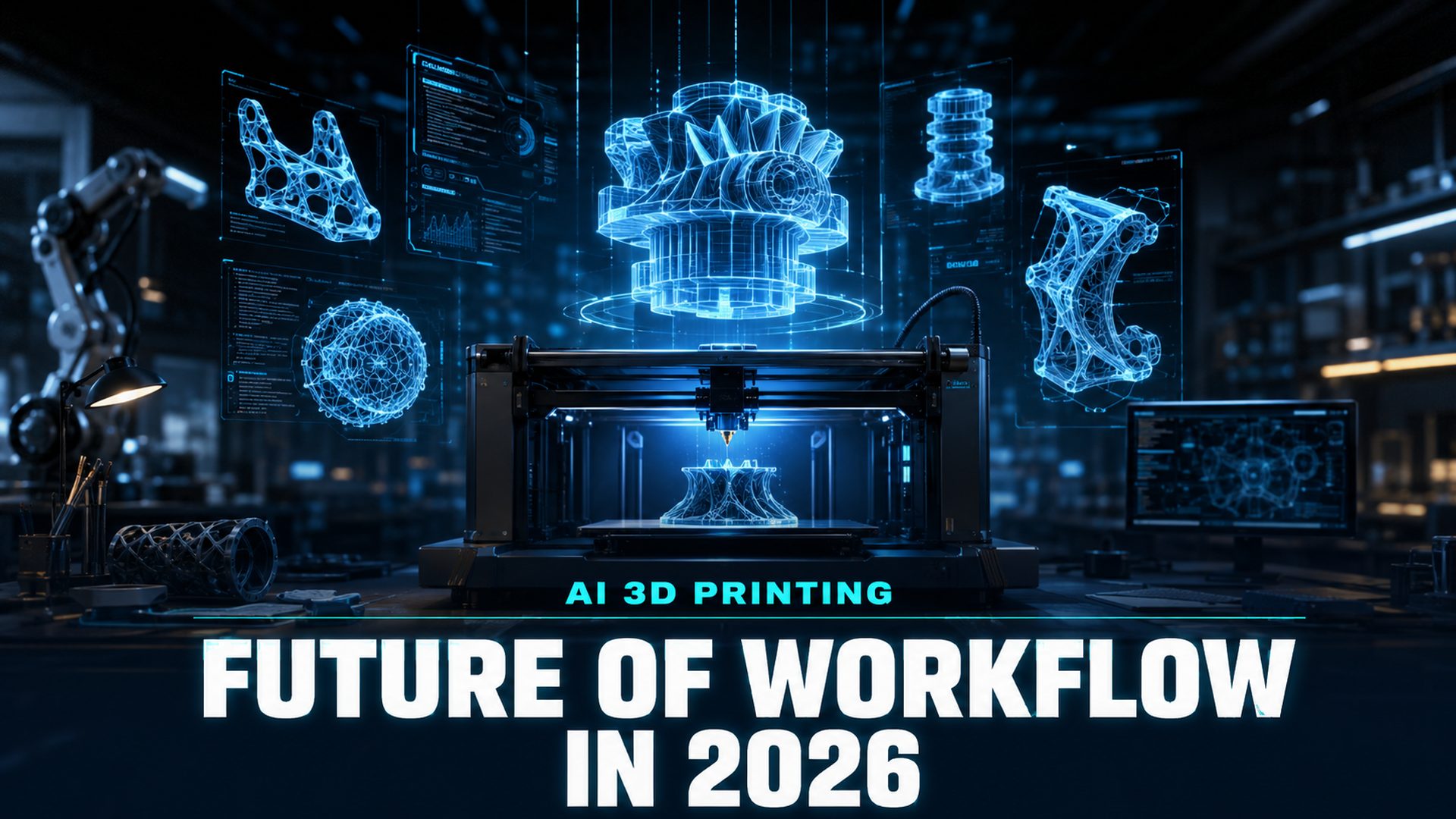
The AI 3D printing trends of 2026 are rewriting the design-to-print workflow faster than most practitioners realize. What used to require a trained modeler, a mesh repair session, and an overnight print queue can now run from a single text prompt. But not all AI tools deliver output that actually prints. The 10 trends below define which changes are real, which are hype, and where the workflow bottlenecks still live in mid-2026.
Table of Contents
- Part 1: What Is Changing in 3D Printing Workflows?
- Part 2: 10 AI Trends Reshaping 3D Printing in 2026
- Part 3: Real-World Applications Across Industries
- Part 4: Best Practices for Building an AI Print Workflow
- Part 5: Where Neural4D Fits in the AI 3D Printing Trends
- Part 6: Frequently Asked Questions on AI 3D Printing
- The Bottom Line
Part 1: What Is Changing in 3D Printing Workflows?
Traditional 3D printing workflow has four manual steps: design in CAD, repair the mesh, configure the slicer, print. AI is disrupting the first two so thoroughly that the definition of “who can 3D print” has fundamentally shifted.
Until recently, design was the gatekeeping step. You needed either Blender proficiency, a CAD background, or a budget to hire a modeler. That constraint is gone. Text to 3D and image to 3D tools now convert a description or a photo into a mesh in under two minutes. The design skill floor has dropped to zero for most consumer and prototype applications.
The mesh repair step is undergoing a slower but equally important change. Most AI generators still output non-watertight geometry, meaning slicers reject the file or produce failed prints. The gap between “generated” and “printable” is still the primary hidden cost in AI-driven print pipelines, and it is the specific problem that separates tools worth building a workflow around from tools that look impressive in demos.
📊 Market context: The AI in 3D printing market grew from $3.31B in 2025 to $4.62B in 2026, a 39.8% CAGR, and is forecast to reach $17.49B by 2030 (39.5% CAGR). Growth is driven by software-layer workflow automation, AI-based print process optimization, and automated defect detection, not by hardware. Source: The Business Research Company, AI in 3D Printing Global Market Report 2026.
The 10 trends below map the full arc of that change. Tracking every AI 3D printing trend on this list, not just the ones at the design stage, is what separates a workflow that prints on the first try from one that stalls in repair.
Part 2: 10 AI Trends Reshaping 3D Printing in 2026
Here are the 10 AI 3D printing trends to track in 2026, ordered by how much they change the print workflow today. Each one removes a manual step, and together they define what an AI-native print pipeline looks like.

1. Text to 3D and Image to 3D as the New Design Entry Point
The most structurally significant trend is the collapse of the design barrier. Text prompts and single reference photos now produce full 3D meshes in 90 seconds to two minutes. For makers, product designers, and cosplayers, this means the printing workflow no longer starts with a modeling session. It starts with a description.
The practical limit is precision: AI-generated geometry works well for organic shapes, characters, props, and product prototypes. Parts requiring tight tolerances or mating surfaces still benefit from CAD as a post-generation refinement step. You can start directly from a photo with Neural4D Image to 3D, or from a text description with Neural4D Text to 3D.
2. Watertight-First Generation Replacing Post-Processing Repair
Most AI 3D generators reconstruct surface geometry from depth estimation, which produces meshes optimized for visual quality rather than topological correctness. Non-manifold edges, open shells, and interior geometry are common outputs that slicers reject.
Volumetric generation architectures, which process the full three-dimensional volume of an object rather than inferring surfaces from projections, eliminate this problem at the source. Neural4D’s Direct3D-S2 engine operates at 2048³ spatial resolution and produces mathematically watertight meshes with zero non-manifold edges. The STL downloads directly into Cura or PrusaSlicer without a repair pass.
This is the trend with the highest practical ROI: cutting 15 to 30 minutes of Meshmixer or Netfabb repair per model directly reduces the real cost of AI-assisted production. Learn more about how to handle the image-to-STL conversion workflow when starting from a photo reference.
3. AI-Powered Build Orientation and Slicer Intelligence
Build preparation is where AI delivers measurable efficiency gains that compound with better input geometry. AI orientation tools evaluate over 100 candidate print orientations in parallel, minimizing support structure volume and distortion at the same time. Industrial deployments report up to a 50% reduction in build preparation time versus manual orientation decisions.
Adaptive slicing, which varies layer height per geometry region, cuts total print time by 20-40% while preserving surface finish on critical faces. Protolabs Network frames the same shift as AI reducing “the high skill ceiling of slicer tuning down to simple checkboxes,” in its analysis of AI-assisted 3D printing trends. The combination of watertight input, AI orientation, and adaptive slicing is the full-stack print workflow that was theoretical two years ago and operational in 2026.
4. Conversational Refinement and Iterative Generation
Early text to 3D tools were one-shot: you got a result and either accepted it or started over. 2026-era tools support iterative refinement through natural language. You generate a base mesh, then adjust proportions, materials, or structural details through follow-up instructions without losing the original geometry.
Neural4D-2.5 is the conversational multimodal model in Neural4D’s pipeline. You can generate a character model, then specify “make the shoulders broader, add plate armor texture, reduce the base polygon count for print” in plain text, and the model updates accordingly. This changes the workflow from single-shot generation to design dialogue, which is how professional modeling actually works. See how Neural4D-2.5 handles conversational refinement in the product overview.
5. Real-Time Print Failure Detection via Edge AI
Computer vision systems running on edge hardware now catch print failures before they ruin a part. Carnegie Mellon researchers demonstrated an AI agent framework that watches each printed layer through a camera, spots defects with a vision-language model, and self-corrects in real time; test parts showed a 5.06x increase in peak load capacity versus baseline prints. Entry-level implementations catch spaghetti failures and warping mid-build with a camera and an open-source monitoring agent for under $100.
At the industrial end, adaptive laser-power control in metal AM responds to thermal data at microsecond intervals, correcting for porosity before it propagates through the part. Closed-loop systems have shifted from reactive (stop when something fails) to predictive (adjust parameters before something fails).
6. Generative Design for Structural Optimization
Generative design uses AI to produce geometries optimized for structural performance and material efficiency simultaneously. For 3D printing specifically, this produces lattice structures and topology-optimized forms that are impractical to design manually but trivial for a printer to execute.
Production deployments report material waste reduction of 30-50% and part weight reduction of 10-50% versus conventionally designed equivalents. The MIT MechStyle system demonstrated 100% structural viability for AI-stylized models using finite element analysis feedback, up from 26% in prior approaches, in a study published by MIT News in January 2026.
7. Digital Twins and Pre-Print Simulation
Physics-informed simulation running on AI-accelerated hardware now predicts warping, thermal stress, and layer adhesion failures before a single layer is printed. NVIDIA Modulus-based systems demonstrate 1,000x acceleration over traditional finite element simulation for desktop-scale parts.
The practical outcome: you run a simulation, identify the likely failure mode, adjust orientation or print parameters, then commit to the print. Failed prints become increasingly rare for any geometry that has been through a simulation pass.
8. Multi-Material AI and Variable Property Printing
AI is enabling print strategies that vary material properties at the voxel level within a single build. This allows rigid cores with flexible exteriors, gradient density structures, and embedded functional regions in a single print job without manual material switching.
Consumer-accessible multi-material software is descending from enterprise-only pricing toward prosumer tools. By 2027, variable-property printing is expected to become accessible at the $10-50k/year professional tier, down from enterprise-only today.
9. Cloud-Based Fleet Management and Print Orchestration
For studios and small manufacturers running multiple printers, AI fleet management assigns jobs across machines based on material loaded, queue position, estimated completion time, and machine health. Remote diagnostics and predictive maintenance reduce unplanned downtime.
This trend matters most for anyone running more than two printers. The manual overhead of managing a small farm is a known productivity bottleneck, and cloud orchestration eliminates most of it without requiring a dedicated operator.
10. Fully Automated Order-to-Part Production Loops
The most consequential industrial trend is the arrival of fully automated pipelines where an order triggers a print job, the job runs and is inspected by computer vision, and the part is flagged or passed, all without human intervention. Early deployments at Nexamo and ZF are operational in 2026 for specific part categories.
These pipelines have zero tolerance for non-watertight geometry. A single mesh error that a manual workflow catches by eye propagates through an automated pipeline as a scheduling fault that halts production until a human intervenes. This is why reliable generation-stage output is not just a quality improvement but a prerequisite for production automation. Understanding what print-ready mesh topology actually requires is essential before integrating AI generation into any automated flow.
Part 3: Real-World Applications Across Industries
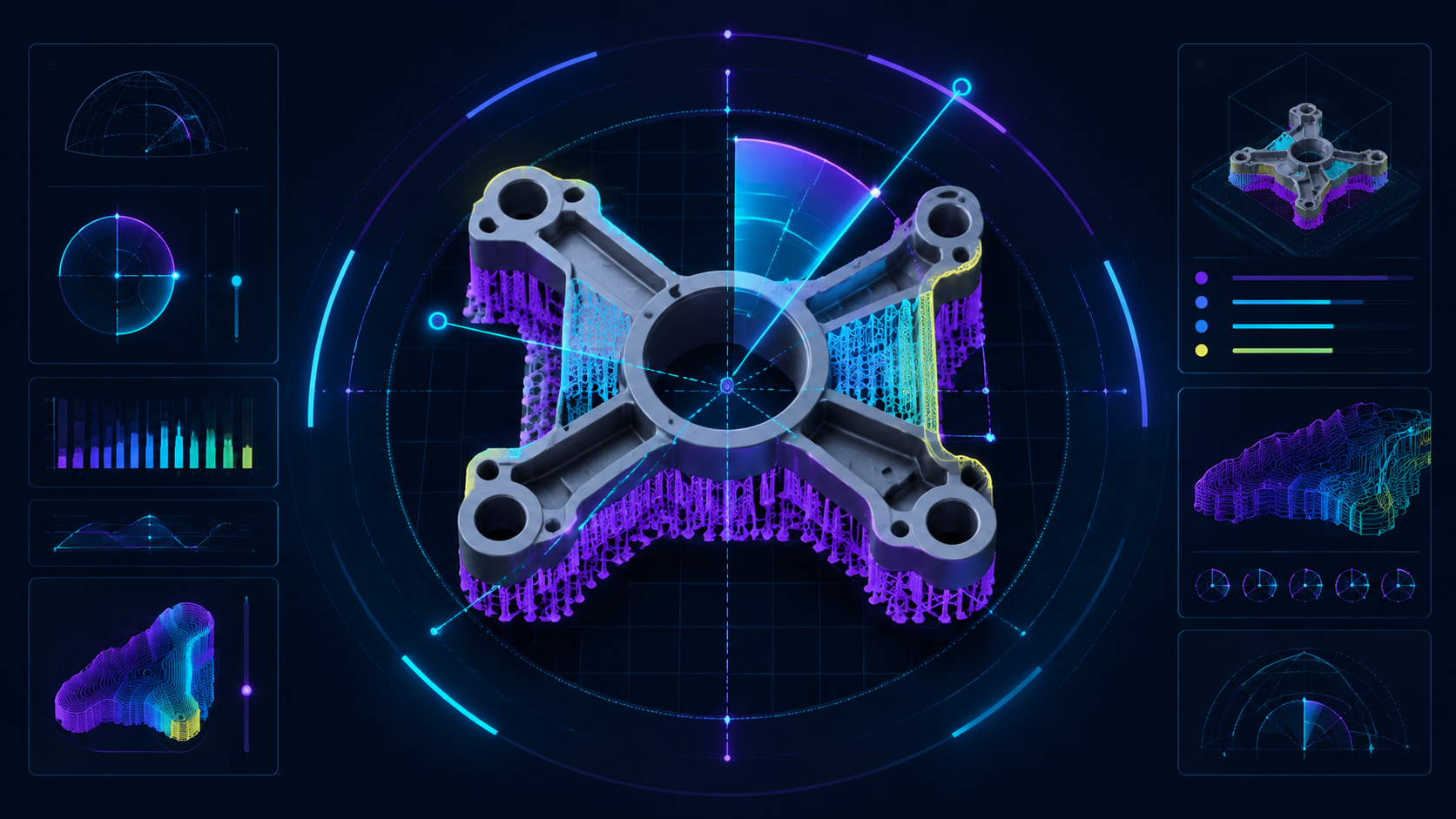
The 10 trends above hit different industries at different speeds. Here is where each is landing in practice:
| Industry | Primary AI Trend in Use | Key Requirement | Where Neural4D Fits |
|---|---|---|---|
| Medical / Dental | Generative design + watertight output | Zero tolerance for geometry errors; each unit unique | Image to 3D from scan or photo; watertight STL required |
| Consumer Products / DTC | Text to 3D for rapid prototyping | Fast concept-to-physical iteration; no modeling skills | Text or image in, STL out in under 2 minutes |
| Gaming / Collectibles | Image to 3D from reference art | Character fidelity; watertight for FDM support structures | Image to 3D from 2D character art or concept sheet |
| Jewelry / Fashion | Image to 3D + AI texture | Surface detail; SLA/resin compatibility | High-resolution mesh from photo; PBR texture for visualization |
| Industrial / Aerospace | Automated production loops + simulation | Repeatable, qualified output; zero repair overhead | Generation stage only; downstream pipeline integration via API |
The common thread across every application of these AI 3D printing trends: AI reduces the design-to-print cycle by eliminating manual steps at each stage. But the reduction only compounds when each step produces reliable output. Watertight generation is the upstream dependency every trend builds on.
For specific application workflows, the guide on AI 3D jewelry modeling from concept to STL walks through a complete print-ready pipeline for a high-detail application.
Generate a Print-Ready 3D Model in Under 2 Minutes
Photo or text in. Watertight STL out. Straight to your slicer, no repair pass.
50 free credits every week. No credit card required.
Part 4: Best Practices for Building an AI Print Workflow
Knowing the AI 3D printing trends is one thing. Building a workflow that actually uses them is another. These five practices consistently separate reliable AI print pipelines from ones that look good in theory but fail at the bench:
Validate geometry before committing to a print
Run every AI-generated model through a slicer validation pass before queueing the job. Modern slicers report non-manifold edges and open shells in the import step. If the validation fails, either repair in Meshmixer or regenerate with a tool that guarantees watertight output. Do not assume visual quality equals print quality.
Choose the right format for your printing method
STL for standard FDM and SLA. OBJ for multi-material printing where color or material zone information needs to travel with the file. GLB for AR preview or client approval before committing to a print run. Neural4D exports all three directly from the generation interface.
Match polygon count to print resolution, not render quality
High-polygon meshes do not produce better prints. FDM printers are layer-resolution limited, not polygon-limited. An excessively dense mesh slows slicer processing and can produce oversized files without improving the physical result. The guide on polygon count for 3D assets and printing covers the specific targets per output type.
Build iterative refinement into your generation step
One-shot generation rarely produces the exact result needed for a precision application. Use conversational refinement tools to adjust proportions, materials, and structural details before exporting. This is faster than post-export manual editing and preserves the original generation quality.
Separate design generation from downstream automation
If you are building toward an automated pipeline, treat the generation step as a discrete upstream component with a defined output contract: watertight geometry, correct scale, target polygon range. This makes the rest of the pipeline predictable regardless of what generation tool you use.
Part 5: Where Neural4D Fits in the AI 3D Printing Trends

As these AI 3D printing trends mature, Neural4D operates at the design generation stage of the print workflow. Its role is specific: convert a concept (text or image) into a production-ready 3D file that moves directly into any downstream tool without modification.
The core workflow is: Input → Generate (Direct3D-S2, base mesh in approximately 90 seconds) → Refine with Neural4D-2.5 if needed → Export (STL / OBJ / GLB). No mesh repair step exists in this pipeline because the Direct3D-S2 engine processes full volumetric inference at 2048³ resolution, producing watertight geometry by construction rather than by post-processing.
What Neural4D does not do: slicer optimization, in-process monitoring, generative structural design, or post-processing. Its scope is generation to export. For teams building toward the automated production loops described in Trend 10, Neural4D is designed to integrate with standard slicer toolchains and manufacturing MES systems via API rather than replace them.
💡 Neural4D vs. repair-dependent tools: A Meshy or Tripo model that requires a 20-minute Netfabb repair pass costs the same wall-clock time as generating, refining, and exporting a watertight Neural4D model from scratch. The difference compounds across a production run: 100 models = 33 hours of repair time eliminated.
The use cases where Neural4D’s architecture produces the clearest advantage are applications with low tolerance for print failures: dental and surgical models, custom product prototypes, jewelry for SLA printing, and any production run where reprints represent real material and time cost.
Part 6: Frequently Asked Questions on AI 3D Printing
What is the biggest technical problem with AI-generated models for 3D printing?
Non-manifold geometry. Most AI generators optimize for visual appearance, not topological correctness, producing meshes with holes, intersecting faces, or open edges that slicers reject. Surface-reconstruction tools are structurally prone to this problem because they infer geometry from depth estimation. Volumetric generators like Neural4D bypass it by processing full 3D volume, outputting watertight meshes directly. The practical rule: always run a slicer validation before committing to any print job using AI-generated geometry.
Is 3D printing a viable business to start in 2026 using AI tools?
Yes, specifically in niches that combine high customization with low run quantity: dental and surgical models, custom consumer product prototypes, licensed character collectibles, and personalized accessories. AI tools cut the design-to-print cycle from days to minutes, changing the economics of on-demand short-run manufacturing. The constraint has shifted from tooling cost to per-print material cost and output quality consistency. Businesses that eliminate the mesh repair step have a structural per-unit cost advantage over those that carry it.
Do I need 3D modeling skills to use AI for printing in 2026?
No, for organic shapes, characters, props, consumer goods, and most prototypes. Text to 3D and image to 3D tools have reduced the design floor to writing a clear description or providing a reference photo. Modeling skills add value for mechanical parts with specific tolerance requirements, multi-body assemblies with mating surfaces, or anything requiring dimension precision a text prompt cannot specify. For those cases, AI generation is a useful rough-geometry starting point that you refine in CAD rather than a finished deliverable.
What export format should I use for 3D printing from an AI generator?
STL for standard FDM and SLA printing: universal slicer compatibility, no color or material data, smallest file size. OBJ when you need multi-material or multi-color output, as it carries material zone assignments that PolyJet and binder jetting workflows can use. GLB for client preview or AR visualization before committing to a print run. Avoid GLB as a slicer input, as it includes animation rigs and scene data that slicers do not process correctly. Neural4D exports STL, OBJ, and GLB directly from the generation interface.
What are the biggest AI 3D printing trends in 2026?
The biggest AI 3D printing trends of 2026 center on workflow automation: text to 3D and image to 3D as the default design entry point, watertight-first generation that removes the mesh repair step, AI-powered slicing and build orientation, and fully automated order-to-part production loops. Each trend removes a manual step from the design-to-print pipeline, which is why the AI 3D printing trends of 2026 change software more than hardware.
The Bottom Line
The AI 3D printing trends of 2026 are not a single technology shift. They are ten simultaneous changes compressing every manual step in the workflow, from design entry to production inspection. The direction is clear: less human intervention at each stage, faster cycles, and output quality that holds up in automated pipelines.
The bottleneck that persists across all ten trends is geometry reliability at the generation stage. Every downstream efficiency gain depends on input that is actually printable. Tools that produce watertight output by construction, not by repair, are the ones worth building a 2026 workflow around.
Start with Print-Ready Geometry
Text or image in. Watertight STL out. No Meshmixer, no slicer errors, no failed prints.
50 free Power credits every week. Commercial rights on paid plans.