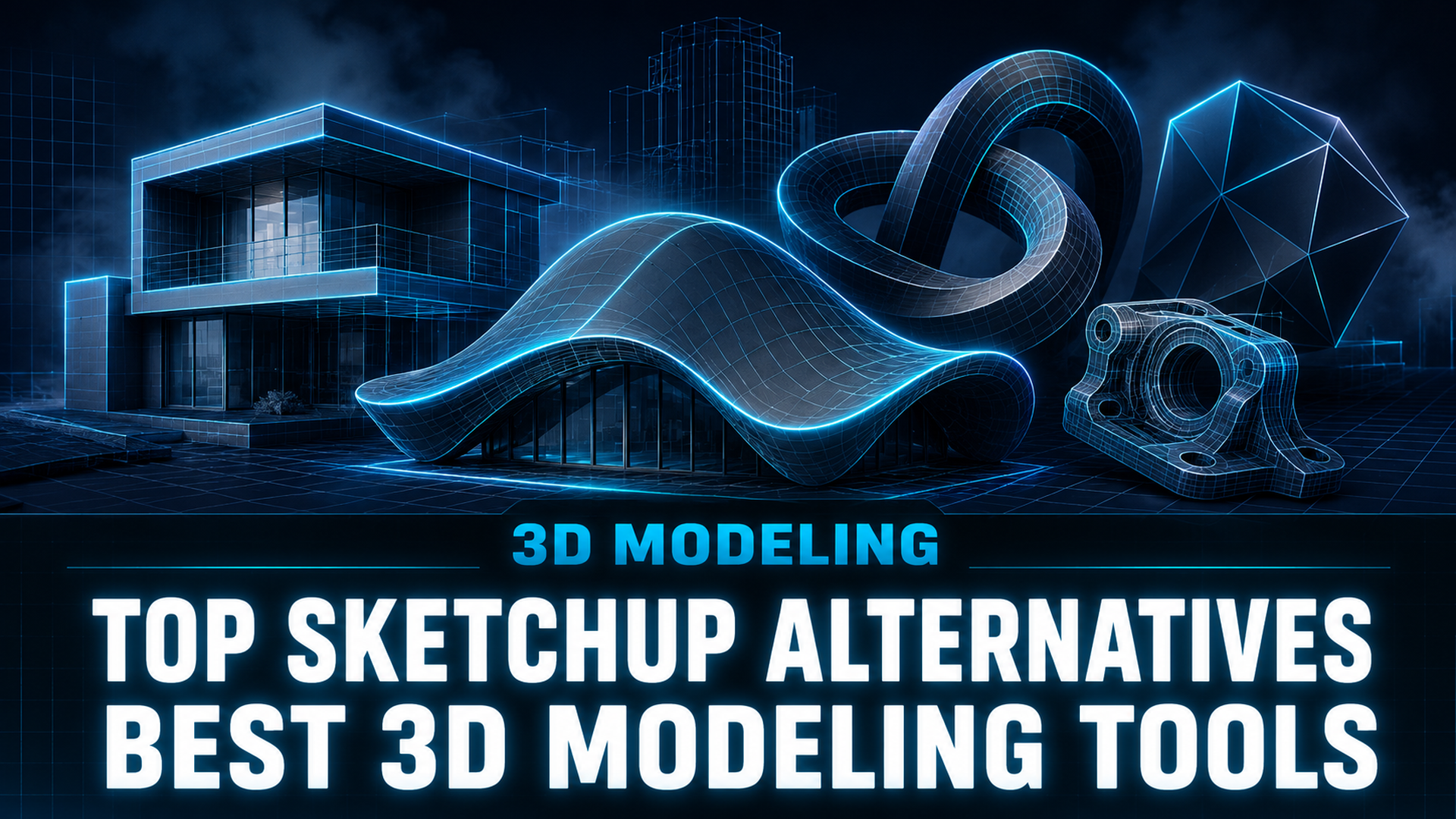
Top SketchUp Alternatives: Best 3D Modeling Tools for 2026
Quick Summary
- Top SketchUp alternatives span free tools like Blender and FreeCAD, professional platforms like Rhino and Revit, and AI-driven generators that produce 3D models from text or images in minutes.
- Blender delivers professional-grade Cycles rendering at zero cost, while Rhino offers NURBS-based precision with a one-time $995 purchase.
- Revit and Archicad provide native BIM for large commercial projects, solving SketchUp’s missing data-layer problem.
- Neural4D generates production-ready 3D assets from a single image or text prompt using the Direct3D-S2 engine, eliminating the traditional modeling learning curve entirely.
Rising subscription costs, limited BIM capabilities, and geometry constraints are pushing designers to explore the top SketchUp alternatives for their workflows. The right replacement depends on whether you need free professional rendering, full BIM documentation, or AI-driven 3D generation that produces models from a single reference image.
Table of Contents
Part 1: Why Users Are Moving Away From SketchUp
SketchUp has been a staple in architectural and product design for two decades. Its intuitive push-pull modeling made 3D accessible to millions of users. But by 2026, several structural limitations are driving professionals to evaluate the top SketchUp alternatives more seriously than ever.
The subscription model is the most visible pain point. SketchUp Pro costs $399 per year, and the Studio tier reaches $819 per year. What frustrates many users is the value gap: SketchUp remains fundamentally a surface modeler. Walls are faces, not intelligent building elements. When a project needs coordinated sections, schedules, and material takeoffs, SketchUp requires third-party plugins or a full export to a BIM platform.
Geometry constraints are another hard ceiling. SketchUp’s polygon-based approach struggles with complex organic forms and NURBS curves. Designing a double-curved facade or an ergonomic product shell often means switching to Rhino mid-project. For large models, SketchUp’s performance degrades noticeably compared to purpose-built alternatives.
The rendering gap compounds these issues. SketchUp’s native visual output is basic. Achieving presentation-quality renders demands external renderers like V-Ray (starting at $540 per year on top of the SketchUp subscription). Meanwhile, tools like Blender ship with production-grade renderers at no extra cost.
Market context: A 2025 survey by the American Institute of Architects found that 43% of architecture firms had reduced their SketchUp usage in the previous 18 months, citing BIM incompatibility and multi-software coordination costs as the primary drivers. The shift is accelerating as project delivery timelines compress and clients expect richer data deliverables (AIA Business of Architecture Report).

Part 2: Top SketchUp Alternatives by Use Case
No single tool replaces SketchUp for everyone. The best alternative depends on your specific workflow stage, team size, and budget. Below is a breakdown of the leading options organized by use case. For a broader view of free options, see the guide to free 3D model design software.
AI-Powered 3D Generation: Neural4D
Neural4D
Best for: Rapid asset creation, users with no modeling experience, game prototyping, 3D printing concepts.
Neural4D generates textured 3D models from text prompts or single images using the Direct3D-S2 architecture (NeurIPS 2025). The base mesh completes in approximately 90 seconds; full PBR textures are generated in the same pass, with total time reaching 2 minutes or more. Output is watertight and exportable as .glb, .fbx, .obj, or .stl with no manual cleanup. Neural4D-2o conversational editing lets users refine models using natural language commands.
Limitation: Not a parametric CAD tool. Does not support precise dimensional constraints, BIM data layers, or 2D documentation generation.
Free Professional Rendering: Blender
Blender
Best for: High-quality rendering, animation, VFX, and general 3D modeling on a budget.
Blender’s Cycles and Eevee renderers produce photorealistic output comparable to V-Ray. The geometry nodes system enables procedural modeling that SketchUp cannot match. However, the learning curve is steep. SketchUp users transitioning to Blender often spend weeks adjusting to the navigation and modifier-stack workflow. Blender also lacks native BIM tools. For more context, see our Blender alternatives for 3D modeling comparison.
Complex NURBS Geometry: Rhino + Grasshopper
Rhino 8 + Grasshopper
Best for: Computational design, NURBS modeling, parametric and generative design.
Rhino uses NURBS curves that maintain precision at any scale, unlike SketchUp’s faceted geometry. Grasshopper adds visual programming for parametric workflows. The one-time $995 purchase becomes cost-competitive after 2-3 years of SketchUp Pro subscriptions. Rhino is typically paired with a BIM tool like Revit or Archicad for documentation delivery.
Full BIM: Revit and Archicad
Revit (Autodesk)
Best for: Large commercial BIM projects, multidisciplinary coordination.
Revit’s native BIM environment uses intelligent building elements that carry data. A wall knows its fire rating. A door knows its hardware schedule. Changes propagate automatically across plans, sections, and elevations. Revit is the industry standard for commercial BIM but carries a steep learning curve and high per-seat cost. If manufacturing is your primary output, compare this with other CAD software for 3D printing.
Archicad (Graphisoft)
Best for: Mac-based firms, design-focused BIM.
Archicad offers native Mac support with a design-oriented interface. The Grasshopper Live Connection links parametric modeling directly to the BIM model. Archicad’s learning curve is gentler than Revit’s, though it has smaller market share for large commercial projects in North America.
Budget Engineering CAD: FreeCAD
FreeCAD
Best for: Parametric mechanical modeling, engineering on a budget.
FreeCAD 1.1 (2026) has improved stability significantly. It supports parametric modeling, FEM analysis, and Python scripting. The Arch workbench provides BIM-like functionality. The interface is functional but unpolished. FreeCAD is a strong choice for engineers who need precise parametric control at zero cost.
Quick Reference Comparison
| Tool | Pricing | Best For | Platform |
|---|---|---|---|
| Neural4D | Free tier, Pro from $18/mo | AI 3D generation, rapid prototyping | Web |
| Blender | Free | Rendering, animation, modeling | Win/Mac/Linux |
| Rhino + Grasshopper | $995 one-time | NURBS, parametric design | Win/Mac |
| Revit | $4,028/yr | Commercial BIM | Win |
| Archicad | $2,414/yr | Design BIM, Mac teams | Win/Mac |
| FreeCAD | Free | Parametric engineering CAD | Win/Mac/Linux |
Part 3: How AI 3D Generation Is Changing the Workflow
The most significant shift in 3D modeling since SketchUp’s 2000 debut is the emergence of generative AI as a practical content production tool. Rather than pushing vertices or adjusting extrusion parameters, users can now describe a model in natural language or provide a reference photo and receive a production-ready asset within minutes. This capability makes AI-powered platforms some of the most compelling top SketchUp alternatives for anyone who needs speed over manual control.
Neural4D sits at the center of this transition. Its Direct3D-S2 engine, published at NeurIPS 2025, uses Spatial Sparse Attention to reconstruct full volumetric geometry from single 2D inputs. The system outputs watertight triangular meshes with clean topology that import directly into game engines and slicers without manual repair.
For a design team evaluating a SketchUp replacement, the AI workflow changes the cost calculation. A junior designer may take two days to model a concept from reference using traditional tools. An AI pipeline reduces that to seconds of generation plus minimal cleanup. The AI-driven 3D model generators at Neural4D demonstrate this workflow across text to 3D, image to 3D, and sketch to 3D inputs.
The key distinction: AI generation does not replace parametric modeling for engineering precision, but it eliminates the modeling bottleneck for concept visualization, game assets, e-commerce product shots, and 3D printing prototypes. For a deeper discussion of where each approach fits, see the guide on AI versus traditional 3D modeling.

Generate 3D Models in Minutes, Not Days
Skip the steep learning curve. Upload an image or type a prompt and get a production-ready 3D model.
Free tier includes 50 Power per week. No credit card required.
Part 4: How to Choose the Right SketchUp Alternative
The decision matrix comes down to three variables: output type, team context, and budget.
If your primary output is visual renders: Concept presentations and competition boards are best served by Blender or Neural4D. Blender delivers the highest rendering quality at zero cost. Neural4D delivers the fastest turnaround from concept to 3D asset. For comparison of AI-based generators, see AI alternatives for 3D asset creation.
If your primary output is construction documents: Revit and Archicad are the only serious options. No amount of rendering quality compensates for missing BIM data in a permit submission. The subscription cost is high but recoverable through coordination time savings.
If you need parametric engineering precision: FreeCAD and Fusion 360 offer the constraint-based modeling that SketchUp lacks. Fusion 360 adds integrated CAM and CAE for product development workflows.
If you need fast 3D assets with limited modeling resources: Neural4D’s AI pipeline generates production-ready models from single images or text prompts. The Neural4D versus Meshy comparison breaks down how AI generators compare for different asset types and quality requirements.
Many professional workflows combine multiple tools: using Rhino for form-finding, Revit for documentation, and Neural4D for rapid asset generation. The best SketchUp alternative is rarely one tool but a stack that matches each stage of the pipeline.
Part 5: Common Questions on Top SketchUp Alternatives
Q: Is there a completely free alternative to SketchUp?
Yes. Blender and FreeCAD are both free and open-source. Blender excels at rendering, animation, and general modeling. FreeCAD handles parametric mechanical engineering. Both lack SketchUp’s intuitive push-pull workflow, so expect a learning curve. Tinkercad is also free and browser-based but limited to simple geometric shapes.
Q: What is the easiest SketchUp alternative for complete beginners?
For users with zero 3D experience, Neural4D requires no modeling skills at all. Type a text prompt or upload an image and receive a finished 3D model. Tinkercad uses drag-and-drop block assembly for learners. Shapr3D combines an intuitive interface with built-in tutorials across iPad, Mac, and Windows. Blender and Rhino have steeper learning curves that reward dedicated study time.
Q: Can Blender fully replace SketchUp for architectural design?
For visualization and rendering, yes. Blender outperforms SketchUp significantly in this area. For construction documentation and BIM coordination, no. Blender lacks native BIM elements. The BlenderBIM add-on provides IFC support but does not match Revit or Archicad’s automated drawing generation. Many architects use Blender for early design exploration and presentation renders, then move to a BIM platform for technical delivery.
Q: Which SketchUp alternative is best for BIM projects?
Revit is the industry standard for large commercial BIM on Windows. Archicad is the stronger choice for Mac-based teams and design-focused practices. Both support IFC exchange for cross-platform coordination. SketchUp’s Trimble Connect is not a substitute for native BIM. The migration cost includes both software subscriptions and staff training, but firms that have made the switch report 20-30% fewer coordination conflicts in construction, according to a 2025 Dodge Data & Analytics study.
Q: How does AI 3D generation compare to traditional CAD modeling for real projects?
AI 3D generation excels at speed and accessibility, producing a textured model in 2 minutes versus hours or days with traditional tools. The trade-off is precision: AI-generated models lack parametric constraints, exact dimensions, and BIM data. A common pitfall is expecting AI output to meet engineering tolerances out of the box. In practice, AI-generated assets work best for concept visualization, game assets, e-commerce product shots, and 3D printing prototypes where visual quality matters more than measurement tolerances. Engineering-grade parts still require parametric CAD tools like Fusion 360 or FreeCAD for exact control.
Get Started With AI Powered 3D Modeling
SketchUp served the design community well for over two decades. But the modeling landscape has fragmented into specialized tools that each solve a specific part of the pipeline better than any single platform could. The top SketchUp alternatives today are not one product but a set of purpose-built options: Blender for rendering, Rhino for complex geometry, Revit for BIM, and Neural4D for AI-driven rapid generation.
The deciding factor is whether your bottleneck is modeling skill or modeling time. If you have the expertise and need precision, traditional tools remain the answer. If the bottleneck is time and you need assets fast, AI generation closes the gap that no amount of interface polish in traditional CAD can address.
Create Your First 3D Model Free
No downloads. No tutorials. Just upload a photo or describe what you want.
Free tier: 50 Power per week. Upgrade to Pro for faster generation and higher concurrency.