How to Make VTuber Model with AI: Get a 3D Character in Minutes
Quick Summary
- VTuber models traditionally require either months of Blender/VRoid learning or $500-3,000+ in commission fees.
- VRoid Studio and Live2D Cubism are the two most common free paths, but both demand significant time investment and produce recognizable “template” looks.
- AI generators like Meshy and Tripo produce 3D models but typically lack the VRM format and facial blendshapes VTubers specifically need for face tracking.
- Neural4D AnimeArt generates a complete VRM 0.x model with 55 humanoid bones, 52 facial blendshapes, and spring physics from a text prompt or character sheet, ready for VSeeFace, Warudo, and VRChat.
How to make VTuber model without a $1,500 commission or a 40-hour Blender tutorial is now a solved problem: type a character description, wait 2-3 minutes, and download a complete VRM file with humanoid rig and facial blendshapes. This article covers the real tradeoffs between each method and walks through the AI workflow independent streamers are using to launch with a fully custom 3D avatar.
Table of Contents
- Part 1: Why the Old Way of Making VTuber Models Takes Too Long
- Part 2: AI VTuber Model Makers Compared
- Part 3: How to Make a VTuber Model with Neural4D AnimeArt
- Part 4: VRM Export and Streaming Software Compatibility
- Part 5: Where Neural4D Fits in Your VTubing Setup
- Part 6: Common Questions on How to Make VTuber Model
- Get Your 3D VTuber Model
Part 1: Why the Old Way of Making VTuber Models Takes Too Long
The standard answer to “how to make VTuber model” is: use VRoid Studio (free) or commission an artist. VRoid is genuinely approachable, but its parametric slider system means every model starts from the same base mesh. Experienced viewers can spot a VRoid avatar from the thumbnail. More critically, VRoid’s customization ceiling is low without external Blender editing, which reintroduces the skill barrier you were trying to skip.
Commissions solve the uniqueness problem but introduce cost and timeline issues. Anyone researching how to make VTuber model on a deadline quickly hits the commission reality: a rigged 3D model from a mid-tier artist runs $800-2,000, high-end studios charge $3,000+, and turnaround is typically 6-12 weeks. For an independent streamer testing whether VTubing is even worth pursuing, that is a significant financial bet before you have a single viewer.
Live2D takes the 2D illustration route, which has its own appeal, but the face-tracking fidelity of a well-rigged 3D VTuber model is simply different. A 3D avatar captures head tilt, depth, and spatial presence in ways 2D models approximate but cannot replicate. For creators who want that cinematic look, the choice is 3D, and until recently, 3D meant Blender or a commissioning budget.
The VTuber industry has matured into a serious market. Mordor Intelligence projects the global VTuber market at $3.13 billion in 2026, with 3D VTubers specifically expanding at 11.17% CAGR. Despite the growth, the barrier to entry for independent creators remains the avatar cost. Most new streamers simply cannot afford a $1,500 commission before they know the format will work for them.
Part 2: AI VTuber Model Makers Compared
AI 3D generation tools have matured significantly in 2026. When you want to know how to make VTuber model with AI specifically, the question is not whether a tool can produce a 3D character, but whether it produces one that is VRM-compatible and face-tracking ready out of the box. Most general-purpose AI 3D generators miss this requirement entirely.
| Tool | Output Format | Facial Blendshapes | Humanoid Rig | Time to Avatar | Cost |
|---|---|---|---|---|---|
| Neural4D AnimeArt | VRM 0.x | 52 blendshapes | 55-bone rig, pre-configured | 2-3 minutes | Pro plan |
| VRoid Studio | VRM 0.x / 1.0 | Yes (limited) | Yes (template-based) | 30-90 minutes | Free |
| Meshy | FBX / GLB / OBJ | No | Auto-rig (generic) | 15-30 minutes | Paid credits |
| Blender (manual) | Any via export | Manual setup required | Manual setup required | 20-200+ hours | Free (time cost) |
| Commission artist | VRM (varies) | Artist-dependent | Artist-dependent | 6-12 weeks | $800-3,000+ |
The critical column is “Facial Blendshapes.” Face tracking software like VSeeFace reads specific named blendshapes (ARKit-compatible or VMC protocol) to drive eye blinks, mouth movement, and expressions. A model without these blendshapes will appear static during your stream regardless of how good your face camera is. Most Meshy alternatives produce geometry only. You would need to add blendshapes manually in Blender, which loops back to the same skill barrier.
Neural4D AnimeArt generates 52 facial blendshapes pre-named for VMC and ARKit compatibility. That is the same count as a mid-range commissioned model. Combined with the 55-bone humanoid skeleton and spring physics for hair and clothing, the output is functionally equivalent to what a rigger would deliver, minus the 6-week wait.
For creators who need a completely custom concept without any artist involvement, this is also where AI image to 3D conversion becomes relevant: generate a 2D character art concept first and then push it into the 3D pipeline.
Part 3: How to Make a VTuber Model with Neural4D AnimeArt
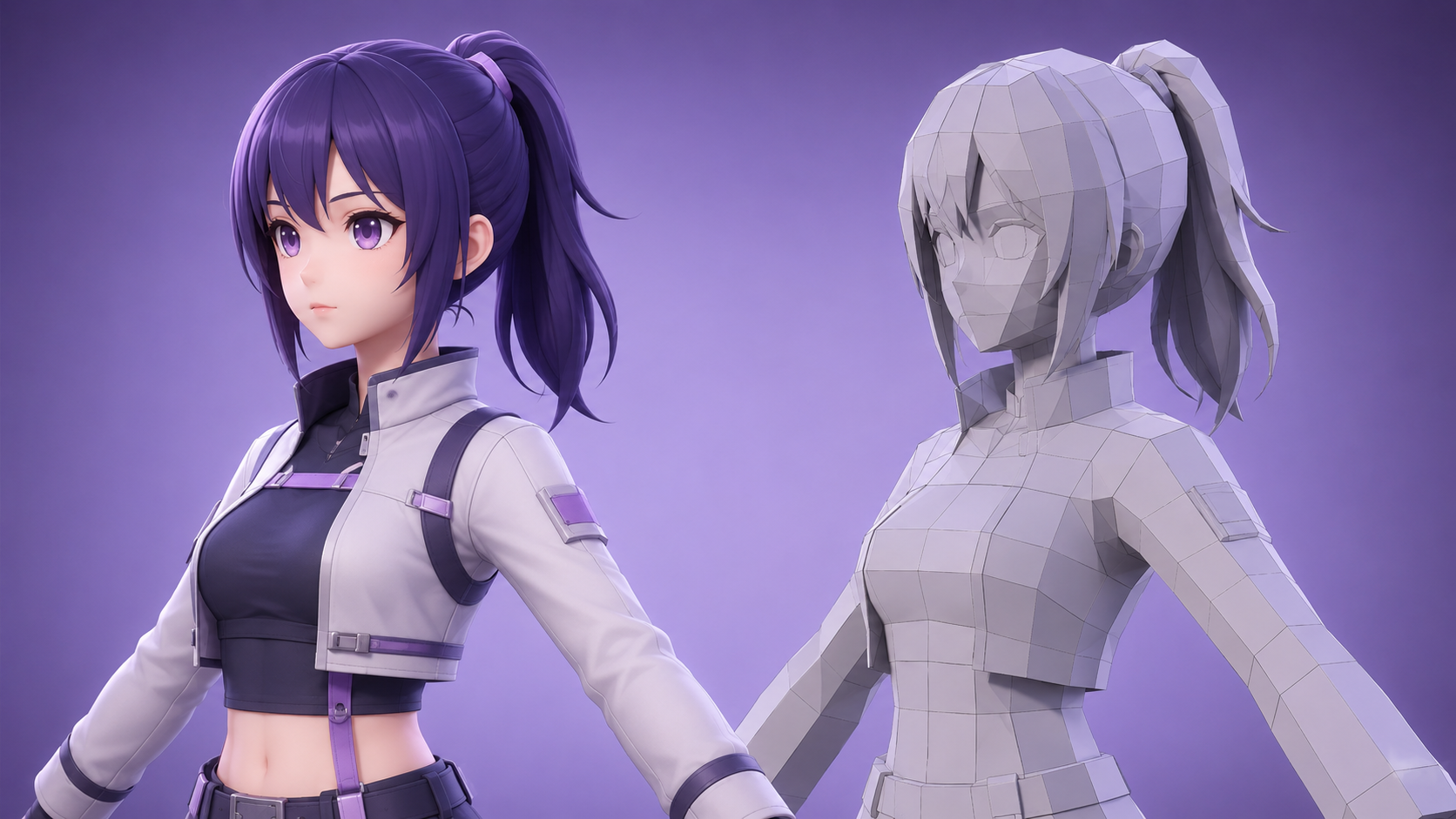
The fastest way to make VTuber model in 2026 uses Neural4D AnimeArt’s generation pipeline. The workflow is configured before generation, not assembled in sequential post-processing steps. You set your character concept, select appearance options, and the system outputs a complete rigged VRM in a single pass. Here is the full sequence:
Step 1: Input Your Character Concept
Navigate to Neural4D AnimeArt. You have two input methods: write a text prompt describing your character’s appearance, personality, and style, or upload a character reference sheet. Text prompts work best with specific descriptors: hair color, eye style, costume category, and personality keywords like “kuudere mage” or “cheerful catgirl streamer.” The Direct3D-S2 Anime kernel processes the input as a volumetric generation task, not an image prediction.
Step 2: Customize in the Studio Tabs
After the base character generates, the Studio interface exposes modular adjustment panels. You can swap from 14 facial expression categories, choose from 43 motion presets, modify hairstyle, clothing top/bottom, eye shape, and skin tone. Changes apply to the existing geometry rather than triggering a full re-generation, so iteration is fast. If you want a more fundamental change to the design concept, the one-click Regenerate button produces a new variation from the same input.
Step 3: Export as VRM
Once the character matches your vision, click Export. The output is a VRM 0.x file containing the complete geometry, textures, humanoid rig, blendshapes, and spring physics chains. The file is mathematically watertight and requires no post-processing. Total time from blank prompt to downloaded VRM: typically 2-3 minutes. For creators who also want to refine the 3D model further after generation, the exported GLB works in Blender without conversion steps.
Build Your 3D VTuber Model Today
Skip the commission waitlist. Generate a complete VRM-ready 3D avatar from a text prompt in under 3 minutes.
Available on Pro plan. Full commercial rights included.
Part 4: VRM Export and Streaming Software Compatibility
VRM is the de facto standard format for VTubing. It stores not just geometry and textures but also the semantic rig structure (which bones map to which body parts), blendshape mappings (which shape key drives “blink left” or “mouth open”), and spring bone physics chains for secondary motion. Software like VSeeFace, Warudo, and Luppet load VRM directly and immediately begin face-tracking without any configuration.
Neural4D AnimeArt outputs VRM 0.x, which is the currently dominant version used by most VTubing software. VRM 1.0 is the newer standard and has better constraint support, but many streaming tools still default to 0.x. Check your streaming software’s documentation before assuming 1.0 is required. For VSeeFace and most Warudo setups, 0.x is the correct target.
Compatibility Matrix
| Software | VRM 0.x | Face Tracking Protocol | Physics Support |
|---|---|---|---|
| VSeeFace | ✅ Full support | ARKit / VMC | Spring bone |
| Warudo | ✅ Full support | ARKit / VMC / MediaPipe | Spring bone |
| Luppet | ✅ Full support | VMC | Spring bone |
| VTube Studio | ✅ Full support | ARKit (iPhone) | Spring bone |
| VRChat | ✅ Via upload | ARKit (avatar OSC) | Spring bone |
One practical note on VSeeFace: it performs face tracking locally using your webcam without requiring an iPhone. For streamers who want to know how to make VTuber model without an iOS device, VSeeFace + Neural4D AnimeArt is a complete zero-iPhone setup. Warudo adds more customization for scene design and animation layers if you want a more produced streaming environment.
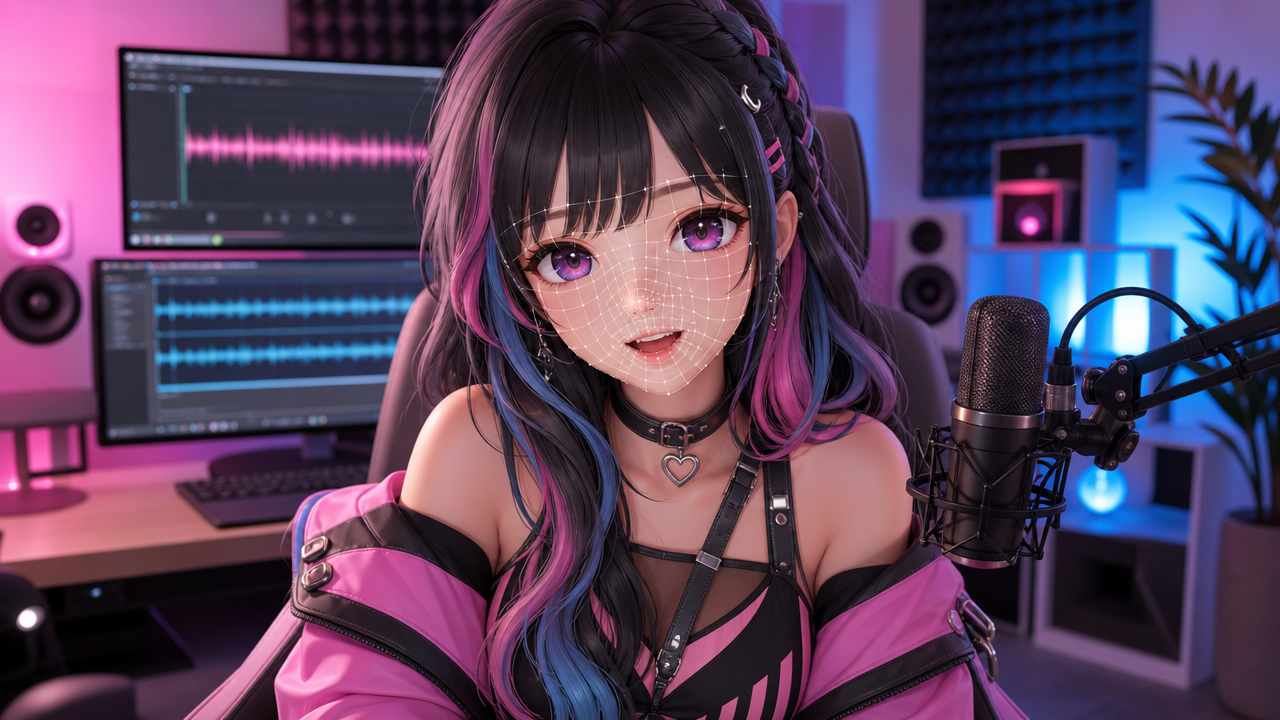
Part 5: Where Neural4D Fits in Your VTubing Setup
Neural4D does not replace streaming software, OBS, or your microphone setup. Its role in how to make VTuber model is singular: getting you from “character concept” to “downloadable VRM file” as fast as possible. Once you have the VRM, the rest of the pipeline is the same regardless of how the model was made.
For VTubers who want to make VTuber model before committing to a full commission, Neural4D AnimeArt works as a rapid prototyping layer. Generate three or four AI concepts first, identify which aesthetic direction actually fits your channel identity, and use that as a reference brief for a commissioned artist. This saves commissioning time and reduces the probability of paying $1,500 for something you end up not streaming with.
For solo creators on a budget, the AI-generated model is the production model. The 52 blendshapes and 55-bone rig are professional-grade specifications, the same technical depth as models that cost hundreds of dollars. You can also animate 3D anime characters created in Neural4D using standard rigging tools, since the GLB export drops into 3D modeling and animation software cleanly without topology repair.
One scope clarification: Neural4D AnimeArt operates on its own generation pipeline. You cannot import a VRoid model or a Meshy-generated character into Neural4D for editing. The tool generates from scratch. If you need to modify an existing 3D model from another source, a dedicated AI 3D model editing workflow is a separate process.
Part 6: Common Questions on How to Make VTuber Model
Q: What program is used to make VTuber models?
The three most common paths are VRoid Studio (free, parametric, outputs VRM directly), Blender with VRM add-ons (free, full control, steep learning curve), and AI generators. For creators who want a unique 3D model without manual modeling skills, Neural4D AnimeArt generates a complete VRM with facial blendshapes from a text prompt. Commission artists typically use a combination of ZBrush or Blender for modeling and Maya or Unity for rigging.
Q: Is making a VTuber model free?
VRoid Studio is free and outputs a usable VRM. Neural4D AnimeArt requires a Pro plan to generate VRM models. Blender is also free but requires significant time investment. Commissions are not free, typically ranging $800-3,000 for a 3D model. “Free” in the VTuber context usually means either time-free (paid commission, AI generator) or money-free (VRoid, Blender), rarely both simultaneously.
Q: How hard is it to make your own VTuber model?
Difficulty depends entirely on the method. With VRoid Studio, you click sliders to make VTuber model in 30-90 minutes, but the result shares a recognizable base mesh with millions of other avatars. Blender requires learning 3D modeling fundamentals, UV unwrapping, and VRM-specific rigging, which can take 3-6 months to reach a competent level. AI generation with Neural4D AnimeArt is the lowest technical barrier: you write a description or upload a reference image and receive a rigged VRM. The hardest part of that path is writing a clear character description, not operating any software.
Q: How much does it cost to commission a VTuber model?
3D VTuber commissions range significantly based on complexity and artist reputation. Entry-level commissions for a simple 3D model without advanced rigging run $300-600. Mid-tier fully rigged models with facial blendshapes and physics cost $800-2,000. High-end production models from specialized VTuber riggers can reach $3,000-5,000. Turnaround time typically runs 6-12 weeks. AI generation does not replace high-end commission work for creators with very specific design requirements, but it does make a functional production-quality model accessible at a fraction of the cost and time.
Q: Can I use an AI-generated VTuber model commercially?
Commercial rights depend on the subscription tier, not the generation method itself. On Neural4D, Pro plan subscribers receive 100% commercial ownership of all generated assets, meaning you can stream with the model, sell merchandise featuring it, and license it for brand collaborations. This is a key distinction to check before building a brand identity around an AI-generated avatar on any platform.
Q: What is VRM format and why do VTubers need it?
VRM (Virtual Reality Model) is an open 3D avatar format developed by the VRoid Hub team. It stores geometry, textures, a humanoid rig, named blendshapes for facial expressions, and spring bone physics chains in a single self-contained file. VTubing software like VSeeFace reads the named blendshapes to drive face tracking: your blink maps to “Blink_L/Blink_R,” your mouth movement maps to “A/I/U/E/O,” and so on. A standard GLB or FBX file from a general-purpose 3D tool does not include these named mappings, so the face tracking software has nothing to read. VRM is what makes a 3D model actually move with your face.
Get Your 3D VTuber Model
The options for how to make a VTuber model are clearer than they were two years ago. VRoid Studio is still the right choice if you are budget-constrained and fine with a recognizable aesthetic. Commissions remain the right choice if you have a very specific design vision and $1,500+ available. But for independent creators who want a how to make VTuber model answer that is both fast and produces a genuinely unique character, AI generation has crossed the quality threshold that matters: complete VRM output with the blendshapes and rig that face tracking actually requires.
Neural4D AnimeArt generates from the Direct3D-S2 Anime kernel, developed from research at Nanjing University and Oxford University, which means the geometry quality and topology are not typical AI mesh artifacts. The output is clean, watertight, and animation-ready. For anime-style characters in particular, the cel-shaded rendering pipeline produces the flat color zones and sharp outline geometry that define the VTuber aesthetic. If you also want to physically print your avatar, Neural4D’s watertight output works directly with slicers — see the guide on 3D printing anime figures for a detailed workflow.
Your VTuber Model Is 3 Minutes Away
Text prompt in. Complete VRM with 52 blendshapes and humanoid rig out. No Blender. No waitlist.
Available on Pro plan. Full commercial rights included.