OBJ vs FBX: Which 3D File Format Should You Use?
Quick Summary
- OBJ and FBX are the two most common 3D file formats, and the difference is in what data they carry, not in geometry quality.
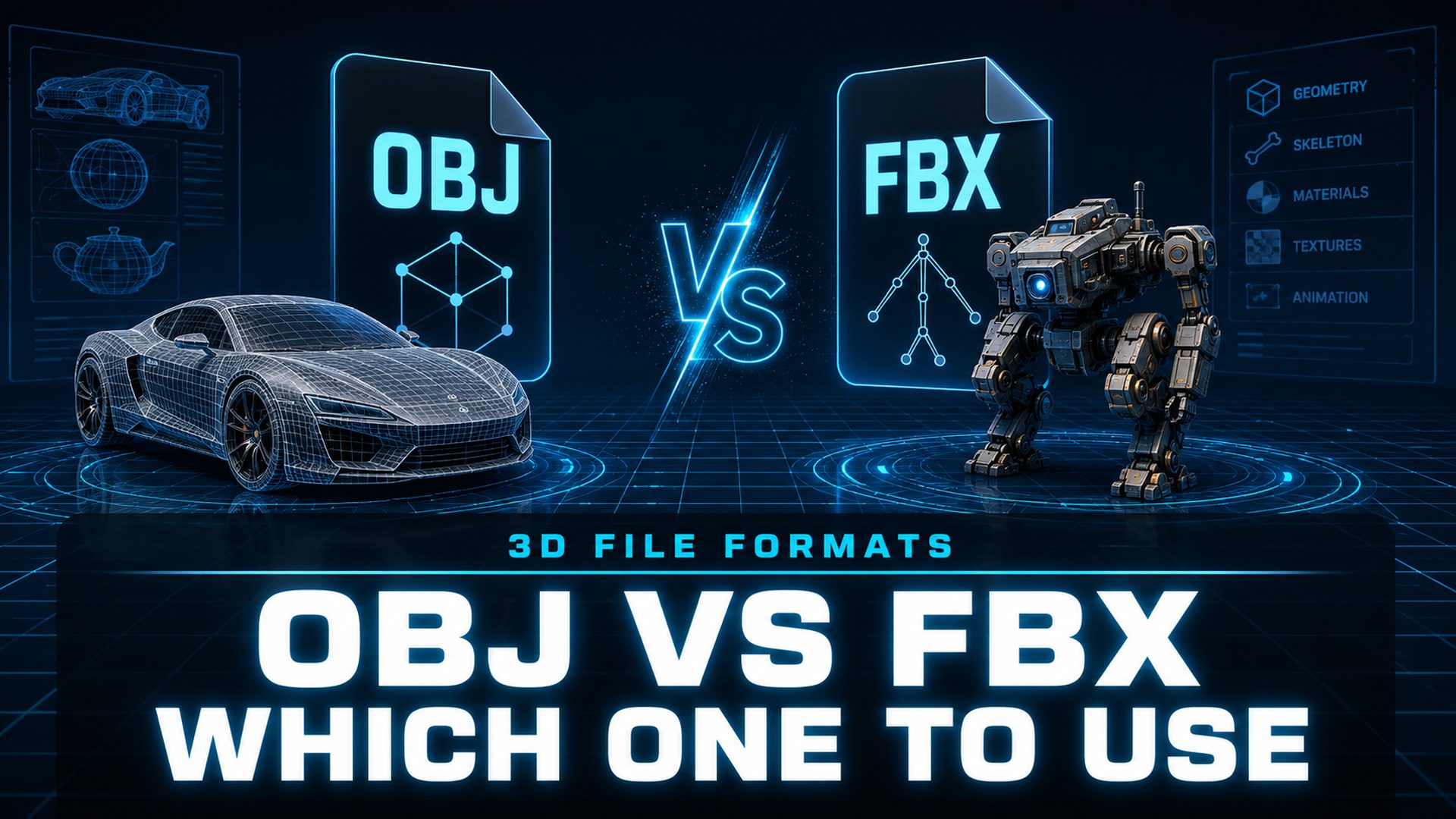
- OBJ is a simple open format for static geometry, 3D printing, and cross-software exchange; FBX is a feature-rich interchange format for animation, rigging, and game engines.
- Choose OBJ when the model is static and needs maximum compatibility; choose FBX when it has bones, animation, or has to drop into a game engine.
- Neither format wins in absolute terms; the deciding factor is what happens to the asset after export.
- Neural4D exports both OBJ and FBX, including watertight meshes for printing and PBR-ready assets for game pipelines.
Every 3D artist eventually hits the OBJ vs FBX question at export time. OBJ keeps things simple with static geometry, while FBX carries animation, rigs, and scene data. The right choice comes down to where the model is going: a printer, a game engine, or a client’s pipeline.
In this article
- Part 1: What Are OBJ and FBX Files?
- Part 2: OBJ vs FBX Head to Head: 7 Key Differences
- Part 3: When to Use OBJ
- Part 4: When to Use FBX
- Part 5: OBJ vs FBX Quick Pick: A Decision MatrixHOT
- Part 6: How AI 3D Generation Changes the Format Choice
- Part 7: Common Questions About OBJ and FBX
- The Bottom Line
Part 1: What Are OBJ and FBX Files?
OBJ vs FBX is a choice between two files that both describe a 3D mesh but carry very different amounts of production data. Understanding what each one actually stores makes the decision straightforward.
OBJ, short for Wavefront Object, dates back to the late 1980s and is one of the oldest 3D formats still in daily use. It is a plain ASCII text file that stores vertex positions, surface normals, UV coordinates, and polygon faces. Materials live outside the file in a companion .mtl file, which points to texture images by relative path. The format is open, human-readable, and so simple that you can open any OBJ in a text editor.
FBX, originally developed by Kaydara in the 1990s and now owned by Autodesk, was built for a different job. It is a proprietary binary format designed to move full production scenes between applications. Beyond the mesh, an FBX file can carry skeletal animation, rigs, skin weights, blend shapes, multiple materials, cameras, lights, and a complete scene hierarchy with object transforms.
Fast facts
📄 OBJ: open, ASCII text, geometry only, separate MTL file for materials, universal compatibility.
🎮 FBX: proprietary binary, mesh plus animation, rigs, blend shapes, and scene data, the standard for game engines.
🔍 Both store the same kind of mesh; the difference is everything layered on top of it.
Part 2: OBJ vs FBX Head to Head: 7 Key Differences
The OBJ vs FBX comparison comes down to seven dimensions that matter in real pipelines. This table shows where each format stands on every one.
| Feature | OBJ | FBX |
|---|---|---|
| Animation | None | Full skeletal animation and clips |
| Rigging and skin weights | Not supported | Supported |
| Materials and textures | External MTL file plus image maps | Embedded, PBR-compatible materials |
| Scene hierarchy | None | Cameras, lights, transforms, object hierarchy |
| Format and readability | Open ASCII text, human-readable | Proprietary binary, owned by Autodesk |
| File size | Larger for the same mesh (text) | Compact binary encoding |
| Typical use | 3D printing, static assets, interchange | Game engines, animation, film and VFX |
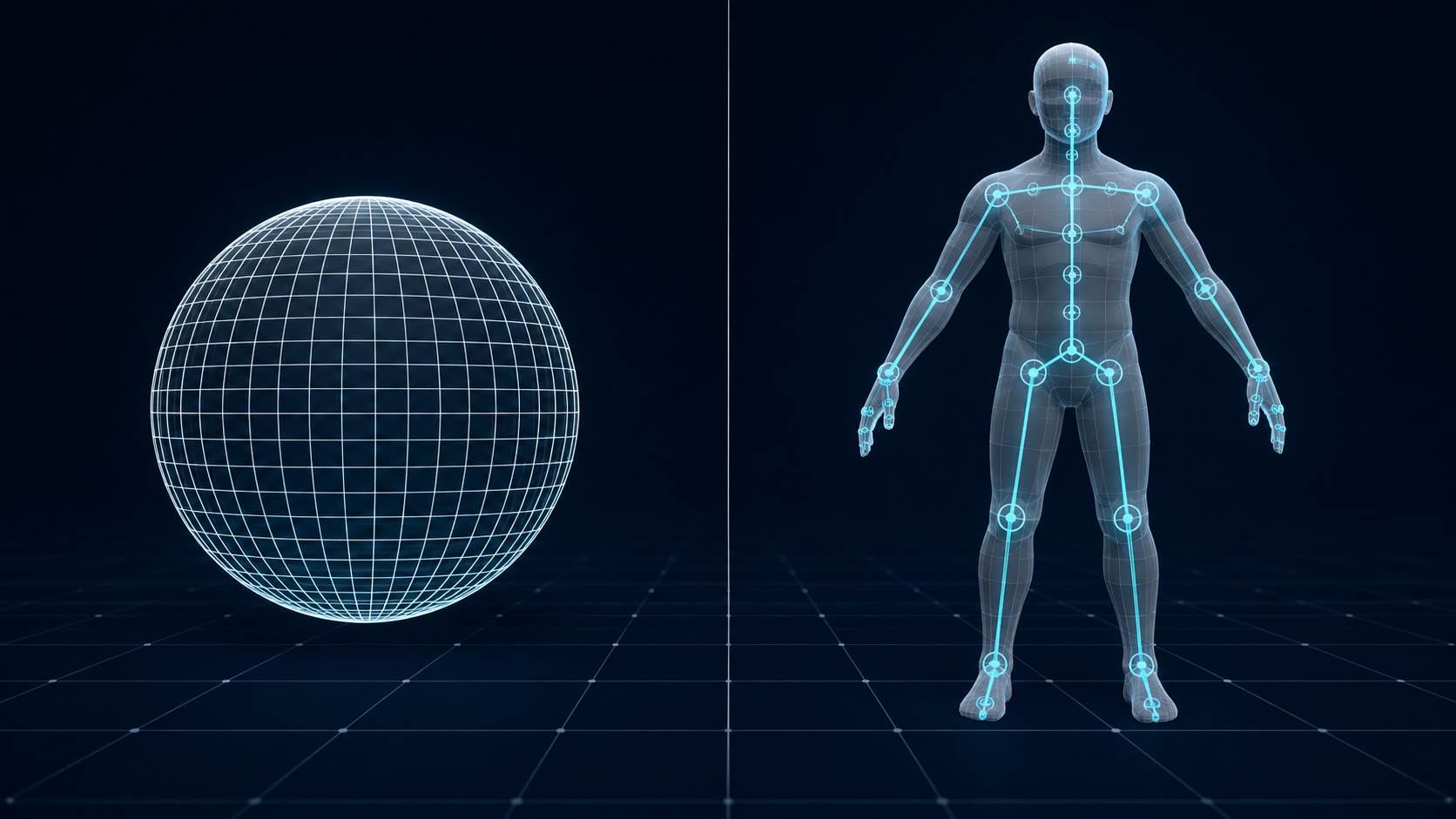
The one-line takeaway: OBJ stores the shape, FBX stores the shape plus everything that makes it move and behave. If a file only needs to hold a mesh, OBJ is enough. If the mesh has to animate, deform, or participate in a scene, FBX is the format that can carry that data.
Part 3: When to Use OBJ
OBJ is the right call whenever the model is static and the priority is compatibility. It shows up in four common situations.
3D printing and prototyping
Printers only need geometry, and OBJ delivers exactly that: vertex positions, normals, and UVs, with no animation or rigging baggage. Most slicers import OBJ directly, and a well-formed mesh prints without conversion. If printing is the whole job, an OBJ with watertight geometry behaves like an STL with the option to keep color and material data.
Cross-software model exchange
Almost every modeling package, CAD tool, 3D scanner, and slicer can read and write OBJ. When you hand a model to a client, a collaborator, or an older application that may not recognize newer formats, OBJ is the safest common denominator. If the asset is also used for printing, the OBJ vs STL comparison is worth a read.
Static game props and product models
Furniture, tools, weapons that never animate, and product assets for configuration tools do not need a rig. Exporting them as OBJ keeps the file lean and makes them trivial to import anywhere. This also applies when a photo is the starting point and an image to OBJ converter produces the static mesh.
Debugging and scripting
Because OBJ is plain text, you can inspect it, diff it, and write conversion scripts against it. For automated pipelines that generate or validate geometry, the human-readable format is a practical advantage.
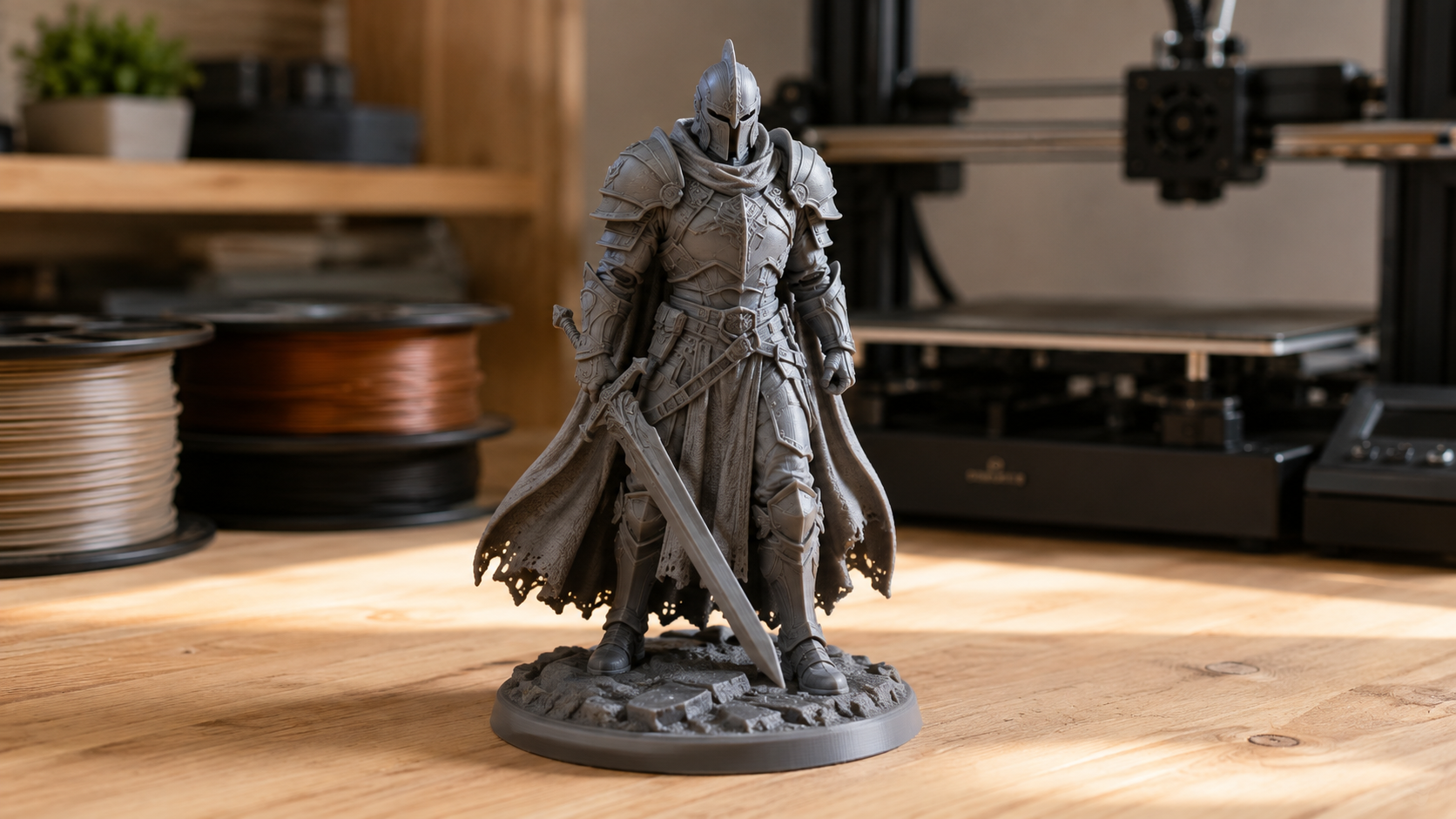
OBJ has limits, and they are worth stating. There is no animation, no rig, and no scene hierarchy. The MTL file and texture images must travel with the OBJ or the model imports untextured. And because it is text, an OBJ is larger than a binary FBX holding the same mesh.
Part 4: When to Use FBX
FBX becomes the obvious choice the moment the asset has to move. Marketplaces and pipelines treat FBX as the interchange format that carries rigging and animation, while OBJ stays limited to static geometry, a distinction documented in the Turbosquid exchange formats guide.
Game engines
Unity, Unreal Engine, and Godot all accept FBX for rigged and animated characters. Skeleton, skin weights, blend shapes, and animation clips survive the trip into the engine, which is exactly what a character pipeline expects. For a deeper look, see the 3D file formats that work best in game engines.
Character animation workflows
Skeletons, rig hierarchies, and animation clips stay together in one FBX, so a character can move between modeling, rigging, animation, and engine stages without rebuilding anything. Blend shapes and morph targets, essential for facial animation and lip-sync, are fully supported in FBX and impossible in OBJ.
Film and VFX handoffs
Maya, 3ds Max, Cinema 4D, and MotionBuilder treat FBX as a common interchange for scenes that include cameras, lights, and layered materials. A full-scene handoff with animation is where FBX is at its strongest.
Preparing FBX files
When the source is a generated or downloaded model, the workflow usually involves importing FBX into Blender with textures to check the mesh, then re-exporting for the target engine. A text to FBX generator skips the round-trip by producing an engine-ready file directly.
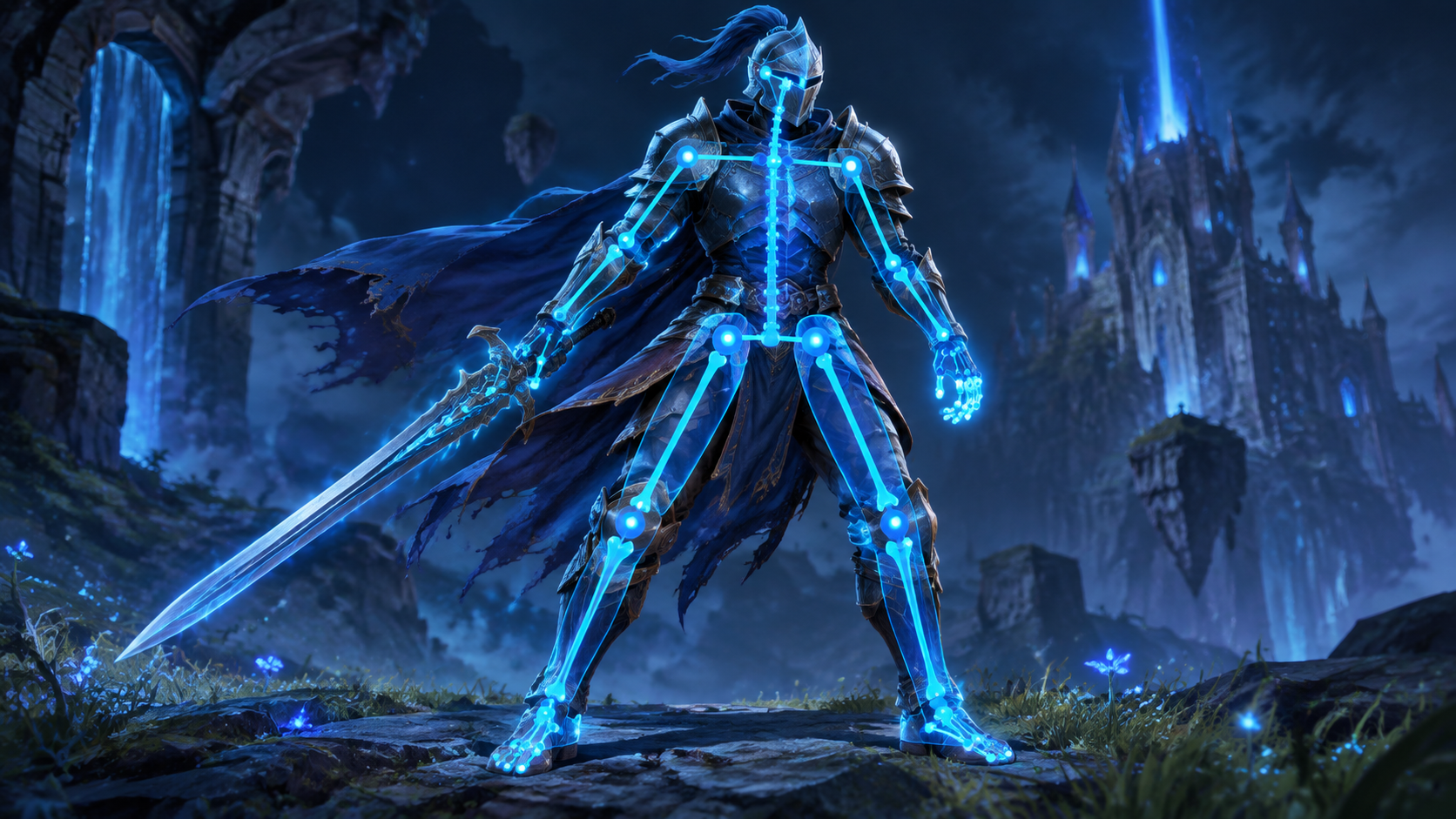
FBX is not free of friction. It is proprietary, files tend to be larger, and version mismatches between exporters and importers occasionally cause surprises. For a purely static delivery, carrying a full FBX is usually overkill.
Part 5: OBJ vs FBX Quick Pick: A Decision Matrix
If you only take one thing from the OBJ vs FBX breakdown, use this matrix. It maps the situation in front of you to the format that handles it best.
| Your situation | Recommended format | Why |
|---|---|---|
| 3D printing or prototyping | OBJ | Geometry plus material data, no animation baggage |
| Static model handed to a client | OBJ | Maximum compatibility, easy to open anywhere |
| Animated character for a game | FBX | Rig, skin weights, and clips survive engine import |
| Facial animation and blend shapes | FBX | OBJ cannot store morph targets at all |
| Editing geometry in Blender | OBJ | Simple mesh in, simple mesh out |
| Web viewer or AR preview | GLB | Single binary file, built for real-time rendering |
| Film or VFX shot handoff | FBX | Preserves scenes, cameras, and animation |
The pattern behind the matrix is simple. Static and compatibility-oriented work leans OBJ. Anything with movement, deformation, or a game engine leans FBX. Web and AR delivery is the one case where both lose to GLB.
Generate a Model, Then Export the Right Format
Start from a photo and get a watertight mesh you can export as OBJ, FBX, GLB, or STL.
No credit card needed. Free users get 50 Power every week.
Part 6: How AI 3D Generation Changes the Format Choice
AI 3D generation is adding a new path into the OBJ vs FBX question. More users now generate a model first and pick the format at export, instead of building geometry in a DCC tool and choosing a container from the start.
An AI-generated mesh is usually a static, watertight surface. That means the same decision rules apply: export OBJ when the destination is a printer, a marketplace, or a client who needs maximum compatibility; export FBX when the asset is heading into a game engine or an animation workflow. Since the underlying geometry is clean to begin with, the export step is straightforward rather than a repair job.
Neural4D covers both sides of the decision. The Image to OBJ path produces universal geometry for printing and interchange, while a Text to FBX export hands you a PBR-ready file for engines. A roundup of best text to FBX generators is useful when comparing workflows. For the complete picture of what a generated model can become, see the full list of formats Neural4D exports.
The honest framing: Neural4D generates clean models, it does not repair other tools’ output. Starting with a watertight mesh makes the OBJ or FBX you export reliable, which is the part of the pipeline worth getting right.
Part 7: Common Questions About OBJ and FBX
Q: Is OBJ outdated?
No. For static delivery, 3D printing, and cross-software exchange, OBJ remains one of the most widely supported formats in existence. It only looks dated when the job is animated assets, because OBJ never supported animation in the first place. For geometry that does not move, OBJ is current and will stay that way.
Q: Can OBJ be converted to FBX?
Yes, and the conversion preserves geometry, UVs, normals, and materials. What it cannot preserve is animation, rigs, or blend shapes, because an OBJ never contained that data to begin with. If you need an animated FBX, convert the mesh and rebuild the rig and clips after conversion.
Q: Why does my OBJ model import as gray?
OBJ references its textures by relative path in the MTL file. If the MTL or the texture images are missing, or the folder structure changed, the model imports with no material assigned and appears gray. Keep the OBJ, the MTL, and the texture folder together and import the whole group, not just the OBJ.
Q: Is FBX still used in 2026?
Yes. FBX is still the standard interchange format for rigged and animated assets in game engines and animation pipelines, even as glTF and GLB grow in web and AR. Unity and Unreal accept FBX for animated characters and blend shapes; GLB is preferred for real-time web delivery. Both coexist, and each serves a different stage of the pipeline.
Q: Can FBX files be 3D printed?
Technically yes after conversion, but it is usually the wrong tool for the job. Printing only consumes geometry, and OBJ or STL carry exactly that without the animation and scene data an FBX bundles in. Convert to OBJ or STL before slicing for smaller files and fewer surprises in the slicer.
Q: Which format is better for Roblox, OBJ or FBX?
Roblox Studio accepts both. Upload OBJ for static meshes such as props, scenery, and building parts, and use FBX when the asset is a rigged or animated character that needs to carry its bones into the Studio workflow. For a plain static build, OBJ keeps the file simple and imports without extra rigging data.
The Bottom Line
There is no winner in the OBJ vs FBX matchup, only a correct choice per project. OBJ gives you a universal, human-readable file for static geometry, printing, and exchange. FBX gives you a production container that can carry animation, rigs, and full scenes into game engines and VFX pipelines. Decide by asking what the model has to do after export, not by format popularity.
With AI generation, the decision gets easier because the starting mesh is clean. Generate the model, then export OBJ vs FBX the way your pipeline needs it: watertight OBJ for printing, PBR-ready FBX for engines.
Stop Losing Time to Format Guesswork
Turn one photo into a production-ready 3D model and export it in the format your project actually needs.
Base mesh in about 90 seconds. Add textures and the total takes 2 minutes or more.