AI 3D Modeling for Industrial Product Design: Cut Prototype Time by 73%
Quick Summary
- AI 3D modeling reduces concept-to-visualization time by 73% compared to manual workflows
- Generic tools like Meshy and Tripo produce non-manifold geometry and holes that fail engineering validation
- Neural4D’s Direct3D-S2 architecture (NeurIPS 2025) outputs watertight meshes at 2048³ resolution
- Base mesh generation takes ~90 seconds; full textured output with PBR maps takes 2 minutes or more
- Export-ready formats: .fbx, .obj, .glb, .stl — no intermediate conversion required
Product teams running manual 3D workflows are losing weeks to vertex pushing, UV unwrapping, and mesh repair cycles that AI now handles in minutes. AI 3D modeling has moved from a creative novelty to a production-grade workflow tool for industrial designers and engineers, but only when the underlying geometry is actually clean enough to use. Here is where generic AI tools fail manufacturing-grade validation, how Neural4D’s architecture solves those failure points, and what a practical industrial prototyping workflow looks like from input to export.
Contents
- Part 1: Why AI 3D Modeling Matters for Industrial Design in 2026
- Part 2: The Generic Tool Gap: Why Meshy and Tripo Fall Short for Production Workflows
- Part 3: Neural4D: Production-Grade AI 3D Modeling for Engineers
- Part 4: Industrial Workflow: Input → Generate → Refine → Export
- Part 5: Common Questions on AI 3D Modeling for Product Design
- Get Production-Ready 3D Models with Neural4D
Part 1: Why AI 3D Modeling Matters for Industrial Design in 2026
The 3D modeling software market hit $35.9 billion in 2025, growing at a 7.8% CAGR, according to Market Growth Reports. Manufacturing accounts for roughly 26% of that spend. The adoption pressure is real: teams that used to spend two days on a concept model are watching competitors deliver visual-ready prototypes in hours.
73% faster concept-to-visualization with AI
AI-generated 3D models reduce initial concept-to-visualization production time by 73% compared to traditional manual blocking, according to workflow comparison data from Automatic3D. For an industrial design team running three to five concept cycles per product iteration, that compression adds up to weeks per quarter.
The time savings are not just about speed. Faster iteration means more design options explored before tooling costs are committed. A mechanical engineer can test five surface variations in the time it previously took to model one.
📊 Market Snapshot
🔹 3D modeling software market: $35.9B in 2025, CAGR 7.8%
🔹 Manufacturing application segment: ~26% of total market revenue
🔹 AI reduces concept-to-visualization time by 73% vs manual workflows
🔹 Companies using AI in design report 10-20% reduction in time-to-market
Where traditional tools hit their ceiling
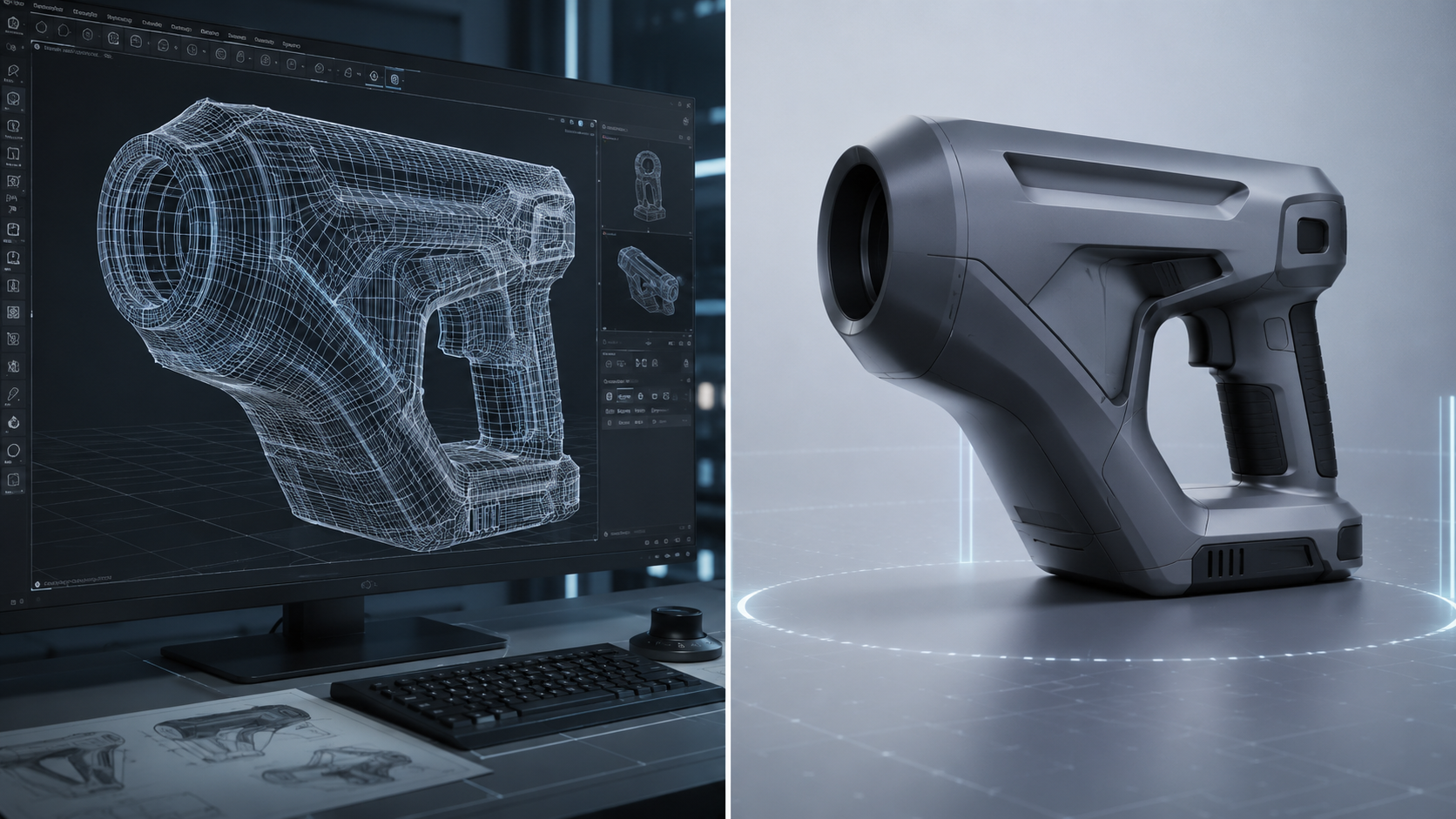
Blender and Maya are powerful. They are also tools that take months to learn before you produce geometry clean enough for engineering review. A new product designer is not going to retopologize a complex surface correctly on their first attempt. The learning curve is not just steep — it is a productivity tax that compounds across the entire team.
Part 2: The Generic Tool Gap: Why Meshy and Tripo Fall Short for Production Workflows
Most AI 3D generators were built for game assets and visual content. That design decision shows up immediately when you try to push their output through an engineering validation pipeline.
The geometry quality problem
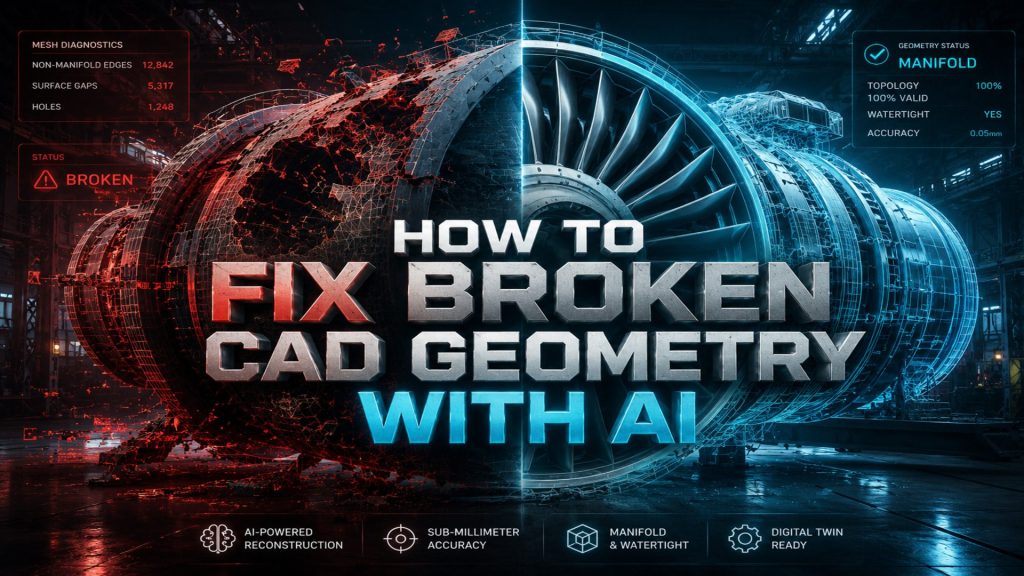
Independent testing of leading AI generators in 2025 found consistent failure patterns: Meshy produces warped textures and unstable topology on complex surfaces. Tripo outputs models with holes, non-manifold edges, and broken geometry that require manual cleanup before any simulation or print job. These are not edge cases. They are the default output mode for models outside the training distribution.
Non-manifold edges are the specific failure point that breaks downstream tooling. A slicing program cannot generate valid toolpaths from a mesh with self-intersections. A FEA simulation cannot apply boundary conditions to a geometry with missing faces. The model that “looks correct” in a viewport is functionally useless for manufacturing validation.
⚠️ Common geometry defects in generic AI outputs: non-manifold edges, inverted normals, open holes, self-intersections, and thin walls below print tolerance. Each of these requires manual intervention before the model enters any engineering workflow.
Why industrial engineers cannot use “looks good enough” models
Consumer 3D tools operate on the assumption that visual plausibility is the end goal. Industrial workflows have a different requirement: mathematical correctness. A watertight mesh is not a premium feature. It is the minimum acceptable condition for a model to be useful in manufacturing, simulation, or 3D printing.
The cost of a broken geometry failure compounds quickly. If a designer discovers the mesh issue after passing the model to an engineer for stress analysis, the entire review cycle restarts. That is not a minor inconvenience. It is a workflow bottleneck that erases the time savings AI was supposed to deliver.
For teams comparing Neural4D to generic tools, the best Meshy alternative for production workflows guide covers this geometry quality gap in detail.
Stop Rebuilding Broken Meshes
Neural4D outputs watertight geometry from the first generation. No cleanup. No patching. Straight into your engineering pipeline.
50 Power credits free every week. No credit card required.
Part 3: Neural4D: Production-Grade AI 3D Modeling for Engineers
Neural4D was built on Direct3D-S2, a native volumetric architecture that came out of joint research between Nanjing University, DreamTech, Oxford University, and Fudan University. It was presented at NeurIPS 2025. The architecture processes full volume data rather than estimating surface geometry from a 2D projection. That difference in approach is what produces watertight output by default. Teams evaluating volume usage can review generation limits and plan options on the Neural4D pricing page.
Direct3D-S2 and Spatial Sparse Attention
The Direct3D-S2 engine operates at 2048³ resolution, which is high enough to capture fine surface detail on mechanical components without sacrificing topology integrity. The Spatial Sparse Attention (SSA) mechanism reduces hallucination rate by focusing computational resources on geometrically significant regions rather than distributing attention uniformly. The practical result is 12x faster inference than the industry standard baseline, with deterministic geometry output rather than probabilistic approximation.
For teams evaluating the Image to 3D feature for product photography workflows, the architecture handles single-image reconstruction of complex geometry including undercuts and compound curves without the surface approximation errors common in depth-estimation-based approaches.
Generation timing: what 90 seconds actually means
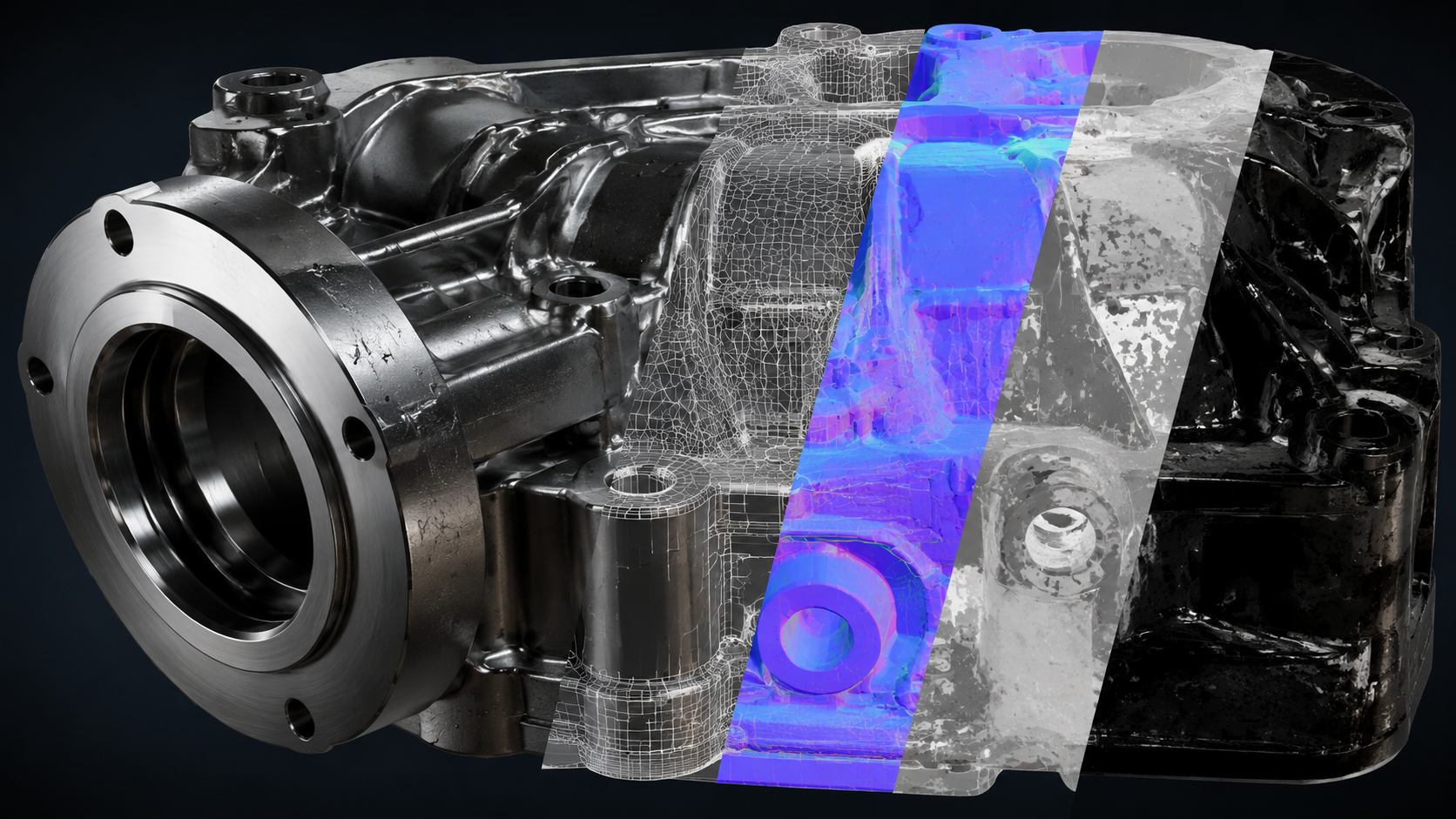
Neural4D generates the base mesh geometry in approximately 90 seconds. That 90-second figure applies to the untextured structural mesh only. If you select PBR texture generation before clicking Generate, the system produces the base geometry and Normal, Roughness, and Metallic maps in a single pass. Total time for a fully textured production-ready output is 2 minutes or more, depending on surface complexity.
The texture generation is configured upfront, before you run the job. It is not a separate button you click after reviewing the mesh. Neural4D handles both in one pass when PBR is selected.
Auto-retopology and export formats
After generation, Neural4D applies automatic retopology to produce clean triangle mesh output suitable for downstream engineering tools. The AI Retopo feature targets topology density appropriate for simulation and print workflows rather than inflating polygon count for visual richness. Export formats include .fbx, .obj, .glb, and .stl. No intermediate conversion steps. The .stl goes directly into your slicing software. For parametric CAD workflows, import the .stl into Fusion 360 and use “Mesh to BRep” to convert it to solid geometry.
Part 4: Industrial Workflow: Input → Generate → Refine → Export
The Neural4D workflow has four stages. Each stage has a specific decision point that determines the output quality for the next stage.
Input: what you feed the system
Neural4D accepts images, text descriptions, or both. For industrial product design, a reference photo of an existing component or a sketch scan produces the most accurate base geometry. A 3/4-angle input gives the system the depth reference points it needs to calculate accurate volume on asymmetric parts. Flat front-facing images work for symmetric objects. For novel geometries with no physical reference, text-to-3D handles the initial form exploration.
If you are working from product photography, the guide on converting images to 3D models using AI covers optimal input preparation for complex industrial geometry.
Generate and refine with Neural4D-2.5
After the initial generation, Neural4D-2.5 handles iterative refinement through natural language instructions. You describe the change: “reduce the wall thickness on the left flange by 15%” or “sharpen the corner radius on the top edge.” Neural4D-2.5 applies the modification without restarting the generation job. This is the Regenerate stage of the workflow.
For teams with specific material requirements, the AI Texture studio handles material mapping separately from geometry, allowing texture updates without touching the validated mesh.
Export and pipeline integration
Production workflows that require high-volume asset generation can access the full pipeline programmatically. The Neural4D API supports batch inference with SLA-guaranteed uptime for enterprise clients, with fine-tuning options for domain-specific geometry types (industrial components, furniture, mechanical assemblies). The API returns the same watertight geometry as the studio interface. No quality difference between manual and programmatic generation.
Part 5: Common Questions on AI 3D Modeling for Product Design
It depends on the use case. For consumer content and game assets, Meshy and Tripo offer fast generation with broad style coverage. For industrial product design and manufacturing workflows where geometry must be watertight and export-ready, Neural4D’s Direct3D-S2 architecture produces cleaner topology and passes engineering validation without manual cleanup. The deciding factor is whether the downstream workflow tolerates geometric defects or requires mathematically correct meshes.
ChatGPT cannot generate 3D geometry directly. It can generate text descriptions, write prompts for 3D generation tools, or produce code that interfaces with 3D APIs. Actual 3D mesh generation requires a dedicated volumetric model like Neural4D’s Direct3D-S2. ChatGPT is useful for prompt engineering and workflow automation scripts, but it does not produce .fbx, .obj, .glb, or .stl files.
AI handles two distinct tasks in modern 3D workflows. The first is geometry generation: converting a text prompt or reference image into a 3D mesh. The second is geometry processing: retopology, texture generation, and mesh repair on existing assets. Neural4D covers both. The Image to 3D and Text to 3D modules handle generation. The AI Texture studio and AI Retopo feature handle post-generation processing. Both outputs are designed for production pipelines, not just visual preview.
With generic tools, usually not without manual cleanup. With Neural4D, the watertight mesh output passes directly to slicing software and FEA simulation tools without patching. The Direct3D-S2 architecture processes full volumetric data rather than estimating surface geometry from 2D projections, which eliminates the non-manifold edge and open-hole defects that block manufacturing validation. For tolerance-critical components requiring exact dimensional specifications, AI-generated geometry still needs verification against CAD drawings, but it replaces the manual blocking and retopology stages effectively.
Get Production-Ready 3D Models with Neural4D
Manual 3D modeling is not a competitive workflow for product teams running multiple design iterations per sprint. The 73% reduction in concept-to-visualization time is not theoretical. It is the direct result of replacing vertex-by-vertex mesh building with volumetric AI generation that outputs clean, watertight geometry on the first pass.
Generic AI tools trade geometry correctness for speed. AI 3D modeling at production grade requires an architecture that processes full volumetric data, applies spatial attention to geometry-critical regions, and outputs meshes that engineering tools can actually use. That is what Direct3D-S2 delivers. The base mesh is ready in approximately 90 seconds. With PBR textures selected upfront, the complete asset takes 2 minutes or more and exports directly to your pipeline in .fbx, .obj, .glb, or .stl.
Generate Your First Production-Grade 3D Model
Watertight geometry. PBR textures. Direct export to .fbx, .obj, .glb, and .stl. Built on Direct3D-S2 from NeurIPS 2025 research.
50 Power credits every week at no cost. Paid plans start when you need more volume.