glTF vs FBX: Which 3D File Format Should You Use?
Quick Summary
- glTF is an open, royalty-free Khronos Group standard designed for fast loading and real-time rendering on the web, in AR, and on mobile.
- FBX is Autodesk’s proprietary interchange format built to move fully rigged, animated scenes between professional 3D tools and game engines.
- glTF files are often 50-80% smaller than the same geometry in FBX and support Draco geometry and KTX2 texture compression.
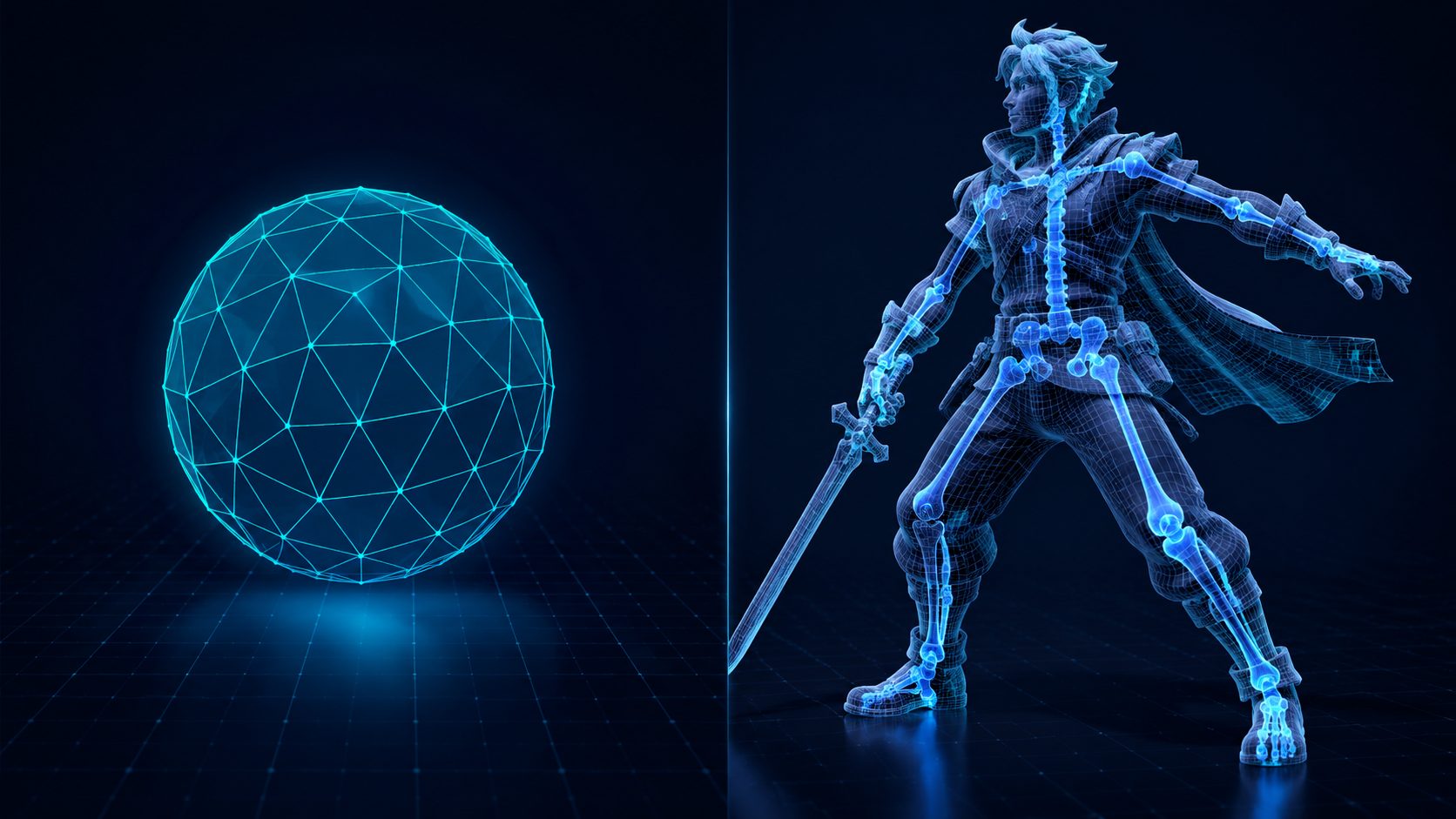
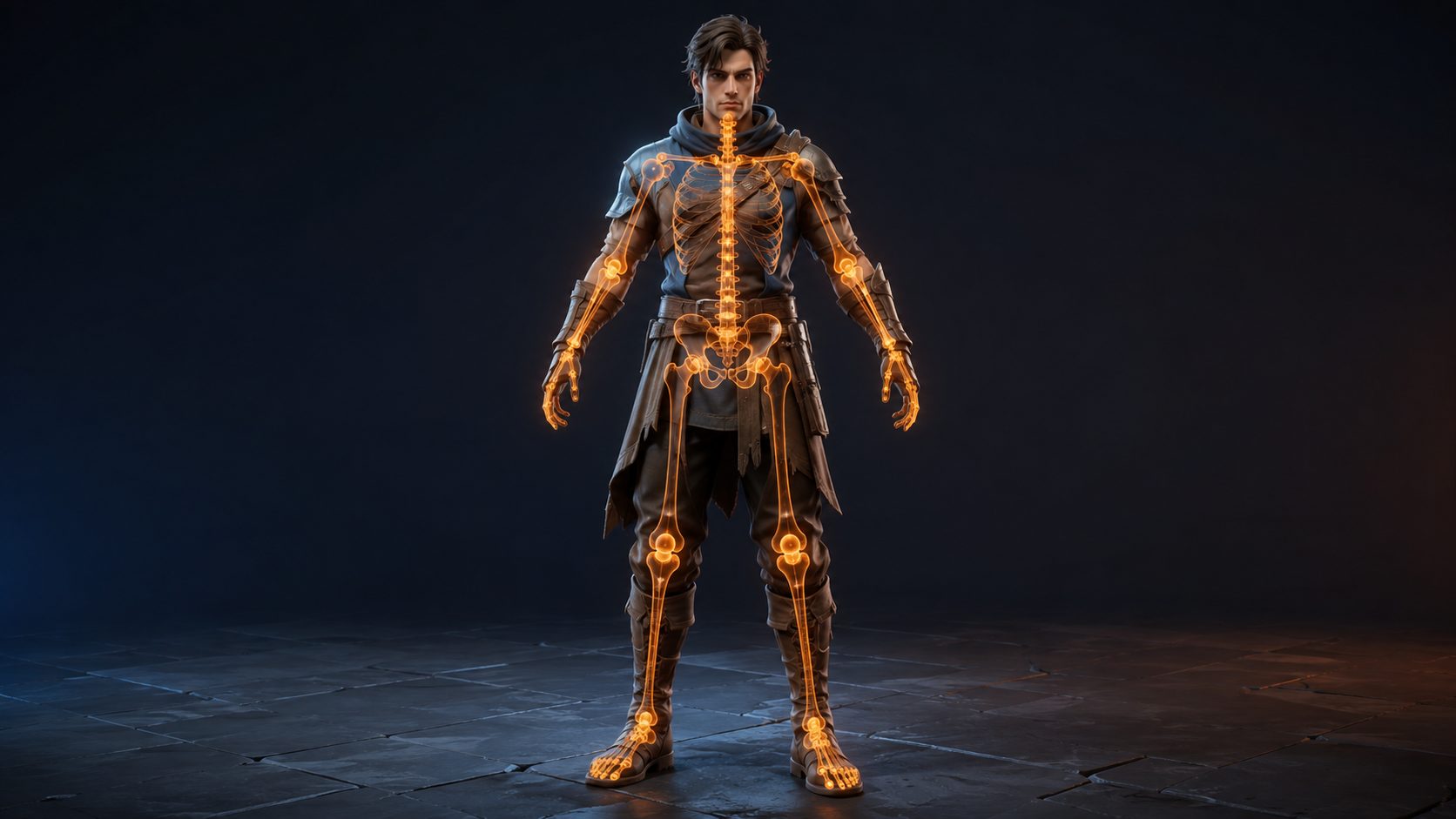
- FBX carries complex rigs, blend shapes, and multiple animation clips, while glTF supports skinning and morph targets with fewer advanced rigging features.
- Neural4D exports GLB for web and real-time delivery and FBX for game engine and animation pipelines, so you can pick the format your target runtime needs.
Choosing between glTF vs FBX comes down to where your 3D asset ends up: glTF is built for fast loading in browsers, AR, and real-time viewers, while FBX is built for moving rigged, animated scenes through game engines and DCC tools. Here are the 8 key differences, a decision matrix for common scenarios, and what AI-generated 3D models change about the choice.
What Are glTF and FBX Files?
glTF vs FBX is not a question of good versus bad. The two formats solve different problems at different stages of the 3D asset lifecycle.
glTF, the GL Transmission Format, is an open standard maintained by the Khronos Group, the same consortium behind OpenGL and Vulkan. It is royalty-free, published as ISO/IEC 12113:2022, and widely described as the JPEG of 3D. A glTF asset ships in two forms: a .gltf file, which is JSON text referencing separate binary and texture files, and a .glb file, which packs the whole model into a single binary file. Both are built for one job: getting geometry and PBR materials into a GPU as fast as possible.
FBX began life as Kaydara Filmbox in the 1990s and is now owned by Autodesk. It is a proprietary interchange format designed to move complete scenes between professional 3D tools and game engines. An FBX file can carry meshes, bones, skinning weights, blend shapes, animation curves, cameras, lights, and full scene hierarchy, which is why it remains the workhorse of character animation and DCC pipelines.
⚡ Fast fact: the two formats are not competitors so much as complements. A common production pattern is to author in FBX for complex animation, then convert to glTF or GLB for final delivery to the web, mobile, or AR. That framing also settles most of the glTF vs FBX debate: the right answer follows the asset’s destination, not the format itself.
glTF vs FBX Head to Head: 8 Key Differences
Here is the full glTF vs FBX comparison across the eight dimensions that matter most when you pick a format.
| Dimension | glTF | FBX |
|---|---|---|
| 1. Owner and openness | Open standard, Khronos Group, royalty-free, ISO/IEC 12113:2022 | Proprietary, owned by Autodesk |
| 2. File size | Compact, often 50-80% smaller than equivalent FBX | Larger, carries full scene metadata |
| 3. Loading speed | Fast parsing, JSON plus binary buffers, streams early | Slower, binary tree parsed as a whole |
| 4. Compression | Draco geometry, Meshopt, KTX2 textures | No standard geometry compression scheme |
| 5. Animation | Skinning and morph targets, keyframe animation | Full rigs, constraints, IK, multiple clips |
| 6. Blend shapes | Morph targets supported in the core spec | Full blend shapes plus advanced rigging data |
| 7. Materials | PBR-native, metal-roughness plus KHR extensions | Legacy Blinn-Phong plus PBR, no single standard |
| 8. Primary use case | Web, AR/VR, real-time and mobile delivery | DCC interchange, game engine authoring, animation |
Two differences drive most decisions. The first is file size and load time. Because glTF separates lightweight JSON metadata from binary buffers, browsers start rendering before the full file arrives, and its smaller footprint is the reason the JPEG of 3D nickname is more than a metaphor. The second is animation depth. If you need complex rigs, blend shapes, constraints, or motion capture data, FBX carries them more completely than any current glTF toolchain.
That speed advantage is a stated design goal, not an accident. The glTF 2.0 specification is written to minimize both the size of 3D assets and the runtime processing needed to unpack and use them (glTF 2.0 specification).
When to Use glTF
Use glTF whenever your asset has to travel over a network and render in a real-time context. That covers web viewers, e-commerce product displays, WebAR, mobile AR, and any engine that targets the browser. Three.js and Babylon.js treat glTF as their native import format, and Godot 4 does the same, which makes it the default choice for web games and interactive scenes. For a browser or AR target, the glTF vs FBX choice is already decided before you start.
Compression is where glTF separates itself. Draco can shrink a 38 MB raw mesh to roughly 7 MB, and KTX2 compresses GPU textures without a decode step at load time. An FBX file of the same model has no equivalent, which is why serving FBX directly in a browser wastes bandwidth and hurts user experience.
✅ Best for: product configurators, AR try-ons, portfolio sites, web games, and any deliverable viewed inside a browser tab. For a single-file package with PBR textures baked in, export GLB. The difference between the two is covered in our GLB vs glTF comparison.
E-commerce is the clearest example. A furniture store that shows a chair in a web configurator needs the model to load in seconds and change color in real time. GLB delivers that with one file. If you generate the model from a photo, an image to GLB converter produces the same result directly from a source image.

When to Use FBX
Use FBX when the asset is animated, rigged, or moving between professional tools. Unity’s Mecanim animation system is built around FBX import, and Unreal Engine’s skeletal mesh pipeline and Control Rig expect it as well. If you are handing a character to a team that animates in Maya or 3ds Max, FBX is the format they will ask for. When animation is the job, the glTF vs FBX answer is FBX.
FBX’s edge is completeness. A single file preserves the hierarchy, bone structure, blend shapes, constraints, and every animation clip. That is indispensable for motion capture work, cinematic sequences, and characters that need to be re-rigged downstream. It is also why FBX remains the safe choice when a model must round-trip through multiple DCC tools without losing data.
The trade-off is weight and opacity. FBX files are larger, the format is closed, and Autodesk versions have introduced occasional compatibility friction between tools. For a quick guide to the format family, the OBJ vs FBX comparison covers the simpler end of the interchange spectrum.
glTF vs FBX Quick Pick: A Decision Matrix
The glTF vs FBX decision usually comes down to one or two scenarios on this list. Match yours to the recommended format and you are set.
| Scenario | Recommended | Why |
|---|---|---|
| Web 3D viewer or WebAR | glTF / GLB | Native browser support, small size, fast load |
| E-commerce product display | GLB | Single-file PBR packaging, bandwidth-friendly |
| Unity animated character | FBX | Mecanim import is built around FBX |
| Unreal Engine asset | FBX | Skeletal mesh pipeline and Control Rig expect FBX |
| Godot 4 project | glTF / GLB | Native format, no conversion layer |
| DCC authoring or motion capture | FBX | Full rig, blend shapes, animation curves |
| AI-generated asset for the web | GLB | Ready to serve with PBR embedded |
| AI-generated asset for an engine | FBX | Direct engine import with textures mapped |
When in doubt, remember the one-line rule: no skeleton, no complex animation, web target, ship glTF. Rigged and animated, or moving through DCC tools, ship FBX. Many production teams ship both and let the runtime pick, which removes the either-or question entirely.
Generate the Model, Then Export It Your Way
Create a 3D asset in seconds and export GLB for the web or FBX for your game engine, with PBR textures embedded.
Start Generating with Neural4D
Free plan includes 50 Power credits every week
How AI 3D Generation Changes the Format Choice
AI 3D generation collapses the front half of the pipeline. A model that used to require days of manual work in a DCC tool now exists in seconds, and the format question shifts from “what do I author in” to “what does my target runtime load”. That is a meaningful change for the glTF vs FBX decision.
Modern AI generators export both format families precisely because the audience splits the same way. Neural4D, for example, exports GLB for web and real-time delivery and FBX for game engine and animation pipelines, with PBR textures embedded in both. The format list on its help center spells out the reasoning: FBX drops directly into Unity, Unreal, and standard DCC software, while GLB is the lightweight single-file choice for e-commerce displays, WebGL viewers, and interactive catalogs (3D file formats Neural4D exports).
This matters because AI output changes the rules in two ways. First, the mesh arrives with clean, structured topology, so it is genuinely ready for the pipeline you choose, rather than needing repair before import. Second, PBR materials travel with the asset, so a GLB is instantly viewable and an FBX is instantly engine-ready. If you need a scene in Unity specifically, the importing 3D models into Unity guide shows the full path.
For creators who generate assets rather than author them, two dedicated paths cover the practical cases. A text to FBX generator produces engine-ready files from a description, and the image to FBX feature does the same from a reference photo. When the destination is the web instead, the image to GLB path is the matching choice.
⚠️ Keep in mind: an AI generator gives you clean geometry and embedded PBR textures, but it does not invent animation or rigging you did not ask for. If your project needs a rigged, animated character, plan for the animation step after generation and choose FBX to carry it.
Common Questions About glTF and FBX
Q: Is glTF human readable?
It depends on the variant. A .gltf file is JSON, so you can open it in any text editor and read the scene graph, materials, and animation references directly. Its geometry sits in separate .bin files and its textures alongside, which keeps the JSON itself small. The .glb variant is a fully binary single file built for fast loading, and it is not human readable. That split between readable metadata and compact binary payloads is exactly why glTF earned the JPEG of 3D label.
Q: Is OBJ or glTF better?
It depends on the job. glTF is better when you need PBR materials, animation, fast web loading, or a single-file GLB with embedded textures. OBJ is better when you want the simplest possible geometry interchange, universal DCC support, or a plain text format you can script and hand-edit. For web and real-time work glTF wins, and for raw geometry exchange OBJ is still a reasonable default.
Q: Is glTF compatible with Blender?
Yes. Blender has supported glTF 2.0 import and export since version 2.80, so you can round-trip meshes, PBR materials, armatures, and animations between Blender and web viewers. The practical catch runs the other way: an FBX exported by one DCC tool often needs a re-export before it becomes a clean web-ready glTF, because exporters differ in what they preserve.
Q: Can FBX files be used on the web?
Not directly. No browser or WebGL API reads FBX natively, so the file must be converted to glTF, GLB, or another web format before it can be served. That is why the standard production pattern is to author in FBX, then convert to GLB for delivery. Watch the exporter when converting, because a naive conversion can inflate the file by de-indexing the geometry. Optimize after converting and the result stays lean.
Q: Does glTF support skeletal animation and blend shapes?
Yes. glTF 2.0 supports skinned mesh animation through node hierarchies and skin weights, and it supports morph targets for blend shapes. That covers the animation needs of most games and interactive scenes. What it lacks relative to FBX is the deeper authoring layer: constraints, advanced IK chains, and layered animation states are not part of the core spec and must be handled on the engine side.
Q: Why is my FBX file so much larger than the same model in glTF?
FBX stores the full scene tree with redundant metadata and has no standard geometry or texture compression scheme, so the same character routinely ships as a 5.1 MB FBX against a 2.3 MB GLB, and the gap widens when animation is included: roughly 18.4 MB for an FBX with ten animation clips versus 8.7 MB for the equivalent glTF. Draco then shrinks the glTF further, which is why FBX needs no such comparison at all.
Q: Can I convert between glTF and FBX after exporting?
You can, but conversion is lossy in a specific direction. Complex rigs, constraints, and layered animation authored for FBX often do not survive a move to glTF intact, because glTF 2.0 does not model those authoring constructs. Geometry and PBR materials convert cleanly in both directions. When data loss matters, the safest path is to re-export from the source tool in the target format rather than converting the file, and to verify animation after any FBX to glTF conversion.
The Bottom Line
glTF vs FBX stops being a hard choice once you anchor on the destination. Web viewers, AR experiences, and real-time configurators point to glTF or GLB, where smaller files and faster loading matter most. Rigged, animated characters and DCC interchange point to FBX, where complete animation data matters most. The strongest pipelines use both: FBX for the heavy authoring, glTF for the lean delivery.
For AI-generated assets, the choice is simpler than it used to be because the geometry arrives clean and the PBR textures ship with it. Pick GLB when the model will be viewed in a browser or on a phone, pick FBX when it is going into a game engine, and you will not go far wrong either way.
Export GLB or FBX From One Generation
Create a model with AI, then download the exact format your pipeline needs, textures included.
No credit card required to start