GLB vs glTF: Which 3D File Format Should You Use?
Quick Summary
- GLB and glTF are two packaging forms of the same glTF 2.0 standard from the Khronos Group: glTF is a readable JSON scene with external files, GLB is a single self-contained binary container.
- GLB wins for production web, mobile, AR, and e-commerce delivery because one file means one HTTP request and no missing-texture paths.
- glTF wins for development and debugging: the JSON structure is readable, diffable, and lets you swap textures without re-exporting.
- File size has no fixed winner; Draco or meshopt geometry compression and KTX2 textures change the payload more than the container you choose.
- Neural4D generates production-ready, watertight GLB models directly, so you skip the loose-file debugging stage entirely.
GLB vs glTF are two packaging options for the same glTF 2.0 standard, and the choice decides how fast your 3D model loads on the web, in games, and in augmented reality. Compare their structure, file size, and real-world workflows to pick the right format for your project.
Contents
- Part 1: What Are GLB and glTF?
- Part 2: GLB vs glTF: Key Differences Side by Side
- Part 3: When to Use glTF vs GLB: A Scenario Decision Matrix
- Part 4: GLB vs glTF in Real Workflows: Web, Games, AR, and 3D Printing
- Part 5: How to Convert glTF to GLB (and Back)
- Part 6: Where Neural4D Fits: Generate Production-Ready GLB with AIHOT
- Part 7: Common Questions on GLB vs glTF File Formats
- Which Format Should You Pick?
Part 1: What Are GLB and glTF?
GLB vs glTF are two packaging options for the same glTF 2.0 standard, not two competing technologies. Both contain the same scene graph, meshes, materials, animations, and cameras; only the file organization differs. glTF is a readable JSON scene with external files, while GLB packs everything into one binary container. Use glTF while you develop and debug, then ship GLB for production web, mobile, AR, and game engine delivery.
The glTF JSON Scene
A .gltf file is a plain-text JSON document that describes the scene structure. It references a .bin buffer for the geometry and animation data, plus separate .png or .jpg files for textures. That split makes it human-readable. You can open the JSON in any text editor, inspect the node hierarchy, and hand-edit values. It is also diffable, which is why glTF feels comfortable in development and version control.
The GLB Binary Container
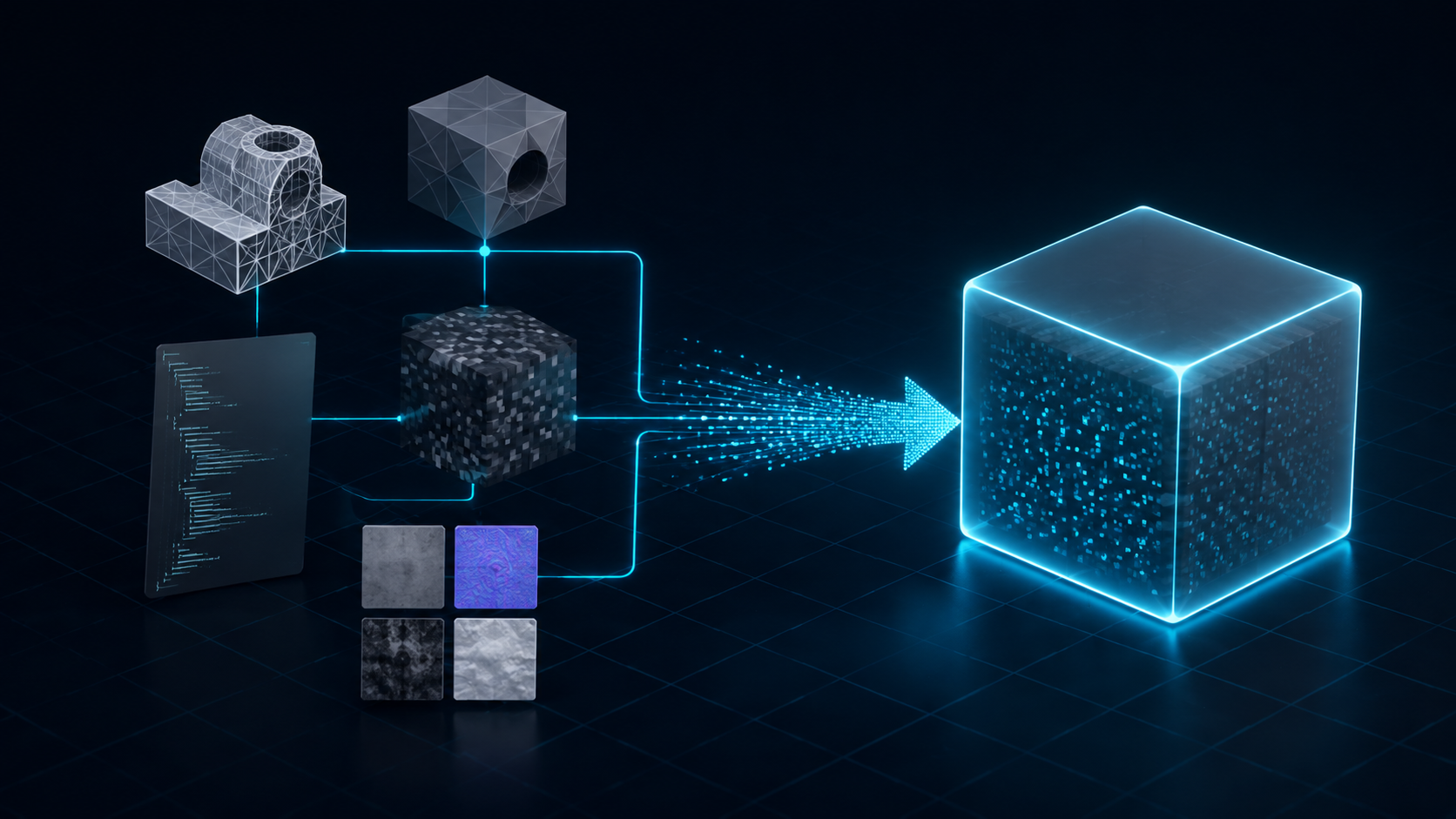
A .glb file packs that same JSON scene, the geometry buffer, and the textures into one binary file, organized into a header, a JSON chunk, and a binary chunk. There are no external references, so nothing can go missing when you move, upload, or share it. GLB is often called the JPEG of 3D: one self-contained file that any glTF runtime can load.
The glTF standard is maintained by the Khronos Group, the consortium behind Vulkan and WebGL, and it is a free, royalty-free runtime format that also sits on the ISO standards track. That open governance is why every major engine, browser, and 3D tool supports it. See the official glTF specification for the full technical reference.
Part 2: GLB vs glTF: Key Differences Side by Side
With GLB vs glTF, the difference is entirely about packaging, not rendering quality. Both produce the same pixels and carry the same PBR materials. What changes is how the data sits on disk and how many requests a browser or engine makes to load it.
| Dimension | glTF (.gltf) | GLB (.glb) |
|---|---|---|
| File structure | JSON text file plus external .bin and image files | One binary file with JSON and binary chunks |
| Readability | Human-readable, editable in any text editor | Binary, needs a viewer or tool to inspect |
| Texture handling | External files, swappable without re-export | Embedded inside the container |
| HTTP requests | One per resource | One for the whole model |
| Deployment | Must upload the full folder | Single file, ready to ship |
| Risk of broken assets | Higher, textures can be lost | Near zero, self-contained |
| Best fit | Development, debugging, pipelines | Production, distribution, sharing |
The request count matters most on the web. A loose glTF scene can fire separate requests for the JSON, the .bin buffer, and every texture, while a GLB loads in one round trip. On slow mobile connections that difference is visible as lag.
⚡ The packaging does not change rendering. A .gltf and a .glb built from the same scene draw identical results. They only ship differently, so you can convert between them at any stage without touching the art.
Part 3: When to Use glTF vs GLB: A Scenario Decision Matrix
Stop memorizing rules and use this decision matrix. Find your scenario, read the recommended format, and you have your answer in seconds. The same logic that separates GLB vs glTF for a developer also applies to a designer shipping a product page.
| Scenario | Recommended Format | Why |
|---|---|---|
| Production web deployment or CDN | GLB | One request, self-contained, no path failures |
| Development and debugging | glTF | Readable JSON, easy to inspect and diff |
| Game engine import (Unity, Godot) | GLB | Single file avoids missing-material errors |
| AR viewer (model-viewer, Quick Look) | GLB | Native support in browser-based viewers |
| Shared textures across models | glTF | External images load once and get cached |
| 3D printing | STL or 3MF | Geometry-only formats slicers expect |
Two caveats. First, GLB for AR and e-commerce usually ships alongside USDZ, which Apple Quick Look requires on iOS; many platforms accept both. Second, if your project keeps textures in a shared folder so several models reuse the same maps, loose glTF saves bandwidth because the browser fetches each image once and caches it.
Part 4: GLB vs glTF in Real Workflows: Web, Games, AR, and 3D Printing
Format choice stops being abstract when you look at where the file actually ends up. Here is how GLB vs glTF behave in the four pipelines that use them most.
Web Viewers and E-Commerce
Browser-based viewers such as Google’s model-viewer, three.js, and Babylon.js all load GLB natively. In React projects, libraries like React Three Fiber pull GLB assets through the useGLTF hook and handle streaming and caching for you. See our walkthrough on loading GLB files in React Three Fiber if you build with React. Shopify natively supports GLB and USDZ, so a merchant uploads one model and shoppers get an interactive viewer on desktop and Android plus AR Quick Look on iOS. Keep production files small, ideally under 5 MB with Draco compression, so product pages load fast.
Game Engines
Unity and Godot both recommend GLB for lightweight real-time assets, because the single file prevents the pink missing-material failure when you drag a model into a scene. Unreal Engine 5 prefers FBX for animation-heavy work with Control Rig, and it imports glTF through the Datasmith plugin; GLB stays a strong option for static props and open-format pipelines. If your asset needs complex skeletal animation or Autodesk-centric rigs, FBX remains the safer default. Check our guide to file formats that work best in game engines for a deeper breakdown.
3D Printing
GLB and glTF are runtime delivery formats, not print formats. Slicers expect STL or 3MF, so export geometry-only for printing. A watertight, manifold mesh converts cleanly; a non-manifold one fails in the slicer. This is why AI generation pipelines emphasize closed meshes even when the final destination is a viewer.
Part 5: How to Convert glTF to GLB (and Back)
Converting between glTF and GLB is lossless repackaging, not re-encoding, so you never lose geometry or texture quality. You can switch back and forth as your GLB vs glTF preference evolves. Three routes cover almost everyone.
gltf-transform
The open-source gltf-transform CLI converts in one command: gltf-transform copy model.gltf model.glb. The same tool applies Draco or meshopt compression and converts textures to KTX2, which is where the real size savings live.
Blender
Import the glTF scene, then use File, Export to write a GLB. Blender also round-trips animations and PBR maps reliably, and it works in the reverse direction without issues.
Online Converters
Drag-and-drop web converters handle single files without installing anything, which is convenient for a quick one-off conversion. They are a fine fallback when you do not want a command line or a full DCC tool open.
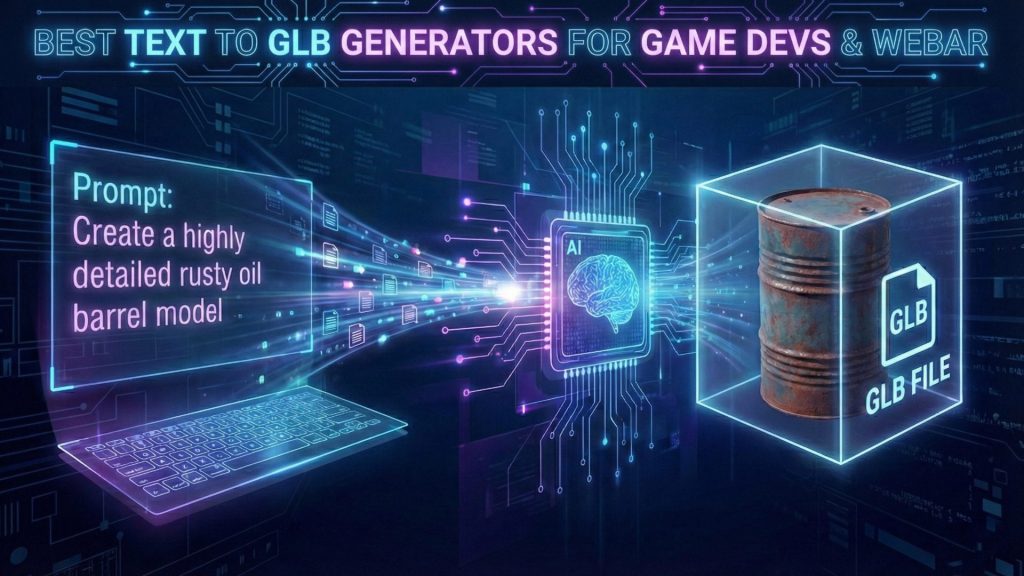
Many creators never convert by hand at all. Our tutorial on how to convert an image to GLB shows an AI pipeline producing a GLB directly from a photo, and this roundup of text to GLB tools compares generators that output GLB from a prompt.
Part 6: Where Neural4D Fits: Generate Production-Ready GLB with AI
The cleanest way to sidestep the GLB vs glTF debate is to start with a GLB. Neural4D’s Image to 3D and Text to 3D features generate a watertight, clean-topology mesh and export it as a production-ready GLB in a single pass. The image to GLB feature turns a photo into a GLB you can drop straight into a web viewer, game engine, or AR session, and text to GLB generation does the same from a text description.
With PBR selected, the base mesh and full PBR texture maps are generated together in one pass, and a fully textured GLB takes 2 minutes or more. An untextured base mesh takes about 90 seconds. See which 3D file formats Neural4D supports for the full export list, including OBJ, FBX, USDZ, and STL.
Because the output starts as a clean single file, you never open a JSON editor to hunt for a broken path or re-export textures after a move. The format that most pipelines end up using is the format you get from the first click.
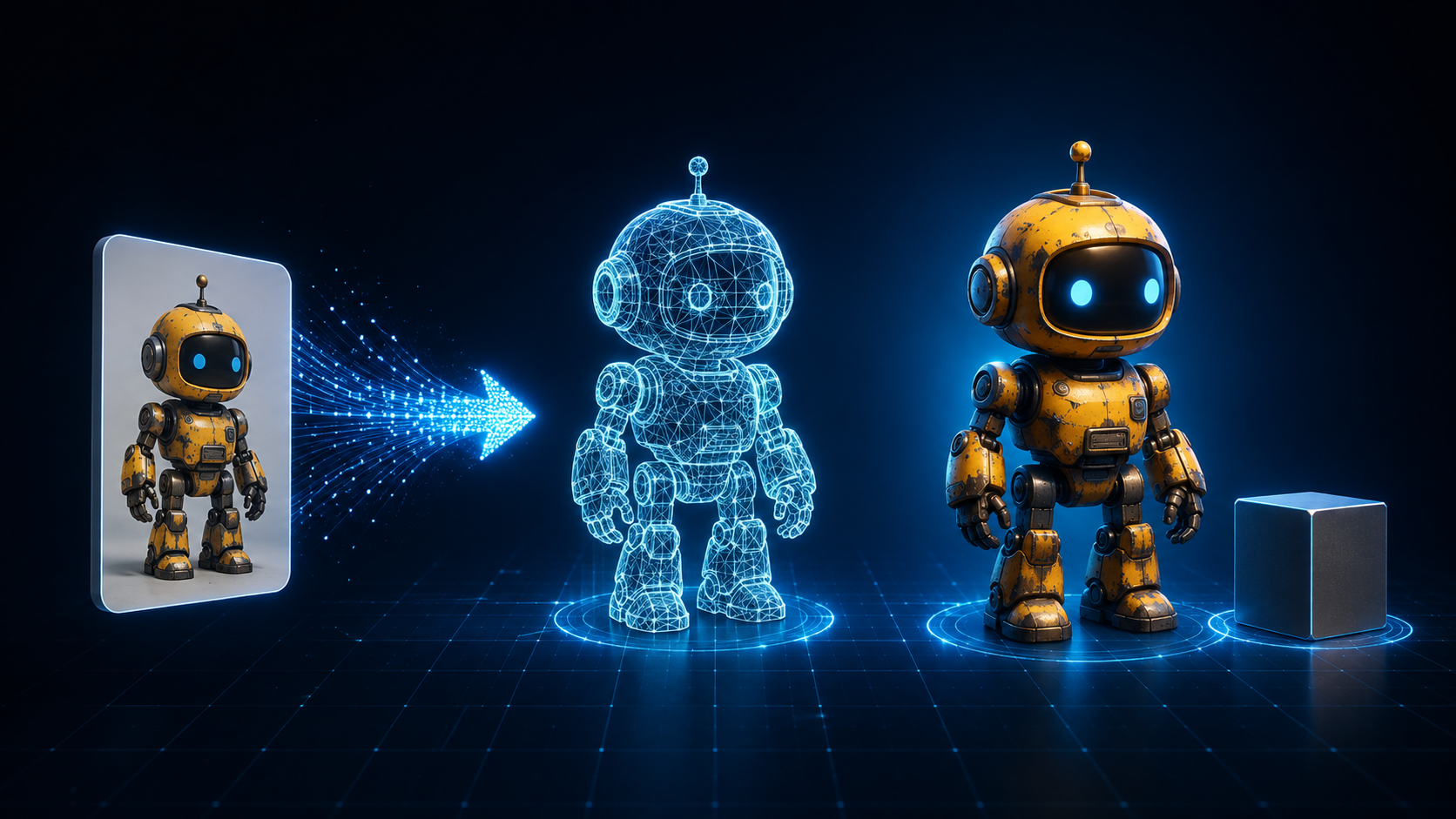
⚡ Watertight output means the GLB is a closed, manifold mesh. It imports cleanly into game engines and, after an STL conversion, works for 3D printing without repair passes.
Skip the GLB vs glTF debate. Generate a production-ready GLB directly.
Turn a photo or text prompt into a watertight, PBR-textured 3D model in a single pass, ready for web, games, and AR.
Free plan includes 50 Power per week. No credit card required.
Part 7: Common Questions on GLB vs glTF File Formats
Q: Is GLB the same as glTF?
Yes. GLB is the binary container version of the glTF 2.0 standard, so every GLB file is valid glTF data packaged differently. The scene graph, meshes, materials, and animations are identical; only the container changes. Any glTF runtime that reads a GLB understands the same feature set.
Q: Is GLB faster or smaller than glTF?
GLB wins on request count, loading a whole model in one HTTP request, while loose glTF can fire separate requests for the JSON, the .bin buffer, and each texture. Smaller is not guaranteed. A self-contained .gltf that embeds textures as base64 data URIs runs roughly 33% larger than an equivalent GLB. The real size wins come from Draco or meshopt geometry compression and KTX2 textures, which work with either container.
Q: Can you convert glTF to GLB without losing quality?
Yes. The conversion is lossless repackaging, not re-encoding, so geometry and texture data stay byte-for-byte identical. Tools like gltf-transform, Blender, and online converters handle it in seconds, and the same tools convert GLB back to glTF.
Q: Can GLB be used for 3D printing?
Not directly. Slicers expect geometry-only formats, so export STL or 3MF for printing. GLB is a runtime delivery format for web, games, and AR. If your model is already in GLB, convert it to STL first and confirm the mesh is watertight and manifold so the slicer does not reject it.
Q: Which format do AI 3D generators export?
Most production AI 3D tools default to GLB because it is self-contained and engine-ready. Neural4D generates a watertight, clean-topology GLB with PBR textures in a single pass; a fully textured GLB takes 2 minutes or more, while an untextured base mesh takes about 90 seconds. OBJ, FBX, USDZ, and STL are available as secondary exports.
Q: Does GLB support animations, PBR, and morph targets?
Yes. GLB carries the full glTF 2.0 feature set: PBR metallic-roughness materials, skeletal animations, skinning, morph targets, cameras, and lights. The features are identical whether the data lives in loose glTF files or in a GLB container.
Which Format Should You Pick?
GLB vs glTF is not a fight between two technologies; it is a decision between two containers for the same standard. Use glTF while you build and debug, then ship GLB to production. For web, mobile, AR, e-commerce, and game engine delivery, GLB is the practical default because one self-contained file removes an entire class of loading and path failures.
If you are generating 3D assets with AI, you can skip the conversion step entirely. Neural4D exports a watertight, production-ready GLB with PBR textures in a single pass, ready for your viewer, engine, or AR session. Start free and watch the format question disappear from your pipeline.
Start creating with Neural4D today
Generate, refine, and export GLB models without touching a single JSON file.
Paid plans unlock full PBR textures and commercial use rights.