Build a 3 Bedroom Luxury Beach House 3D Model From a Single Photo
Quick Summary
- A 3 bedroom luxury beach house 3D model can be generated with AI in under 3 minutes, replacing days of traditional 3D modeling work.
- Neural4D and tools like Tripo3D offer direct photo to 3D and text to 3D pipelines, while SketchUp with Claude provides CAD-accurate architectural modeling.
- Neural4D's Direct3D-S2 engine produces watertight geometry with PBR materials in a single pass, purpose-built for real estate visualization and luxury property marketing.
Creating a convincing 3 bedroom luxury beach house 3D model used to mean weeks of manual modeling or thousands of dollars paid to outside studios. AI image to 3D generation has collapsed that timeline to minutes. Here is exactly how to go from a reference photo or text description to a fully textured, client-ready 3D asset using Neural4D and the current AI toolchain.
- Part 1: Why AI 3D Modeling is Replacing Traditional Rendering for Luxury Real Estate
- Part 2: Starting Point : Gather Your Reference Image or Generate a Concept
- Part 3: From Photo to 3D : Generating the Base Mesh in Neural4D
- Part 4: Adding Luxury Finishes : PBR Textures and AI Refinement
- Part 5: Refining and Presenting : From Staging to Client Walkthrough
- Part 6: Common Questions on AI Luxury Beach House Modeling
- Start Creating Your Luxury Beach House 3D Model Today
Estimated read time: 7 minutes
Part 1: Why AI 3D Modeling is Replacing Traditional Rendering for Luxury Real Estate
The real estate visualization industry is undergoing a structural shift in 2026. 2D AI staging tools are giving way to native 3D asset generation where the output is actual polygonal geometry with PBR materials, not a flat diffusion overlay. Platforms like Tripo3D deploy models with over 200 billion parameters to produce textured meshes directly from images. Core AI’s HomeGPT has already generated over 380,000 AI design tasks since its launch, while HomeDesignsAI surpassed 2.5 million users with its AI video walkthrough and floor plan conversion features.
For luxury property marketing, the implication is clear. A 3 bedroom beach villa that would have taken a dedicated 3D artist three to five days to model and texture can now be generated from a single reference photo in under three minutes. The question is no longer whether AI can produce usable 3D house models. It is which workflow delivers the best balance of speed, geometric accuracy, and visual quality for your specific real estate use case.
Generating a high-quality 3 bedroom luxury beach house 3D model requires the right AI architecture behind it. Neural4D’s Image to 3D and Text to 3D features operate on the Direct3D-S2 architecture presented at NeurIPS 2025, using Spatial Sparse Attention to reconstruct complex geometry from sparse visual input. For architectural shapes with clean structural lines like a luxury beach house, this approach produces watertight, manifold geometry that requires zero manual repair before texturing or export.
Part 2: Starting Point : Gather Your Reference Image or Generate a Concept
Every AI 3D model starts from a visual reference. For a 3 bedroom luxury beach house, you have two viable entry points.
Option A: Use an Existing Photo
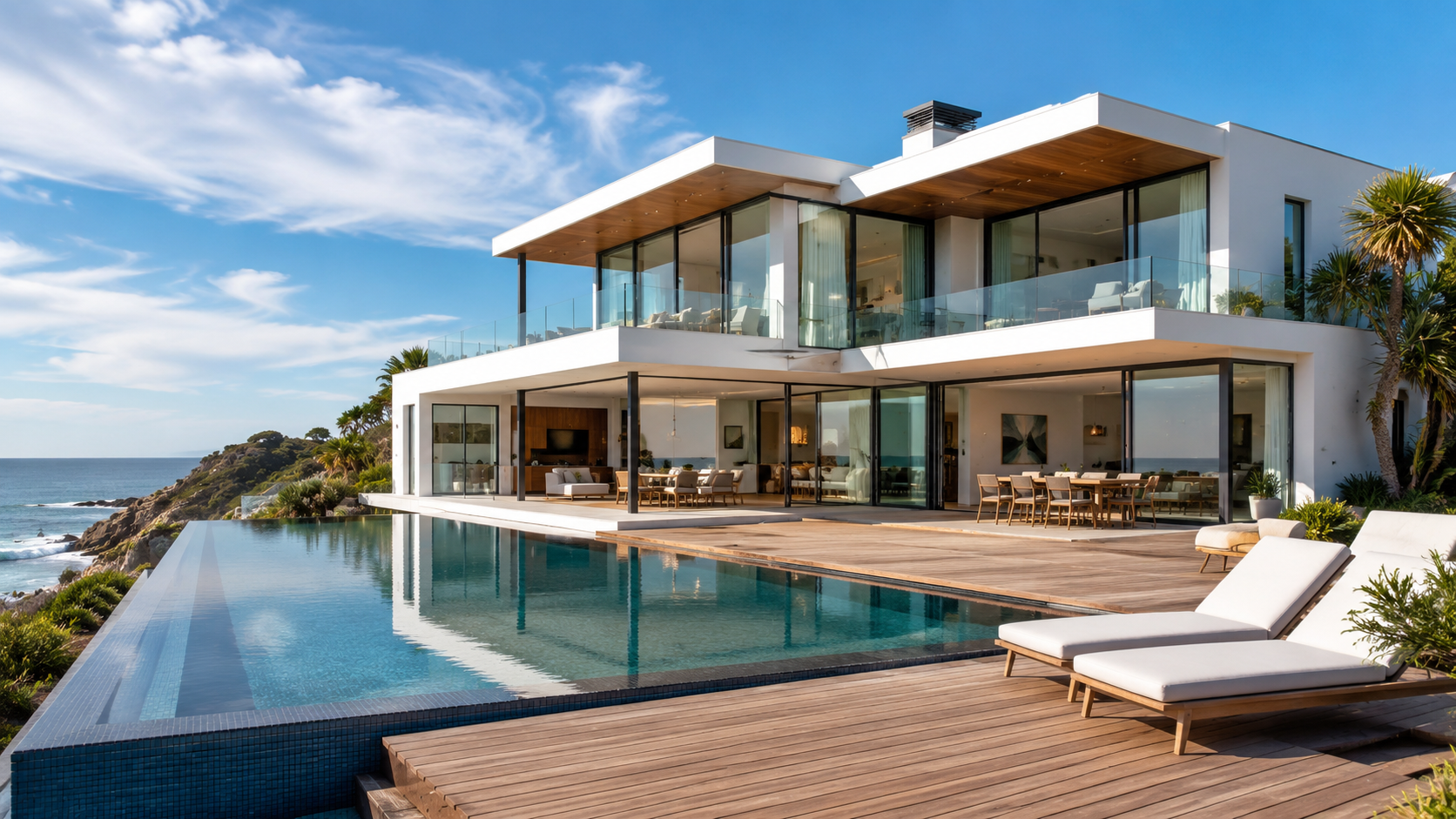
The most straightforward path is to upload a photograph of a luxury beach house that represents the style and scale you want. If you are building a 3 bedroom luxury beach house 3D model from scratch, starting with the right reference image is the single most important step for a clean result. with minimal foreground obstruction. A three-quarter exterior view works best because it gives the AI reference points on two planes, producing more accurate volume estimation than a flat front-facing shot. Mid-range smartphone photos are sufficient as long as the lighting is even and the building occupies at least 60 percent of the frame.
If you are modeling a real property for a pre-sales campaign, start with the architect’s exterior render or a professional photo from the listing. Neural4D’s Image to 3D will reconstruct the geometry from this single image in about 90 seconds for the base mesh.
Option B: Generate the Concept Image with Text to Image
If you do not have a photo of a specific property, Neural4D’s Text to Image feature can generate a reference concept first. Describe the property in detail: “a modern three bedroom luxury beach house with floor-to-ceiling glass windows, white stucco walls, a wooden deck, and an infinity pool facing the ocean.” Once you have a concept image you like, feed it into the Image to 3D pipeline. This two-step approach is particularly useful for concept-stage real estate marketing where no actual building exists yet.
Aim for a clean, well-composed reference image with the building centered and the horizon level. Complex backgrounds with trees or other buildings overlapping the structure can confuse the geometry reconstruction, so simpler backgrounds produce better base meshes.
Part 3: From Photo to 3D : Generating the Base Mesh in Neural4D
Upload your reference image to Neural4D’s Image to 3D studio. Before clicking Generate, choose whether you want an untextured base mesh or a fully textured output. This decision affects both generation time and the output format you will work with next.
The Image to 3D pipeline processes the full volumetric space behind the 2D image. When you submit a reference photo for a 3 bedroom luxury beach house 3D model, instead of simply estimating depth as a flat map, the Direct3D-S2 engine reconstructs the complete volumetric space behind every visible surface. The result after approximately 90 seconds is a watertight, manifold base mesh with all surfaces closed and no holes. You can rotate the view, inspect the geometry from every angle, and confirm that the structural proportions of the three bedrooms match your reference.
One critical workflow note: Neural4D generates and operates exclusively on models created inside its own system. You cannot upload a mesh built in Blender or generated by another AI tool and ask Neural4D to fix, retopologize, or texture it. The entire workflow must begin and end inside Neural4D or you will need to handle geometry repair externally. This is a hard technical constraint of the Direct3D architecture, not a feature limitation.
If the initial result needs adjustment, use the one-click regenerate option to produce a variation with updated geometry. For finer control, models created with Neural4D-2o (the conversational refinement model) support natural language instructions such as “make the roof pitch steeper” or “add a second story balcony.”
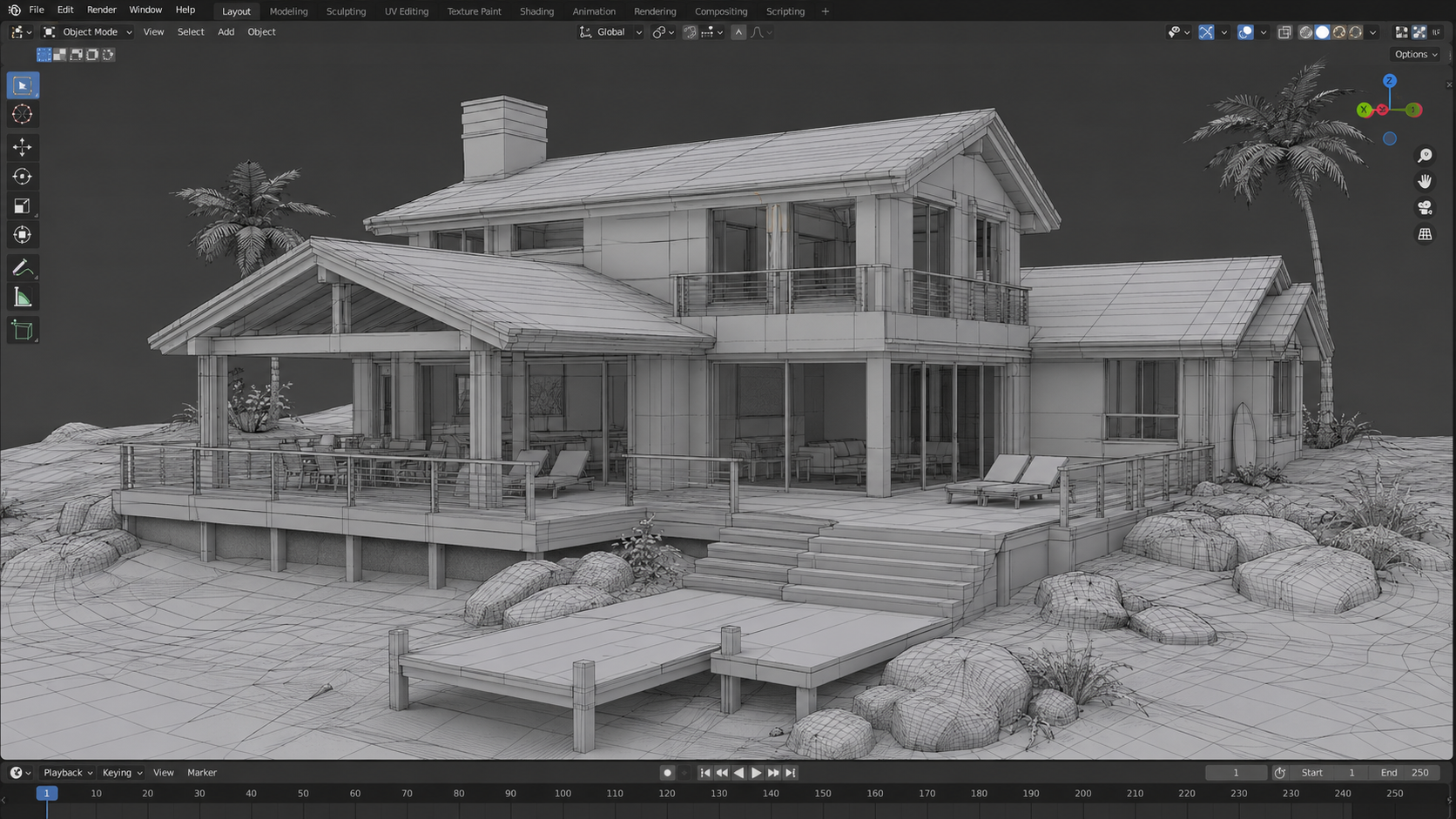
Generate Your Luxury Beach House 3D Model Now
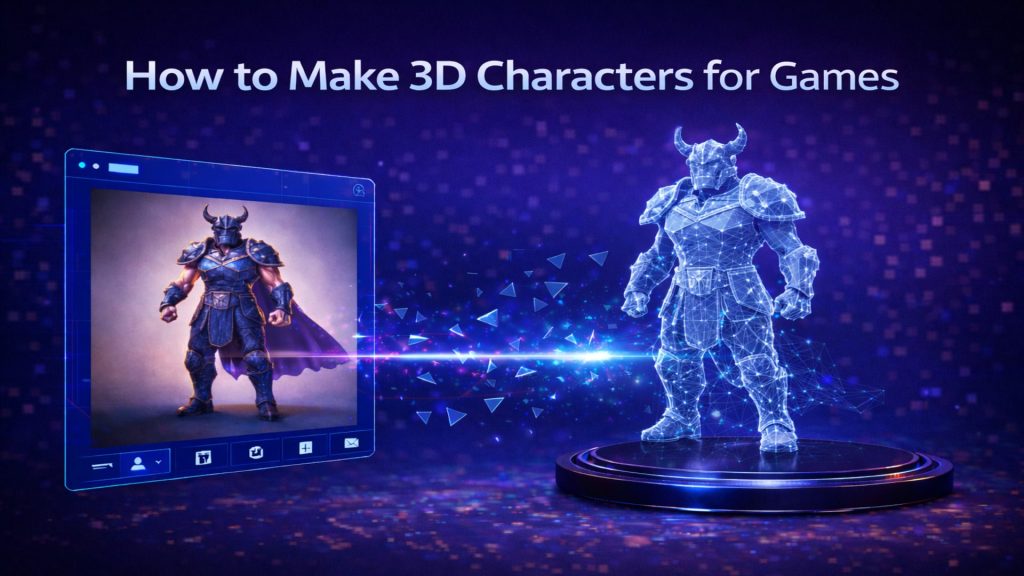
Turn any reference photo into a textured, watertight 3D asset in under 3 minutes. No 3D experience required.
Free plan includes 50 Power per week. No credit card required
Part 4: Adding Luxury Finishes : PBR Textures and AI Refinement
An untextured mesh is useful for massing studies but will not sell a luxury property. The real visual impact comes from PBR materials that simulate how light interacts with glass, stucco, wood, and water surfaces.
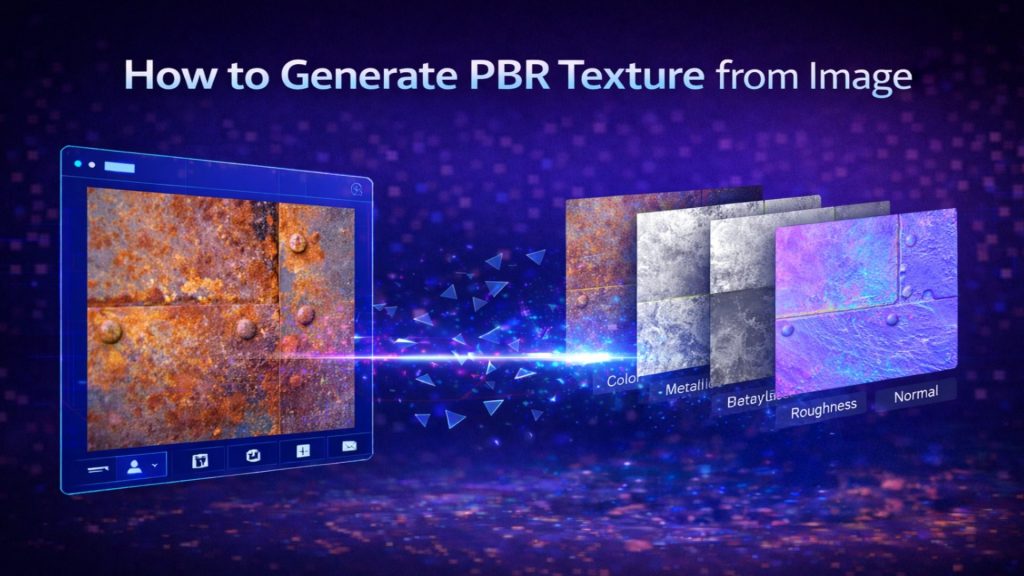
When you select PBR generation in Neural4D before the initial generate action, the system computes base color, normal, roughness, and metallic maps in a single pass alongside the geometry. For a 3 bedroom luxury beach house 3D model, this means the glass windows, stucco walls, and wooden deck each receive distinct material properties automatically. The total time for a fully textured, production-ready GLB is 2 minutes or more, depending on the complexity of the reference image. The textured output preserves the material separation: the glass windows remain transparent with specular reflections, while the stucco walls retain their matte diffuse quality. This material separation is a direct result of Direct3D-S2’s volumetric reconstruction pipeline and is one of Neural4D’s key advantages over competitors that bake lighting into the texture map.
For custom material adjustments after generation, Neural4D’s AI Texture tool accepts a 2D reference image and applies matching materials to specific regions of the 3D mesh. For example, if you want a specific wood grain on the beach house deck, upload a photo of the actual wood material and apply it to the deck surface. The AI Texture feature maps the 2D reference onto the correct UV coordinates automatically, without requiring manual UV unwrapping.
Compared to tools like Meshy or Tripo3D, Neural4D’s PBR output for architectural forms is on par in texture quality, with the advantage of faster end-to-end generation. Tripo3D’s latest model operates at over 200 billion parameters and excels at organic shapes, but its architectural geometry can require additional cleanup. Meshy’s PBR workflow is straightforward but the base mesh resolution for building-scale models is lower. For a luxury beach house where clean structural lines and accurate material representation matter most, Neural4D’s watertight output and material separation deliver the most reliable results with the fewest post-generation adjustments.
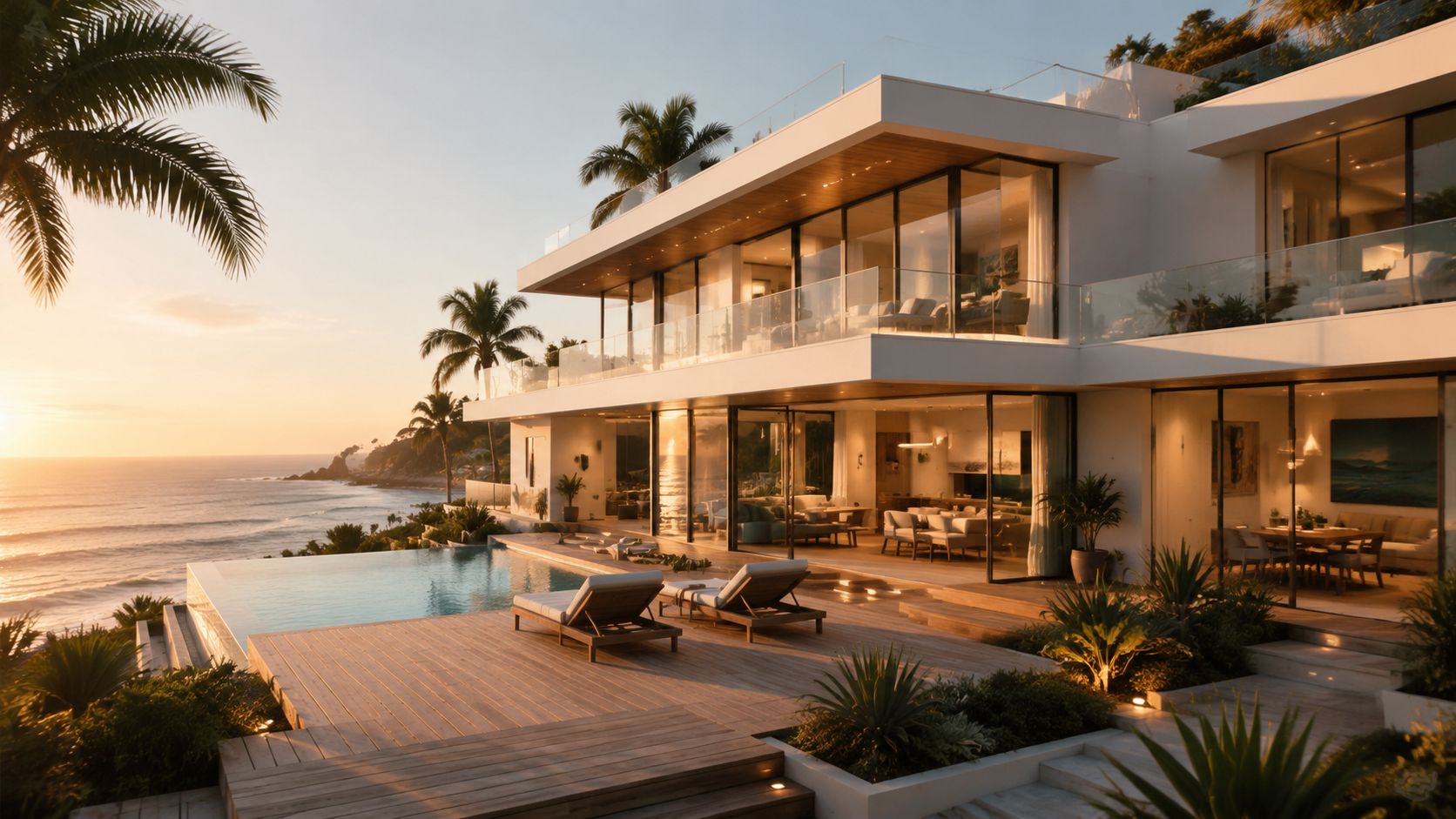
If you are already familiar with converting furniture to 3D models, the same Image to 3D workflow applies to architectural assets. The key difference is scale: a house requires higher geometric resolution for the exterior shell, which Neural4D handles through its 1024-cubed voxel resolution.
Part 5: Refining and Presenting : From Staging to Client Walkthrough
Once your 3 bedroom luxury beach house 3D model is textured and ready, the next step is placing it in a presentation context that buyers will find compelling. For pre-sales real estate marketing, this means virtual staging and interactive walkthroughs.
Interior Context and Virtual Staging
The exterior shell represents the property, but buyers also need to see the lifestyle. Use the Text to 3D feature to generate furniture, pool furniture, or landscaping elements that complement the beach house. If you have reference photos of specific furniture pieces, AI 3D modeling for interior design workflows can populate the deck and interior spaces with realistic objects. The AI virtual staging trend in 2026 has moved from flat image overlays to actual 3D objects placed in a navigable scene, and this is where Neural4D’s multi-format export becomes valuable.
Export and Walkthrough Options
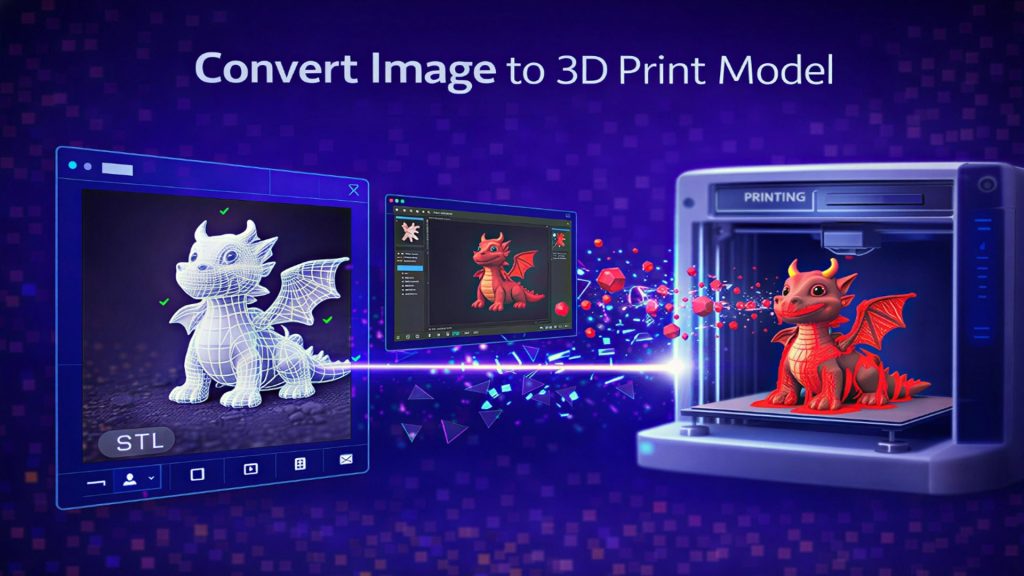
Neural4D supports FBX, GLB, USDZ, OBJ, STL, and BLEND export formats. For real estate visualization, GLB is the most versatile: it loads directly into web viewers, AR applications on iOS and Android, and can be imported into Unreal Engine or Twinmotion for cinematic walkthroughs. Export the textured model as GLB and drop it into your preferred walkthrough software for a fully interactive property tour.
For video marketing, Neural4D’s Text to Video feature can generate a short cinematic fly-around clip from a text description. While Text to Video operates independently of the 3D pipeline (it takes text prompts only, not 3D models), it serves as a complementary tool for creating social media teasers of the property. Export the 3D model first, then describe the walkthrough scene in Text to Video to produce a 5 to 10 second clip.
LEOS Developments, a luxury real estate firm, demonstrated this exact pipeline in 2026 by integrating AI-generated animated project presentations with HD walkthrough videos for pre-sales campaigns, compressing what previously took three weeks into a single afternoon of AI-assisted work.
If your project ultimately leads to a physical model or architectural mockup, the watertight geometry from Neural4D is STL-ready for AI for 3D printing without manual hole-patching or manifold repair.
According to Tripo3D’s 2026 technical guide on AI-driven architectural visualization, the real estate industry is shifting from 2D staging to native 3D asset generation because only real 3D geometry supports multi-angle walkthroughs, VR compatibility, and accurate dimensional scaling, capabilities no 2D staging tool can provide. This structural shift is creating the market opening for Neural4D and similar native 3D pipelines. Source: Tripo3D Architectural Visualization Technical Guide, 2026
Part 6: Common Questions on AI Luxury Beach House Modeling
Q: Can I convert a photo of an existing 3 bedroom house into a 3D model with AI?
Yes. Upload an exterior photo of the house to Neural4D’s Image to 3D feature. The system reconstructs the full geometry from a single image in approximately 90 seconds for the base mesh. A three-quarter view angle produces the best volume estimation. For interior spaces, you would need separate interior photos processed individually.
Q: How long does it take to generate a luxury beach house 3D model with AI?
An untextured base mesh takes approximately 90 seconds. For a complete 3 bedroom luxury beach house 3D model with full PBR materials, the total generation time is 2 minutes or more depending on the complexity of the reference image. The generation runs in a single pass: you select your texturing preference before clicking Generate, and the system returns the complete result without requiring manual intermediate steps.
Q: Which AI tool is best for 3D real estate visualization in 2026?
Neural4D offers the fastest end-to-end workflow for generating luxury property models from photos, with watertight output that requires no mesh repair before texturing. Tripo3D provides excellent texture quality with its 200 billion parameter model but its architectural output may need additional geometry cleanup. SketchUp with Claude (released April 2026) is purpose-built for CAD-accurate architectural massing but does not generate PBR textures natively. The best choice depends on whether your priority is speed to first render or dimensional accuracy for construction documents.
Q: Can I edit a 3D model made in another tool and finish it in Neural4D?
No. Neural4D’s Direct3D engine only processes models generated inside its own system. If you have a mesh from Blender, Meshy, or Tripo3D, you cannot import it into Neural4D for retopology, texturing, or refinement. The entire generation workflow must start and finish within Neural4D. For projects that require editing models from external sources, you will need a separate geometry repair pipeline in Blender or a dedicated retopology tool.
Q: Do I need to know 3D modeling software to use AI for house design?
No. Image to 3D and Text to 3D require zero manual modeling skills. You upload a photo or type a description and the AI generates the geometry automatically. Basic familiarity with 3D file formats (GLB for web, FBX for game engines, STL for 3D printing) is helpful for the export step but not required for the generation itself. Most export handling can be done through the Neural4D studio interface.
Q: What makes a 3D beach house model look luxury in AI rendering?
Three factors determine the perceived quality of an AI-generated luxury property model. First, PBR material separation: glass should reflect, stucco should remain matte, and wood should show grain texture. Neural4D’s material separation algorithm produces clean material boundaries without baked-in lighting. Second, geometric resolution: a model generated at 1024-cubed voxel resolution preserves architectural details like window frames, railing posts, and roof overhangs. Third, the reference image quality: a well-lit photo with clear structural lines produces a model that requires no additional touch-up.
Q: Can I use AI to create a walkthrough video of my luxury beach house model?
Yes, through a two-step workflow. Generate the 3D model with Neural4D’s Image to 3D, export it as GLB or FBX, and import it into walkthrough software for a fully interactive tour. For a quick video clip, Neural4D’s Text to Video feature can generate a cinematic fly-around from a text description, though it operates independently of the 3D model itself. LEOS Developments demonstrated this AI walkthrough pipeline for luxury pre-sales campaigns in 2026, producing HD animated property tours in a single afternoon.
Start Creating Your Luxury Beach House 3D Model Today
AI 3D generation has removed the traditional bottleneck in luxury real estate visualization. What required a dedicated 3D artist working for days can now be accomplished in minutes with a single reference photo and the right pipeline. The workflow is straightforward: capture or generate a reference image, let Neural4D’s Image to 3D build the base mesh in 90 seconds, apply PBR textures in the same pass, and export to GLB for interactive walkthroughs or social media clips. Your next 3 bedroom luxury beach house 3D model is one photo upload away from becoming a fully textured, client-ready asset. Try it free and see how fast your real estate marketing pipeline can move.
From One Photo to a Walkthrough-Ready 3D Asset
Neural4D converts your reference image into a textured, watertight 3D model in under 3 minutes. Start building your real estate visualization pipeline today.
Create Your Beach House 3D Model
Free plan includes 50 Power per week. Paid plans from $6.90/week.