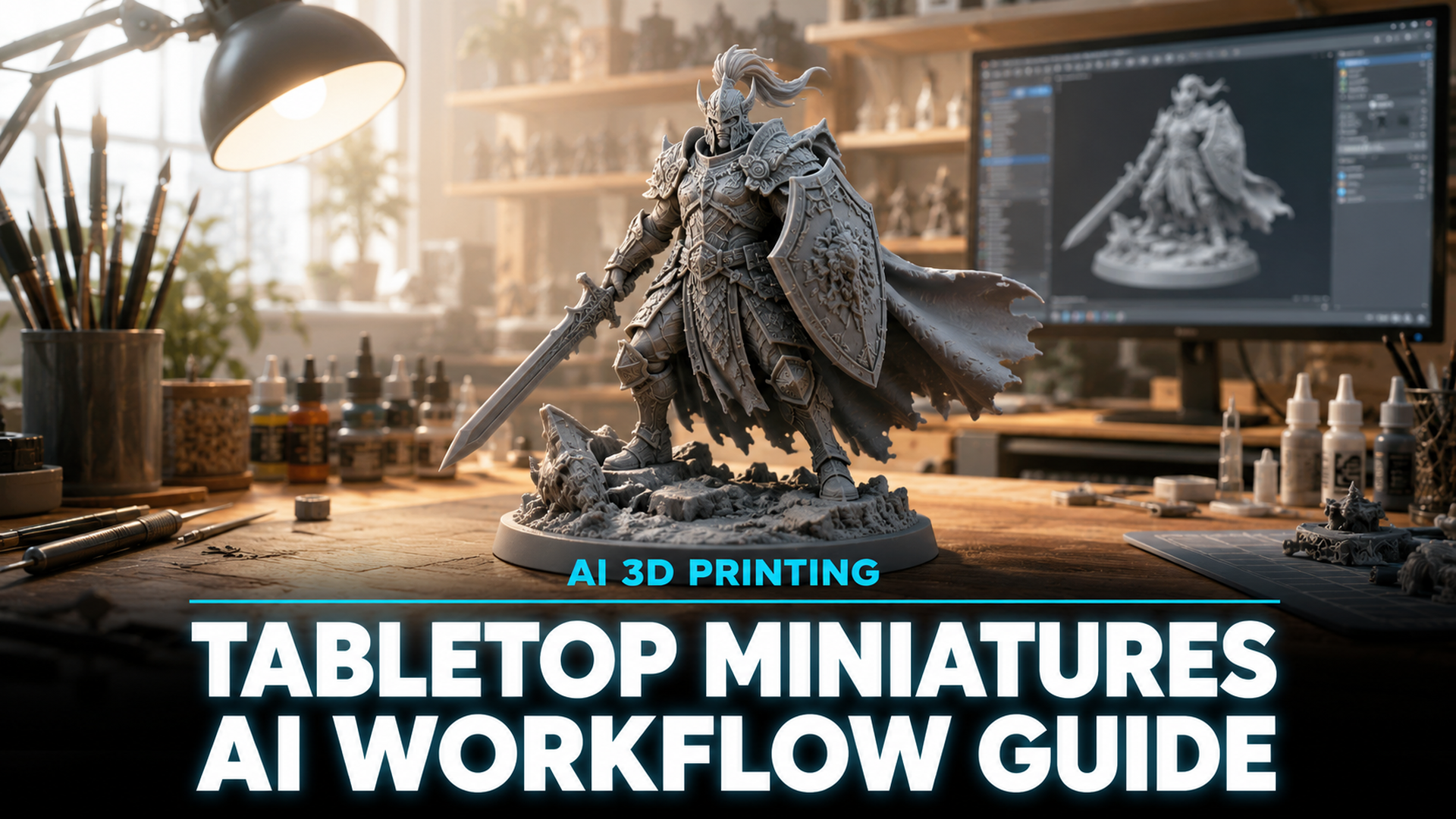
How to Create 3D Tabletop Miniatures: AI Workflow for 3D Printing
Quick Summary
- 3D tabletop miniatures are small-scale gaming figures used in tabletop RPGs, wargames, and board games, now creatable through AI generation instead of manual sculpting or pre-made STL libraries.
- LayerGen AI and Loreform are dedicated AI miniature generators, while broader platforms like Meshy and Tripo offer text to 3D and image to 3D capabilities for custom tabletop pieces.
- Neural4D generates watertight, print-ready geometry from text or image inputs in under two minutes, eliminating the mesh repair step that other AI tools require before 3D printing.
The best way to create 3D tabletop miniatures today is not through manual sculpting in ZBrush or browsing Thingiverse for hours. AI generation tools now produce watertight, print-ready models from a single text prompt or reference photo, cutting the concept-to-print pipeline from days to minutes.
Table of Contents
- Part 1: Why AI Is Transforming Tabletop Miniature Creation
- Part 2: The AI-Powered Workflow for 3D Tabletop Miniatures
- Part 3: Neural4D vs Other AI Miniature Tools
- Part 4: Pro Tips for Print-Ready Miniatures
- Part 5: Common Questions on AI Tabletop Miniatures
- Start Creating Your Custom Tabletop Miniatures Today
Part 1: Why AI Is Transforming Tabletop Miniature Creation
Tabletop gaming has grown far beyond its niche origins. The global miniatures wargaming market alone was valued at over $5.3 billion in 2025, driven by games like Warhammer 40,000, Dungeons & Dragons, and independent tabletop RPGs. Players want unique custom 3D tabletop miniatures, not off-the-shelf plastic sprues. But commissioning a single custom sculpt runs $50 to $200-plus and takes weeks. Even 3D printing enthusiasts who own resin printers face another bottleneck: finding or designing the right model.
📊 The bottleneck: MyMiniFactory and Cults3D host thousands of STL files, but finding a specific character concept that matches your exact vision is rare. Hero Forge lets you customize a D&D mini through sliders, but the output is still constrained by preset parts.
AI generation removes both constraints. Creating custom 3D tabletop miniatures from a text prompt or reference image now takes seconds instead of weeks. With text to 3D or image to 3D, you describe or show what you want, and the system generates a complete mesh. The key is finding a tool whose output is actually print-ready not a broken mesh that needs hours of patching in Blender.
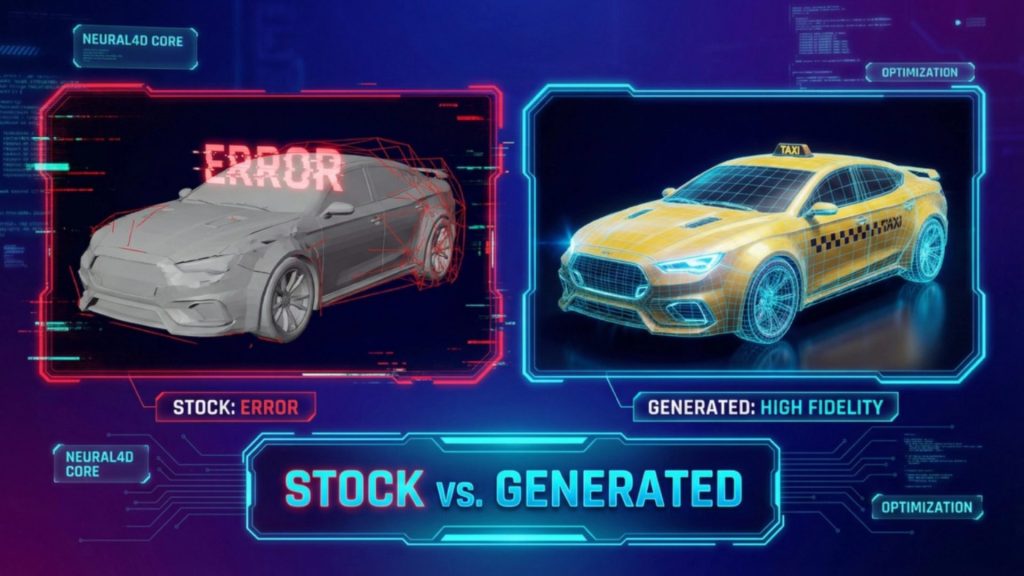
Neural4D addresses this directly. Its Direct3D-S2 architecture, published at NeurIPS 2025, produces mathematically watertight geometry from the first generation pass. There is no triangle soup, no non-manifold edges, no hidden holes that fail at layer 200 of a six-hour resin print. The base mesh arrives clean in roughly 90 seconds. With PBR textures, the full generation takes 2 minutes or more for a complete textured GLB. Neural4D’s AI for 3D printing feature handles the entire pipeline from input to watertight STL export.
Part 2: The AI-Powered Workflow for 3D Tabletop Miniatures
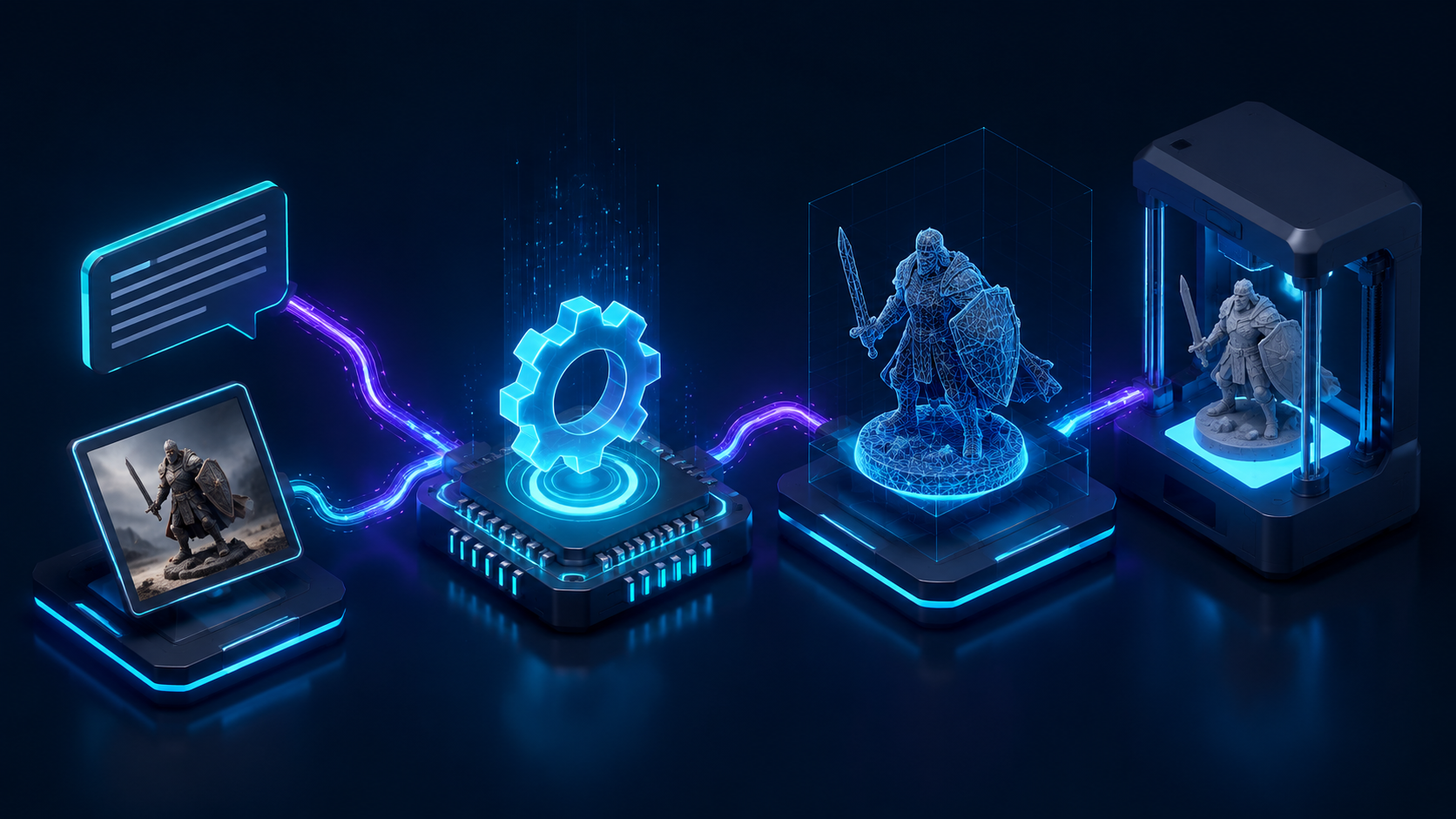
The workflow for generating 3D tabletop miniatures breaks down into four stages: input, generation, preparation, and printing. Each stage has specific settings that determine whether your miniature succeeds or fails on the build plate.
Stage 1: Choose Your Input
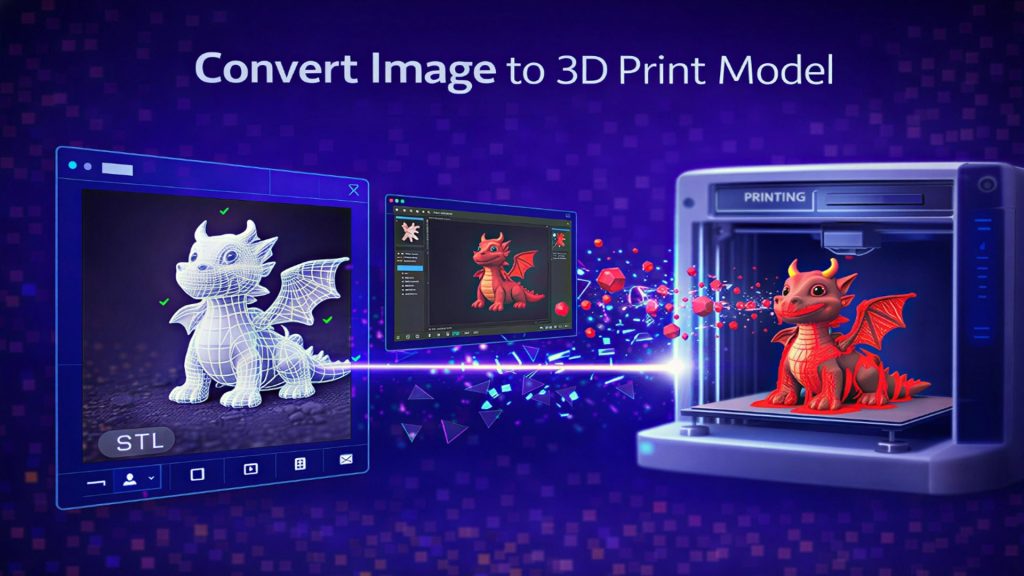
AI miniature generators accept either text prompts or reference images. Text prompts work best when you have a clear character description: “a heavily armored dwarf paladin holding a warhammer, 32mm scale, dynamic pose.” Reference images work better when you have concept art, a photo of a similar figure, or even a rough sketch. Neural4D’s image to STL conversion handles single-photo input and reconstructs the full volume, not just the visible angle.
Tip for better results: A front-facing photo with a clean background produces the most accurate geometry. Photos with heavy shadows, cluttered backgrounds, or extreme angles cause the AI to hallucinate depth in the wrong places. If you can take the reference photo against a solid light surface, do it.
Stage 2: Generate the Base Mesh
Once you submit your input, the AI generates the geometry. In Neural4D, the base mesh (untextured) takes roughly 90 seconds. The system uses Spatial Sparse Attention (SSA) to process the full volume, not just a front-facing projection, so the resulting mesh is complete on all sides including the back and underside. This matters for tabletop miniatures because a miniature needs to look good from every angle on the game table.
After generation, review the mesh in the 3D viewer. Rotate it 360 degrees, check for any visual artifacts, and decide whether to regenerate or proceed. Neural4D supports one-click regeneration with the same prompt, giving you a fresh output without retyping anything.
Stage 3: Prepare for Printing
Download the model as STL for resin printing or OBJ/GLB if you need to check scale in a slicer first. Neural4D exports watertight STL files that go directly into Chitubox, Lychee Slicer, or PrusaSlicer without manual repair. Follow the prepare and export models for 3D printing guide for exact settings.
Key preparation steps: Orient the model at 30 to 45 degrees to reduce layer lines on the face and torso. Use light supports for 28mm to 32mm scale miniatures heavy supports leave pits on visible surfaces. Set layer height to 0.03mm or 0.05mm for tabletop quality. If the model has thin protrusions (swords, staffs, horns), reinforce those areas with manual supports.
Stage 4: Print and Finish
Resin printers (SLA/DLP) are the standard for tabletop miniatures. An Elegoo Mars 5 or Anycubic Photon Mono 4 produces excellent detail at 0.05mm layer height. ELEGOO’s guide to 3D printing miniatures for tabletop gaming covers the full resin printing workflow in depth. Wash the print in isopropyl alcohol, cure under UV for 10 to 15 minutes, remove supports with flush cutters, and sand any rough spots before priming.
Part 3: Neural4D vs Other AI Miniature Tools
Several AI tools now target tabletop miniature creation. The table below compares the options across the dimensions that actually matter for printing: geometry quality, generation speed, and output formats.
| Tool | Geometry Quality | Generation Speed | Export Formats | Print-Ready Output |
|---|---|---|---|---|
| Neural4D | Watertight, Direct3D-S2, no mesh repair needed | ~90 sec (base), 2+ min (textured) | STL, OBJ, GLB, FBX, USDZ | Yes, zero repair required |
| Meshy | Variable, often needs retopology for clean edges | ~2 to 5 min | STL, OBJ, GLB, FBX | Sometimes, often manual fix needed |
| LayerGen AI | Dedicated miniature generator, watertight geometry | ~3 to 5 min | STL, 3MF, OBJ, GLB | Yes, miniature-optimized |
| Tripo | Decent base shape, fine detail needs manual cleanup | ~1 to 3 min | GLB, OBJ, STL, FBX | Partial, supports are recommended |
| Loreform | Dedicated miniature output, built-in supports | ~3 to 5 min | STL | Yes, with pre-generated supports |
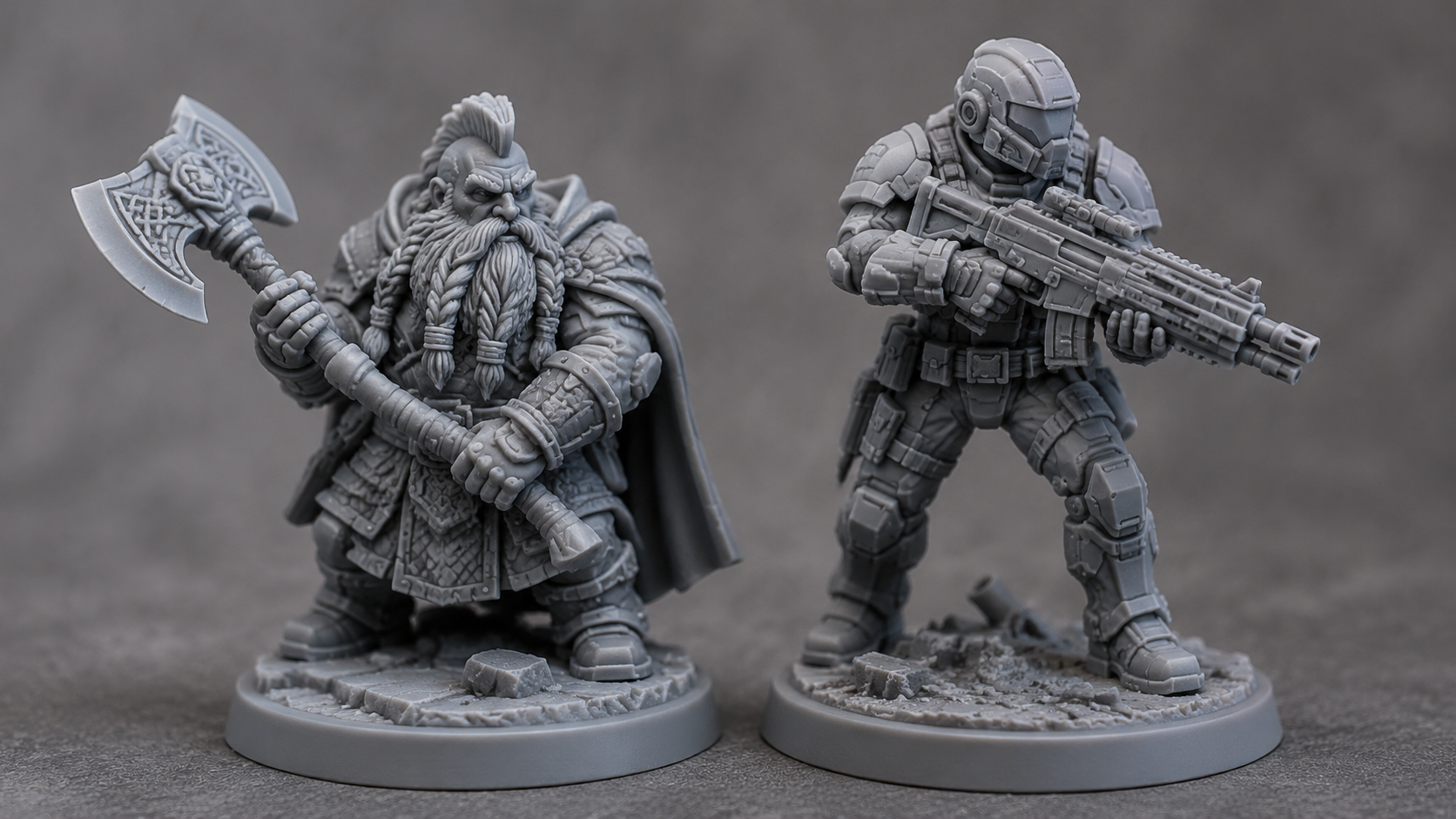
Neural4D differentiates itself on the geometry quality axis. Its Direct3D-S2 algorithm processes volumetric data at 2048-cubed resolution, which means fine details like chainmail texture, facial features, and weapon edges resolve at a fidelity that doesnt require post-generation cleanup. Compared directly against Meshy, Neural4D outputs have fewer non-manifold edges and require zero retopology before slicing.
LayerGen AI and Loreform are designed specifically for tabletop miniatures, which gives them advantages in scale presets and support generation. Neural4D compensates with broader export format support and faster base mesh generation. For a detailed breakdown of the full landscape, see our best AI tools for 3D printing comparison.
Where Neural4D pulls ahead is in the breadth of what it can generate. LayerGen and Loreform are confined to fantasy and sci-fi character miniatures. Neural4D handles characters, creatures, props, terrain pieces, vehicle models, and architectural elements from the same interface, making it useful for more than just one category of tabletop piece.
Part 4: Pro Tips for Print-Ready Miniatures
Even with clean AI-generated geometry, the difference between a good 3D tabletop miniature and a failed print comes down to preparation. These tips apply specifically to AI-generated tabletop miniatures, where the mesh behavior differs from hand-sculpted models.
⚡ Scale check first
AI generators do not know your target scale. A model generated at default size might be 200mm tall when you need 32mm. Import the STL into your slicer, measure the height, and scale uniformly before generating supports. For 28mm scale, the figure should stand roughly 28mm from foot to eye level (not including the base).
Hollow large models to save resin. Any 3D tabletop miniature taller than 50mm should be hollowed with 1.5mm to 2mm wall thickness and at least two drainage holes placed on hidden surfaces (the bottom of the base, the back of the cloak). Trapped resin inside a sealed cavity will crack the print during curing.
Use graduated exposure times for detail layers. Standard resin exposure at 2.5 to 3 seconds per layer works for most miniatures, but if your AI model has fine detail (scales, chainmail, individual fingers), drop the layer height to 0.03mm and increase bottom exposure to 30 to 35 seconds for better bed adhesion.
Add a return to the slicer after the first print. AI geometry is mathematically clean, but it may have thin walls or sharp protrusions that are difficult to print even with perfect supports. Print a test, note where supports failed or detail was lost, adjust orientation and support density, and print again. The convert image to STL file guide covers common post-generation adjustments.
One limitation worth noting: AI generation excels at organic shapes (characters, creatures, monsters) better than hard-surface mechanical forms. For a perfectly symmetrical 40K-style vehicle with panel lines and rivets, a parametric CAD tool or a dedicated vehicle kit remains the better choice. AI handles the wizard, not the tank.
Create Your First Miniature in Minutes
Upload a photo or describe your character. Get a print-ready STL in 90 seconds. No sculpting experience needed.
Free users get 50 Power per week. No credit card required.
Part 5: Common Questions on AI Tabletop Miniatures
Q: How long does it take to generate a 3D tabletop miniature with AI?
Neural4D generates an untextured base mesh in roughly 90 seconds. A full textured model with PBR maps takes 2 minutes or more. Dedicated miniature generators like LayerGen AI and Loreform report 3 to 5 minute generation times. In all cases, the AI phase is the fastest part of the workflow. The bottleneck shifts to printing and post-processing, which takes several hours per miniature depending on layer height and resin type.
Q: Can AI-generated miniatures match hand-sculpted quality?
At 28mm to 32mm tabletop scale, AI-generated miniatures from Neural4D and LayerGen AI produce detail comparable to entry-level professional sculpts. The structural geometry is cleaner than many hand-sculpted models because AI does not produce the asymmetric errors that human hands introduce. However, AI still struggles with intentional design decisions like composition balance, visual flow lines, and integrating a model with a specific game system’s aesthetic language. The AI produces a technically correct figure. The artist produces a figure that tells a story. Both have their place on the table.
Q: What file format do I need for 3D printing miniatures?
STL is the universal standard supported by every slicer including Chitubox, Lychee, PrusaSlicer, and Cura. Neural4D exports STL directly, and the output is watertight so you can skip the repair step that other tools require. GLB and OBJ are useful for previewing the model with textures before slicing. For resin printing specifically, export as STL and import into Chitubox or Lychee for support generation. 3MF files preserve color information if you are printing on a multi-material printer like a Bambu Lab X1C with AMS.
Q: Do I need a resin printer for AI miniatures, or will FDM work?
Resin (SLA/DLP) is strongly recommended for 28mm to 32mm scale tabletop miniatures. The layer lines at 0.03mm to 0.05mm are nearly invisible, and resin captures fine details like weapon edges, facial features, and textured armor that an FDM printer would blur into plastic mush. FDM works acceptably for larger miniatures (75mm scale and up), terrain pieces, and game tokens. If you own only an FDM printer, use a 0.2mm nozzle and 0.04mm layer height with a high-detail PLA filament.
Q: Can I sell 3D printed miniatures I create with AI?
Commercial rights depend on the tool’s license. Neural4D grants full commercial use rights for models generated under a paid subscription. The free trial plan outputs are marked as trial versions and may only be used for testing. LayerGen AI charges $39 per month for its Pro plan which includes commercial licensing. Always verify the terms of service for the specific tool you use. Some platforms like Hero Forge explicitly prohibit commercial 3D printing of their models, while MyMiniFactory creators set per-model license terms independently. Selling AI-generated miniatures on Etsy is common and legal as long as your tool subscription permits it.
Start Creating Your Custom Tabletop Miniatures Today
The barrier to creating custom 3D tabletop miniatures has never been lower. What used to require years of ZBrush practice, a $2,000 resin printer setup, or paying a professional sculptor can now be done entirely through an AI generation pipeline. The technology is mature enough that the output goes straight from the AI to the slicer with zero intermediate repair work.
Neural4D’s watertight geometry, sub-two-minute generation, and full STL export support make it the most practical starting point for tabletop gamers who want custom miniatures without learning 3D modeling. The free tier gives you 50 Power per week to test the pipeline on your own character concepts before committing to a subscription.
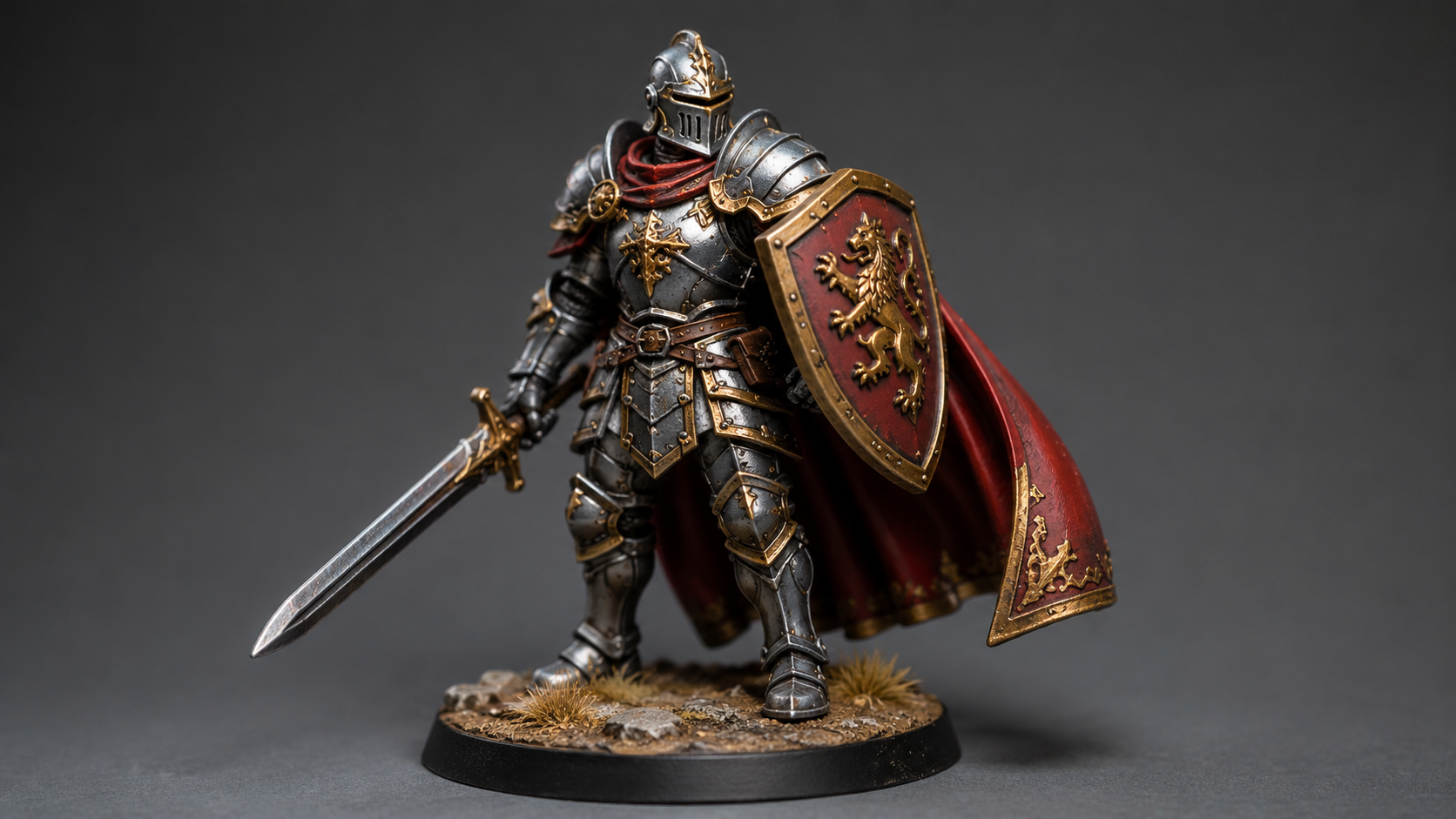
Your Next Miniature Starts Here
Generate, download, and print in one session. No subscription required to start.
50 free Power per week. Upgrade to Pro for faster generation.