How to Add a 3D Model to Shopify | GLB, USDZ and AR Guide
Quick Summary
- You can add a 3D model to Shopify in minutes: upload a GLB file, optionally a USDZ file, and Shopify auto-enables the built-in 3D viewer and AR on mobile.
- iOS devices serve USDZ for Apple AR Quick Look; Android and desktop serve GLB for the web viewer.
- Keep GLB files under 5 MB using Draco compression; maximum upload size is 500 MB but large files auto-optimize.
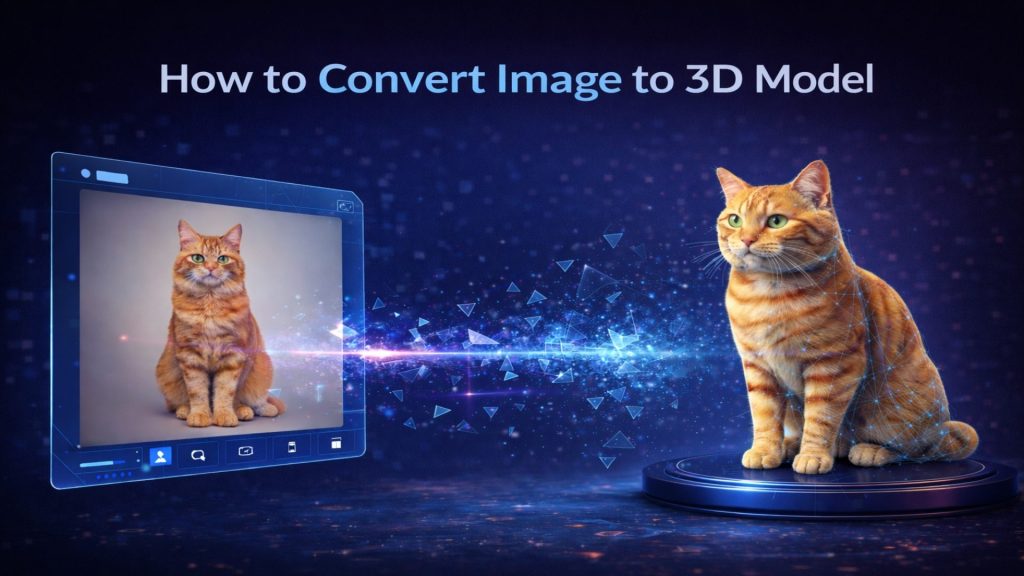
- Neural4D generates a base mesh from a single product photo in roughly 90 seconds; PBR texture generation adds additional time, bringing a fully textured GLB to around 2 minutes or more.
- Adding AR to a product page increases buyer confidence and has been correlated with up to a 40% reduction in return rates.
Adding a 3D model to Shopify takes only a few minutes once you know the requirements. You need three things: a GLB file with clean topology, a correctly formatted media upload, and optionally a USDZ companion file for native iOS AR. This guide explains how to add a 3D model to Shopify step by step, from the file formats Shopify accepts to the upload process and how to generate Shopify-ready GLB files with AI when you have no 3D modeling skills. The technical barrier is not Shopify’s platform itself, which handles rendering automatically; the barrier is sourcing or generating a 3D asset that meets the geometry and file-size requirements before upload.
Table of Contents
- Part 1: How Shopify’s Native 3D and AR System Works
- Part 2: What 3D Model Formats Does Shopify Accept?
- Part 3: How to Add a 3D Model to a Shopify Product
- Part 4: How to Create a 3D Model for Shopify with AI
- Part 5: Optimizing 3D Models for Shopify Performance
- Part 6: Common Questions About Shopify 3D Models and AR
- Get Your Products in 3D Today
Part 1: How Shopify’s Native 3D and AR System Works
TL;DR: Shopify has 3D and AR support built into product media since 2019. Upload a GLB and optionally a USDZ file, and Shopify activates the model-viewer on desktop plus Apple AR Quick Look on iOS, all without a third-party app.
Shopify built 3D and AR support directly into the product media pipeline starting in 2019. There is no third-party app required for the core functionality. When you upload a GLB file to a product’s media section, Shopify automatically activates the model-viewer web component on that product page. Shoppers can rotate, zoom, and examine the object from any angle directly in the browser.
The AR layer activates on compatible mobile devices without any extra setup. On iOS 12 and later, tapping the AR button launches Apple AR Quick Look using a USDZ file. On Android with ARCore support, the model-viewer component handles the AR experience using the GLB file. Shopify detects the device type and serves the appropriate format automatically, provided both files are uploaded.
📊 Why AR matters for conversions: A 2024 study by Shopify found that products with 3D/AR content delivered a 94% higher conversion rate compared to standard flat images. Separately, brands using AR product visualization reported return rates falling by up to 40%, since buyers have an accurate spatial understanding of the product before purchase. Source: Shopify Blog: The Thrilling Evolution of 3D Ecommerce.
🏆 Real results from Shopify Plus brands: Handbag brand Rebecca Minkoff reported that shoppers who interacted with a product in 3D were 44% more likely to add it to their cart and 27% more likely to place an order, while AR interaction lifted the likelihood of ordering by 65%. Pet brand Gunner Kennels saw a 40% increase in order conversion and a 5% reduction in return rates after rolling out 3D and AR on product pages.
Shopify’s implementation relies on Google’s open-source model-viewer web component. This means the rendering quality is consistent across Chrome, Safari, and Edge without any additional configuration. The theme controls whether the viewer auto-activates or requires a click, which you can adjust in the theme settings under “Product media.”
Part 2: What 3D Model Formats Does Shopify Accept?
TL;DR: Shopify accepts two formats: GLB for the web viewer and Android AR, and USDZ for iOS AR Quick Look. Upload both and Shopify serves the right one automatically. Keep GLB files under 5 MB with Draco compression for fast loading.
Shopify accepts two 3D file formats: GLB (binary glTF) and USDZ (Universal Scene Description). Each serves a different part of the experience, and understanding when to use each saves significant debugging time.
| Format | Used For | Device Target | Max File Size |
|---|---|---|---|
| GLB | Web 3D viewer + Android AR | Desktop, Android, iOS (viewer only) | 500 MB (auto-optimized above 15 MB) |
| USDZ | iOS AR Quick Look | iOS 12+ (Safari) | 500 MB |
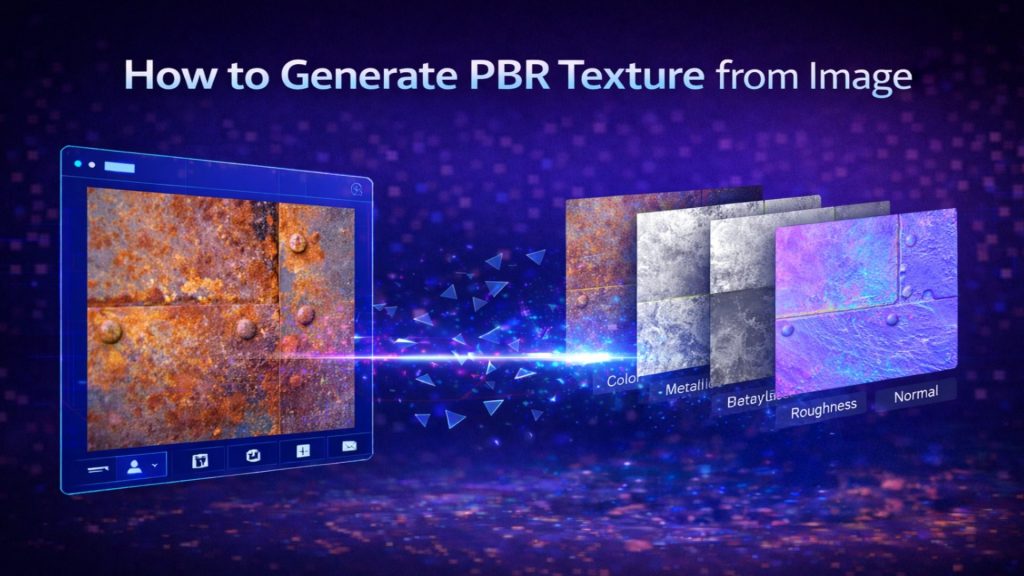
GLB is the primary format. It bundles geometry, PBR textures (albedo, roughness, metallic, normal maps), and animation data into a single binary file. USDZ is Apple’s format, required for native AR Quick Look on iPhone and iPad. If you only upload a GLB, iOS users will see the interactive 3D viewer but will not get the full room-scale AR experience.
Geometry Requirements
Shopify does not enforce a strict polygon count, but the model-viewer component performs best with assets under 300,000 triangles for complex objects and under 100,000 for simpler products. Non-manifold geometry, open edges, and duplicate vertices cause visual glitches in the viewer and prevent AR placement from anchoring correctly to surfaces.
PBR texture maps must be embedded in the GLB file, not linked externally. Textures above 4096×4096 px are automatically downsampled by Shopify’s media pipeline. For most products, 2048×2048 px textures deliver the right balance of visual quality and load speed.
Draco Compression
Draco is a mesh compression library developed by Google. A typical 10 MB GLB file compresses to under 2 MB with Draco encoding, with no visible loss in mesh quality. Shopify’s model-viewer natively supports Draco decoding, so you do not need to decompress files before uploading. Tools like gltf-pipeline (command-line) or Blender’s GLB export settings can apply Draco compression in one step.
Part 3: How to Add a 3D Model to a Shopify Product
TL;DR: Upload GLB and optional USDZ files through the product Media section in your Shopify admin. It takes six steps and roughly one minute, with no code and no third-party app required.
Step 1: Go to Products in your Shopify admin and open the product you want to update.
Step 2: In the Media section, click “Add media.” Shopify accepts GLB and USDZ files through the same upload interface used for images and videos.
Step 3: Upload your GLB file. Shopify processes the file and generates a thumbnail automatically. For files above 15 MB, the optimization pipeline runs server-side and may take a few minutes.
Step 4: Upload your USDZ file (optional but recommended). Shopify automatically pairs the USDZ with the GLB and serves the correct format based on device detection. No manual pairing is required.
Step 5: Drag the 3D model thumbnail to set its position in the media gallery. Placing it as the first or second media item increases the chance shoppers interact with it before scrolling.
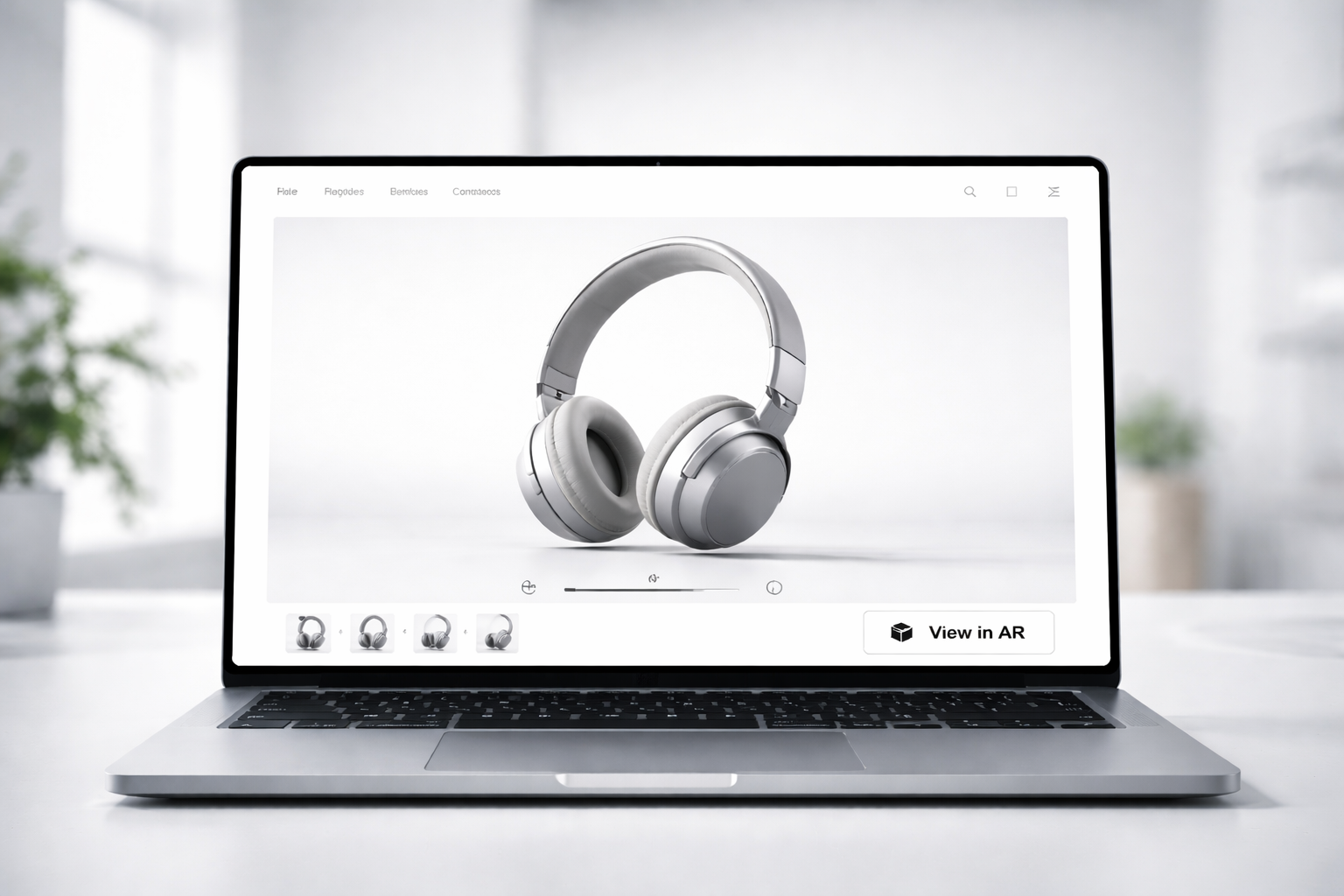
Step 6: Save the product and preview it on a mobile device. On iOS, look for the AR cube icon in the top-right corner of the model viewer. On Android with ARCore, the “View in your space” button appears below the product title on supported themes.
⚠️ Theme compatibility note: Older Shopify themes (pre-OS 2.0) may not render the model-viewer automatically. If the 3D viewer does not appear after upload, check the theme’s “Product media” settings or upgrade to an Online Store 2.0 theme. Dawn, Debut, and all current Shopify-free themes support 3D media out of the box.
Turn Any Product Photo into a Shopify-Ready 3D Model
Upload one image. Neural4D generates a base mesh in ~90 seconds, then adds PBR textures for a production-ready GLB, no 3D skills required.
50 free Power credits every week. No credit card required to start.
Part 4: How to Create a 3D Model for Shopify with AI
TL;DR: AI image-to-3D tools turn a single product photo into a Shopify-ready GLB in about two minutes, versus days to weeks of manual work in Blender or outsourced modeling. Neural4D generates a watertight mesh with PBR textures in roughly 90 seconds.
The hardest part of enabling 3D on Shopify is not the upload process; it is producing a GLB file in the first place. Traditional workflows require Blender, Maya, or a contracted 3D artist, plus UV unwrapping, PBR texture baking, and export configuration. For a product catalog of even 20 SKUs, that compounds into weeks of work.
| Modeling Method | Time per Product | Cost per Product | Skills Required | Best For |
|---|---|---|---|---|
| AI generation (Neural4D) | ~90 seconds for mesh, ~2 minutes with textures | Free plan (50 credits per week) or low per-unit cost on paid plans | None. Upload a product photo and download the GLB. | Full catalogs of 20+ SKUs, non-modelers, fast iteration on variants |
| Manual modeling (Blender) | Hours to days per product | Software is free, but time is the cost: weeks of work for a large catalog | High. Modeling, UV unwrapping, PBR texture baking, and export configuration. | Hero products that need bespoke geometry, in-house 3D teams |
| Outsourced 3D artist | Days to weeks per product including briefs and revisions | $50 to $500+ per model depending on detail level | None to brief and review, but quality control and file-format handoff add overhead | Small batches of high-fidelity products where budget is available |
Neural4D’s AI image-to-3D pipeline compresses that process to under two minutes per product. The Direct3D-S2 engine processes a single product photograph and reconstructs the full 3D geometry, including occluded surfaces, using volumetric inference rather than simple depth estimation. The output is a GLB file with embedded PBR textures, watertight mesh, and standard UV mapping, ready for Shopify upload without any post-processing.
The Neural4D Workflow for Shopify Sellers
The workflow follows a direct sequence: Input a product photo in the Neural4D Studio, wait approximately 90 seconds for the base mesh generation, use Neural4D-2.5’s conversational interface to refine proportions or texture details if needed, then export as GLB. The exported file includes all texture maps embedded and is Draco-compressed by default, keeping file sizes well within Shopify’s recommended limits.
🔧 Technical note: Neural4D’s Spatial Sparse Attention (SSA) mechanism reduces the hallucination rate on complex product geometries, like transparent packaging, reflective surfaces, and irregular shapes, that typically cause surface artifacts in other AI 3D generators. The output mesh is mathematically watertight, meaning it passes Shopify’s geometry validation and renders without visible seams in the model-viewer.
For sellers managing large catalogs, Neural4D supports batch inference through its enterprise API, allowing multiple products to be processed simultaneously. A batch of 50 product images can produce 50 Shopify-ready GLB files in a single automated run, at roughly the compute cost of a traditional 3D artist’s lunch break.

Part 5: Optimizing 3D Models for Shopify Performance
TL;DR: Keep GLB files under 5 MB with Draco compression and KTX2 textures for sub-3-second mobile loads. Stay under 300,000 triangles for complex objects so the model-viewer renders smoothly and AR placement anchors correctly.
A 3D model that loads slowly kills the benefit of having it. Shopify’s 3D viewer is lazy-loaded, meaning it only initializes when the shopper scrolls to the media section, but the GLB file download still blocks the AR experience from launching quickly on mobile.
Target File Size and Polygon Budget
Keep GLB files under 5 MB after Draco compression for sub-3 second load times on average mobile connections. For hero products where visual fidelity is a conversion factor, up to 10 MB is acceptable. Beyond that, Shopify’s auto-optimization pipeline will reduce texture resolution, which can introduce compression artifacts on fine surface details.
Polygon budget guidance by product category:
- Simple hard-surface products (bottles, boxes, electronics): 20,000-60,000 triangles
- Medium-complexity products (shoes, bags, furniture): 60,000-150,000 triangles
- High-detail products (jewelry, textiles with fine geometry): up to 300,000 triangles
Texture Optimization
Use KTX2 with Basis Universal compression for textures embedded in GLB when targeting maximum load performance. KTX2 textures are decoded directly on the GPU, bypassing the CPU bottleneck that affects standard JPEG/PNG textures embedded in GLB files. The Khronos Group’s glTF tools include a KTX2 converter. Model-viewer supports KTX2 natively as of version 1.9.
USDZ Generation from GLB
If your workflow starts with a GLB file, Apple’s Reality Converter (macOS) converts GLB to USDZ in under a minute. Alternatively, the Python library usd-core handles conversion programmatically for batch workflows. Check that the USDZ output preserves the PBR metallic-roughness material model; some converters default to legacy Lambert shading, which looks flat in AR Quick Look.
🔍 Check your model before uploading: Use the model-viewer editor (browser-based, free) to validate your GLB before uploading to Shopify. It previews the exact rendering Shopify will show, highlights missing textures, and reports geometry errors. Catching issues here saves a round-trip through Shopify’s media pipeline.
For GLB files converted from AI-generated assets like those from Neural4D’s image-to-GLB pipeline, the watertight mesh guarantee means the USDZ conversion step will not encounter the open-edge errors that commonly break AR Quick Look anchoring on assets from other sources.
Part 6: Common Questions About Shopify 3D Models and AR
TL;DR: Shopify supports GLB and USDZ natively with no app required. Common problems like a missing viewer usually trace to an unsupported format, an old theme, or a file that is still processing.
Does Shopify support 3D models natively?
Yes. Shopify has built-in 3D model support using Google’s model-viewer component. Upload a GLB or USDZ file through the product media section, and the viewer activates automatically. No third-party app or custom code is required on Online Store 2.0 themes.
What is the best format for 3D models on Shopify?
GLB is the primary format. It handles the web viewer and Android AR experience. For full iOS AR Quick Look support, also upload a USDZ file. Shopify pairs them automatically and serves each format to the correct device.
How large can a Shopify 3D model file be?
Shopify accepts files up to 500 MB, but files above 15 MB trigger automatic optimization. For best performance on mobile, target GLB files under 5 MB using Draco compression. Larger files load slowly and reduce the AR conversion rate.
Can I add 3D models to Shopify without knowing 3D modeling?
Yes. AI tools like Neural4D generate Shopify-compatible GLB files from a single product photograph. The base mesh generates in roughly 90 seconds; adding PBR textures for a production-ready, fully textured asset takes additional time, bringing the total to around 2 minutes or more. No 3D modeling skills are required at any step.
Does adding a 3D model affect Shopify page load speed?
The model-viewer component is lazy-loaded, so it does not block your initial page render or Largest Contentful Paint (LCP) score. The GLB file downloads only when the shopper interacts with the media section. A well-optimized GLB under 5 MB has minimal impact on Core Web Vitals.
Do I need an app to add 3D models to Shopify?
No. Shopify supports GLB and USDZ natively through the product media section, so you can add a 3D model to Shopify without installing an app. The model-viewer component and AR Quick Look support are built into the platform on Online Store 2.0 themes.
Why is my 3D model not showing on Shopify?
The most common causes are an unsupported format, a theme that predates Online Store 2.0, or a file that is still being processed. Upload GLB or USDZ only, confirm the theme supports product 3D media, and if the file is larger than 15 MB, wait for Shopify’s optimization pipeline to finish before checking the product page.
Get Your Products in 3D Today
Knowing how to add a 3D model to Shopify is now a two-step process: generate a GLB file from a product photo, then upload it through the standard media interface. The technical complexity has shifted from months of 3D modeling work to a few minutes of AI inference, base mesh in ~90 seconds with texturing on top. Shopify handles the rest, from viewer rendering to device-specific AR file serving, automatically.
The conversion data supports acting quickly. Stores that have deployed 3D product media report measurable lifts in time-on-page, add-to-cart rate, and return reduction. The competitive window for early adopters in most product categories is still open, but it will not stay that way.
Your Entire Product Catalog in 3D, This Week
Neural4D’s Direct3D-S2 engine converts product photos into watertight GLB assets with PBR textures. Base mesh in ~90 seconds, fully textured and Shopify-ready in minutes.
Free plan includes 50 Power credits per week. Commercial rights included on paid plans.