3D Print World Cup Trophy and Soccer Keepsakes with AI in 2026
Quick Summary
- Neural4D converts a photo of any World Cup trophy, club badge, or jersey into a printable 3D model in under 2 minutes.
- The Direct3D-S2 engine outputs watertight geometry that goes straight into a slicer, no mesh repair required.
- World Cup 2026 fans are using this workflow to 3D print World Cup trophy replicas, badge keepsakes, and player figurines at home.
- Base mesh generation takes roughly 90 seconds (geometry only). Adding PBR textures raises the total to 2 minutes or more.
- Neural4D exports .stl, .glb, .obj, .fbx, .usdz, and .blend, covering FDM printers, resin printers, and game engines.
Fans can now 3D print World Cup trophy replicas, club badges, and player figurines at home using AI, with no modeling skills and no mesh repair. Upload a photo of any soccer object, generate a watertight 3D file in under two minutes, and send it straight to your slicer.
Part 1: Why World Cup 2026 Is Driving a 3D Collectibles Boom
World Cup 2026 is the first edition with 48 teams and a North American split across the US, Canada, and Mexico. Attendance projections are the highest in FIFA history. For fans who cannot travel to a match, physical collectibles are one of the few tangible ways to anchor the memory. Official merchandise sells out fast and carries a premium. The DIY 3D print fills that gap.
The timing aligns with something equally significant on the technology side. AI image-to-3D tools in 2024 produced meshes full of holes and floating geometry. By 2026, the architecture has changed. Neural4D’s Direct3D-S2 engine performs volumetric reconstruction, which means it calculates the full solid interior of an object rather than draping a surface over a depth estimate. The result is a watertight mesh by default.
The market research firm Statista projected the global sports memorabilia market at over $26 billion by 2026, with personalization and limited-edition collectibles driving the fastest growth segment. Statista’s consumer goods tracking places 3D-printed custom goods as one of the top emerging categories. For fans with a $200 FDM printer at home, the economics are obvious: a custom badge replica that costs $40 from a service bureau costs cents in filament when you print it yourself.
The workflow that lets you 3D print World Cup trophy replicas and fan keepsakes is now two steps: upload a photo, download a print file. Everything in between happens in under two minutes. The same World Cup 2026 technology push is also transforming how fans experience 3D at a broadcast level: see how 3D digital human sports broadcasting is changing what viewers see on screen.
Part 2: What AI-Powered 3D Generation Can Actually Do for Fan Keepsakes
The honest limitation of older image-to-3D tools is that they only see what the camera sees. Feed a front-on photo of a trophy and the system guesses the back half. Guessing produces non-manifold geometry, which is the technical term for “holes and impossible edges that make your printer angry.” Most tools then require post-processing in Blender or Meshmixer to close those holes before printing.
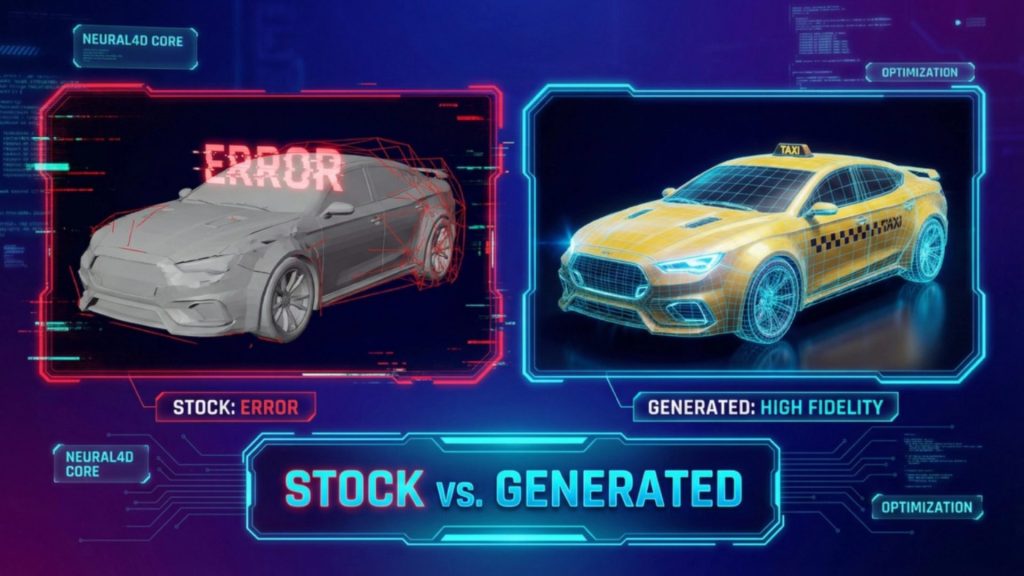
Neural4D takes a different path from most tools that promise to 3D print World Cup trophy shapes from a photo. The Direct3D-S2 architecture processes a 2048-cubed volumetric grid. Instead of reconstructing a surface, it reasons about the solid volume of the object. Every exported .stl from this pipeline is mathematically watertight: zero non-manifold edges, no manual repair step, compatible with Cura, PrusaSlicer, and Chitubox out of the box.
✅ Supported export formats from Neural4D Image to 3D: .stl (3D printing), .glb (web and game engines), .obj, .fbx, .usdz (Apple AR), .blend (Blender)
The practical consequence for a fan workflow is that you do not need any 3D modeling background. You need a clear photo and a Neural4D account. The system outputs the mesh; you send it to your slicer.
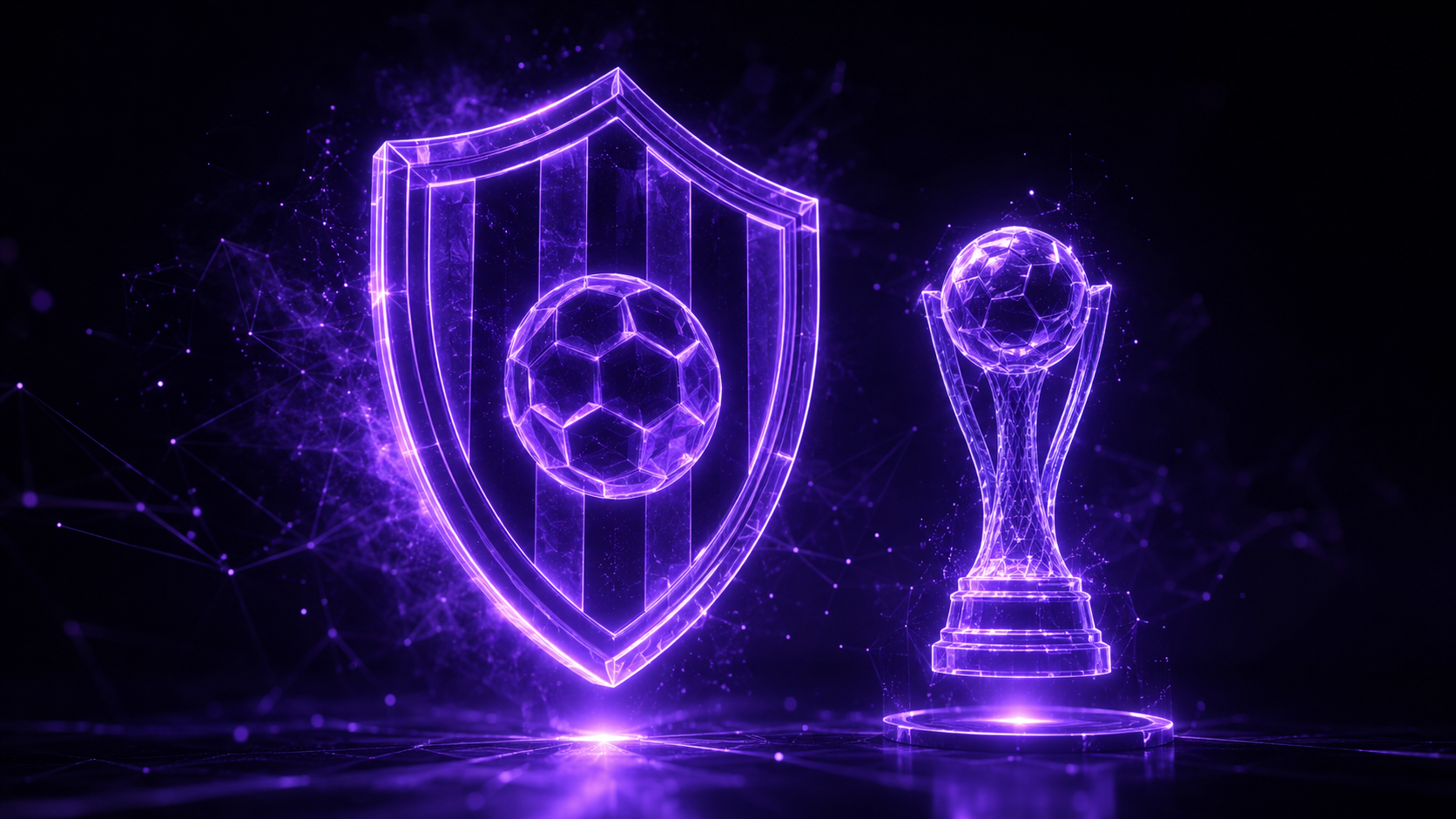
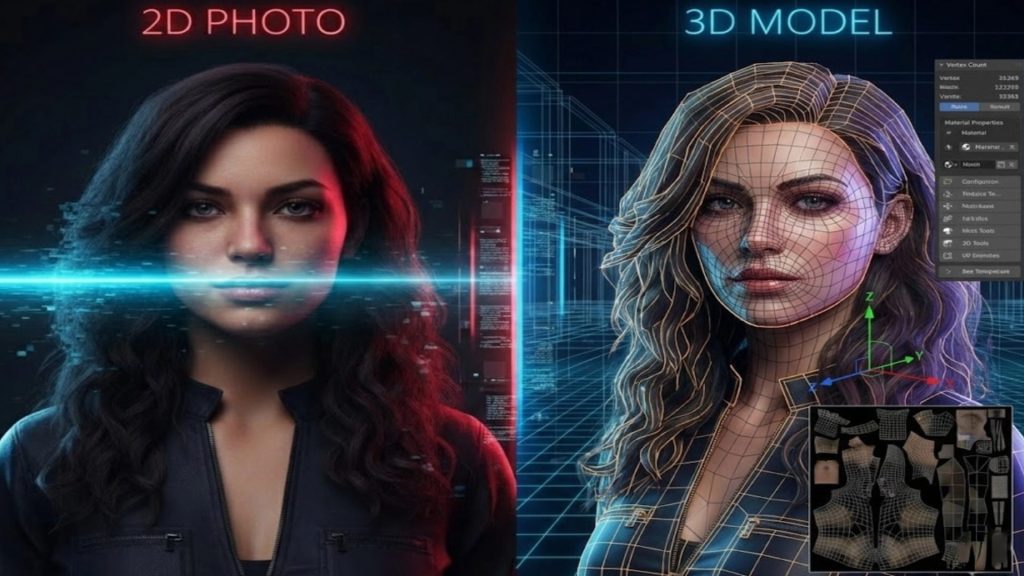
Neural4D also supports multi-view input: upload three to six overlapping photos of the same object from different angles and the reconstruction accuracy improves significantly for objects with heavy occlusion, like a figurine with arms in front of the body or a trophy with complex handle geometry.
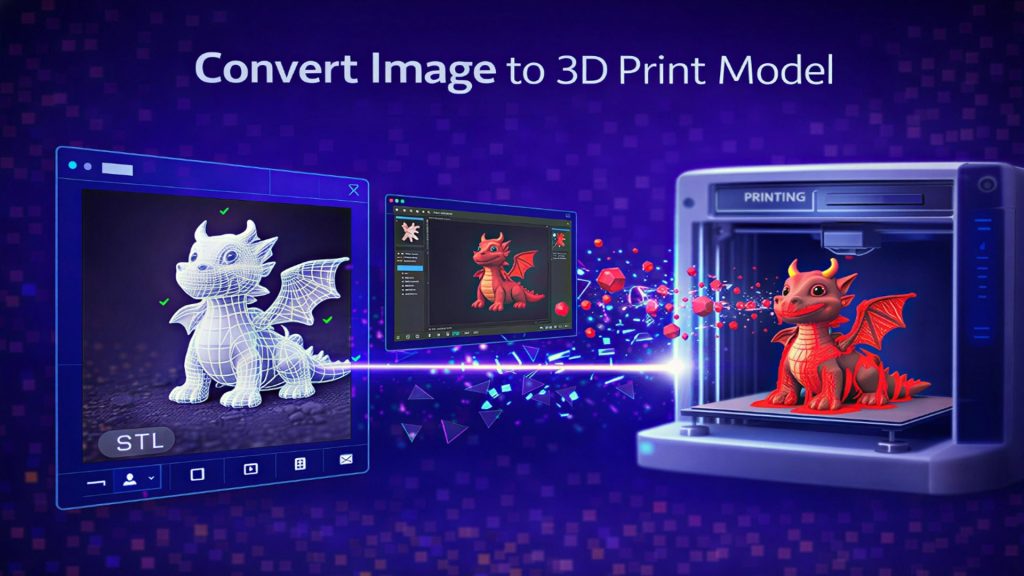
For texture-mapped collectibles intended for display rather than just printing, Neural4D generates full PBR maps (Normal, Roughness, Metallic) alongside the geometry. This is useful if you want to load the model into a game engine or web viewer rather than print it. To learn more about converting a photo to a print-ready file, see the detailed guide on how to convert an image to a 3D print model.
Part 3: Step-by-Step: From Fan Photo to 3D Keepsake
The full workflow to 3D print World Cup trophy replicas and fan keepsakes takes under five minutes of active effort. The generation itself runs in the background.
- Take a reference photo. Flat even lighting, neutral background (gray or white works best), subject fills the frame. For a club badge: photograph it laid flat on a table with overhead light. Avoid shadows across the face of the badge. A slight 3/4 angle gives the engine reference points to calculate depth on raised elements like lettering or shield edges.
- Open Neural4D and select Image to 3D. Upload your photo. Choose whether you want a base mesh only (fastest, for printing) or a textured mesh with PBR maps (for display or rendering). This selection happens before you click Generate, not after, because Neural4D runs both in a single pass when textures are selected.
- Set your generation options. For a club badge or trophy replica intended for FDM printing: leave the default mesh density. For a small figurine intended for resin printing: select higher detail. If you have multiple photos from different angles, upload all of them in the multi-view input field.
- Click Generate and wait. Base mesh: approximately 90 seconds. With PBR textures selected: 2 minutes or more. You will see a real-time preview rotate as the model builds.
- Review and refine with Neural4D-2.5 (optional). After generation, you can use Natural language instructions to adjust proportions, add detail to specific areas, or change material properties. For example: “make the lettering on the badge more raised” or “add more roughness to the metallic border.” Neural4D-2.5 applies these changes without restarting the full generation.
- Export as .stl. Hit Export, select .stl. The file downloads to your machine, ready to open in your slicer.
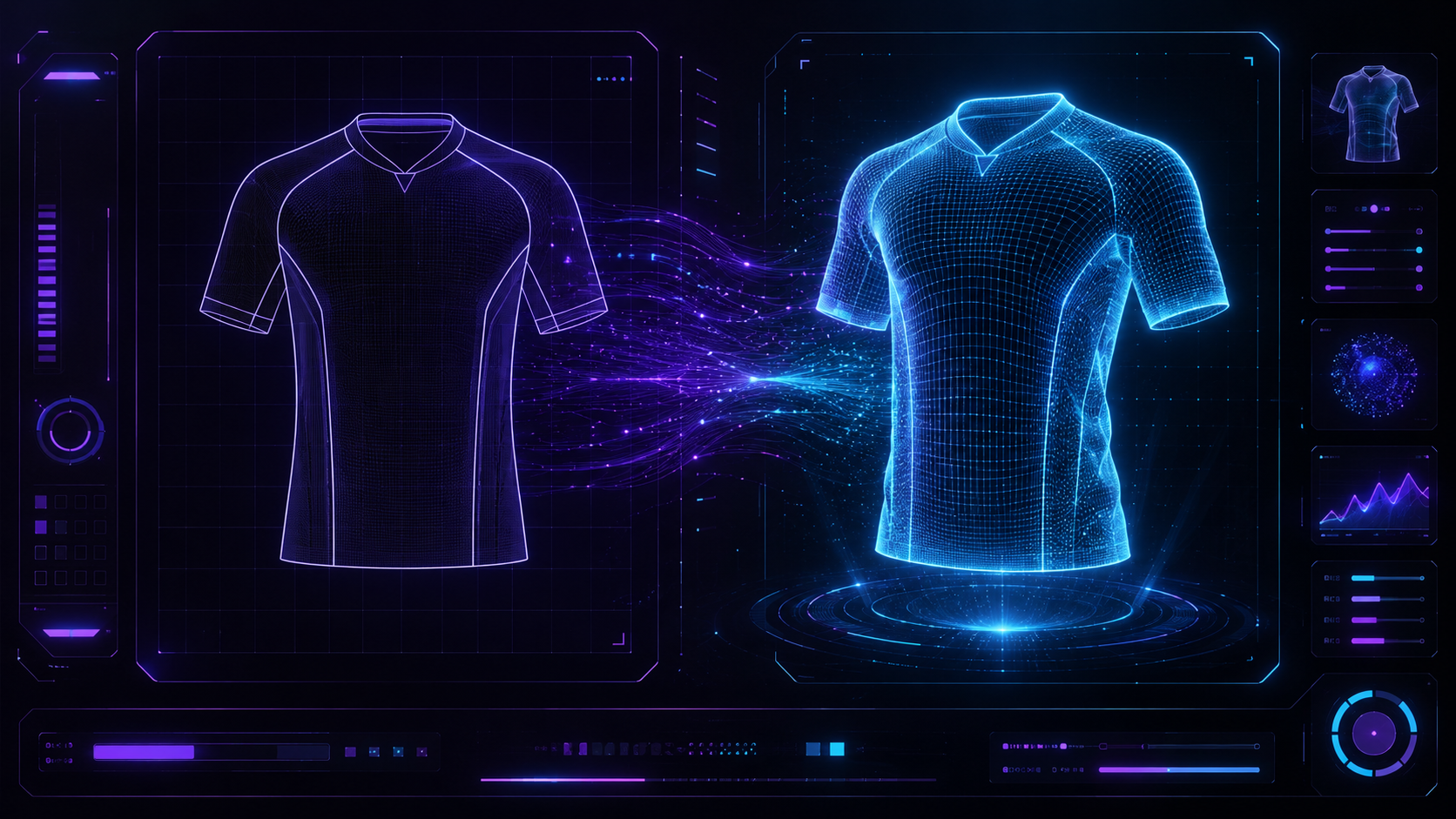
Turn Any Soccer Photo Into a Printable 3D Model
No modeling skills. Watertight geometry. Export and print the same day.
Free plan includes 50 Power per week. No credit card required to start.
Part 4: From Digital File to Physical Object: 3D Printing Your Keepsake
Once generation is complete, the .stl file from Neural4D goes straight into your slicer. The only question is which print technology fits the object. Two formats dominate home printing: FDM (filament-based) and MSLA/resin.
FDM Printing
FDM is the right choice when you want to 3D print World Cup trophy replicas at full display size (15-20 cm tall), a badge that you will mount on a wall, a team crest on a keychain ring. Print with 0.2 mm layer height and 20% gyroid infill for display-quality finish. PLA works for shelf display; PETG handles higher temperatures if you want the piece in a car or near a window. A badge at 10 cm diameter prints in two to three hours.
Resin (MSLA) Printing
Resin is the right choice for small, high-detail pieces: a 6 cm figurine of a famous goal celebration pose, fine text on a badge, or a miniature trophy for a desk. Resin captures the detail at 35 micron layer height that FDM at 0.2 mm cannot. The trade-off is post-processing: wash in isopropyl alcohol, cure under UV. For print settings on wearable or display prop projects, the guide on print settings for wearable props covers layer height, infill, and finishing in detail.
| Keepsake Type | Recommended Print Method | Suggested Layer Height | Estimated Print Time |
|---|---|---|---|
| Club badge replica (10 cm) | FDM | 0.2 mm | 2 to 3 hours |
| Trophy replica (20 cm) | FDM | 0.2 mm | 6 to 10 hours |
| Player figurine (6 cm) | Resin (MSLA) | 0.035 mm | 2 to 3 hours |
| Desk-size stadium section | FDM (multi-part) | 0.16 mm | 8 to 15 hours |
If you do not own a printer, services like Craftcloud or local makerspaces accept .stl uploads and ship the finished piece. Neural4D’s .stl files pass slicer import checks without modification because the geometry is watertight by construction. For a detailed comparison of tools for exporting to .stl format, see the roundup of the best tools to convert an image to STL.
Part 5: What Kinds of Soccer Keepsakes Work Best
Not every subject converts equally well when you want to 3D print World Cup trophy shapes or fan keepsakes. The workflow performs best when the input photo gives the algorithm enough spatial information to infer depth accurately.
High Success Rate
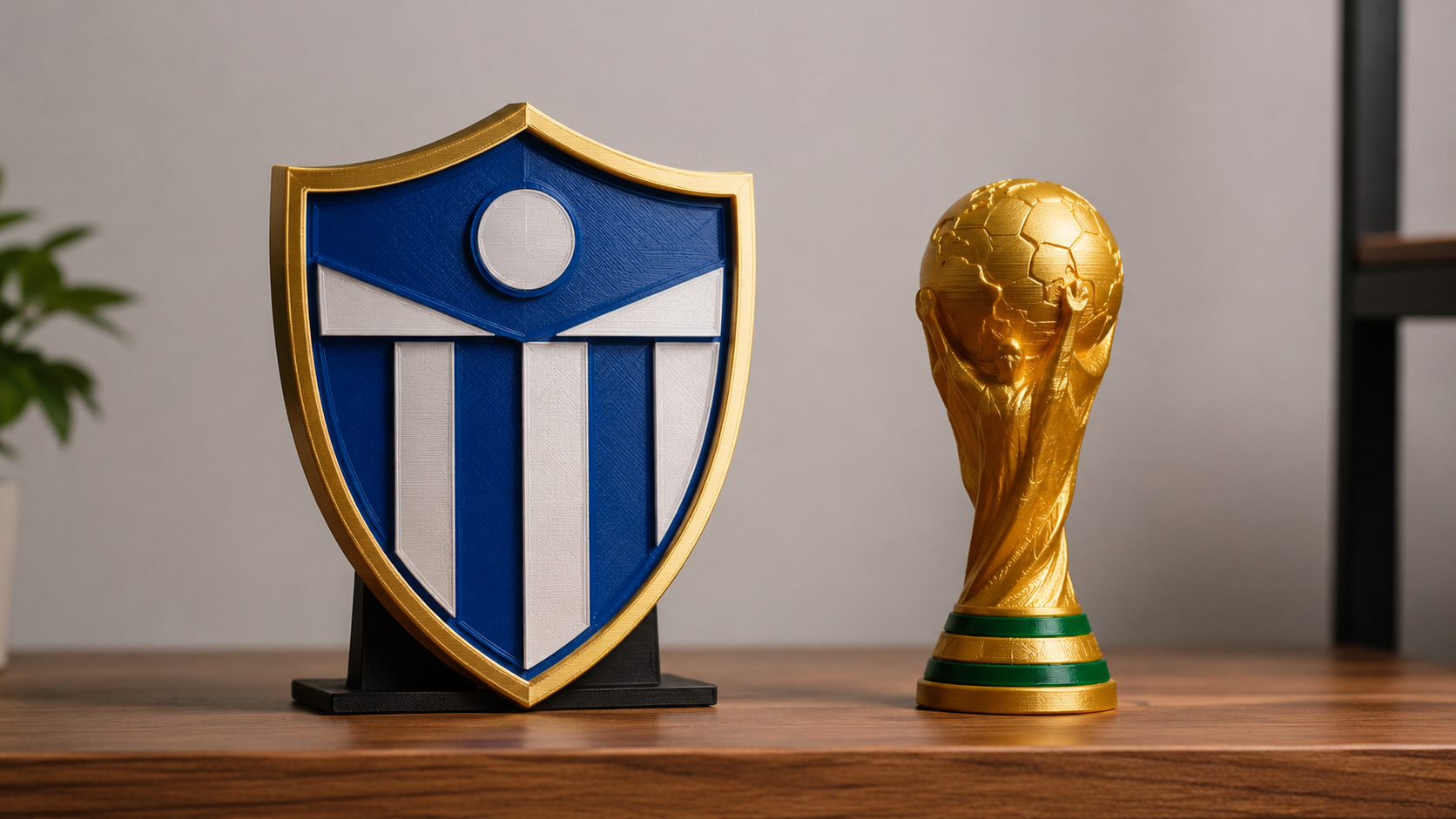
- Club badge replicas. Badges have clearly defined raised geometry (text, crests, shields) that photos capture well. The result is a print-ready badge that FDM can handle in a single pass.
- Trophy replicas. The World Cup trophy’s form makes it one of the easiest subjects to 3D print World Cup trophy replicas: solid, sculptural, no internal cavities. Volumetric reconstruction nails the handles and base from a single overhead photo. An overhead-angle or slight 3/4 input photo gives the model enough depth cues to reconstruct the handles and base accurately.
- Boot and cleat profiles. A fan’s own soccer boot photographed against a neutral background converts well, making a personalized desk piece tied to a specific match day.
Requires a Better Photo Setup
- Player figurines from a single action photo. A photo taken mid-motion with arms and legs overlapping is harder to reconstruct. Use the multi-view input mode (3 to 6 photos from different angles) or provide a cleaner single shot with a clear silhouette. For reference on how AI handles complex sports figures, see the guide on AI photo-to-STL for fan collectibles.
- Stadium architecture sections. Large subjects with significant depth variation benefit from multiple reference photos. A three-photo set from front, side, and front-close delivers a much more accurate reconstruction than a single wide shot.
⚠️ Photo tip: The single factor most responsible for reconstruction quality is background separation. A badge photographed against a cluttered surface gives the algorithm competing depth signals. A gray foam board or a sheet of white paper behind the subject is enough to eliminate the problem.
For objects that are harder to photograph well, the text-to-3D path is an alternative: describe the badge or trophy in text, and Neural4D builds the 3D model from the description rather than a photo. The text-to-STL workflow covers this path in detail for cases where a reference photo is not available.
Part 6: FAQ: AI 3D Model World Cup Keepsakes
Most photos work, with one important caveat: the subject needs to be distinguishable from its background. A badge lying on a neutral surface converts cleanly. A badge photographed on a jersey that is also on a cluttered floor gives the algorithm competing depth signals and the reconstruction quality drops. The fix is simple: lay the badge on a sheet of white or gray paper in even lighting before photographing it. Jersey-printed graphics are inherently flat and convert to shallow-relief models, which is correct for wall display but not ideal for figurine-style prints. For full-relief jerseys with structural depth (like a replica kit on a hanger), the 3/4 angle shot gives the best result.
No. There are three ways to use the output: print it yourself on an FDM or resin printer, upload the .stl to a print-on-demand service (Craftcloud, JLCPCB, local makerspaces) and have a physical piece shipped to you, or skip printing entirely and use the .glb file in a 3D web viewer, game engine, or AR app. For World Cup fan content, the .glb export means you can embed an interactive 3D badge viewer directly in a website or social media post using free tools like model-viewer.dev. The file does not have to become a physical object to be useful.
Base mesh generation (geometry only, no textures) takes approximately 90 seconds. If you select PBR texture generation before clicking Generate, the system runs both in a single pass and the total time is 2 minutes or more, depending on the complexity of the input. You cannot add PBR textures as a separate step after the mesh is generated; the texture option must be selected at the start. For the fastest possible print workflow, select base mesh only, export the .stl, and go straight to your slicer. You lose color information but gain about 30 to 60 seconds of generation time.
Yes, for Neural4D output specifically. The Direct3D-S2 engine uses volumetric reconstruction rather than surface estimation, which means it outputs mathematically watertight geometry: no holes, no non-manifold edges, no inverted normals. The .stl file imports cleanly into Cura, PrusaSlicer, and Chitubox without triggering mesh-error warnings. This is the key structural difference between Neural4D and tools like Meshy or Tripo that use surface-based methods. Surface-based tools frequently produce geometry with open boundaries that require repair in Meshmixer or Netfabb before printing. With Neural4D, the repair step does not exist.
Two separate rights questions apply here. The first is Neural4D’s license: assets generated on a paid Neural4D subscription carry full commercial use rights. Assets generated on the free plan are marked “Trial” and are for personal testing only. The second is the intellectual property question about the subject of the photo: official club badges, tournament logos, and player likenesses are trademarked or covered by image rights held by FIFA, UEFA, or individual clubs. Printing and selling an exact replica of a club badge for profit is an IP infringement issue regardless of which AI tool generated the file. Fans creating keepsakes for personal use (display at home, gifts, not for resale) fall into a different category, but this is an area where you should review the specific terms of the club or federation whose imagery you are using. Original-design keepsakes inspired by a team’s colors and aesthetic rather than directly copying protected marks carry no such restriction.
Your Club. Your Print. This World Cup.
Upload a photo of any badge, trophy, or jersey. Get a watertight 3D print World Cup trophy file in under two minutes. Export and print the same day.
50 Power per week on the free plan. Pro Monthly starts at $48 for 3,000 Power.