The Best Free 3D Model Design Software: 2026 Professional Alternatives to Blender
Executive Summary: Modern asset pipelines prioritize free 3D model design software that offers deterministic output and low computational overhead. While legacy tools like Blender remain industry standards, 2026’s emerging generative architectures, specifically Direct3D-S2, are now capable of producing engine-ready, quad-dominant geometry in sub-60 second inference cycles.
For engineering and product teams, the primary bottleneck in 3D production is not the software license cost, but the accumulated time spent on manual retopology and mesh cleanup. In 2026, the strategic selection of free 3D model design software is a calculation of “time-to-asset.” Traditional modeling suites often result in non-manifold geometry when handled by non-experts, leading to significant delays in Unity or Unreal Engine integration. This guide evaluates the professional landscape of 3D modeling alternatives, focusing on tools that provide watertight mesh output and streamlined pipeline compatibility.
Table of Contents
- Part 1: Defining Utility in 2026 3D Workflows
- Part 2: Parametric & CAD Solutions for Rapid Prototyping
- Part 3: Professional Mesh Modeling: Evaluating the Blender Standard
- Part 4: Generative Architecture: Neural4D and Direct3D-S2 Logic
- Part 5: Comparative Analysis of Production-Ready Software
- Part 6: FAQ: Technical Bottlenecks and Commercial Licensing
- Part 7: Strategic Conclusion – Optimizing Your Asset Pipeline
Part 1: Defining Utility in 2026 3D Workflows
The strategic value of 3D software is no longer anchored to its price point. Instead, technical leads evaluate tools based on their retopology efficiency and export fidelity. Professional-grade free 3D model design software must integrate into existing CI/CD pipelines without introducing “triangle soup” or broken edge flows. In 2026, efficiency is achieved by utilizing compute power to automate the most labor-intensive parts of the modeling process, specifically UV mapping and mesh optimization.
Read also: How to Design 3D House Models
Part 2: Parametric & CAD Solutions for Rapid Prototyping
CAD (Computer-Aided Design) tools are the backbone of technical prototyping, where dimensional accuracy is non-negotiable.
🔥 Tinkercad (Autodesk)
Tinkercad is a primitive-based assembly workflow. It utilizes constructive solid geometry (CSG) to build 3D assets by merging or subtracting basic solids, ensuring mathematically sound intersections.
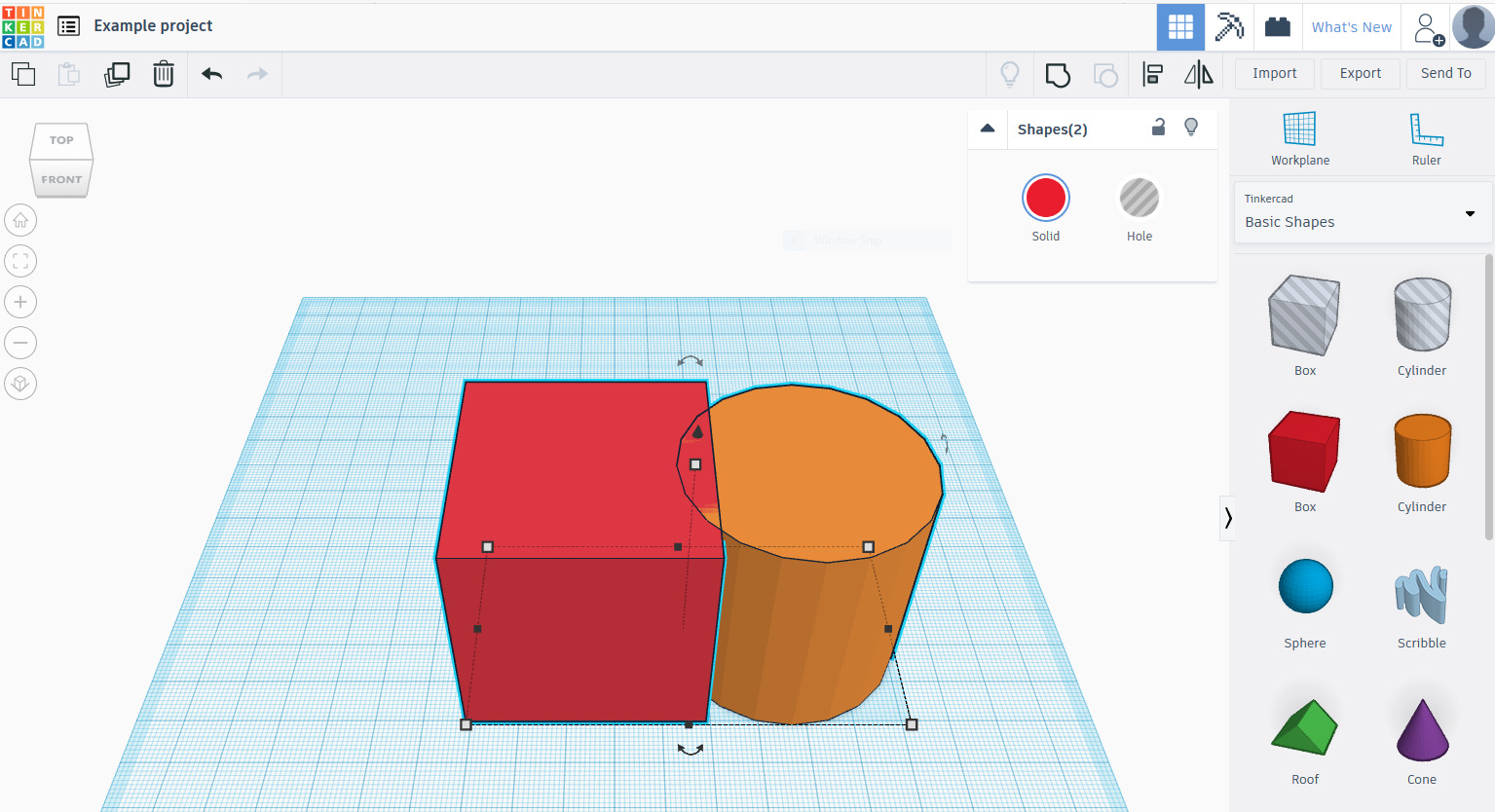
Technical Experience: Its cloud-based engine provides a low-friction entry for block-out modeling. While unsuitable for organic high-poly sculpting, it remains the standard for mechanical prototyping.
🔥 SelfCAD
SelfCAD provides an integrated environment combining parametric modeling with mesh sculpting and an internal slicer for additive manufacturing.
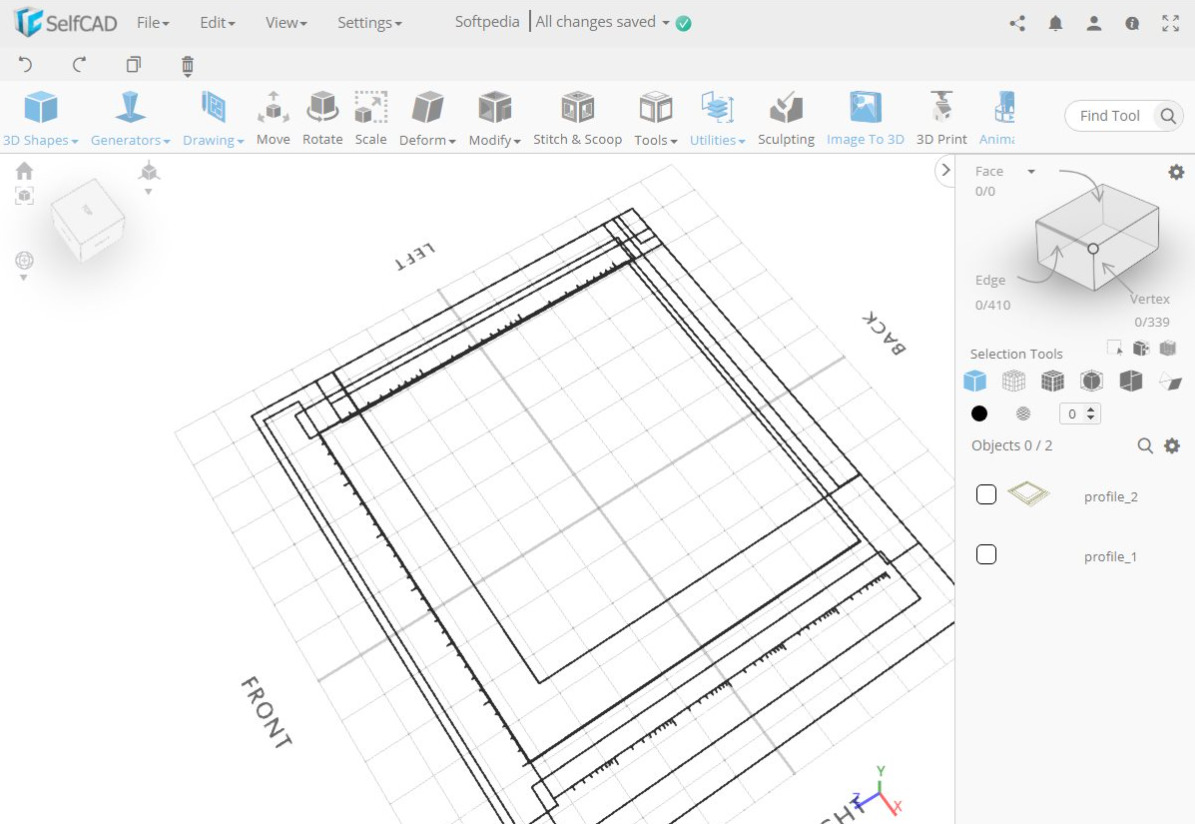
Technical Experience: It reduces the need for “software hopping” by centralizing the sculpting-to-slicing process. Its browser-native engine is surprisingly performant with moderately complex scenes.
Part 3: Professional Mesh Modeling: Evaluating the Blender Standard
Mesh modeling requires a high degree of vertex-level control, traditionally dominated by open-source legacy systems.
🔥 Blender: The Open-Source Standard
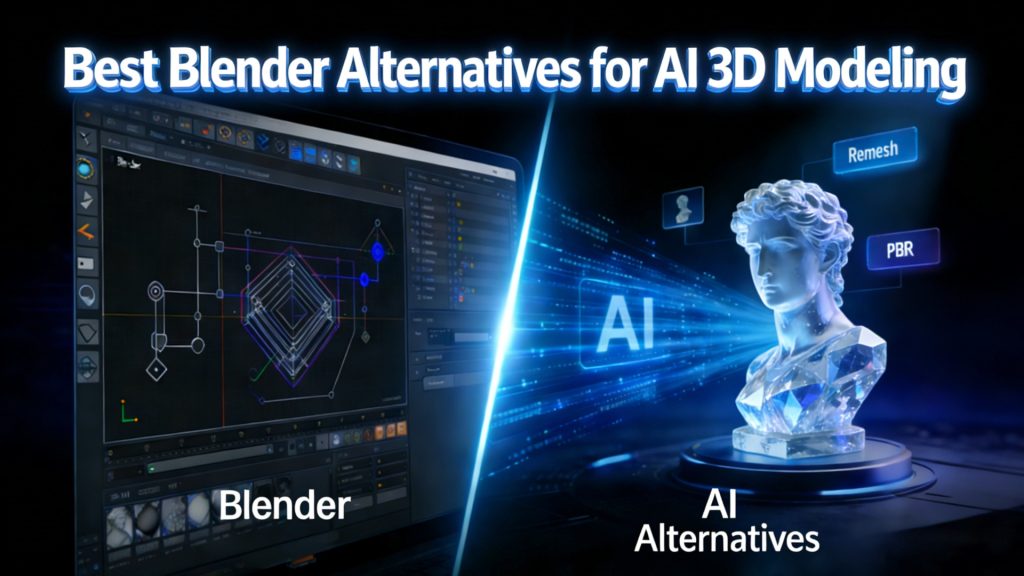
Blender is the industry standard for independent production, offering a complete pipeline from rigging to ray-tracing. However, its vast feature set introduces a significant cognitive load and a steep training plateau.
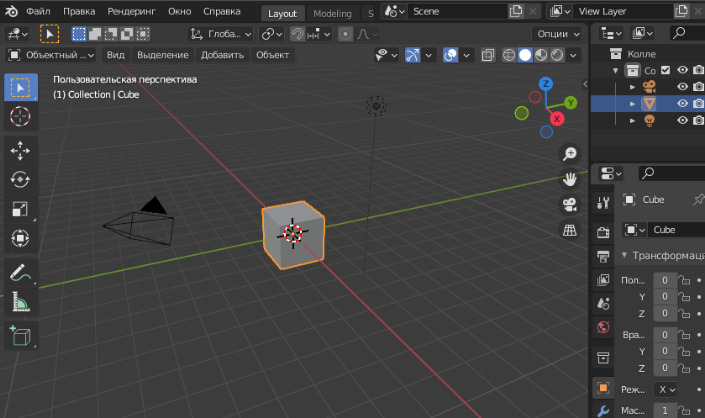
Technical Experience: For teams requiring total pipeline control, Blender is unmatched. For teams requiring speed, its complexity is often a liability. Modern developers often seek a 3D character creator online free alternative to bypass the manual weighting and rigging phases.
Part 4: Generative Architecture: Neural4D and Direct3D-S2 Logic
Generative AI in 2026 has moved beyond simple image projection into native volumetric generation.
🔥 Neural4D
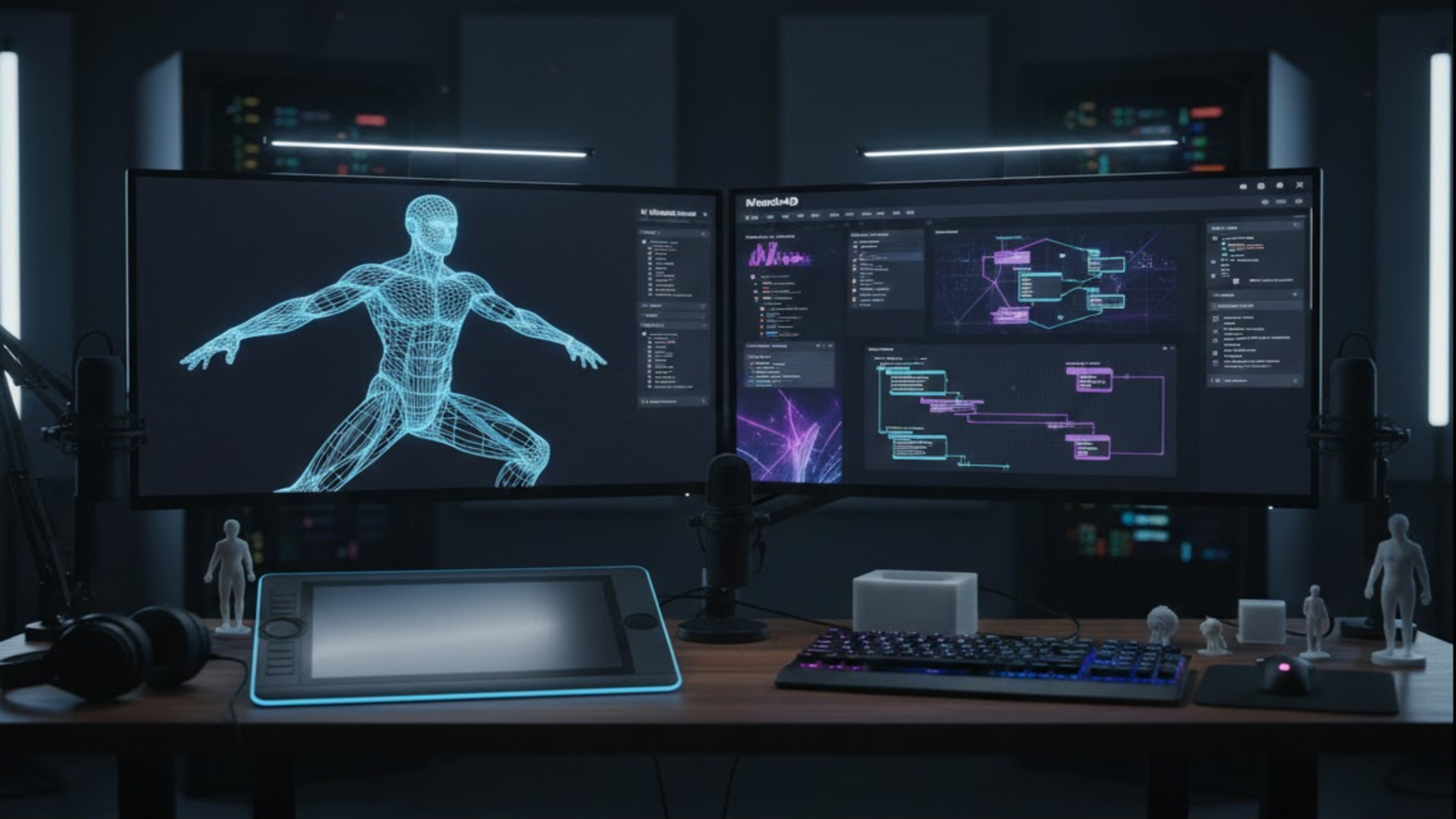
Neural4D leverages the Direct3D-S2 algorithm to automate the generation of production-ready 3D geometry.
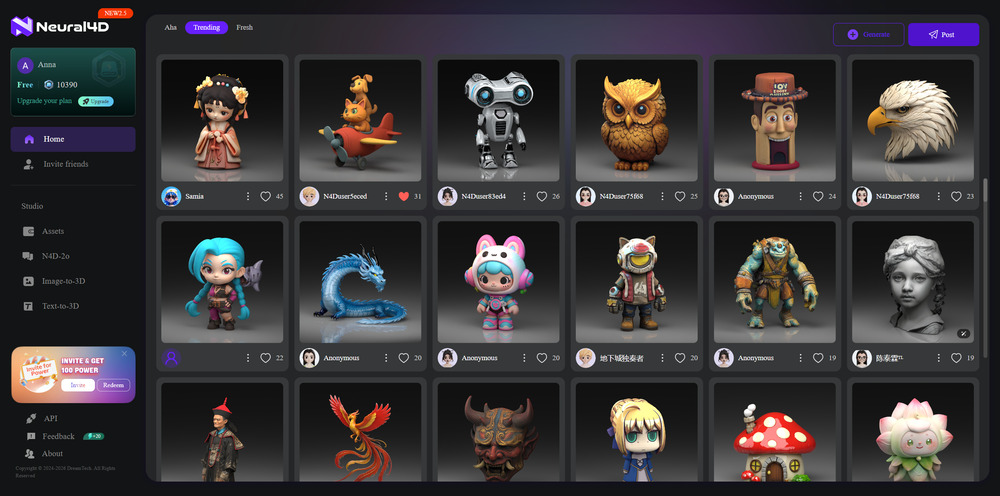
Technical Experience: Neural4D is the best Image to 3D AI tool . It allows users to create 2D photos to 3D models with a focus on quad-dominant meshes. Unlike first-generation AI tools that produced “triangle soup,” Neural4D ensures structural integrity for professional export.
Architecture: Direct3D-S2 & SSA
The Direct3D-S2 engine utilizes **Spatial Sparse Attention (SSA)** to prioritize geometric features during the reconstruction process. This deterministic approach ensures that every export is a watertight mesh, specifically optimized for PBR (Physically Based Rendering) workflows. For enterprise teams, this reduces the “asset cleanup” phase by approximately 85% compared to manual modeling.
Accelerate Your Asset Pipeline
Claim 50 free Power credits per week, sufficient for ~5 production-ready generations, and bypass manual retopology.
Part 5: Comparative Analysis of Production-Ready Software
| Software | Primary Use Case | Topology Logic | Implementation Cost |
|---|---|---|---|
| Tinkercad | Low-Poly Prototyping | Boolean/Standard | Negligible |
| SelfCAD | Maker/Additive Mfg | Mesh/Slicer Integrated | Low |
| Blender | Full Production Hub | User-Controlled | High (Training) |
| Neural4D | Rapid Asset Generation | AI-Optimized Quad | Zero (Weekly Free) |
Part 6: FAQ: Technical Bottlenecks and Commercial Licensing
❓ Q: Can I integrate assets from free software into commercial game engines?
A: While Blender offers total license freedom, SaaS tools like Neural4D grant commercial rights to subscribers. However, models generated via free Power credits are ideal for pre-production and technical proof-of-concept.
❓ Q: What is the primary cause of mesh failure in game engines?
A: Most issues stem from non-manifold geometry and “flipped normals.” 2026-era free 3D model design software like Neural4D uses volumetric logic to ensure the output is a watertight mesh by design.
❓ Q: Is AI generation compatible with existing PBR workflows?
A: Yes. Platforms utilizing the Direct3D-S2 engine can convert image to 3D model using AI while simultaneously generating Albedo, Roughness, and Normal maps for standard Physically Based Rendering.
Part 7: Strategic Conclusion – Optimizing Your Asset Pipeline
Successful 3D production in 2026 relies on a hybrid stack. Use parametric tools for high-precision components, Blender for artisanal hero assets, and Neural4D’s Direct3D-S2 for high-volume, high-fidelity background and character assets. The goal is to minimize manual vertex manipulation and maximize pipeline throughput. By selecting tools based on their ability to produce a watertight mesh instantly, you eliminate the hidden costs of “free” software.
Enterprise-Grade Asset Generation
Deploy the Direct3D-S2 engine within your internal workflow. Our API solutions support batch inference and fine-tuning for specific domain requirements.