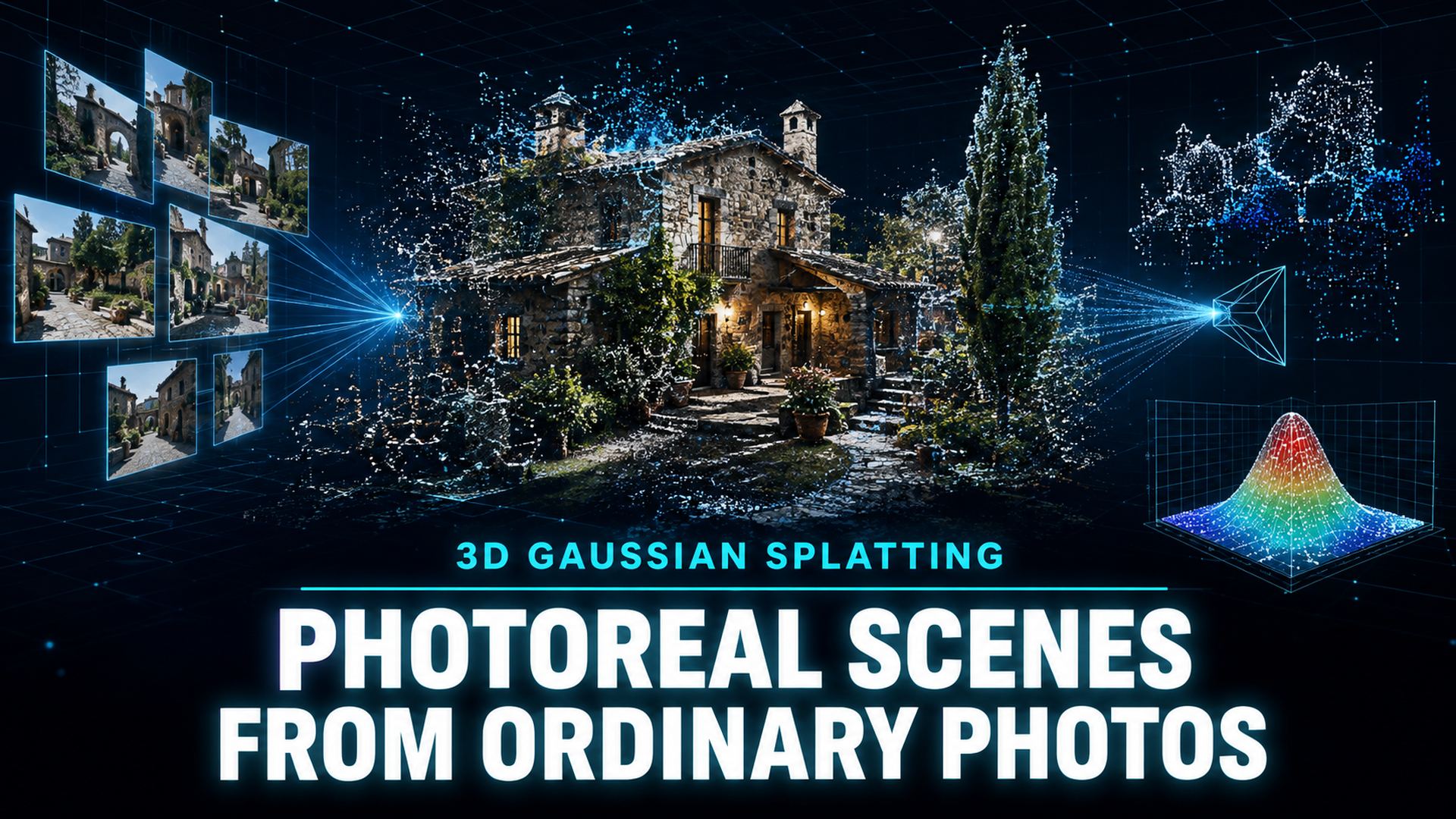
What Is Gaussian Splatting? How 3D Gaussian Splatting Works
Quick Summary
- Gaussian Splatting is a 3D capture technique that reconstructs a real scene from overlapping photos or video into millions of small colored ellipsoids called Gaussians, rendered in real time on consumer GPUs.
- Unlike NeRF, which renders through a neural network, and photogrammetry, which builds polygon meshes, Gaussian Splatting is an appearance-based representation built for photoreal scenes you can move through.
- Splats are for showing places, not for building assets: they cannot be 3D printed, rigged, or edited the way a polygon mesh can.
- Neural4D is an alternative to Gaussian Splatting when you need clean, watertight, editable mesh assets, generating production-ready models from a single photo or text prompt.
Gaussian Splatting turns an ordinary stack of photos into a photoreal 3D scene you can move through in real time, and it has become one of the fastest-growing capture techniques in 3D. If you are asking what is gaussian splatting, the short answer is a scene built from millions of soft colored blobs; the fuller answer is how the algorithm works, where it beats photogrammetry and NeRF, and when you should still generate a polygon mesh instead.
Table of Contents
- Part 1: What Is Gaussian Splatting? A Definition in Plain Terms
- Part 2: How Does 3D Gaussian Splatting Work?
- Part 3: Gaussian Splats vs Traditional 3D Models
- Part 4: Gaussian Splatting vs NeRF vs Photogrammetry
- Part 5: What Is Gaussian Splatting Used For?
- Part 6: Limitations of Gaussian Splatting
- Part 7: Where Neural4D Fits In: Clean Meshes When You Need ThemHOT
- Part 8: Frequently Asked Questions on Gaussian Splatting
- Conclusion and Next Step
Part 1: What Is Gaussian Splatting? A Definition in Plain Terms
What is gaussian splatting, in the shortest possible form? It is a technique for turning regular photographs or video of a real place into a photoreal 3D scene. Instead of building a polygon mesh, the software reconstructs the scene as millions of tiny, soft, overlapping ellipsoids called Gaussians. Each one stores a position, a size, an orientation, a color, and an opacity value.
The name comes from two ideas. A Gaussian is a soft 3D blob that is densest at its center and fades toward its edges, which makes it easy to blend with neighbors. Splatting is what the renderer does when it projects each Gaussian onto the 2D screen, flattening it like a snowball hitting a window. Stack enough of these flattened, semi-transparent blobs and you get a continuous, photoreal image from any new camera angle.
The technique was introduced in a 2023 research paper from INRIA titled 3D Gaussian Splatting for Real-Time Radiance Field Rendering, published at ACM SIGGRAPH. Its headline result was dramatic: it matched the visual quality of NeRF, the neural approach that came before it, while rendering more than 100 times faster, fast enough to be genuinely interactive on consumer hardware.
A finished splat is 3D, but it is not a model in the traditional sense. There are no polygons, no UV maps, and no texture files. It is closer to a very dense, very smart point cloud, a recipe for rendering a scene rather than a description of its surfaces.
🔹 Key distinction: Gaussian Splatting is a scene capture and reconstruction technique. It does not generate new geometry from imagination. The training loop reconstructs what the camera actually saw, which is why the output is described as photoreal rather than invented.
Part 2: How Does 3D Gaussian Splatting Work?
The pipeline is straightforward to describe even when the math underneath is advanced. Every step feeds into the next, and the whole process usually runs in minutes on a modern GPU.
Step 1: Capture
You photograph the subject from many overlapping angles, or record a slow video. Each part of the scene should appear in at least 3 to 5 frames from different positions. Phones, mirrorless cameras, drones, and action cameras all work; LiDAR is not required.
Step 2: Camera estimation
Software matches visual features across frames to estimate where the camera was for each shot. This stage is called structure from motion, and it also produces a sparse point cloud that seeds the scene.
Step 3: Initialize Gaussians
Each sparse point becomes a starting Gaussian, a rough guess at the local color and volume. From here the scene is little more than a scattered cloud of blobs.
Step 4: Optimize
The core of the technique. The renderer draws the scene from the original camera angles, compares each rendered image with the real photo, and adjusts every Gaussian’s position, scale, rotation, color, and opacity to reduce the difference. This loop runs thousands of times.
Step 5: Adaptive density control
While optimizing, the algorithm also grows and prunes. It splits Gaussians where more detail is needed, for example across hair, foliage, and text, and removes ones that contribute nothing. The result can contain anywhere from hundreds of thousands to several million Gaussians.
Step 6: Real-time rendering
At view time, every Gaussian is projected onto the screen, sorted by depth, and alpha-blended on the GPU. Because this is ordinary rasterization rather than a slow network query, scenes run at interactive frame rates on mainstream graphics cards.
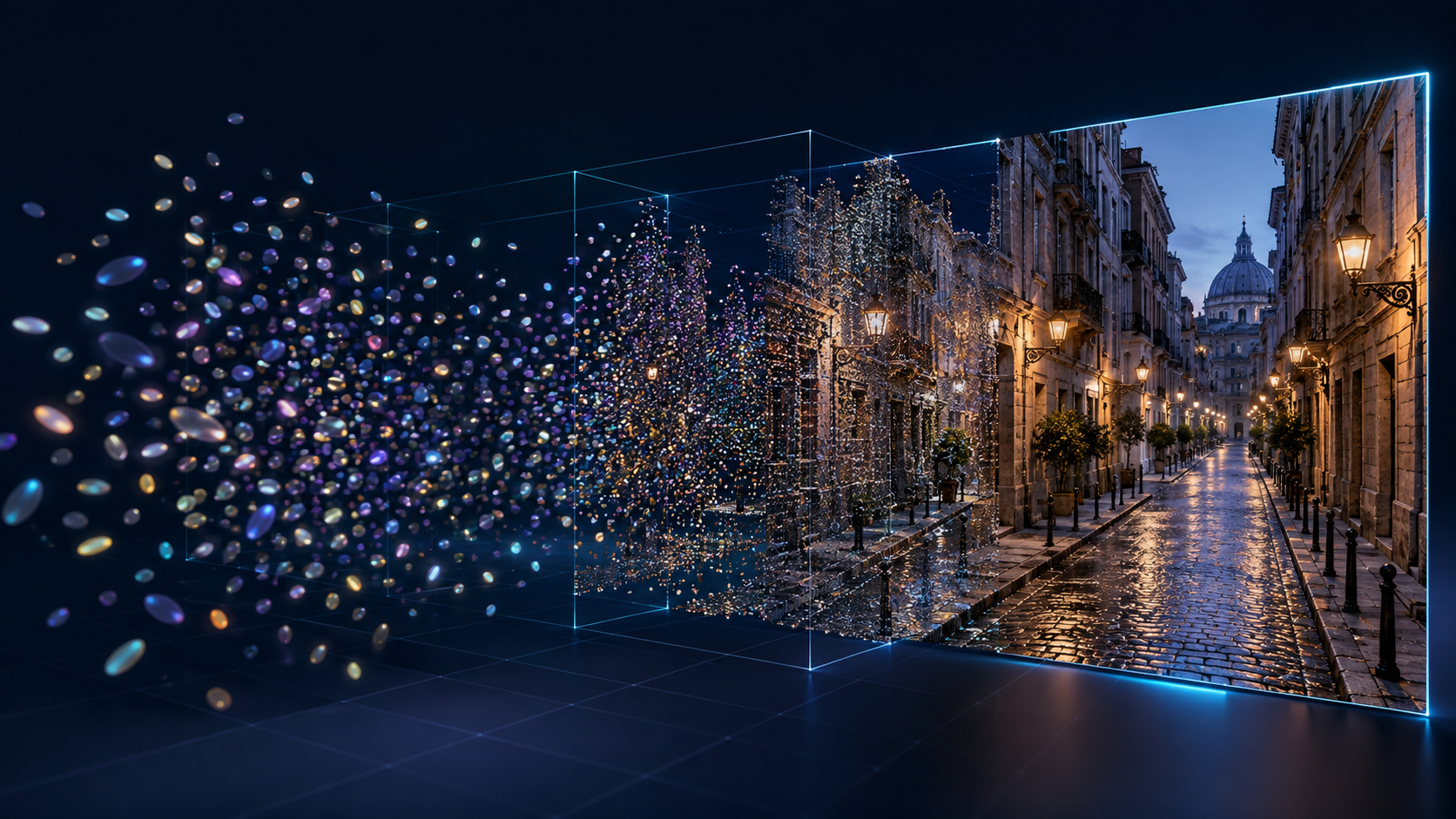
A Gaussian Splatting scene is built from soft colored ellipsoids, not polygon geometry.
⚡ Why it matters: The breakthrough of 3D Gaussian Splatting was not just quality. It was the combination of photoreal output and real-time interactivity, something neither NeRF nor classic point cloud rendering delivered on consumer hardware. The original paper is available from the arXiv repository.
Part 3: Gaussian Splats vs Traditional 3D Models
The practical answer to what is gaussian splatting versus a regular model comes down to what you plan to do with the output. One useful way to hold the difference in your head: meshes describe surfaces, splats describe appearance. A polygon mesh stores vertices, edges, and faces, so it can be measured, sculpted, rigged, UV-mapped, and sliced for 3D printing. A Gaussian splat stores the color and volume that makes a place look real, which is why the best way to think of it is as a volumetric photograph.
Splats are excellent for photorealistic viewing: interiors, architecture, outdoor scenes, reflective and complex materials, foliage, hair, and thin details. They handle messy geometry that defeats traditional pipelines. What splats cannot do is behave like geometry. You cannot cleanly rig them for animation, add collision to a game object, or drop them into a slicer and expect a print.
Meshes remain the answer for everything that must be manipulated: game assets with collision, CAD precision, 3D printing, animation rigs, clean product models, and UV texture work. If your article is about the difference between representations, the related guide on choose between AI and traditional 3D modeling walks through the same tradeoff from a workflow perspective.
Part 4: Gaussian Splatting vs NeRF vs Photogrammetry
Three families of technique now compete to capture the real world. Gaussian Splatting, NeRF, and photogrammetry all start from photos, but they output very different things and are suited to very different jobs.
| Aspect | 3D Gaussian Splatting | NeRF | Photogrammetry |
|---|---|---|---|
| Output | Cloud of soft colored ellipsoids | Neural network that renders novel views | Polygon mesh with textures |
| Render speed | Real time on consumer GPUs | Usually slow, seconds per frame | Real time after processing |
| Editability | Limited, no clean topology | Very limited | Full mesh editing in DCC tools |
| Thin and complex detail | Strong (hair, foliage, reflections) | Good but expensive | Often struggles |
| File size | Hundreds of MB to GB, compressible | Large | Small to medium |
| Best for | Photoreal scenes, VR, walkthroughs | Research, offline view synthesis | Editable assets, surveying, printing |
| Main weakness | Not a clean mesh | Slow to train and render | Needs cleanup and good geometry |
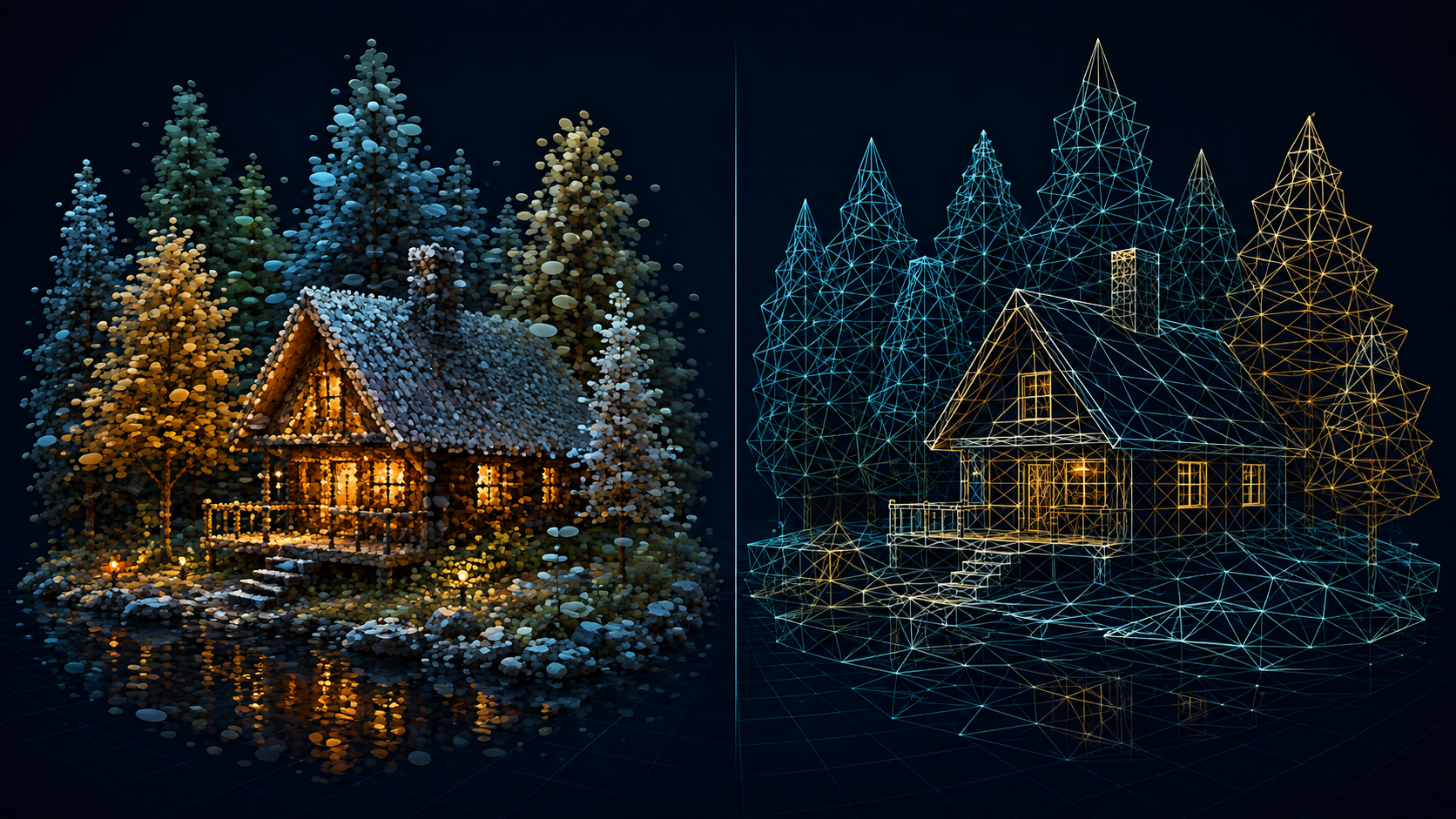
The same capture workflow can end in a splat cloud or a clean mesh, depending on the method.
🎯 Which one should you choose? Use Gaussian Splatting when you need a photoreal scene people can walk through in real time, for example VR, real estate, or digital heritage. Use photogrammetry when you need editable, measurable geometry. Use NeRF for research or offline rendering where interactivity is not required.
Part 5: What Is Gaussian Splatting Used For?
The most common uses all share one trait: they want the realism of a captured scene, not an editable asset. Real estate teams capture rooms so buyers can tour them in a browser. Museums and heritage organizations scan historical sites and artifacts for preservation and virtual visits. Film and VFX crews use splats for pre-visualization and virtual production blocking, planning camera moves against a photoreal environment.
Game developers capture real locations as photoreal backgrounds and level references. AR and VR projects use splats as environments people explore, alongside mesh-based pipelines such as the AI 3D for AR and VR feature. Autonomous driving teams also train simulation worlds from real street footage, a direction Tesla researchers have publicly discussed.
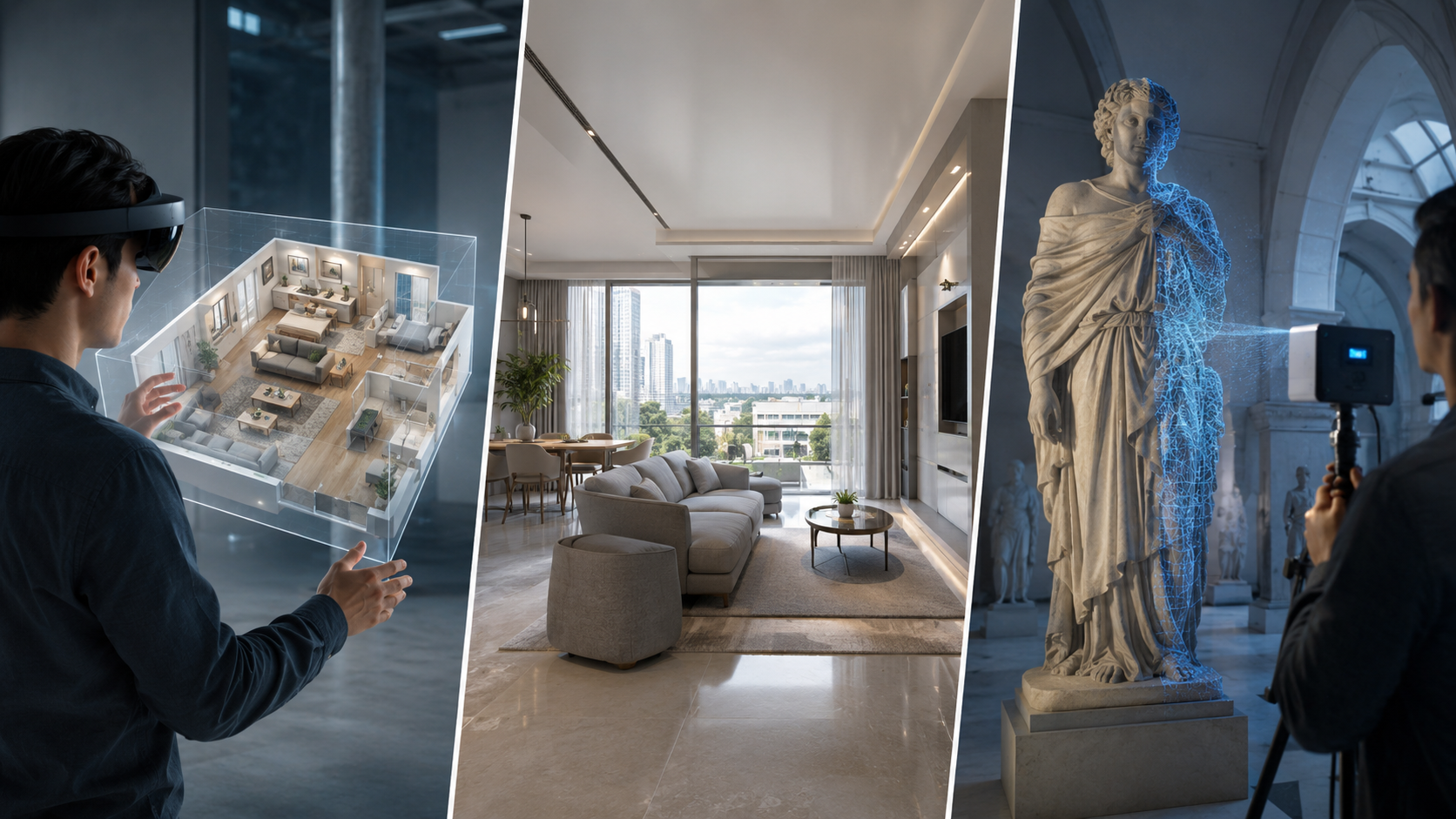
Gaussian Splatting shines wherever a captured, photoreal environment needs to be experienced in real time.
Once you see what is gaussian splatting used for in real production, a pattern emerges: the scene itself is the deliverable. The moment the deliverable becomes an object you must edit, sell, animate, or print, a splat stops being convenient. That is the boundary the next two sections draw.
Part 6: Limitations of Gaussian Splatting
The technology is impressive, but its limits are structural rather than temporary. The first is the biggest: a Gaussian splat does not produce a clean polygon mesh. That rules out rigging, sculpting, physics, collision, and 3D printing without a conversion step, and the conversion usually loses quality and demands cleanup.
File size is the second constraint. Raw exports can reach hundreds of megabytes to a gigabyte for a single scene. Compressed web formats such as Niantic’s .spz cut files by 5 to 10 times with little visible loss, but storage and delivery are still real concerns. Training and viewing also require a capable GPU, and the quality of the output depends heavily on the input: few photos, poor overlap, motion blur, moving people, mirrors, and transparent surfaces all degrade the result.
Geometry is approximate rather than metric. Two splats of the same room can disagree on a doorway width by centimeters, so measurement work still belongs to photogrammetry. Artifacts such as floaters and cloudy halos are intrinsic to the representation, and cleanup is part of the workflow. Finally, splats are static. Dynamic, animatable splats are still research-stage, and the tooling ecosystem, formats included, remains young and fragmented.
Part 7: Where Neural4D Fits In: Clean Meshes When You Need Them
The honest answer to what is gaussian splatting for an asset creator is this: it is a scene capture tool, not an asset generation tool. When you need a clean, editable, printable model of a character, prop, or product, the right approach is to generate mesh output directly instead of starting from a splat. That is exactly the role Neural4D fills.
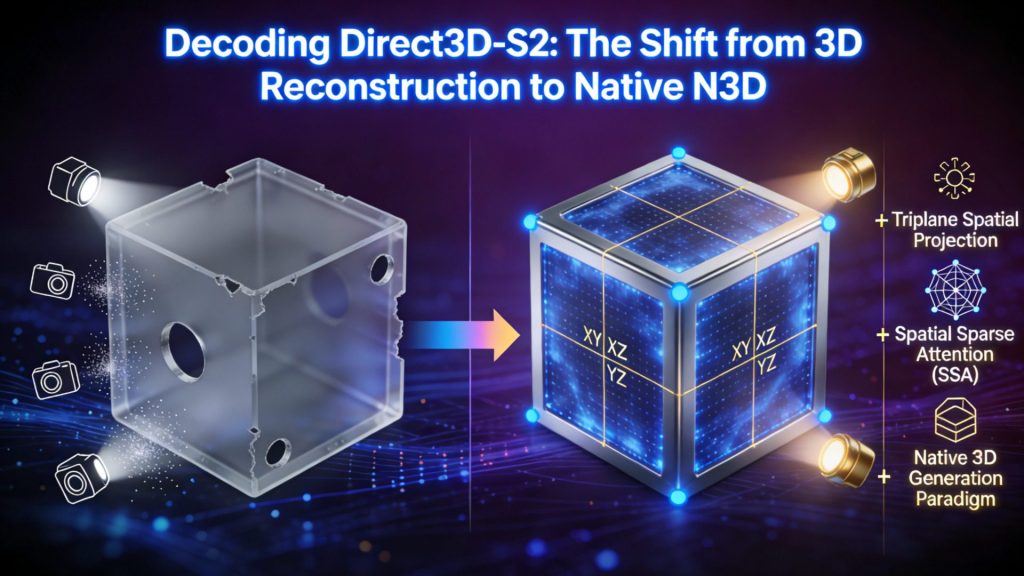
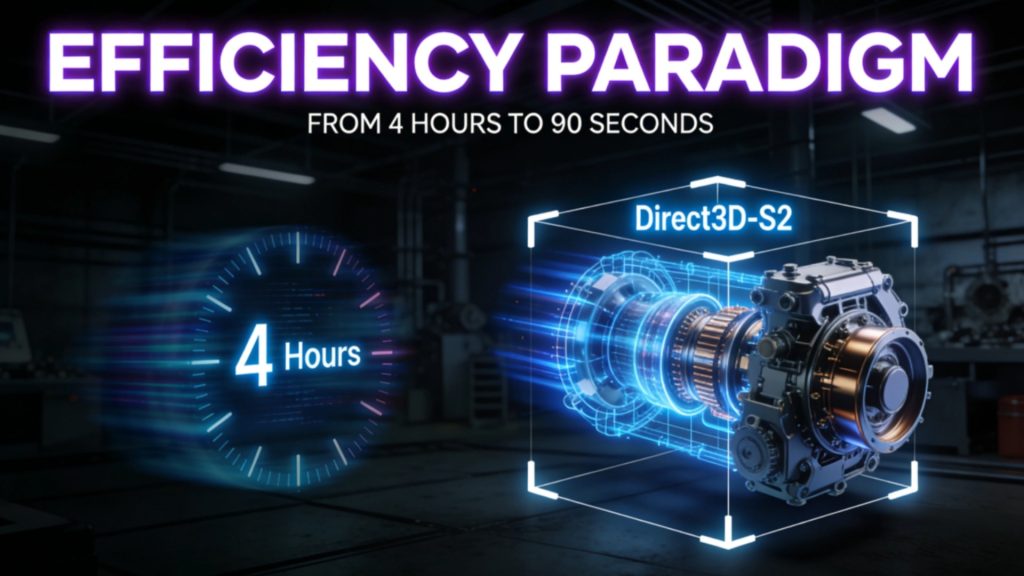
Neural4D is a browser-based AI 3D generator positioned as a Gaussian Splatting alternative. Where the splatting workflow demands a hundred overlapping photos and a GPU training session, Neural4D reconstructs solid polygonal geometry from a single reference photo via the photo to 3D model feature, or directly from a text prompt. The Direct3D-S2 engine outputs watertight meshes that drop straight into game engines, sculpting software, or slicers, and exports cover FBX, GLB, and STL with PBR materials included.
Note the boundary: Neural4D does not convert an existing splat into a mesh. Instead it generates clean mesh output from the start, which is a better use of the same effort. For multi-image capture, the multi view to 3D feature reconstructs from multiple angles of a subject you own. If you are new to the platform, the what is Neural4D guide explains the full product lineup, and the what is 3D modeling article covers the foundational concepts this technique builds on.
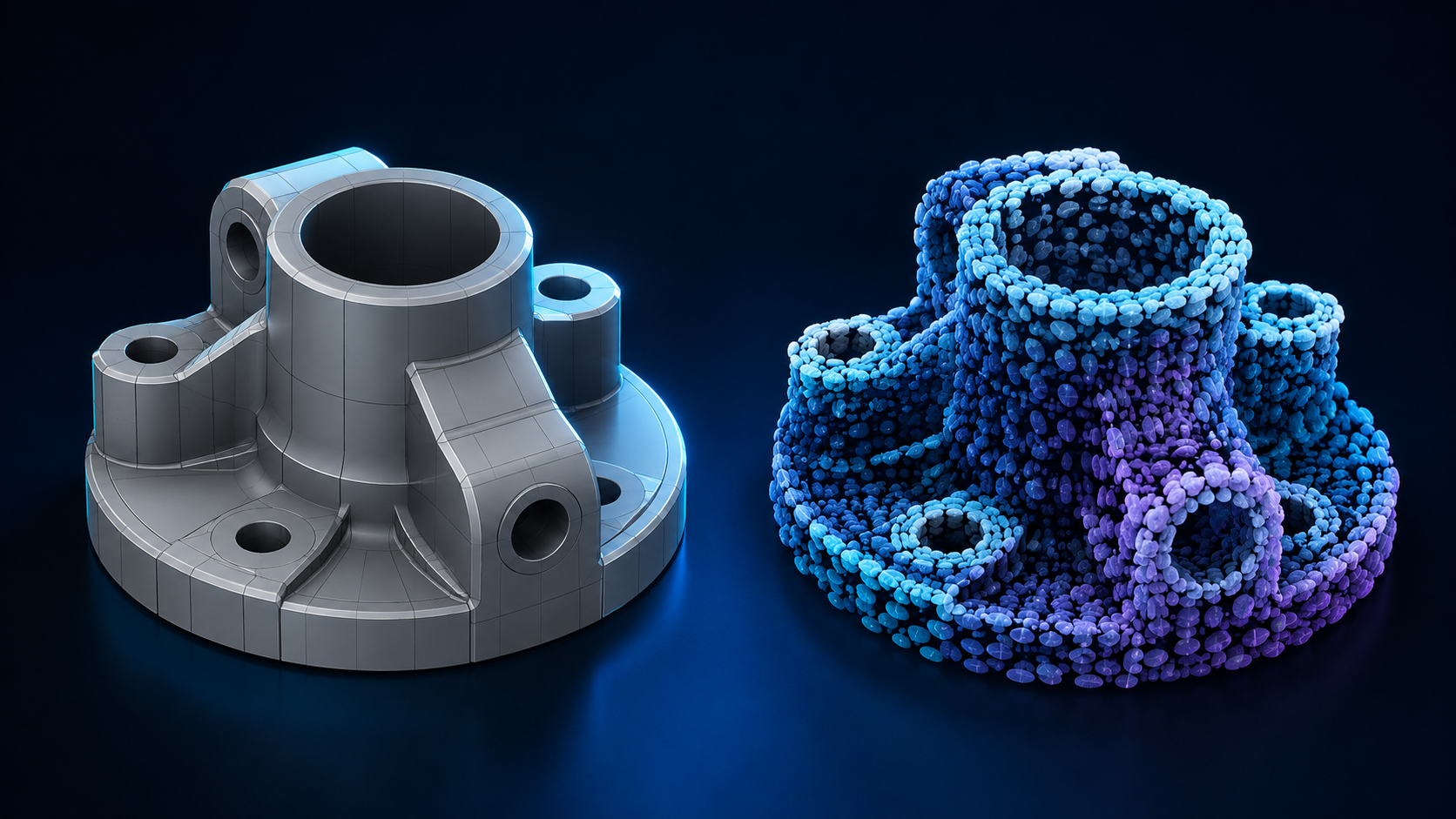
Splats capture how a place looks. Meshes define an object you can edit, rig, and print.
Stop scanning scenes. Start generating mesh assets.
Neural4D turns a single photo or text prompt into a clean, watertight 3D mesh you can edit, rig, and print.
Create 3D Assets with Neural4D
Free 50 Power weekly. No camera rig or photogrammetry setup required.
Part 8: Frequently Asked Questions on Gaussian Splatting
Q: Is Gaussian Splatting AI?
Gaussian Splatting uses optimization techniques adjacent to machine learning, but it does not generate or hallucinate anything. It reconstructs what the camera actually saw. The training loop repeatedly renders the scene from known camera angles and adjusts millions of Gaussians to match the real photos, which makes it closer to a solver than to a generative model.
Q: Can you 3D print a Gaussian splat?
Not directly. A splat has no surfaces, so slicer software has nothing to slice. You would first convert it to a mesh with surface reconstruction, and the result is often noisy and needs heavy cleanup. If your goal is a printable object, generating a watertight mesh from the start is far more reliable.
Q: Is Gaussian Splatting better than photogrammetry?
It depends on the output you need. Gaussian Splatting produces a photoreal, real-time scene that is hard to beat for walkthroughs and visual inspection. Photogrammetry produces a polygon mesh you can edit, measure, and export for CAD or printing. For scenes, use splatting. For geometry, use photogrammetry.
Q: How many photos do I need for a Gaussian splat?
A small object can work with roughly 50 to 150 sharp images, a room typically needs 150 to 400, and larger buildings or outdoor areas can exceed 400. Alternatively, 30 to 120 seconds of slow video works because software extracts frames automatically. Every part of the subject should appear in at least 3 to 5 frames from different angles.
Q: Can Gaussian splats be used in games?
Yes, with caveats. Splats render beautifully in real time, but they carry no collision geometry, files can reach hundreds of megabytes, and engine support is still maturing. Engines with active splatting plugins handle them well for backgrounds and props. For interactive characters and gameplay objects, polygon meshes remain the practical choice.
Q: Do you need LiDAR for Gaussian Splatting?
No. The technique is built around ordinary photographs. The pipeline matches visual features across overlapping images to estimate camera positions and geometry. LiDAR is not required, and phone cameras, mirrorless cameras, and drones all work as long as the images are sharp, well lit, and overlapping.
Q: What is the difference between a Gaussian splat and a point cloud?
A point cloud is a set of discrete, dimensionless points. A Gaussian splat stores soft 3D ellipsoids that carry size, orientation, opacity, and color, so they fill space and blend into continuous surfaces when rendered. In practice a splat is denser, smoother, and far more photoreal than a raw point cloud.
Q: Is Gaussian Splatting replacing NeRF?
In most consumer and creator workflows, yes, for now. Splats are explicit 3D primitives a GPU can rasterize at interactive frame rates, while NeRFs live inside a neural network that is expensive to query. NeRF remains relevant for research, offline VFX, and very sparse input, where its strengths still show.
Conclusion and Next Step
Once you understand what is gaussian splatting, the decision becomes clear. Use the technique for what it is genuinely best at: capturing photoreal environments, interiors, and heritage scenes that people want to walk through in real time. It is a remarkable tool, and it fills a gap that photogrammetry and NeRF left open.
The boundary is equally clear. Splats are scenes. When the deliverable is an editable object, a printable part, or a game-ready asset, you need real geometry, and generating a clean mesh from a single photo or text prompt beats converting a noisy splat. Neural4D was built for that second job.
Splats for scenes. Neural4D for assets.
Generate clean, watertight, production-ready 3D meshes from a single photo or text prompt, ready for game engines, slicers, and sculpting tools.
Generate your first mesh in minutes, no 100-photo capture required.