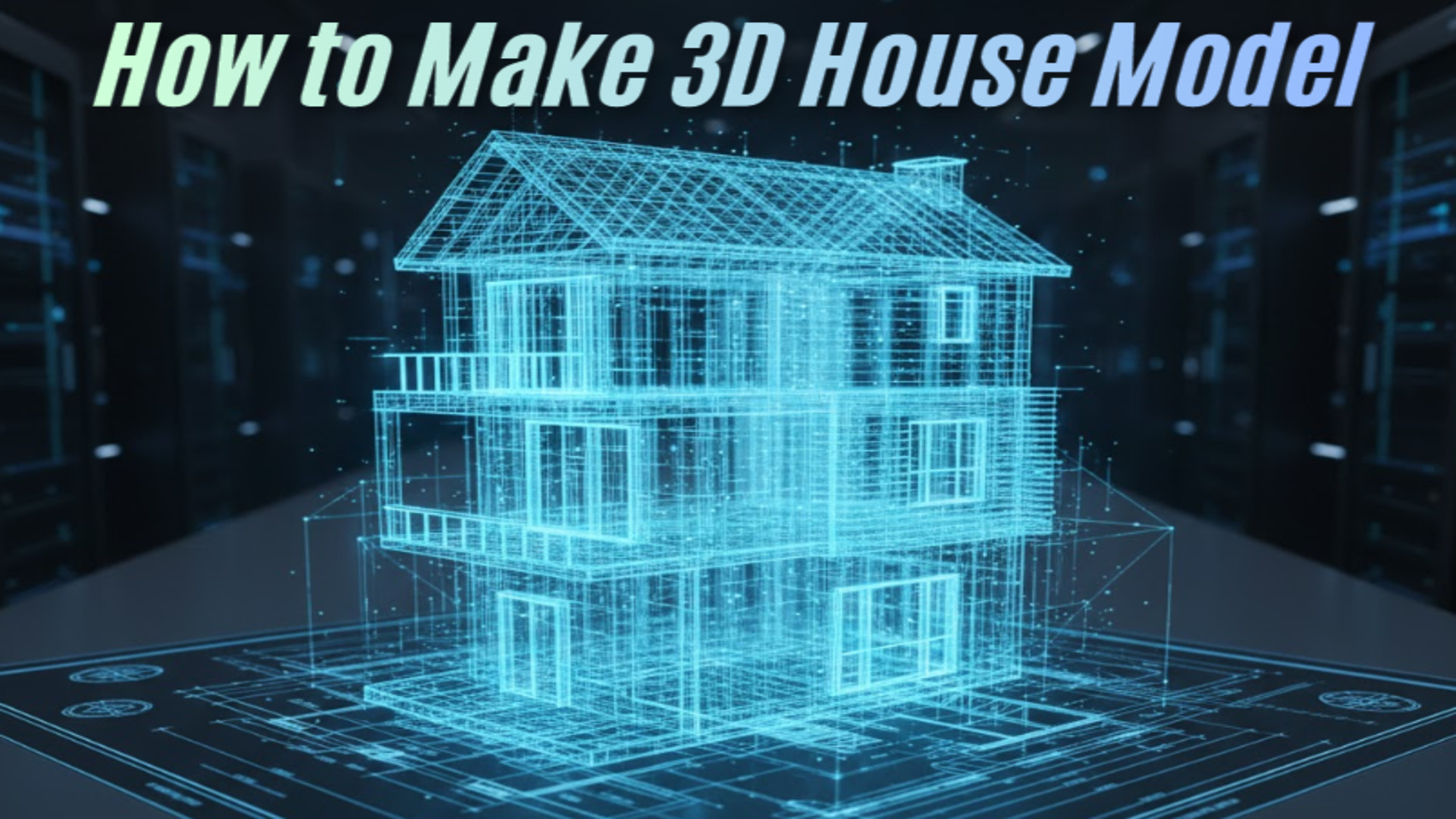
How to Make 3D House Model: From Sketch to Watertight Mesh
Quick Summary:
Traditional architectural 3D modeling takes days of manual vertex pushing and UV fixing. This guide demonstrates how to bypass legacy CAD software using the Direct3D-S2 engine. By utilizing a deterministic AI 3D generator, you can convert a basic 2D floor plan or photo into a mathematically watertight, engine-ready mesh in under 60 seconds. Output formats include native .fbx for game engines and .stl for immediate 3D printing.
If you are an architect, indie developer, or 3D printing enthusiast, figuring out how to make 3D house model assets is usually a workflow bottleneck. You either spend days manually pushing vertices in complex CAD software, or you settle for broken, non-manifold geometry from basic probability generators.
This guide cuts through the noise. We will show you the exact workflow to turn a simple 2D sketch or reference photo into a production-ready, watertight mesh in under 60 seconds. No bloated software. No hidden holes in the geometry. Just input, calculate, and export.
Table of Contents
🔹 Part 1: The Death of Manual Vertex Pushing
🔹 Part 2: Pre-Modeling Intelligence: Form over Chaos
🔹 Part 3: Generating the Base Mesh with Direct3D-S2
🔹 Part 4: Refining the Structure via Neural4D-2.5
🔹 Part 5: Exporting for Production: STL, FBX, and Beyond
🔹 Part 6: Quick Glossary for Creators
Part 1: The Death of Manual Vertex Pushing
Most software tries to do too much. The traditional pipeline for creating architectural assets is a bloated mess. Picture a junior architect working on a tight deadline. They open Blender or SketchUp. They draw walls. They extrude surfaces. They realize the geometry is non-manifold, meaning there is a tiny, hidden hole in the mesh. They spend three hours hunting down overlapping vertices just to get the model to slice correctly for a 3D print. By the time they have a basic structural block, half the day is gone.
If you look at real discussions online, the frustration is obvious. In a popular r/Homebuilding thread about modeling an existing home, industry experts admit that traditional photogrammetry is “daunting” and produces “complex meshes that take skill and experience to refine.” The standard advice is to wait 48 hours for a rough scan from a third-party app, just so you can spend another weekend fixing the topology in SketchUp. Similarly, when users ask if there is an easy way to 3D model a house on Quora, the answers usually involve hiring expensive freelancers or spending months learning CAD.
This process is broken. A dense, messy mesh kills performance in web viewers and AR environments. If a tool gives you a million polygons for a simple background house, it is creating work, not saving it. Independent developers and small architectural firms cannot afford this computational overhead. The goal is optimal topology, delivered instantly.
“I spent a weekend trying to model a realistic suburban house for an indie game level. I kept tweaking the roof angles, but it always looked rigid. The turning point was taking a reference photo of an actual house and letting Neural4D establish the base mesh. I stopped fighting the blank canvas and got three days of work done in 60 seconds.”
— Marcus T., Indie Game Developer
Many users have tried basic text to 3d generation tools. The results are often disappointing. You type a prompt and receive a distorted building with dead shadows. The geometry looks acceptable from a single front-facing angle but collapses entirely when rotated. This is the slot-machine problem of early generative models. They guess the depth. We took a different approach. We decided to fix the core problem: getting a usable, predictable 3D asset into your engine without the hours of manual cleanup.
Part 2: Pre-Modeling Intelligence: Form over Chaos
Generating a usable 3D model isn’t just about surface visuals. It requires a deterministic output. When learning the mechanics of structural modeling, you must start with the right input data. Better input always dictates better output.
Instead of starting from scratch, you start with a reference. This could be a concept sketch, a photograph of an existing building, or a highly detailed blueprint. Integrating an image to 3D workflow relies on this visual data to establish the mathematical base mesh.
Here is what happens when you feed poor data into a legacy probability model:
❌ The system hallucinates the rear architecture.
❌ The output contains baked-in lighting, making it useless for dynamic game scenes.
❌ The asset requires heavy retopology to fix “triangle soup”.
Neural4D avoids this by analyzing the structural logic before generating a single polygon. If you provide an input angle at a slight 3/4 view, you give the system the reference points it needs to calculate accurate volume. The algorithm understands that a roof has thickness and that walls intersect at specific angles. This pre-modeling intelligence ensures that the final geometry is a watertight mesh, ready for slicing software or engine integration.
Stop manually modeling standard structural blocks.
Upload your architectural reference and get your first printable, engine-ready mesh in seconds. Weekly free power limits apply.
Part 3: Generating the Base Mesh with Direct3D-S2
To understand the mechanics of generation, we must look at the underlying architecture. We built Neural4D to cut the modeling process down to seconds. At the core of this speed is the Direct3D-S2 engine.
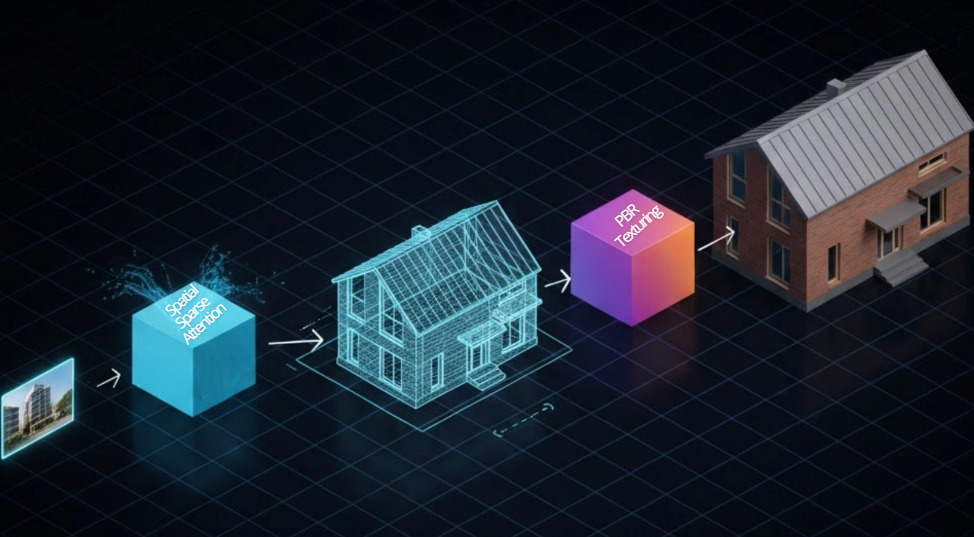
When you initiate the generation sequence, the engine leverages Spatial Sparse Attention (SSA). Traditional models brute-force the processing power, wasting compute on empty space within the bounding box. SSA focuses strictly on the physical geometry. This algorithmic iteration drops the computational overhead and accelerates the inference process. The result is an inference speed roughly 12 times faster than the industry standard.
The output is not a crude approximation. It is a gigascale 3D generation operating at a 2048³ ultra-high resolution. The engine doesn’t just estimate depth; it processes the full volume to ensure manifold geometry.
Here is the practical workflow:
🎯 Input: Upload your architectural reference photo.
🎯 Process: The system applies native volumetric logic.
🎯 Output: You receive a quad-dominant mesh with clean, stable topology.
Read also: Sketch to 3D Model: Convert Drawings to 3D in 90 Seconds
This mathematically precise approach is the difference between a toy and a tool. You do not have to spend hours cleaning up messy geometry. The walls have actual thickness. The topology is solid.
Part 4: Refining the Structure via Neural4D-2.5
Generating the initial model is only the first step. Architecture requires precision. Paying per generation is a broken model. It forces you to settle for the first acceptable result because you are afraid to waste credits.
We do not limit your iterations. Neural4D operates on an Input, Generate, Regenerate, Export pipeline. The regeneration phase is driven by Neural4D-2.5, our conversational multimodal model.
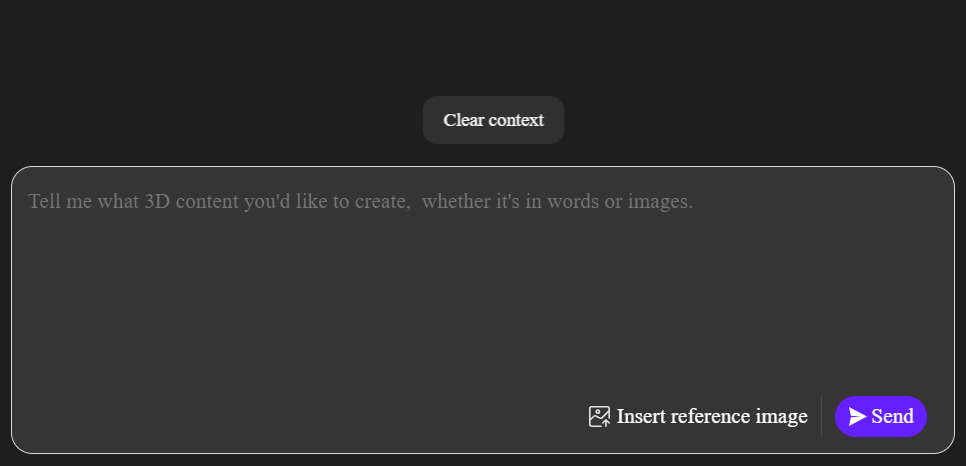
If the base house model is structurally sound but lacks specific details, you do not need to export it and manually edit the vertices. You issue a natural language command. You tell the system to widen the front porch. You instruct it to change the roof pitch from flat to gabled. You request an increase in the window scale. Neural4D-2.5 processes these instructions and strictly adheres to the prompt, executing a programmatic adjustment.
This is a continuous algorithmic iteration. Tweak the input, hit generate again, and iterate until the topology is exactly what you need. This workflow is particularly effective for game developers needing multiple variations of a building to populate an environment. You can establish a single base model and use dialogue commands to generate ten unique architectural variations in under five minutes.
Part 5: Exporting for Production: STL, FBX, and Beyond
An isolated tool slows down production. A 3D asset is useless if it traps you in a closed ecosystem. You do not want to spend hours converting file types or fixing topology just to get a model into Blender or Unity. The value of a generated asset depends entirely on how fast it enters your game engine or slicer.
When your house model is complete, exporting is immediate. Neural4D supports native formats tailored for specific pipelines:
✅ For 3D Printing: Export directly to a 3D printing STL pipeline format. Because the model is processed with native volumetric logic, the .stl file is watertight and immediately ready for your slicing software without requiring manual hole-patching.
✅ For Game Engines: Export directly to .fbx. The mesh drops directly into Unity or Unreal. No intermediate conversion steps.
✅ For Web & AR: Export to .glb for real-time web viewing, or .usdz for iOS AR.
Furthermore, flat colors do not hold up in modern rendering. A base mesh needs an accurate light reaction to be useful in production. The system calculates and outputs the necessary Normal, Roughness, and Metallic maps alongside your geometry. The result is a pure Albedo/PBR workflow, ensuring your house model is relightable and looks correct under any lighting condition in your engine of choice.
Need to scale your architectural asset production?
Integrate our Spatial Sparse Attention engine directly into your proprietary pipeline with our 3D generation API. Eliminate manual modeling bottlenecks company-wide.
Part 6: Quick Glossary for Creators
To help you navigate modern 3D workflows, here are the technical terms used in this guide:
🔹 Watertight (Manifold) Geometry: A 3D model with a completely continuous surface. If you filled it with digital water, nothing would leak out. This is mandatory for successful 3D printing.
🔹 Quad-Dominant Mesh: A 3D model built primarily out of four-sided polygons (quads) rather than triangles. Quads are easier to edit, animate, and look cleaner in professional software.
🔹 Spatial Sparse Attention (SSA): Neural4D’s rendering technique. Instead of calculating empty space around a model, it focuses all computing power only on the physical structure itself, resulting in massive speed increases.
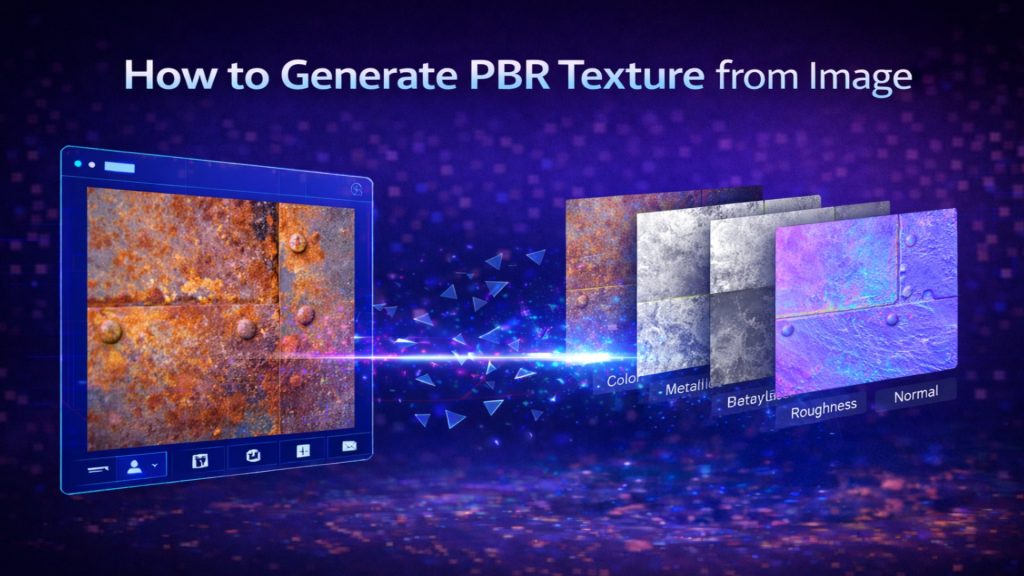
🔹 PBR Textures: Physically Based Rendering. A set of image maps (Color, Roughness, Metalness) that tell a game engine exactly how light should bounce off the 3D model’s surface.
Part 7: Frequently Asked Questions
❓ Can I use AI to make a house model for 3D printing?
Yes. The most critical factor for 3D printing is manifold geometry. Free online models are notorious for non-manifold edges. By using a tool like Neural4D, which processes the full volume, you get a mathematically watertight mesh that goes straight into your slicer without errors.
❓ How do I fix a non-manifold house model?
Manual fixing requires retopology in software like Blender. To bypass this entirely, generate the model using the Direct3D-S2 engine. It natively outputs solid topology with actual wall thickness, eliminating holes automatically.
❓ Does the generated house come with materials?
Yes. You can select the option to generate PBR textures. The system outputs the base mesh along with Normal, Roughness, and Metallic maps, making the asset completely game-ready.
Conclusion: The New Standard for Architectural Assets
The era of manually fixing overlapping vertices and dealing with broken slicer files is over. When you understand how to make 3D house model geometry using a volumetric, engine-first approach, you stop wasting time on the technical limitations of your software. The Direct3D-S2 engine handles the mathematical complexity of topology, leaving you to focus entirely on architectural design and rapid prototyping. Drop your reference image into the studio, issue your dialogue commands, and export a flawless mesh today.