[Top 5] Best Text to FBX Generators Online/Free
The transition from a simple text prompt to a fully functional 3D asset is the new frontier of digital content creation. For professionals in 2026, the goal is no longer just a visual preview but a “production-ready” file. This demand has made the search for the best text to FBX AI tools a priority for game developers, architects, and VFX artists alike.
While many hobbyists look for a text to FBX free solution to start their journey, professional-grade pipelines require the robustness of the FBX format – a container capable of holding geometry, PBR textures, and skeletal data. In this guide, we evaluate the top contenders in the market, highlighting how each addresses the complexities of 3D asset generation.
Table of Contents
Top 5 Text to FBX Converters for 2026 (Comparison Table)
| Rank | Tool | Core Strength | Online/Free | Best For |
| #1 | Neural4D | Gigascale Resolution (1024³) | Online Free | Professional Production |
| #2 | Tripo AI | Workflow Integration | Online | Indie Game Devs |
| #3 | Luma AI | Creative Ideation | Online Free | Concept Art |
| #4 | Rodin | Photorealism | Online Free | Enterprise VFX |
| #5 | Meshy | Speed & UI | Online Free | Rapid Prototyping |
Deep Dive: The Best Text to FBX AI Tools Analyzed
To find the best text to FBX AI tools, one must look beyond the initial render and inspect the underlying mesh, UV unwrapping, and material compatibility.
🔍 1. Neural4D: The High-Resolution Paradigm
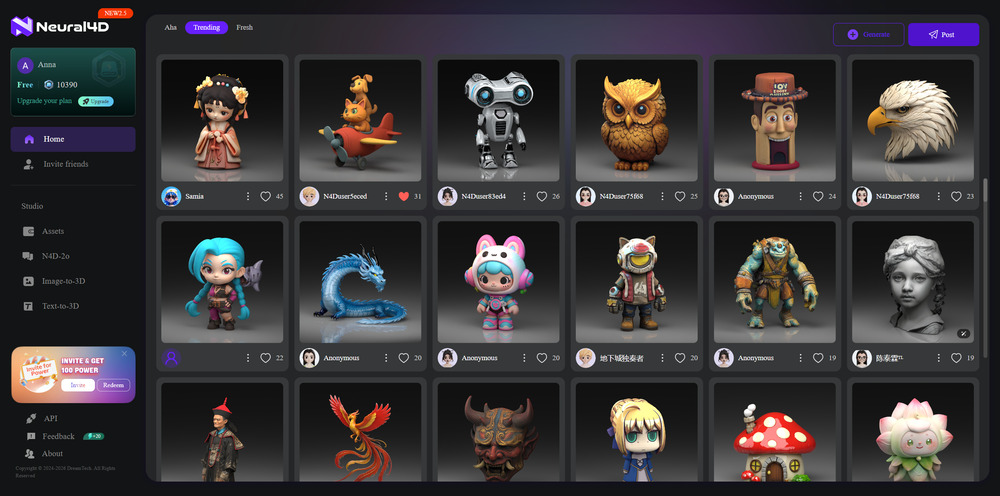
Neural4D has redefined the industry standard by introducing the N3D Paradigm. Unlike traditional Large Reconstruction Models (LRM) that often produce “triangle soup,” Neural4D generates native 3D structures directly from latent space. This results in “watertight” meshes that are topologically sound.
The Direct3D-S2 Architecture allows for gigascale 3D generation, supporting resolutions up to 1024³. Furthermore, by utilizing Spatial Sparse Attention (SSA), the platform optimizes computational resources, focusing only on active geometric regions. This ensures that even high-fidelity text to FBX online requests are processed with significant speedups compared to traditional methods.
🔍 2. Tripo AI: Seamless Workflow Integration
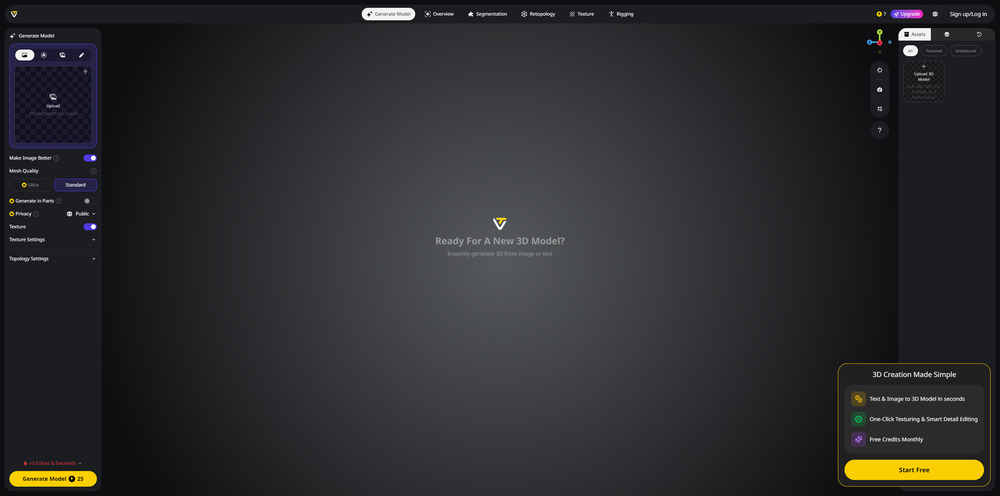
Tripo AI is a powerhouse for users who need more than just a model. It is widely considered one of the best text to FBX tools due to its “all-in-one” approach. The platform handles everything from initial drafting to final retopology. It is a top-tier text to FBX online converter.
🔍 3. Luma AI (Genie): The King of Creative Ideation
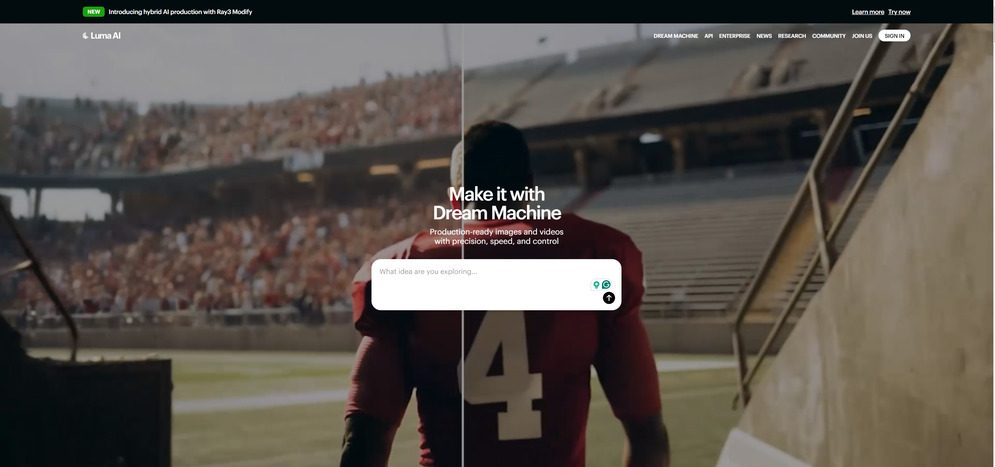
Luma AI Genie is celebrated for its artistic flexibility. It excels at organic shapes and imaginative creatures. While it is a top-tier text to FBX free converter, its strength lies in the early stages of the creative process. Designers often use Luma to iterate on concepts before moving the assets into a more rigid production environment.
🔍 4. Rodin by Hyper3D: Enterprise Photorealism
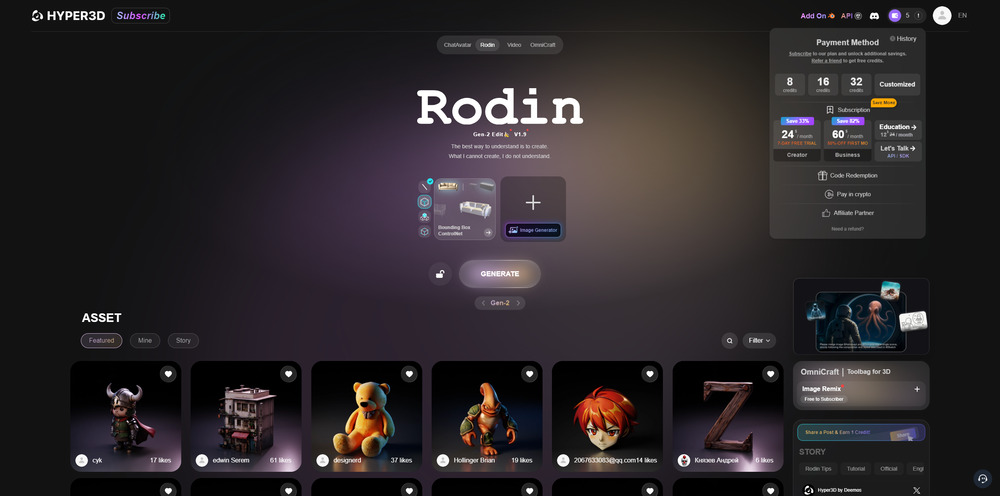
Rodin targets the high-end market where visual fidelity is non-negotiable. It is an excellent AI 3D model converter for those working on cinematic content. Rodin’s models are known for their sharp details and realistic light interaction, making them a preferred choice for enterprise-level VFX studios that require FBX files with high vertex counts and detailed textures.
🔍 5. Meshy: Speed and Accessibility
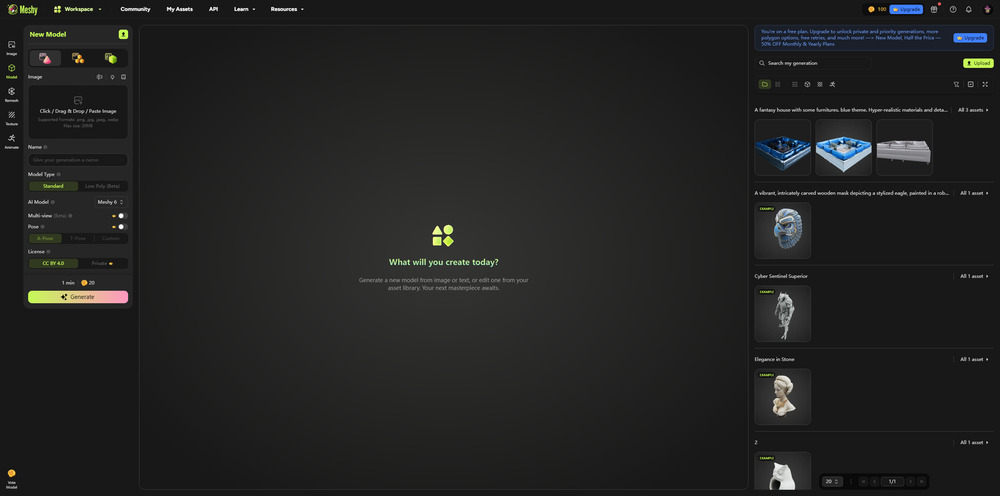
Meshy has carved out a niche by offering the most user-friendly interface in the text to FBX market. It is designed for speed, allowing users to go from text to a textured 3D model in under a minute. While the topology might require a “remesh” step for AAA games, it is perfect for rapid prototyping and social media content.
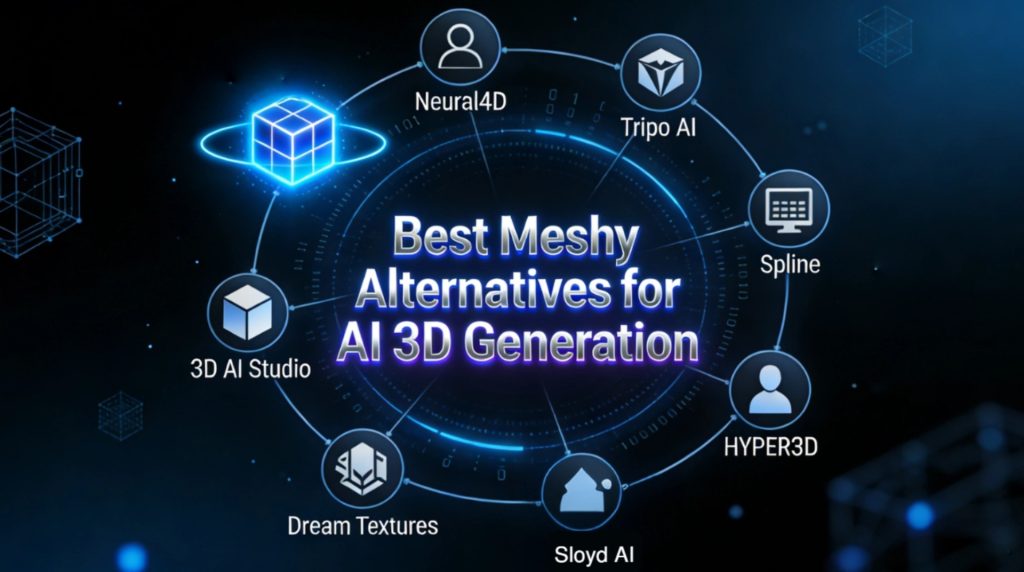
Read more: Best Meshy Alternative 2026: 7 Free Online AI 3D Tools
Industry-Specific Applications: Why FBX Quality Matters
The versatility of the FBX format makes it the backbone of several critical industries. The difference between a “good” and a “best” tool often comes down to how the FBX file performs in professional software.
🎮 AAA Game Development
In game development, the text to FBX pipeline must support Level of Detail (LOD) optimization and “Nanite” compatibility for Unreal Engine 5. High-quality generators produce clean, manifold geometry that bypasses the tedious “manual cleanup” phase, allowing studios to populate vast worlds with unique assets in a fraction of the time.
🪄 Industrial Design & Simulation
For industrial applications, a 3D model must be more than a visual shell. High-end FBX exports carry physical logic, such as accurate mass and center of gravity. This is vital for digital twin projects where the AI 3D model converter output is used in physics-based simulation environments like NVIDIA Omniverse.
🛒 E-commerce and Augmented Reality
Retailers use text to FBX online platforms to create high-fidelity product catalogs. Because FBX can store PBR (Physically Based Rendering) materials, these models look realistic under any lighting condition in AR viewers on iOS or Android, directly influencing consumer purchasing decisions.
FAQs about Text to FBX Conversion
Q: Can I find a high-quality text to FBX free tool?
A: Yes, many platforms like Tripo AI and Meshy offer a “freemium” model. While these are excellent for testing, professional production usually requires the higher resolution and “watertight” mesh standards found in premium tools like Neural4D.
Q: What makes an FBX “Production-Ready”?
A: A production-ready FBX must have a clean manifold mesh (no holes), non-overlapping UV maps, and PBR textures (Albedo, Normal, Roughness) that are correctly assigned to the material slots.
Q: Is there a text to FBX online converter for mobile?
A: Most modern AI 3D generators are cloud-based. This means you can use a text to FBX online tool through any mobile browser, leveraging the power of remote GPU clusters to generate complex models on the go.
Q: Does FBX support skeletal animation from AI?
A: Some of the best text to FBX AI tools now include an “Animation Track” or auto-rigging feature. This adds a bone hierarchy to the FBX file, allowing it to be animated immediately in software like Mixamo or Maya.
Q: How do I fix UV stretching in an AI-generated FBX?
A: UV stretching occurs when the AI fails to map the texture correctly to the geometry. Advanced engines like Neural4D use native texture generation (such as the TEXTRIX engine) to ensure that textures are baked into the UV coordinates during the generation process, preventing distortion.
Q: Why is FBX better than OBJ for game engines?
A: OBJ is a legacy format that only contains geometry. FBX is the best text to FBX choice because it supports textures, hierarchies, lighting, and animations all within a single file, making it much easier to manage in Unreal or Unity.
Conclusion: The Future of Native 3D Generation
In 2026, the distinction between “AI toys” and “AI tools” is defined by the quality of the export. For those seeking the best text to FBX AI tools, the focus must remain on the integrity of the underlying architecture.
While tools like Tripo and Meshy offer excellent accessibility, the shift toward Native 3D Architecture, as seen in the Neural4D paradigm, is the only way to ensure assets are truly future-proof. Whether you are searching for a text to FBX free trial to start your project or a robust text to FBX online solution for an entire studio, the era of high-fidelity, AI-generated 3D is finally here.