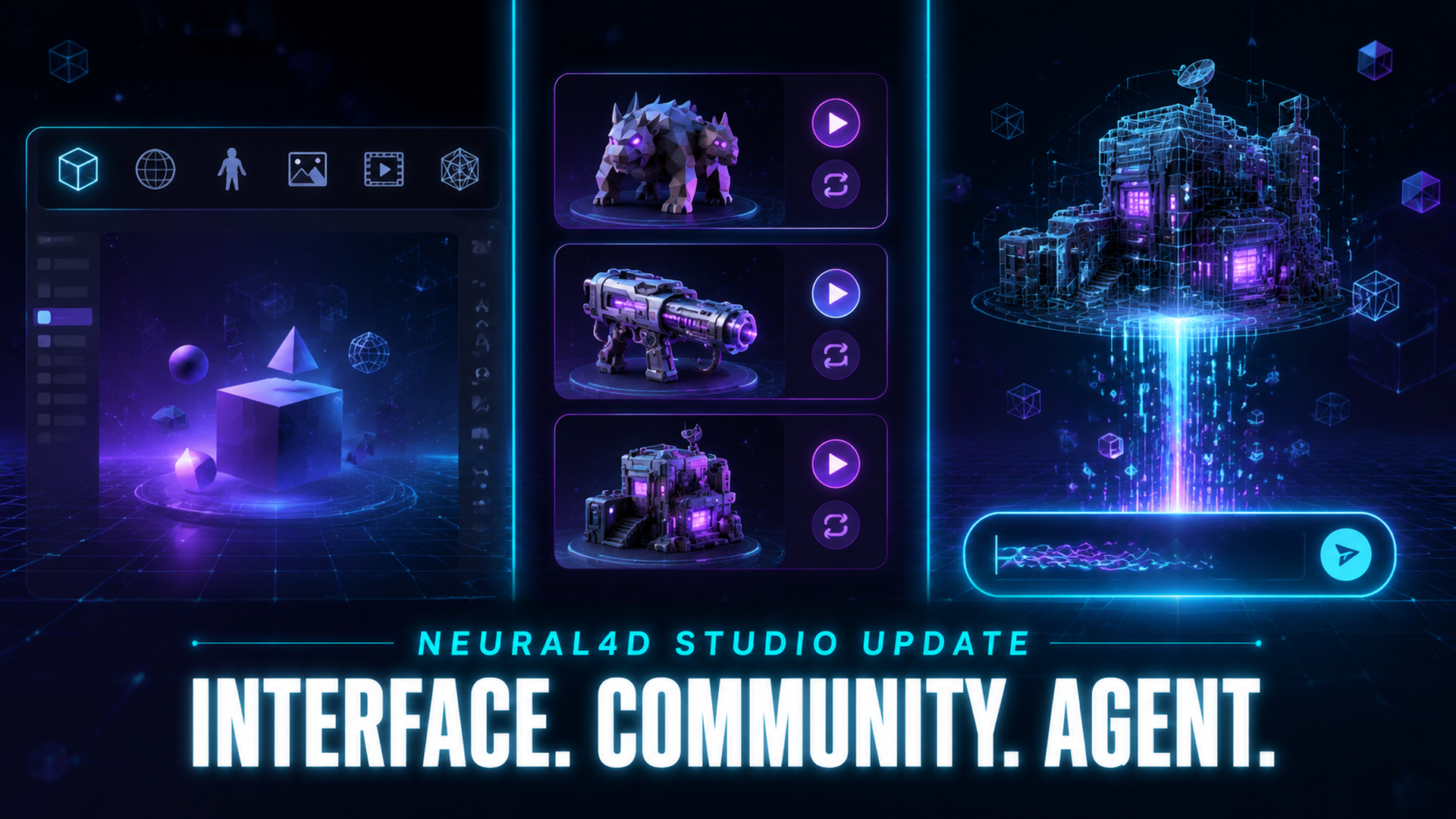
Inside the Neural4D Studio Update: A New Interface, Community Feed, and AI 3D Agent
Quick Summary
- Neural4D shipped a major Studio update on June 2026, restructuring the homepage around three additions that work together.
- The interface was rebuilt with a top navigation bar and a quick-access toolbar that links directly to six generation workspaces.
- Community is a new content feed on the Studio homepage where shared assets appear as preview cards and any card can be used as a starting point via the Recreate button.
- The AI 3D Agent accepts a plain English description plus optional reference images and routes the request to the right workspace, returning a 3D model, image, or video.
- Together the three additions reposition Studio from a tool-launcher into a unified surface for discovery, creation, and remix.
The Neural4D Studio update released on June 2026 is not a single feature drop. It is a coordinated reshape of the Studio homepage: a redesigned interface that puts every workspace one click from the top bar, a Community feed that turns shared assets into remix starting points, and an AI 3D Agent that routes any natural-language description into the right workspace. Each piece changes the first 30 seconds of a creator’s session, and together they change what Studio is for.
Table of Contents
- Part 1: A Redesigned Studio Interface That Puts Every Workspace One Click Away
- Part 2: Neural4D Community Turns Every Asset Into a Starting Point
- Part 3: AI 3D Agent Makes Any Description a Finished Asset
- Part 4: What the Studio Update Says About Neural4D’s Direction
- Part 5: Common Questions on the Neural4D Studio Update
- Try the New Studio
Part 1: A Redesigned Studio Interface That Puts Every Workspace One Click Away
The first thing returning users will notice is the navigation. The Neural4D Studio page now opens with a top menu bar and a quick-access toolbar linking directly to six generation workspaces. The earlier layout pushed users to commit to a workspace before they had finished thinking about what they actually wanted to produce. The redesigned surface drops that requirement.
The six workspaces are equal citizens of the top bar:
For a full walkthrough of each workspace’s capabilities, see the Neural4D features overview page.
The visual hierarchy below the bar is what carries the rest of the update. The Community feed sits near the top of the page as the primary discovery surface. Below the feed, visible once you scroll down, is the AI 3D Agent panel. A creator no longer arrives at Studio and has to decide which workspace to enter first; the workspace can be the third decision instead of the first.
This shift matters for two audiences. A first-time user no longer has to learn the catalog of workspaces before they can do anything useful. A returning creator scanning for inspiration or a fast remix gets both surfaces, the feed and the agent, before they ever click into a generator. The toolbar stays where the muscle memory expects it, the rest of the page is built around helping you find or shape an idea.
Part 2: Neural4D Community Turns Every Asset Into a Starting Point
The Community feed is the second update and the one that changes Studio’s identity the most. It is a built-in content stream where users discover, share, and remix AI-generated 3D models, images, and videos without leaving the Studio homepage. A content navigation row organizes the feed into four tabs: Discover, 3D, Image, and Video.
Each card supports inline preview. 3D models rotate in place, images expand, and videos play directly in the feed. Every card carries a Recreate button that opens the relevant workspace with the shared asset loaded as the starting reference. The shared asset itself is accessible for preview, download, or as a source to build on.
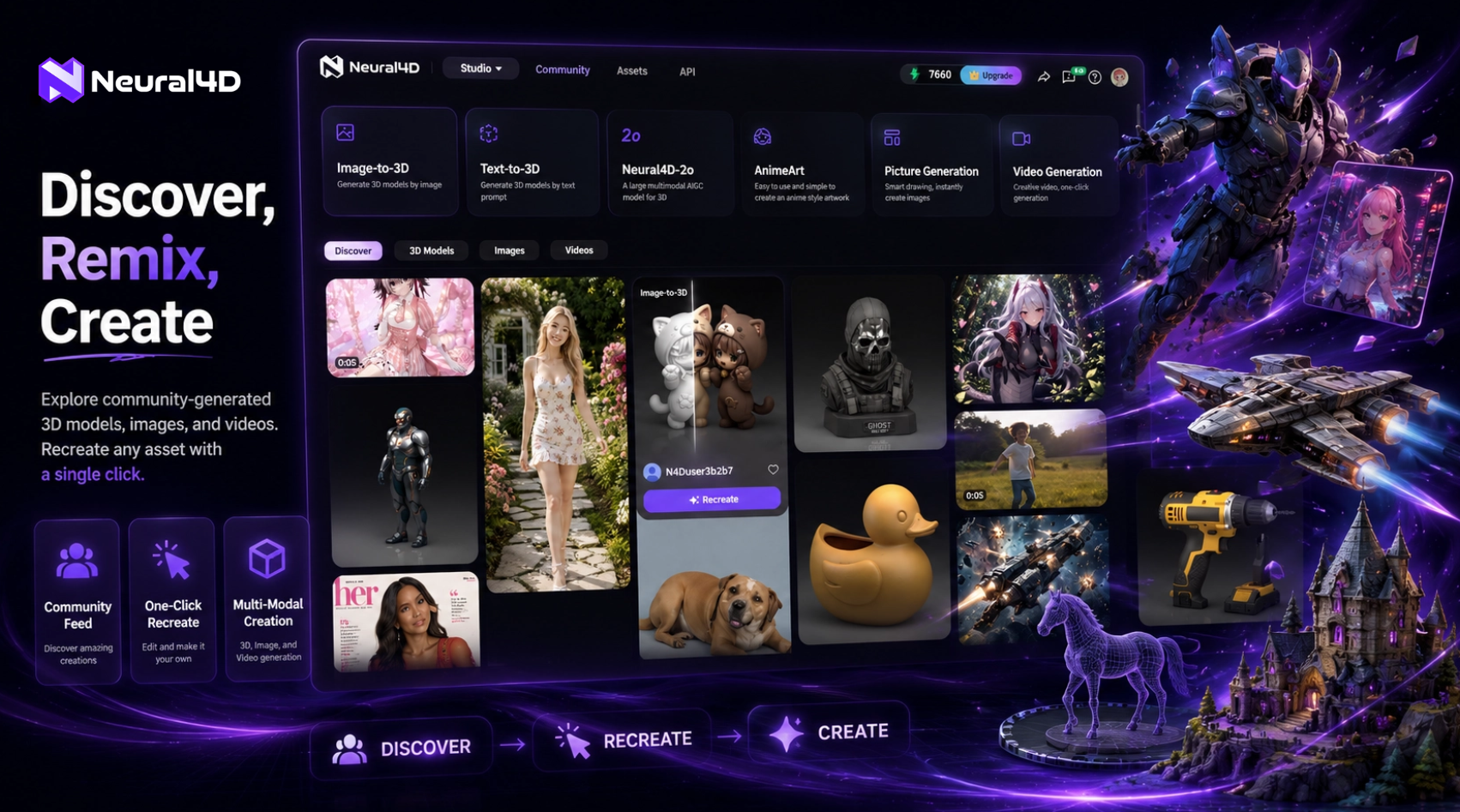
Creators can browse what others have added to the feed and download assets for their own use. User sharing to the feed is planned for a future update. This is structurally similar to how social platforms surface short videos and how design tools surface templates, but applied to a category, AI-generated 3D, where browsing references has historically meant leaving the tool entirely to scroll a marketplace or a forum.
The functional payoff is simple. A user who is not sure what to generate can scroll until they see something close, click Recreate, and adjust from there. A user with their own idea can finish it in the workspace and ship it back to the feed for others to start from. The feed becomes both an inspiration board and a distribution channel, sitting one screen away from the workspaces that produced the assets.
Part 3: AI 3D Agent Makes Any Description a Finished Asset
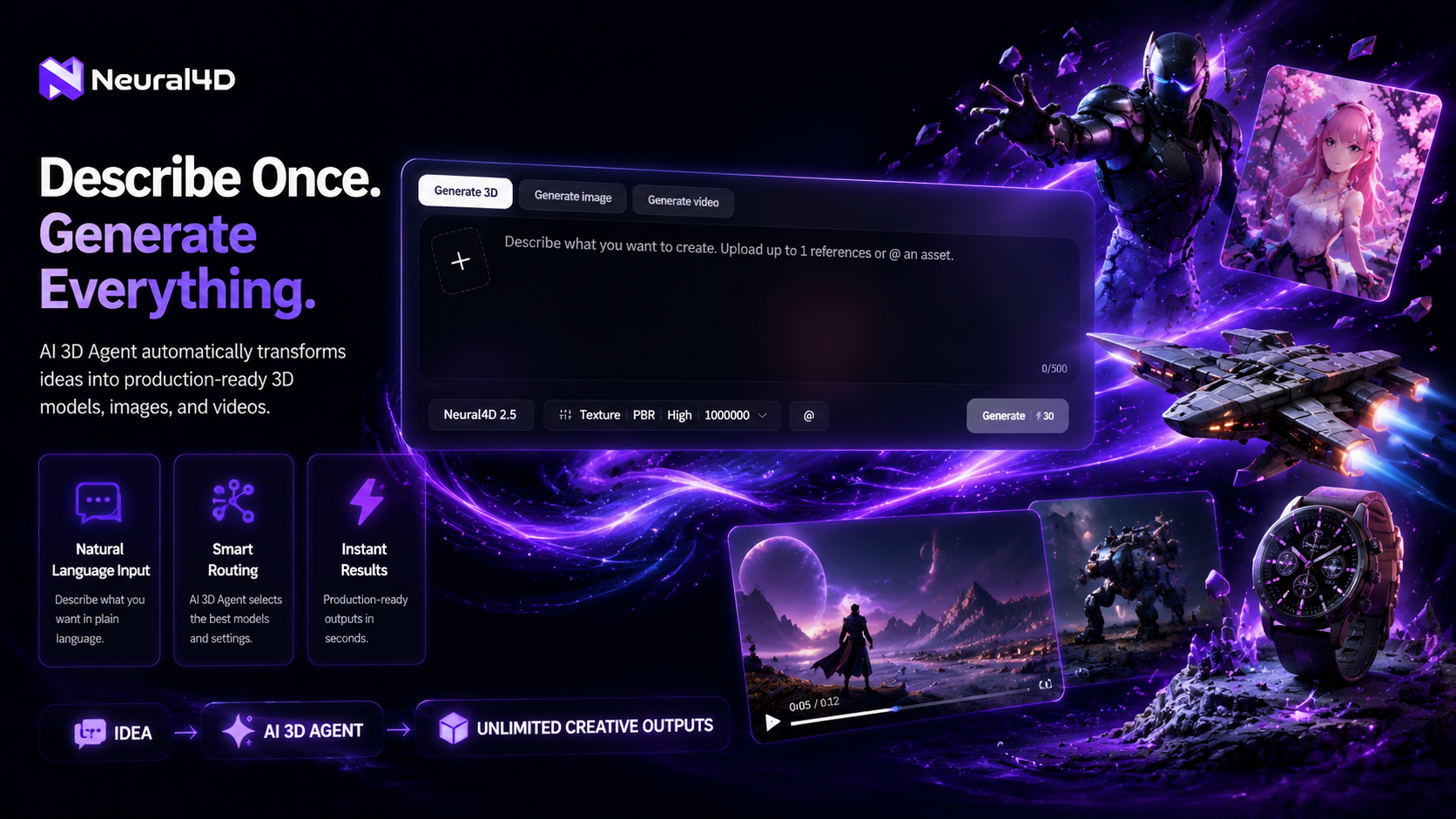
Scroll past the first screen and the AI 3D Agent panel appears. It presents three options: Generate 3D, Generate Image, and Generate Video. Pick a category, type a natural-language description, and the system generates the requested asset and redirects to the corresponding workspace with the result ready for review, editing, or export.
The input field also accepts reference images and @asset references, which lets a user pull in their own previously generated models or uploaded photos as a starting point. For a first-time user this removes the highest-friction step, which has always been figuring out which workspace to open before they had a clear sense of what to ask for. For an experienced creator it acts as a fast path that skips the workspace-selection click.
What sets this entry point apart from a standard text to 3D model generation form is the routing layer. A traditional text to 3D tool asks the user to commit to a workspace, an output format, and sometimes a style preset before generation begins. The agent infers all of that from the description and the optional reference, then hands the user the finished workspace already populated with the result.
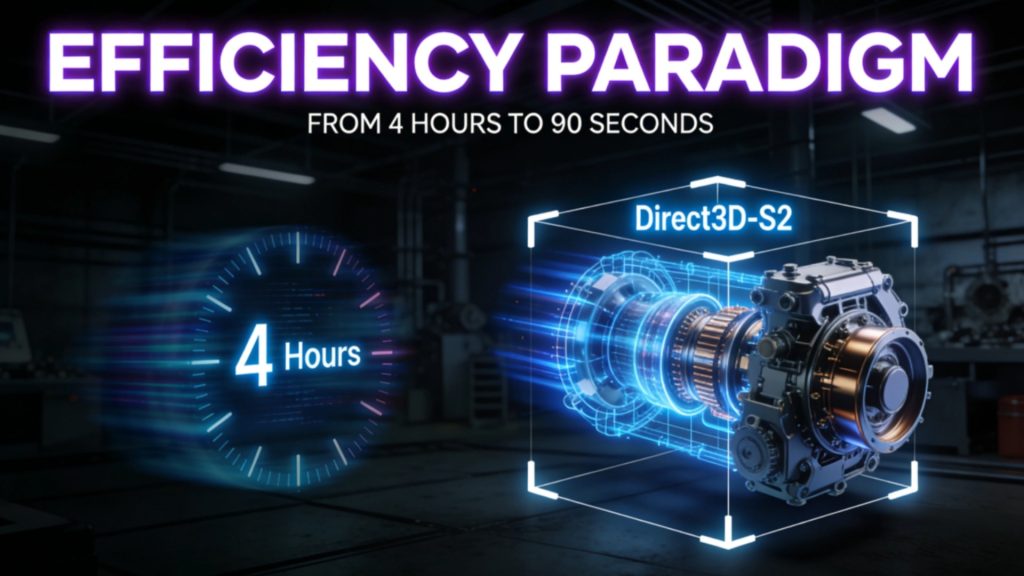
On timing, the underlying generation pipeline has not changed. A request for an untextured base mesh typically returns in about 90 seconds. When the output requires PBR textures or a fully production-ready GLB, generation continues into a second pass and the total comes to 2 minutes or more. The agent does not change those numbers, it changes how many decisions sit between the user and that timer starting.
Upgrading to the Pro plan unlocks faster generation speeds, so power users running batch workflows or tight deadlines get results sooner.
See the new Studio in 90 seconds.
Browse Community, type into the AI 3D Agent, or open any of the six workspaces directly from the top bar.
Free plan refills 50 Power weekly. Untextured base mesh in ~90 seconds; textured output 2 minutes or more.
Part 4: What the Studio Update Says About Neural4D’s Direction
Read the three additions together and a pattern shows up. Neural4D is no longer treating Studio as a launcher that sits in front of a list of workspaces. It is treating Studio as the workflow surface itself. The interface refresh removed the need to pick a workspace upfront; the Community feed gave the homepage something to look at before any generation happens; the AI 3D Agent took the workspace-selection click off the user’s plate entirely. Each piece is small on its own. Together they answer a different question than the previous Studio did.
The broader category is moving in the same direction. The MIT Department of Mechanical Engineering published VideoCAD at NeurIPS 2025, training an autoregressive transformer to operate professional CAD software the way a human engineer would, from 41,000 annotated video recordings. Consumer 3D platforms have launched conversational interfaces that brainstorm and refine before generating. Independent plugin developers have built agents that drive Blender from natural language. The shared thread is removing the tool from the user’s path, leaving description and result on either side of the conversation.
Neural4D’s bet is structurally different. Rather than driving an existing CAD package or a single generator, the platform sits on top of its own generation stack. Studio is the only surface the user touches, and the surface knows which workspace the request belongs in. The pipeline is owned end to end, which is what makes the routing layer work without the user having to think about file formats or generator settings.
Scope reminder: The new entry points generate assets through Neural4D’s own pipeline. Neural4D’s 3D features, including Image to 3D and Neural4D-2o conversational editing, operate on models generated by Neural4D. For meshes produced in Blender, Maya, or third-party AI tools, the cleaner path is to regenerate from a reference image or description rather than try to import and refine.
Where direct workspace access still wins
Most users will not switch all of their work to the agent or the feed immediately. The redesigned Studio still rewards direct workspace use. A maker producing a printable figurine can open Image to 3D from the top bar. A character artist who knows they want AI Texture on an existing mesh can go straight there. The two new entry points reduce friction for the cases where the user has not yet decided which path to take, they do not replace the direct path.
For creators comparing tools before committing, the best image to 3D tools comparison covers how Neural4D’s mesh quality and texture pipeline stack up against the broader category. Developers integrating generation into their own products should look at the Neural4D API; the Community feed and the agent layer are Studio features for now, not API surfaces.
Part 5: Common Questions on the Neural4D Studio Update
Three things landed together on June 2026: the interface was rebuilt with a top navigation bar and a quick-access toolbar for six workspaces; a Community feed was added directly on the homepage; and an AI 3D Agent was placed below the feed. The underlying generation pipelines (Image to 3D, Text to 3D, Neural4D-2o, AnimeArt, Picture Generation, Video Generation) are unchanged, the way you reach them is.
A regular text to 3D form requires you to pick the workspace, configure inputs, and only then submit. The AI 3D Agent infers which workspace and output format the description implies and dispatches the request automatically. The result is most useful when you have not yet decided whether you want a 3D model, an image, or a video. See the guide to text to 3D AI for how the underlying 3D generation step works once the agent dispatches.
User sharing to Community is not yet available at launch and will be enabled in a future update. At that point, sharing will be opt-in per asset. Your account retains the asset; sharing publishes a card to the feed with the generation metadata attached so others can preview, download, and click Recreate. The Recreate action opens the relevant workspace with the shared asset loaded as a starting point, it does not transfer ownership of the original generation record.
The Community feed surfaces assets generated inside Neural4D. The AI 3D Agent generates new assets through Neural4D’s pipeline rather than importing third-party meshes. Neural4D-2o conversational editing also works only on models generated by Neural4D-2o. For outside meshes, the cleaner workflow is to use a reference image or description as input and let Neural4D regenerate.
The timing matches Neural4D’s existing pipeline. An untextured base mesh typically returns in about 90 seconds. When the request requires PBR textures or a fully production-ready GLB, the system continues into a second pass and the total comes to 2 minutes or more. The new interface, Community, and AI 3D Agent change how quickly you reach the generate button, not how fast the model is built.
Try the New Studio
The Studio update changes the shape of the first 30 seconds of a creator’s session. The interface refresh, the Community feed, and the AI 3D Agent each remove a decision the previous homepage demanded. For the kind of work where ideation, generation, and remix all belong in one place, the new Neural4D Studio is now a single surface instead of a launcher.
Open the new Neural4D Studio
Browse Community, describe to the AI 3D Agent, or jump straight into a workspace.
All registered users can browse, share, and Recreate. Free plan refills 50 Power weekly.