
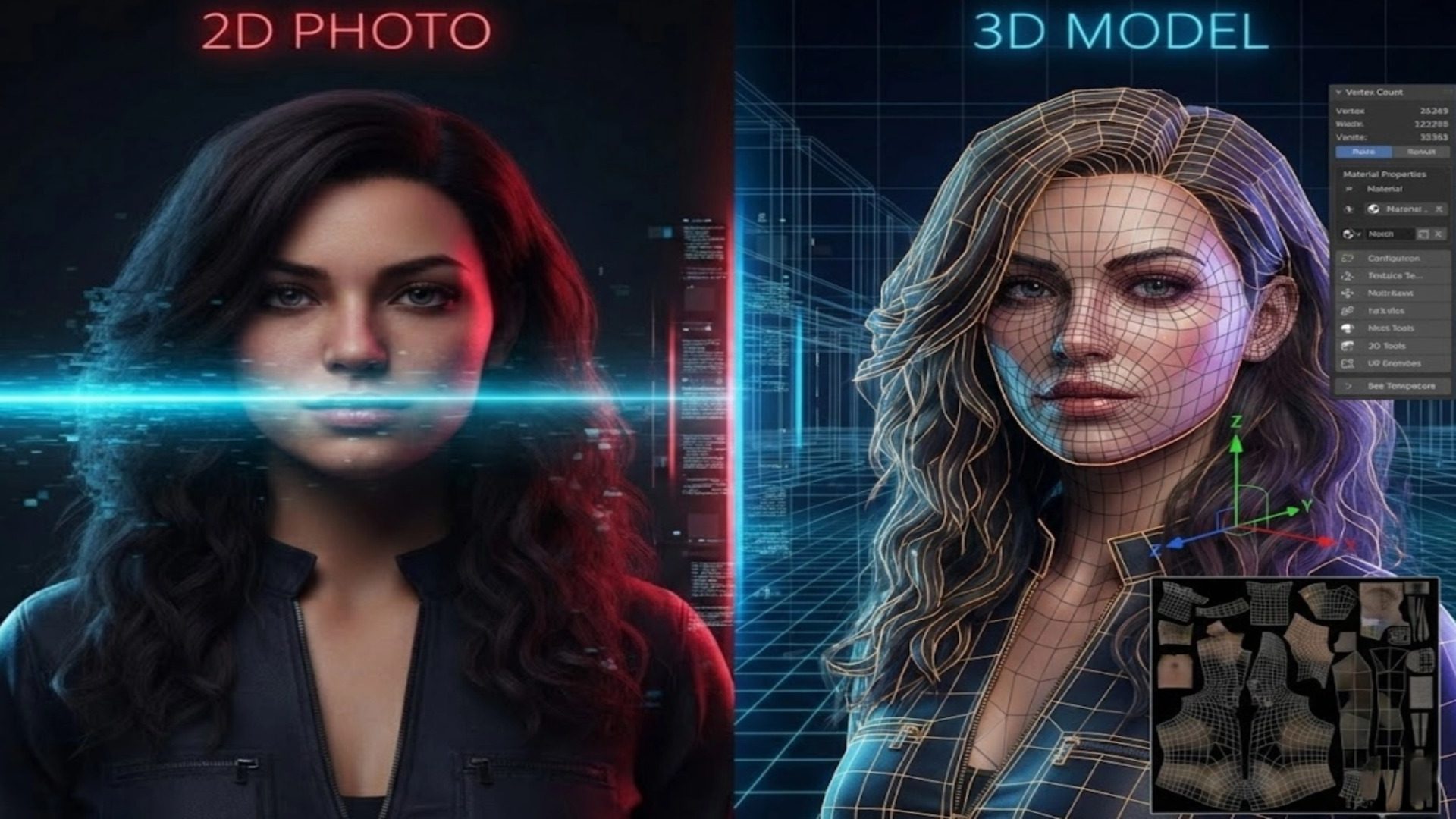
How to Make 3D Human Models That Actually Work
Most AI-generated humans fail the second you try to use them.
You can generate a 3D human model in 10 seconds. Then you spend 3 hours fixing it. That is the real cost.
If a mesh fails slicing, you waste resin. If it collapses during rigging, you restart animation. If topology breaks deformation, you redo weight painting.
Speed without structural integrity is a liability.
This guide explains how to generate a watertight 3D human model that survives real production environments, and why Neural4D’s Direct3D-S2 fixes the geometry problem at its foundation.
Read also: Generating Production-Ready Full Body Female 3D Models
Part 1. Why Most AI 3D Human Models Fail the Engine Test
Speed is easy. Geometry is hard.
• Non-manifold edges: Holes and flipped normals that break slicers (Cura/Prusa).
• Random triangle density: High-poly noise on flat surfaces, low-poly jaggedness on curves.
• Hollow shells: Surfaces with zero thickness that collapse during scaling.
• Baked-in Lighting: Shadows from the photo are painted onto the texture, making the model unusable in dynamic lighting. Fixing these issues manually involves retopology, UV unwrapping, and texture painting, a process that takes 2 – 5 hours per asset.
That is not AI acceleration. That is deferred manual labor.
Read also: The Hidden Cost of “Free 3D Car Models”
Part 2. From Photo to Watertight 3D Human Model
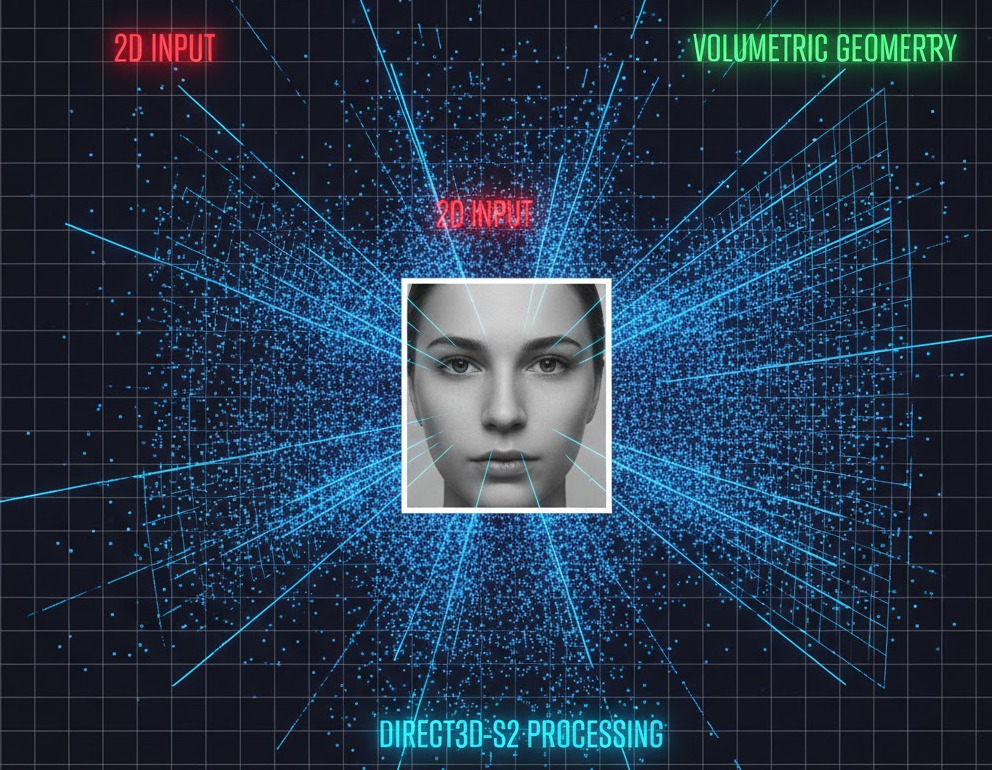
Neural4D approaches the problem differently. Instead of wrapping images onto guessed shapes, our Direct3D-S2 engine generates geometry volumetrically at 2048³ resolution.
The model is constructed as a solid body. Not a hollow surface.
Result: Sharper facial features, cleaner finger separation, and consistent surface thickness without geometric noise.
Want to see the topology yourself?
Generate a Watertight Human Online
*Includes STL export for printing and selectable face count before generation
The final mesh is watertight by default. No open edges. No hidden holes. No internal self-intersections. You skip the Blender repair phase entirely.
Part 3. Beyond Geometry: Generating PBR Textures (Not Just Photos)
Geometry is only half the battle. If your model looks like a photo pasted onto a statue, it fails in modern game engines.
The problem with basic photogrammetry is Baked Lighting. If your source photo has a shadow under the nose, that shadow becomes part of the skin color. Put that model in a night scene, and the face still looks like it is standing in direct sunlight. It breaks immersion immediately.
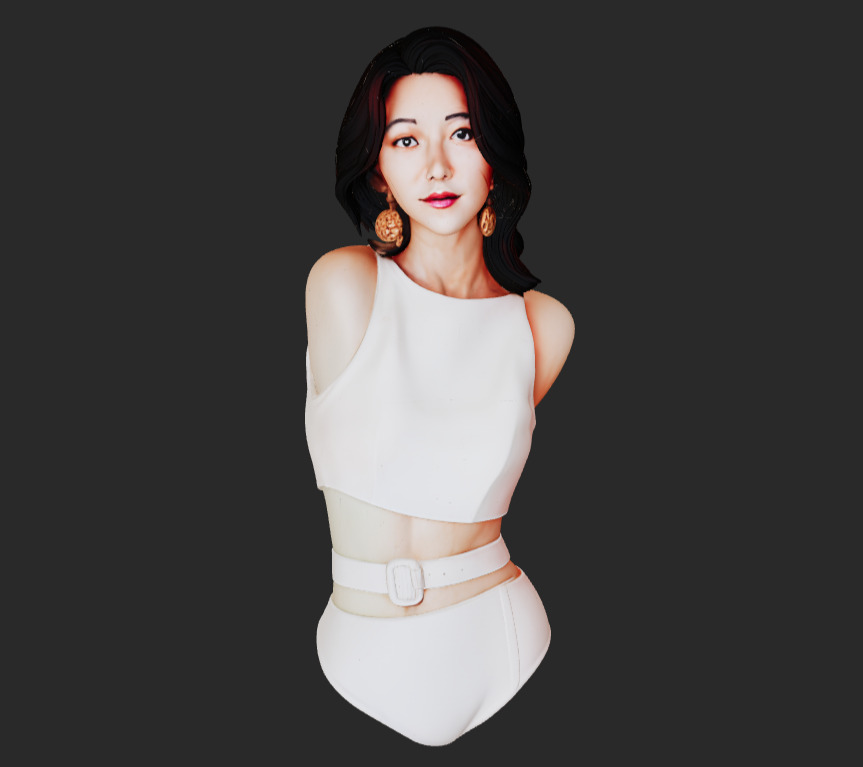
Neural4D separates lighting from material. We generate a full PBR (Physically Based Rendering) material set:
- Albedo Map (Diffuse): Pure surface color. We use AI de-lighting to remove shadows and highlights from the source image, giving you a neutral texture that reacts correctly to in-game lights.
- Normal Map: High-frequency details like pores, wrinkles, and fabric weave are baked into a normal map, adding depth without increasing polygon count.
- Roughness Map: Defines how light scatters. The system intelligently assigns high roughness to skin and fabric, and low roughness (higher specularity) to eyes and lips.
Read also: Generate PBR Texture from Image with Neural4D TexTrix
This means you can drop the asset into Unreal Engine 5 or Unity HDRP, and it will respond naturally to your environment lighting.
Part 4. 3D Printing: From Watertight Mesh to Printed Part
Watertight geometry matters most at small scale. A 0.3mm surface defect that is invisible on screen can destroy a 28mm miniature print.
Because Direct3D-S2 creates consistent volume continuity, you can export an STL and load it directly into your slicer.
Slicing Strategy: 0% Infill to Solid Parts
Most AI 3D models are thin shells. If you print them hollow, they crush. If you print them solid, the internal intersecting geometry confuses the slicer, creating voids.
Neural4D models are boolean-safe solids. For miniatures:
- Wall Thickness: The mesh guarantees a minimum thickness, preventing paper-thin walls that fail to print.
- Manifold Guarantee: No non-manifold edges means your slicer won’t generate repair warnings.
- Support Generation: Clean overhangs under the chin and arms allow for easy support removal (Tree Supports recommended) without pitting the surface.
Scale and Units: What Survives the Shrink
An AI-generated model arrives at an arbitrary scale. The numbers in your viewport are not millimeters, and your slicer has no way of knowing how tall you wanted the figure to be.
Decide the finished height first, because the scale you choose changes more than the outside dimensions:
- Wall thickness scales with everything else. A surface that reads as solid at 2 meters becomes a fraction of a millimeter at 28mm. Detail that looks fine on screen turns into a membrane your slicer refuses to print.
- Feature size sets the floor. Once the height is fixed, check the thinnest part of the model (a finger, a strap, an ankle) in the slicer’s cross-section view. If it is thinner than your printer can hold, the model is not printable at that size, no matter how clean the topology is.
- Scale uniformly. Stretching one axis to hit a height target breaks the proportions you just spent a reference photo getting right.
Export the STL, set real-world scale in the slicer, and confirm wall thickness in the preview before you commit resin or filament.
Read also: 3D Tabletop Miniatures: From Reference to Printed Model
Part 5. Game Development: The Rigging Reality Check
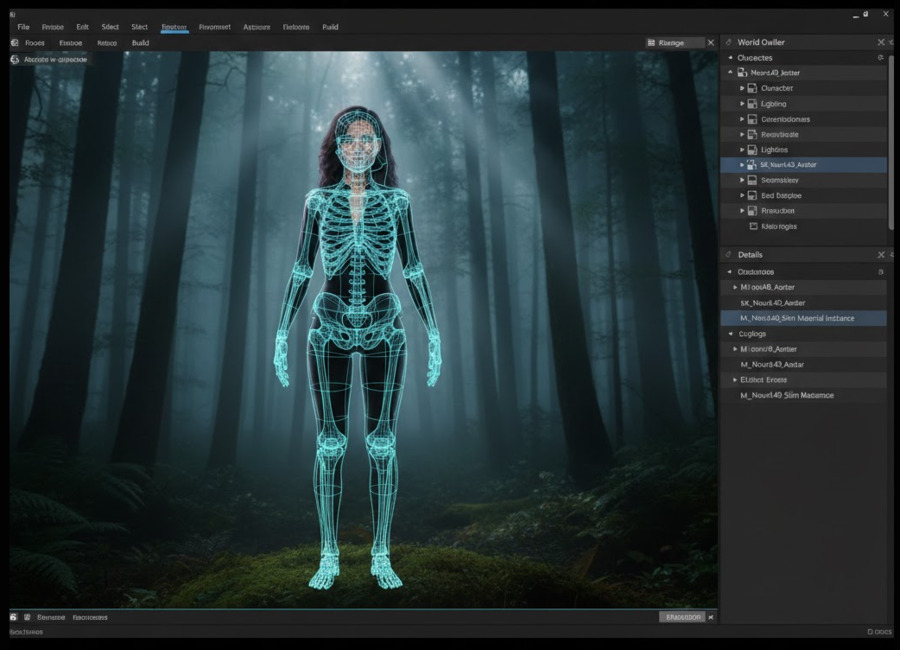
Static meshes are easy. Deforming meshes are hard. The true test of a 3D human model is what happens when you bend the elbow.
The Mesh You Rig Matters
Bad topology collapses volume. If the mesh is a random soup of triangles, bending an arm will make the elbow look like a crushed soda can. This is the #1 reason developers reject AI models.
Choose the topology before you generate. Image to 3D and Text to 3D both let you pick the face type before the job runs, and the interface states the tradeoff plainly: Quad is better for edits and animation, Triangle is more detail preservation. For a human that will be rigged, choose Quad. Quadrilateral faces bend predictably around a joint; triangles cut across the limb at unpredictable angles, which is where pinching comes from. You can export the quad mesh as .OBJ.
Quad runs from 1,000 to 100,000 faces, with 50,000 as the default, and the two are set independently: picking Quad narrows the polycount range, while Triangle allows a far higher ceiling for detail-heavy assets. If you are unsure where to start, the 50,000 default is a reasonable rigging budget for a single character.
If you need polycount targets for a specific platform, they are collected in Polygon Count for 3D Game Assets, Printing, and WebAR.
Already generated the model? You do not have to start over. Neural4D’s AI Retopo runs from the generation page: open the asset and click Remesh to rebuild the mesh at a new topology and face count. Choose Quad when the result is headed for animation, the same way you would before a fresh generation. This pass rescues a model that came out in Triangle topology, and it is also the required fix when an asset is too dense to rig. Animate rejects models above 300K polygons with the message “The polycount is over 300K. Please remesh before rigging.”
The Workflow:
- Generate: Pick Quad topology and set your polycount.
- Export: Download your model as .OBJ.
- Rig: Import the mesh into your rigging tool and bind a skeleton.
- Verify: Apply a test animation and check the elbow and knee at full bend.
Quad edge flow follows the limb instead of cutting across it, so the mesh holds volume through the bend. No spiking vertices. No volume loss at the joints. You spend less time correcting weight painting and more time animating.
Pose: The Setting That Decides Rigability
The pose in your source photo does not stay in the photo. It is baked into the mesh, and it decides whether the result can be rigged at all.
A model generated from someone standing with their arms against their sides comes out with the arms touching the torso. Bind a skeleton and rotate the shoulder, and the upper arm drags the torso surface with it, because the two surfaces never had a gap. Bent elbows and crossed limbs fail the same way: the joint is already collapsed in the geometry, so there is no volume left for the deformation to preserve.
This is why rigging pipelines use a standard pose. A-Pose and T-Pose separate the limbs from the body and hold the major joints at predictable angles, so bones can be placed consistently and the skinning has room to work. A-Pose keeps the arms angled down and sits closer to a natural rest position; T-Pose holds them straight out and is easier to mirror and to place bones against.
Neural4D exposes this as a generation parameter rather than a repair step. The Pose control on Image to 3D and Text to 3D offers Auto, A-Pose, or T-Pose (the explicit A-Pose and T-Pose options require a subscription), so you can request a riggable pose instead of trying to describe one in a prompt. If the model is going to be animated, set the pose before you generate. Retrofitting a neutral pose onto a mesh built in a different one is far more work than choosing it up front.
Part 6. Input Engineering: How to Feed the Algorithm
Even the best engine cannot fix bad data. To get the 2048³ quality we promise, you need to follow specific input engineering protocols. Stop feeding the AI garbage.
1. Resolution Matters (Minimum 2K)
Direct3D-S2 calculates depth at a voxel level. If you upload a blurry 512px image, the Sparse Spatial Attention has no edges to latch onto. Use input images of at least 2048×2048 resolution for optimal texture mapping and pore-level detail.
2. Lighting: Flat is King
Avoid dramatic, moody lighting. Strong shadows creates false geometry. The AI might interpret a dark shadow on a cheek as a concave hollow.
Best Practice: Use soft, even lighting (overcast day or softbox). The flatter the light, the more accurate the geometric reconstruction.
3. The Lens Factor (50mm+)
Wide-angle selfies (taken with a phone held close to the face) distort proportions, making the nose look huge and the ears disappear. Neural4D reproduces exactly what it sees.
Best Practice: Step back and zoom in (telephoto), or use a 50mm – 85mm focal length. This preserves correct anatomical proportions.
4. What a Single Photo Cannot Tell the AI
One photo shows one side. Everything the camera could not see, the model has to invent, and it invents something plausible rather than something correct.
Three failures show up most often:
- The back is guessed. Shoulder blades, spine curvature, and the back of the head are reconstructed from the front. The result usually looks reasonable and is almost never accurate.
- Occlusion fills in wrong. If a hand covers part of the face, or an arm crosses the torso, the AI has to decide what is underneath. It picks something. It does not know.
- Touching limbs fuse. Arms flat against the body, or a chin resting on a hand, can weld into a single surface. This is the same defect that breaks rigging, arriving from the input side instead of the topology side.
If the model only has to look right from one angle, a single photo is enough and it is the fastest path. If the whole object needs to be correct, six-view reconstruction is the answer: Multi-View to 3D builds from six orthographic photos, which removes the single-image shape estimation error, and outputs a watertight mesh with PBR textures.
Part 7. Cleanup Before You Use the Asset
No generator gets every region right. These are the areas where image to 3D consistently struggles, what the failure actually looks like, and how to deal with it before you build on top of the asset.
Hands and Fingers
Hands are the most common failure in AI human models, and the cause is geometric rather than stylistic. Fingers are thin, close together, and often sit at nearly the same depth. A reconstruction that resolves an arm correctly does not have the resolution to separate them, so they weld into a mitten or a webbed sheet.
How to check: rotate the viewport to the hand and look between the fingers from a low angle. Webbing is far easier to see against the background than against the palm.
What to do about it, in order of effort:
- Choose a reference with separated fingers. An open hand with a visible gap between digits gives the reconstruction something to resolve. A closed or relaxed hand gives it nothing.
- Pose around the problem. A fist, or a hand holding an object, is a shape the model produces cleanly and that reads as intentional rather than broken.
- Repair it. Separating fused digits is a small sculpting job, and it is much cheaper than rebuilding the whole mesh.
Hair Comes Out as Solid Geometry
Image to 3D reconstructs one continuous surface per object, and hair has no solid boundary. The result is that hair is welded into an opaque shell attached to the skull. You will not get strands, and you will not get anything that can be simulated as cloth.
That is fine for a printed miniature, where hair is solid material anyway. It is a problem for anything animated or restyled, where hair has to move independently of the head.
What to do about it:
- If the hairstyle is part of the silhouette you need, generate it with the body and accept the solid result.
- If hair has to move or be swapped, generate the head with minimal hair and add hair as a separate asset. A clean skull is also much easier to fit hair cards or a wig onto.
Pre-Use Verification Checklist
Before an asset goes into a project or a print, confirm:
- Is the mesh closed? No open edges, no non-manifold geometry. Anything less will not slice cleanly.
- Do the hands read as hands? Check between the fingers at an angle, not straight on.
- Is the hair usable for your purpose? Solid is fine for print, not for animation.
- Are the limbs separated from the body? If they touch, rigging will drag the torso with the arm.
- Does the UV layout have overlapping islands? Overlap is invisible until you try to rebake a texture or add a normal map, and then it fails.
- Is the scale set in real units? Arbitrary units in the slicer give you the wrong size and the wrong wall thickness.
- Is the clothing fused to the body? If you need outfit swaps or cloth simulation, fused geometry has to be separated first.
Part 8. Production Ready, Not Just “Preview Ready”
Fast preview models look impressive in thumbnails but fail in production. Real assets need to survive export, rigging, slicing, scaling, and engine integration.
If your workflow currently includes Repair in Blender, Fix Normals, or Re-UV Map, the generation step failed.
Direct3D-S2 completes the geometry step at generation time. We provide the watertight mesh, the clean topology, and the PBR maps so you can focus on building your game, not fixing our polygons.
Stop Fixing Broken Meshes
Generate watertight 3D humans at 2048³ resolution. Ready to rig and ready to print.
Part 9. Frequently Asked Questions
Can AI-generated 3D human models be rigged?
Yes, but only if the topology suits deformation. Most AI generators output an unstructured triangle mesh that pinches when bent. Neural4D lets you choose Quad topology and a polycount before generating, which gives you a mesh built from quadrilateral faces. Quad faces deform predictably around a joint, so the mesh holds volume when the arm or leg bends. That is the structure rigging tools expect, and it saves you a manual cleanup pass.
What is the best input image for 3D generation?
Input engineering is critical. We recommend:
1. Resolution: Minimum 2048×2048 pixels.
2. Lighting: Flat, even lighting (no harsh shadows).
3. Focal Length: 50mm or higher to avoid facial distortion.
Avoid wide-angle selfies, as they distort the nose and jawline, which the AI will interpret as actual geometry.
Are Neural4D models watertight for 3D printing?
Yes. Unlike surface-based photogrammetry, our Direct3D-S2 engine generates a solid volumetric mass. The resulting STL export is manifold (watertight) by default, meaning it has no holes or non-manifold edges. You can slice it immediately in Cura or PrusaSlicer without using mesh repair tools.
Do I own the commercial rights to the generated 3D models?
If you are on a paid subscription, you own full commercial rights (Royalty-Free) to all assets you generate. You can use them in sold games, printed products, or client work. Content generated on the free plan enters the public domain, and Neural4D asks that you credit N4D where you use it commercially. Current terms are on the Neural4D pricing page.
What if one photo is not enough?
A single photo leaves the back of the model, and anything occluded, to be guessed. If the whole object has to be correct, use multi-view reconstruction: six orthographic photos remove the single-image shape estimation error and produce a watertight mesh with PBR textures. Neural4D’s Multi-View to 3D is built for exactly this case.