AI 3D Game Assets: The Guide to Engine-Ready Models
Developing a high-quality game is often a battle against the clock. For indie studios, creating a single high-fidelity prop used to take days of manual labor. However, the rise of the AI 3D asset generator has shifted the paradigm. We are no longer dealing with simple placeholders; AI 3D game assets are becoming the backbone of modern production. By leveraging AI generated 3D assets, developers can bypass the technical debt of traditional pipelines and focus entirely on storytelling and gameplay mechanics.
Table of Contents
Part 1. The Hard Truth of Engine Compatibility
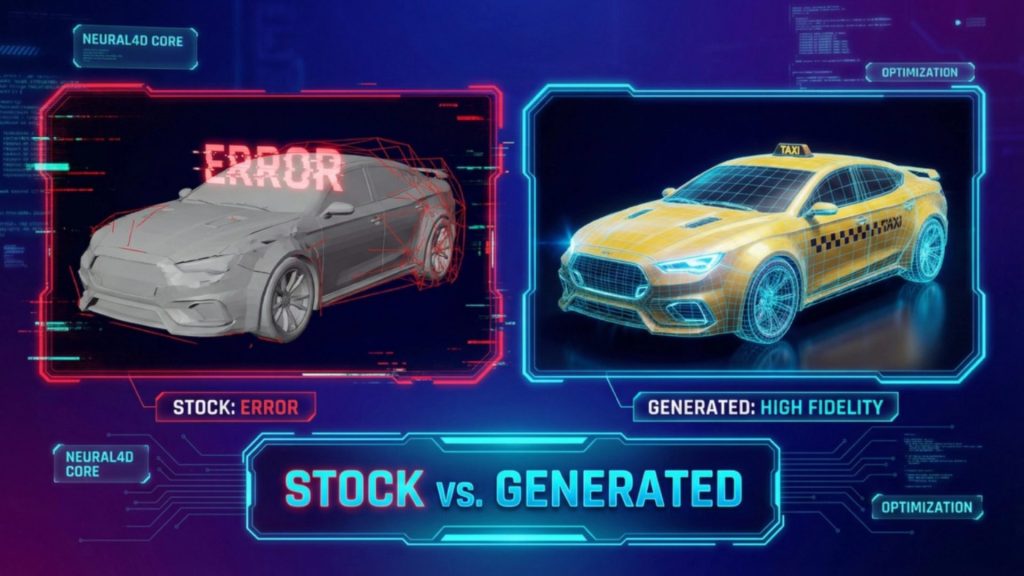
An asset is only as good as its performance in a real-time environment. Many AI generated 3D game assets look impressive in a browser but fail when imported into Unreal Engine or Unity. The reason is usually technical debt – non-manifold geometry, erratic vertex placement, or textures that do not follow PBR standards.
To build a professional game world, your AI 3D assets must be “Watertight.” This is a technical requirement for physics engines. A model with holes or non-manifold edges causes unpredictable results in collision detection, making your character fall through floors or causing lighting to leak through walls during a bake.
Read More: The Hidden Cost of “Free 3D Car Models”
Part 2. Advanced Geometry: Structural Integrity with Direct3D-S2
The first step to a professional asset is the mesh itself. Neural4D’s Direct3D-S2 framework is designed to move past the chaotic “triangle soup” typical of legacy AI tools.
🔍 Precision Through Spatial Sparse Attention
While standard algorithms struggle with complex shapes, Direct3D-S2 uses Spatial Sparse Attention (SSA). This mechanism allows the system to recognize which parts of a model require higher fidelity. For example, the sharp edge of a knight’s armor or the intricate filigree on an ancient chest receives more computational focus. This ensures the geometry remains crisp and structurally sound at 1024³ resolution.
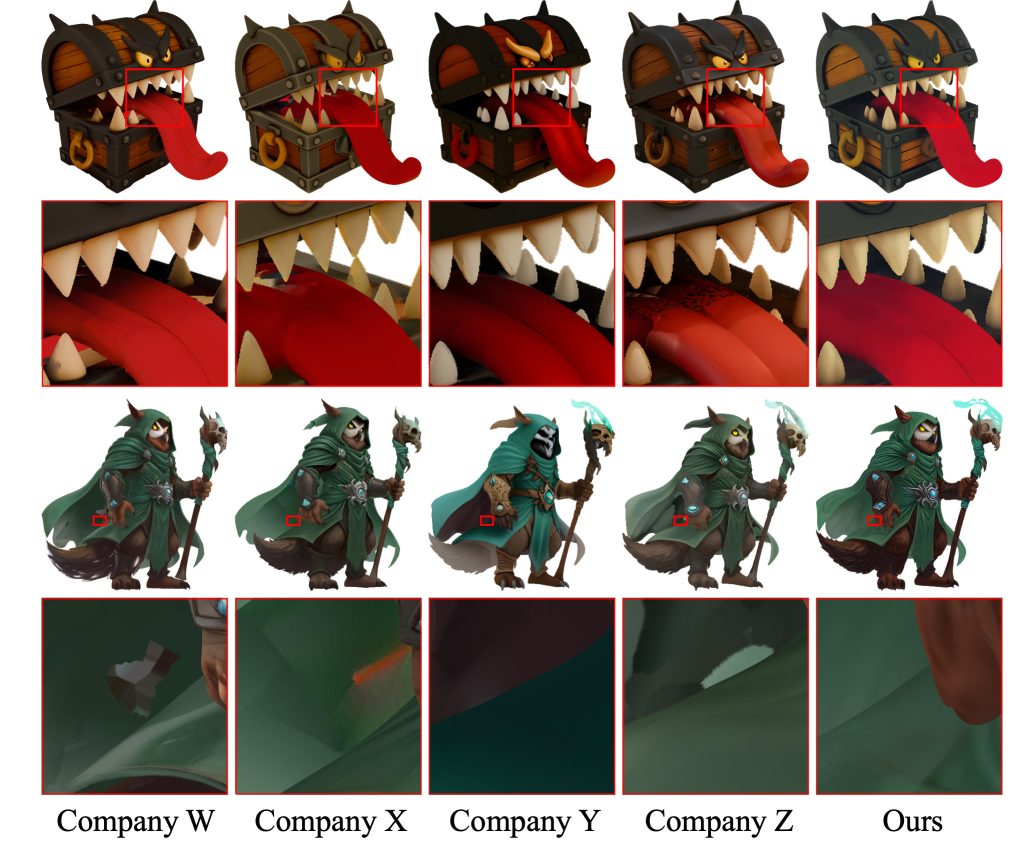
This structural stability means the exported AI 3D assets are manifold by default. You save hours because you no longer need to run cleanup scripts in external software just to make a mesh interactable within a physics-based world.
🔍 Strategic Implementation: The LOD Advantage
Professional game development requires multiple versions of every model, known as Levels of Detail (LOD). AI-driven assets provide a unique advantage here. Because the source data from Direct3D-S2 is high-fidelity, creating optimized versions for mobile or low-end hardware becomes a simple automated task rather than a manual redesign.
By generating a high-quality “Master Mesh,” you create a future-proof asset. Whether you are targeting a 4K console experience or a lightweight mobile app, the AI-native workflow allows you to scale your production without losing the artistic soul of the original design.
Part 3. TEXTRIX: Solving the UV Seam Problem
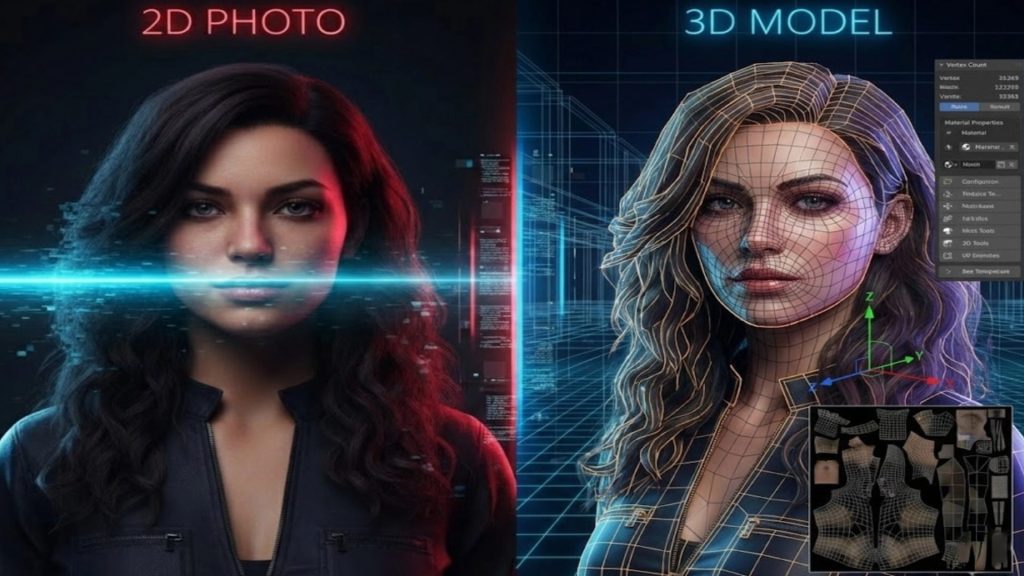
Lighting defines the atmosphere of your game. Traditionally, a modeler spends a large portion of their time unwrapping UVs and hiding seams. AI generated 3D assets often suffer from texture stretching because 2D images are simply wrapped around the 3D form.
Neural4D’s TEXTRIX architecture changes this by using 3D Attribute Grids. Instead of a 2D projection, material properties are defined natively in the 3D space.
✅ Native PBR Synthesis: TEXTRIX generates more than just a color map. It predicts Albedo, Roughness, Metallic, and Normal maps simultaneously.
Read More: Generate PBR Texture from Image with Neural4D TexTrix
✅ Engine Fidelity: Because these maps are semantically aligned with the geometry, they respond accurately to dynamic lighting systems like Unreal’s Lumen or Unity’s HDRP. This physical accuracy ensures your AI 3D assets look as natural in a dark cave as they do in high noon sunlight.
Part 4. The Economic Impact of Industrial AI Pipelines
To appreciate the value of a modern AI 3D asset generator, consider the quantitative shift in production costs. For a small team, this is the difference between a three-year dev cycle and a six-month one.
| Production Task | Manual Artist Workflow | Neural4D AI Workflow | Productivity Jump |
| Asset Blockout | 4 – 6 Hours | < 2 Minutes | 150x – 300x |
| Retopology & UVs | 6 – 8 Hours | Automated | Instant |
| Texture Painting | 4 – 6 Hours | < 3 Minutes | 120x |
| Total per Asset | ~14 – 20 Hours | ~5 Minutes | Massive |
This efficiency is vital when dealing with Draw Calls. Traditional assets with messy textures can slow down a GPU. Because TEXTRIX produces seamless, optimized textures, it reduces the strain on VRAM – allowing you to populate your scenes with more assets without hitting a performance ceiling.
💡 Tips for Ensuring Production Portability
A production-ready AI 3D asset generator must speak the industry’s language. Choosing the right format is a technical decision that affects the final build size and rendering speed:
- .fbx : The primary format for Unity and Unreal. It carries mesh, material links, and pivot data.
- .obj : The universal standard for static environment props. It is compatible with every 3D tool.
- .glb / .gltf : The standard for mobile and web-based games. It offers high compression with minimal loss in PBR quality.
- .stl : For studios creating physical collectors’ editions or 3D-printed merchandise based on their in-game lore.
Read More: Convert Image to STL File: Expert AI 3D Generation Guide
FAQs about AI 3D Game Assets
Q: Can AI make 3D game assets?
Yes, you can find an AI 3D asset generator to make 3D assets for game fast. Most AI tools in this function are online and support a free trial.
Q: What is the AI tool to generate game assets?
Neural4D is a specialized tool for production-ready assets. Its Direct3D-S2 and TEXTRIX technologies output high-resolution models with native PBR maps, ensuring compatibility with Unreal Engine and Unity.
Q: Do AI-generated 3D assets have good topology?
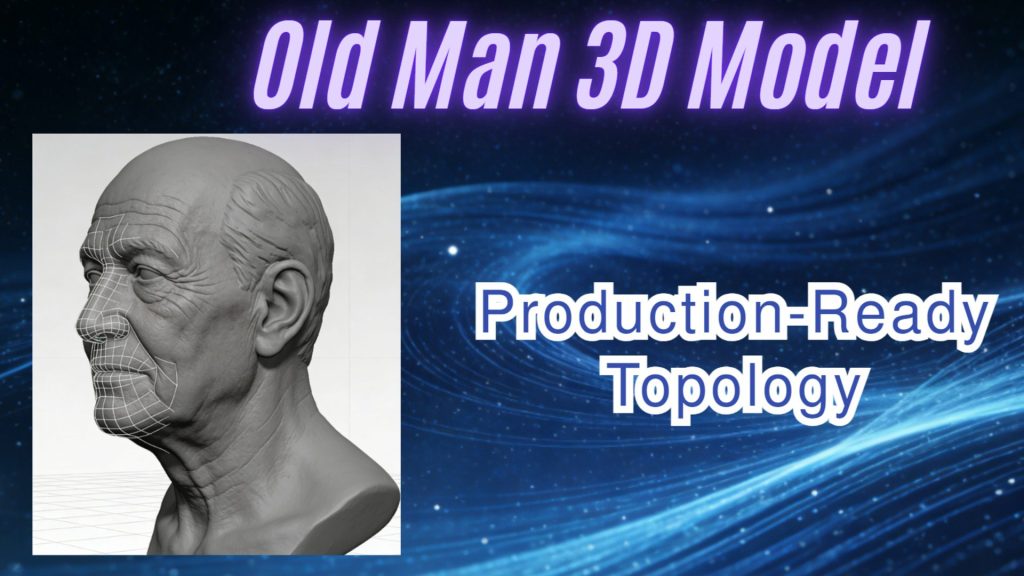
While legacy AI created “triangle soup,” frameworks like Direct3D-S2 use Spatial Sparse Attention to optimize vertex placement. This results in cleaner structures that are easier to render and optimize for LODs.
Q: Are AI 3D assets compatible with Unreal Engine 5 Nanite?
Yes. High-resolution assets from Neural4D provide the micro-polygon detail needed for Nanite, while accurate Normal maps ensure fine details react correctly to dynamic lighting.
Q: Can I export AI 3D assets to different formats?
Yes. Quality generators support industry standards. You can export your AI generated 3D assets as .obj (universal), .fbx (game engines), .glb (web/real-time), .usdz (AR), or .stl (3D printing) depending on your project needs.
Final Thoughts: The Creative Shift
The game industry is no longer limited by how many vertices an artist can move in a day. We have entered an era of intelligent synthesis. By delegating technical chores like UV unwrapping and manifold checking to the TEXTRIX and Direct3D-S2 engines, you reclaim your most valuable resource: time.
Your players do not care if you spent twenty hours manually sculpting a rock; they care if that rock makes the world feel immersive. In 2026, the competitive edge belongs to those who use AI generated 3D game assets to build deeper stories and more expansive worlds. Using an AI 3D asset generator is not about replacing art, but about making the creation of AI 3D assets a seamless part of the journey.