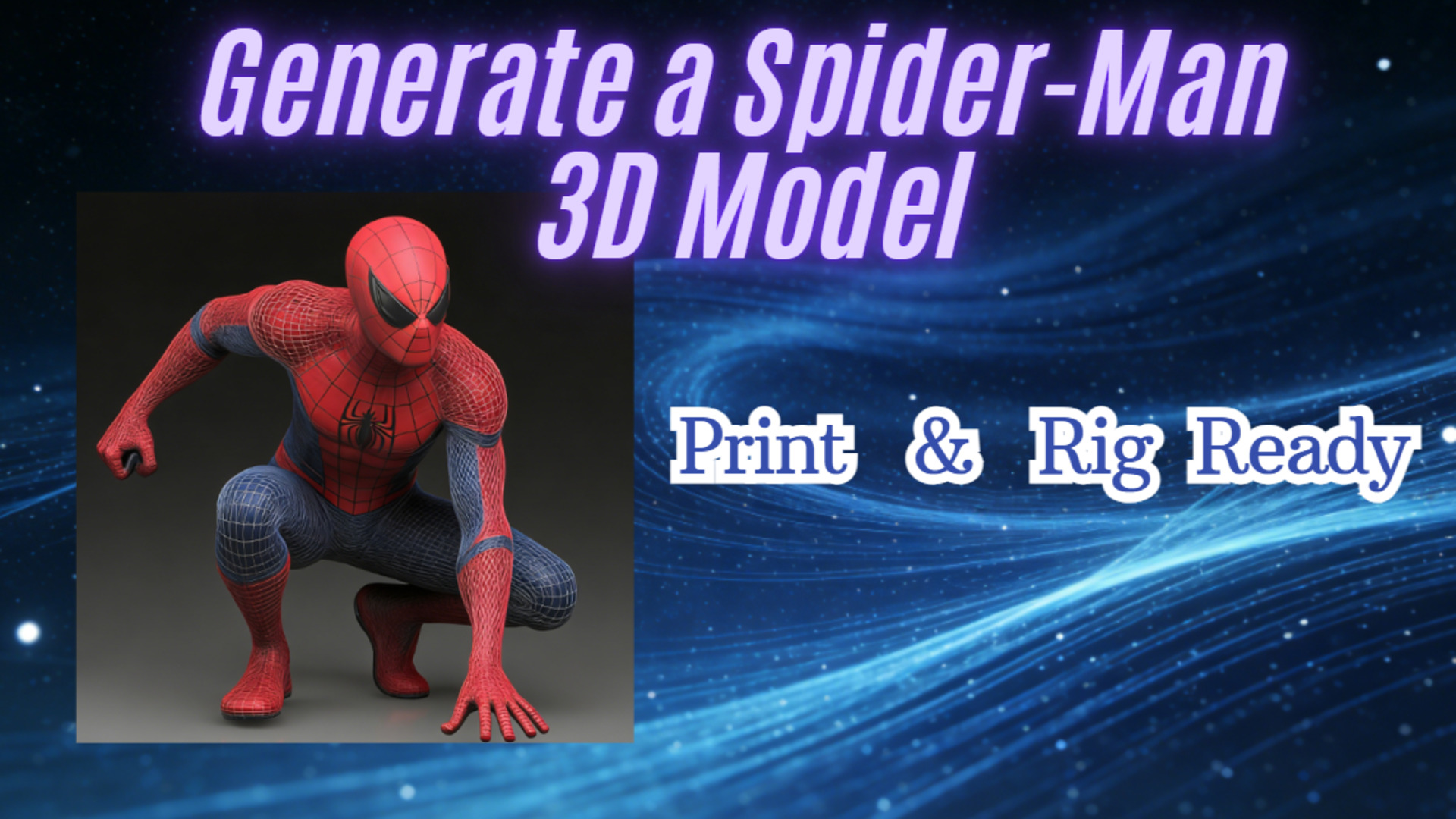
Generate a Spider-Man 3D Model: Print & Rig Ready
Most free Spider-Man 3D models fail in production due to non-manifold geometry and “topology gore.” For professional results, you need a watertight, quad-based mesh. Neural4D’s Direct3D-S2 algorithm automates this, generating print-ready and rig-ready assets in seconds that export directly to Blender and Unreal Engine 5.
Stop downloading broken assets.
If you type “Spider-Man 3D model free” into Google right now, you will find thousands of results. 90% of them are useless for professional work.
They look fine in the thumbnail. But the moment you drop them into your slicer or game engine, the nightmare begins. Non-manifold geometry. Reversed normals. Texture maps that don’t align. You aren’t looking for a toy; you need a production asset.
Whether you are an indie dev prototyping a movement system or a prop maker printing a cosplay helmet, you cannot afford to spend six hours cleaning up someone else’s messy vertices. This guide breaks down why generic Spider-Man 3D model download sites fail professional users and how to generate a clean, watertight asset in seconds using Neural4D.
Part 1: Geometry vs. Art: Why “Sculpts” Don’t Rig or Print
The problem isn’t the art; it’s the geometry.
Most of the “amazing Spider-Man 3D model” files found on community repositories are “sculpts.” They are dense clouds of millions of triangles designed for static rendering, not for function. When a hobbyist sculpts in ZBrush and hits “Export,” they often ignore the structural requirements of a game engine or a physical printer.
We call this the “Cleanup Tax.” You save $20 buying a model, but you lose $200 in billable hours fixing it. You can read more in this article: The Hidden Cost of “Free 3D Car Models”.
➤ Topology “Gore” for Animators
If you are a rigger, you know the pain of “auto-retopology.” You download a Spider-Man 3D model rigged from a hobbyist site, only to find the joints are a mess of stretched polygons.
Good deformation requires clean edge loops around the shoulders, hips, and knees. Most scanned or sculpted models don’t have this. They are just a soup of polygons. When you try to bend the arm, the mesh collapses in on itself.
Professional game assets require “Quad-dominant” topology. This ensures that when a character moves, the texture stretches naturally rather than tearing. Free assets rarely respect this rule, forcing you to spend hours manually retopologizing before you can even think about binding a skeleton.
As discussed in this r/3Dprinting thread, the number one failure point for Spider-Man 3D model print files is the raised webbing pattern.On a standard mesh, the webs are often modeled as separate geometry floating slightly off the main body. When you try to print this, the slicer ignores the floating geometry. The result? You get a “bald” Spider-Man, or worse, your nozzle clogs trying to print floating plastic.
Part 2: Automating Hero Asset Creation with Direct3D-S2
We built Neural4D to solve the geometry bottleneck. We don’t just “guess” the shape; we calculate it.
Our engine uses the Direct3D-S2 algorithm. Unlike older point-cloud methods that create “fuzzy” shapes, Direct3D-S2 uses Space Sparse Attention (SSA). It focuses computing power on the surface details – like the raised webbing pattern or the muscle definition—while ignoring empty space.
➤ The “Watertight” Guarantee
In 3D printing, a model must be “manifold”, meaning it has a clearly defined inside and outside with no holes. Direct3D-S2 generates geometry as a continuous volume. It is mathematically impossible for the AI to generate a hole in the mesh.
This eliminates the need for repair tools like Netfabb or Meshmixer. The model comes out of the generator ready for slicing. For a deeper technical breakdown of how our algorithm handles volumetric data, check out our deep dive on Direct3D-S2 Architecture Explained.
Part 3: Step-by-Step Workflow
You don’t need to be a 3D artist to get a professional result. Here is the exact workflow to go from text to a game-ready asset.
➤ Step 1: The Prompt Strategy
Precision matters. Don’t just type “Spider-Man.” The AI needs context to define the materials and the era of the suit. Try a structured prompt like this:
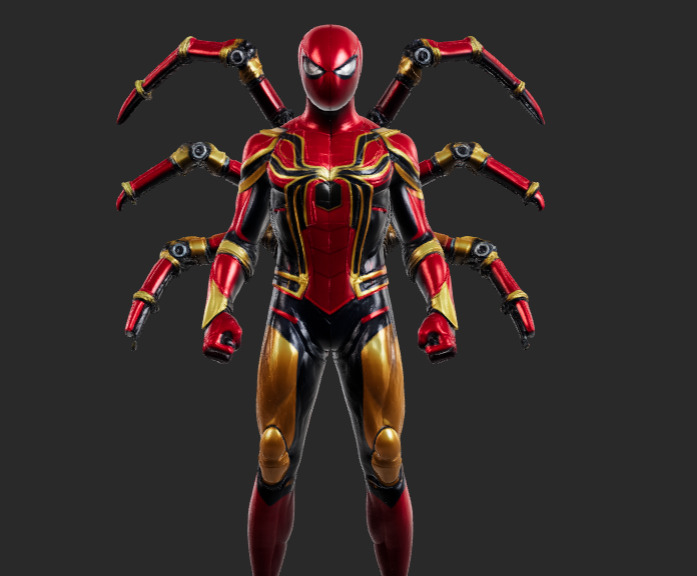
“Full body shot of Spider-Man in the Iron Spider suit, metallic red and gold armor plating, mechanical spider legs on back, cinematic lighting, 8k resolution, photorealistic.”
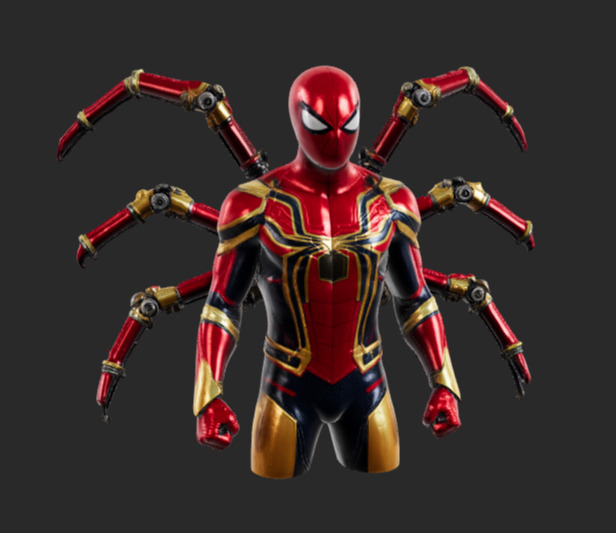
📢 Notice the material definition (“metallic”, “armor”). This tells the engine to generate roughness maps that reflect light differently than cloth.
➤ Step 2: Refining with Neural4D-2.5
Rarely is the first generation perfect. Maybe the spider emblem is too small, or the eyes are the wrong shape. This is where Neural4D-2.5 comes in.
Instead of re-rolling the seed, you can simply talk to the model: “Make the eyes wider, like the Todd McFarlane style,” or “Add more muscle definition to the legs.” The model updates the geometry in real-time without breaking the topology.
➤ Step 3: Why Not Photogrammetry?
We often get asked: “Why not just scan a Spider-Man action figure?”
Scanning is great for rocks. It is terrible for shiny heroes. Photogrammetry relies on projecting patterns onto a surface. Spider-Man suits are usually glossy or metallic. This confuses the scanner, resulting in melted blobs where the light reflects.
Furthermore, scanning creates “baked-in lighting.” If you scan a figure under a desk lamp, that shadow is painted onto the texture forever. Neural4D generates Albedo textures—pure color without lighting information. This allows your game engine’s lighting system to react naturally to the model.
Part 4: Frequently Asked Questions
Q: Is the generated Spider-Man 3D model print-ready?
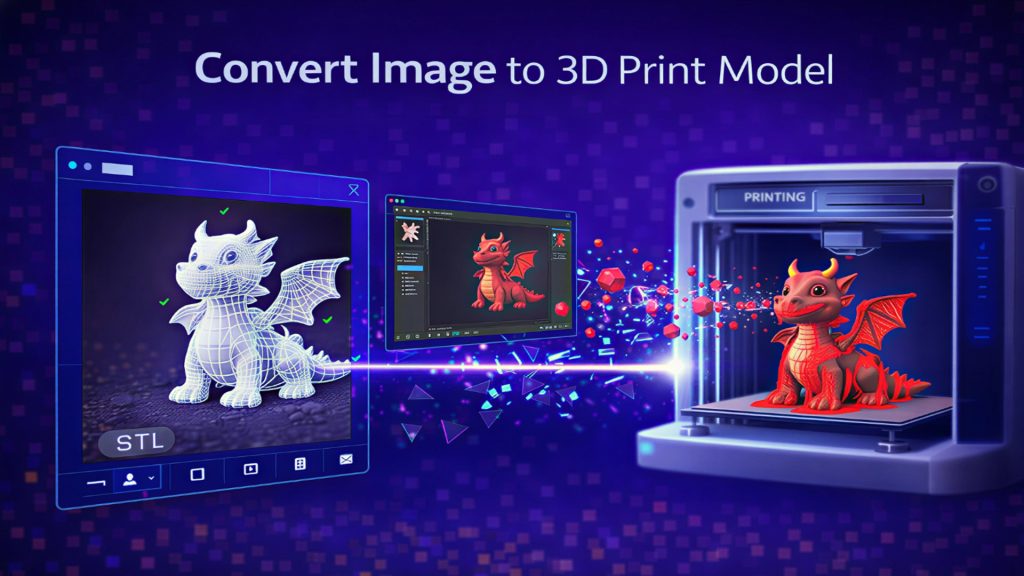
Yes. Neural4D generates “watertight” meshes by default. There are no holes or non-manifold edges, making them safe for both FDM and SLA (resin) printing. You can drop the STL directly into Cura or Lychee Slicer.
Q: Can I use these models in Blender?
Absolutely. We export in standard .obj and .glb formats. If you are looking for a Spider-Man 3D model for Blender, our native export works without any plugin requirements.
Q: Are these models rigged?
The raw generation is a static mesh. However, because the topology is clean (quad-based), it is compatible with auto-rigging solutions like Mixamo or AccuRIG. You won’t get the “exploding joints” errors common with bad scans.
Q: What about commercial rights?
If you are on our Paid Plan, you own the asset. You can use it in your indie game, your YouTube video, or your 3D printing shop. Free tier users are limited to non-commercial trial use.
Stop Fixing Bad Meshes. Start Creating.
Generate your own custom Spider-Man variant in seconds. High topology. Print-ready. 600 Free Power on sign-up.