Chainsaw Man 3D Model: Generate Watertight STLs for Printing
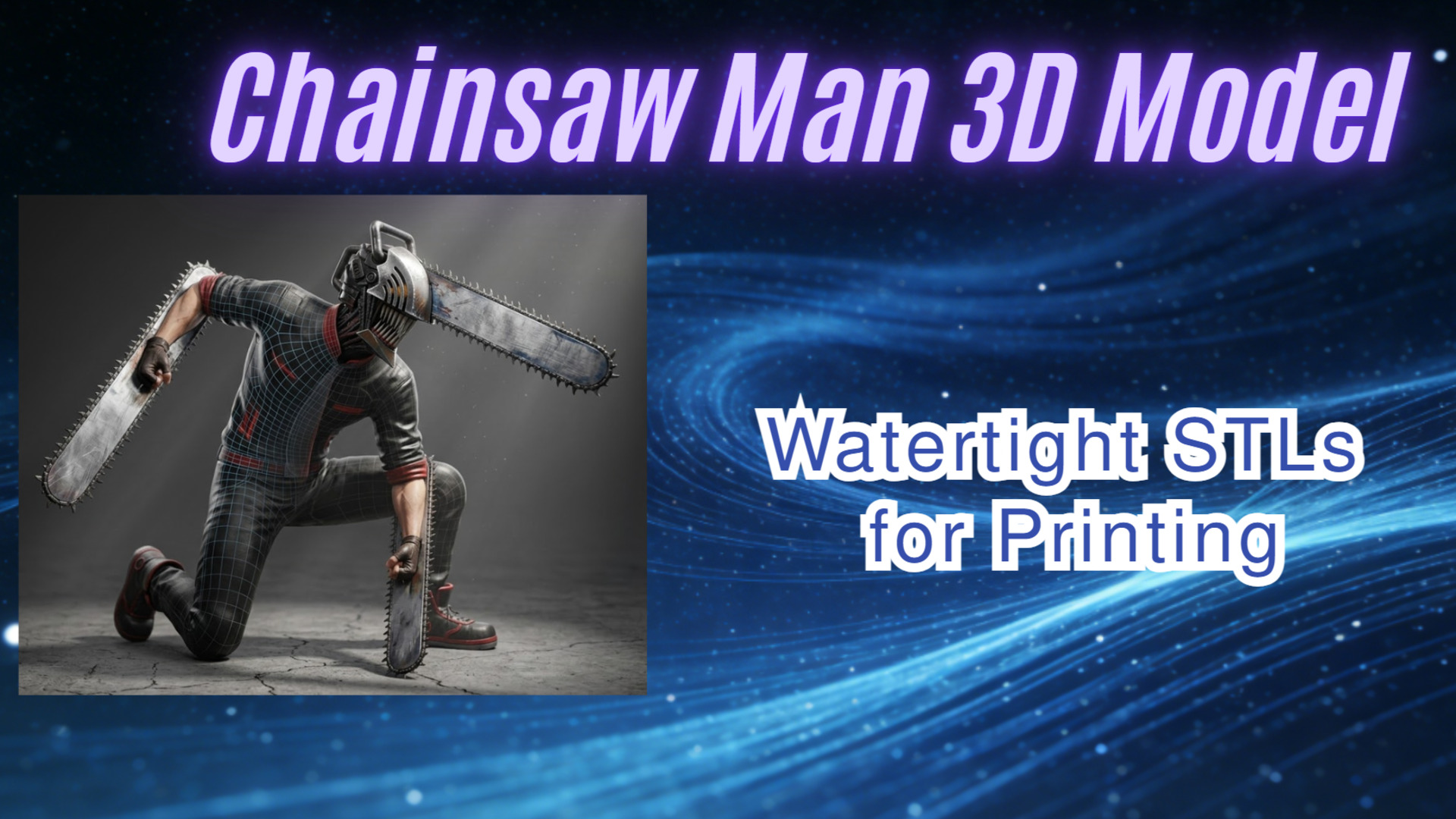
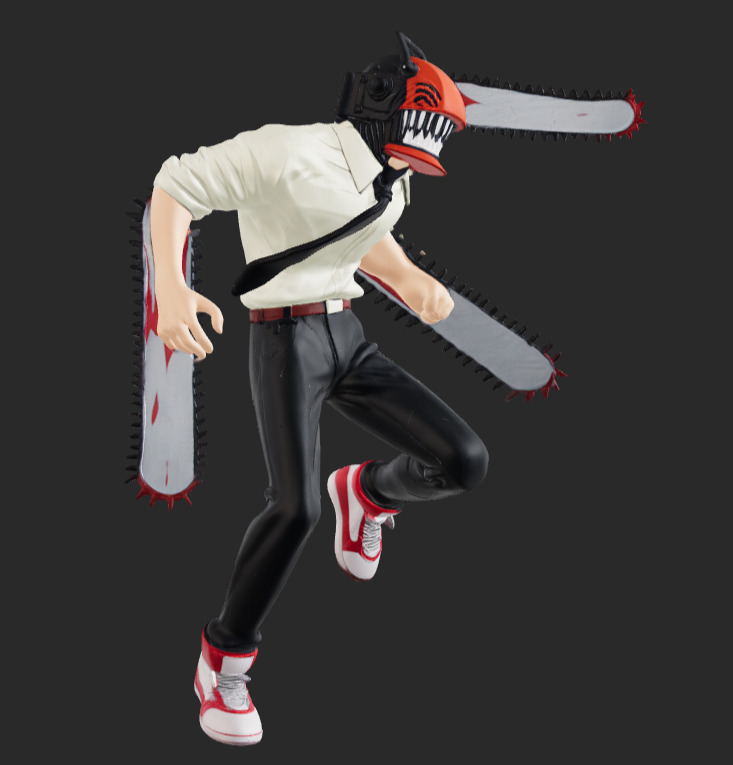
For any 3D printing enthusiast, the Chainsaw Man 3D model is the ultimate stress test. While the character’s design is iconic, it is a geometric nightmare for standard consumer-grade printers. The thin, overlapping blades on Denji’s head and arms often result in “ghost geometry” or catastrophic support failure during the printing process. Most free files found on community repositories are “asset flips” or messy rips that lack the physical integrity required for a successful 8-hour resin or FDM session.
New to 3D printing? Before we dive into the AI tech, remember that a “Slicer” is software (like Cura or Lychee) that converts a 3D file into instructions for your printer. An “STL” is the standard file format used. If a model isn’t “watertight,” it means there are holes in the digital mesh that will cause your print to fail. Neural4D is built to automate the heavy lifting of fixing these technical hurdles.
Start with Neural4D to ensure a smooth production flow.
Table of Contents
Part 1: Why Most Chainsaw Man 3D Model STL Files Fail in the Slicer
If you have ever downloaded a free Chainsaw Man 3D model STL, you’ve likely seen the “red zones” in your slicer. These warnings indicate non-manifold edges-places where the mesh isn’t a closed volume. In the world of 3D printing, if a model isn’t watertight, the slicer doesn’t know what is “inside” and what is “outside,” leading to missing layers or random infill patterns.
The specific pain points for this character include:
🔹 The “Razor Thin” Problem: Chainsaw teeth are often modeled as single planes for visual effects, but 3D printers require actual thickness to extrude material.
🔹 Internal Intersections: Fan-made models often shove different shapes together without boolean merging, creating internal “walls” that ruin the print’s structural integrity.
🔹 Triangle Soup: Many AI generators produce “triangle soup”- a chaotic mess of faces that makes manual cleanup in Blender nearly impossible.
Traditional 3D modeling for such a complex figure takes days. Most makers settle for the first acceptable result because they are afraid to waste time on failed iterations. We built Neural4D to cut that frustration out of the workflow entirely.
Read also: Generate a Spider-Man 3D Model: Print & Rig Ready
Part 2: Engineering Print-Ready Geometry – Direct3D-S2’s Native Volumetric Logic
The secret to a successful Chainsaw Man 3D model lies in how the geometry is calculated. Unlike standard mesh generators that only estimate surface depth, the Direct3D-S2 engine uses native volumetric logic. It processes the full volume of the character to ensure the resulting export is a singular, manifold shell.
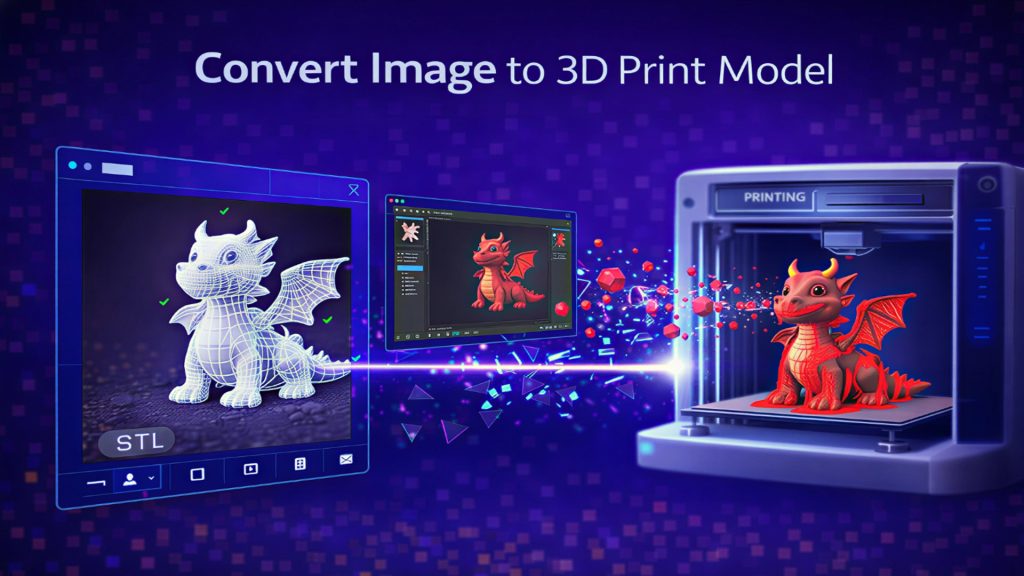
When you use the Image to 3D Studio, the system analyzes the reference image and reconstructs the 3D form with 2048³ resolution. This “gigascale” generation ensures that every mechanical detail on Denji’s head is captured with crisp edges rather than “AI slop”.
Key technical advantages for makers include:
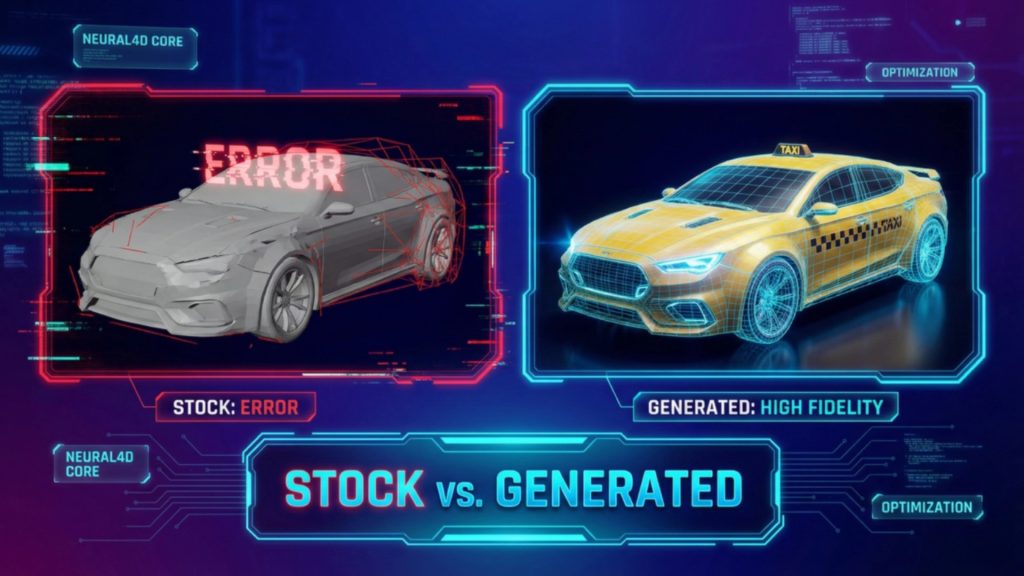
✅ Proven Model Stability: When you export an .stl from Neural4D, it is designed to be mathematically watertight for industry-standard slicers.
✅ Spatial Sparse Attention (SSA): This mechanism reduces “hallucination rates,” ensuring the back of the model remains consistent with the character’s proportions.
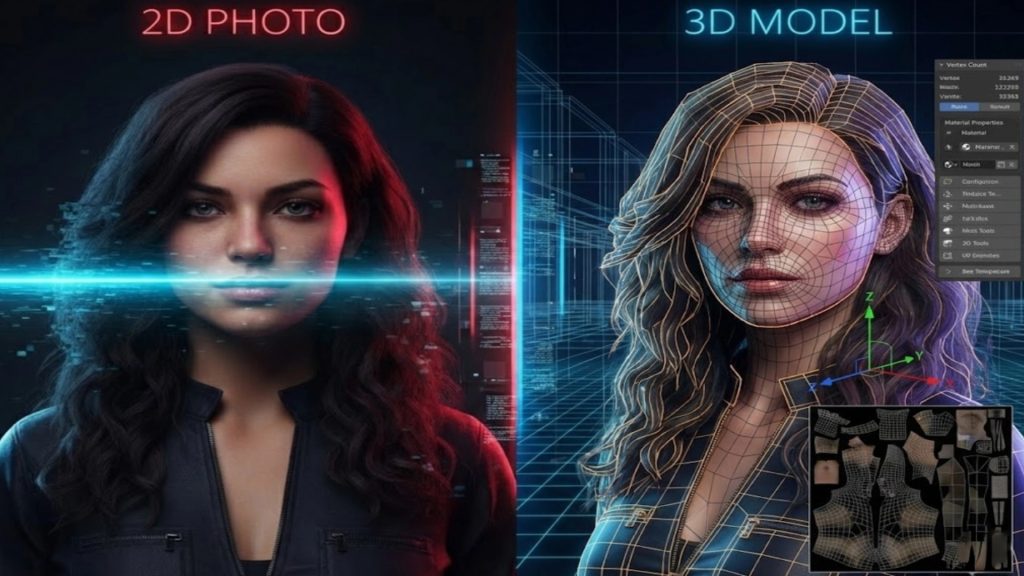
✅ PBR Texture Support: For full-color prints, Neural4D outputs accurate Normal and Roughness maps for realistic metallic effects.
Part 3: Customizing Denji – Using Neural4D-2.5 to Fix Thin Geometry
One of the biggest hurdles in 3D printing is “scale-specific failure.” A Chainsaw Man 3D model that looks great on your screen might be too fragile to print at 1/12 scale. If the chainsaw blades are too thin, they will snap off when you remove the supports.
This is where Neural4D-2.5 changes the game. As a conversational multi-modal model, it allows you to tweak the generated asset using natural language. You don’t need to be an expert in 3D model design software; you simply talk to the model.
Try these specific prompts for a smoother production flow:
🎯 “Increase the thickness of the chainsaw blades by 20% to make them sturdier for printing.”
🎯 “Ensure the pull-cord on the chest is merged with the torso to avoid floating geometry.”
🎯 “Smooth out the fabric wrinkles on the shirt to reduce the need for excessive supports.”
Ready to save time on your next project?
Get a production-ready STL for effortless generation.
Part 4: Conclusion – Your Shortcut to a High-Fidelity Chainsaw Man Figure
Generating a usable Chainsaw Man 3D model isn’t just about surface visuals; it’s about structural reliability. In a market flooded with “broken” files, the Direct3D-S2 architecture provides a professional alternative for the maker community. By focusing on print-ready geometry and programmatic iteration, we’ve removed the technical barriers that turn a fun hobby into a weekend of troubleshooting.
Whether you are a seasoned pro or a first-time maker, the goal is the same: hit print and have it work. With Neural4D, you get the base mesh and high-fidelity details ready to drop into your slicer of choice. Stop settling for “good enough” models that fail at hour seven. Use a tool designed for the precision that 3D printing demands.
Need more help? Check out our step-by-step STL conversion guide or join our community forum to share your latest Denji prints and get advanced tips from other makers.