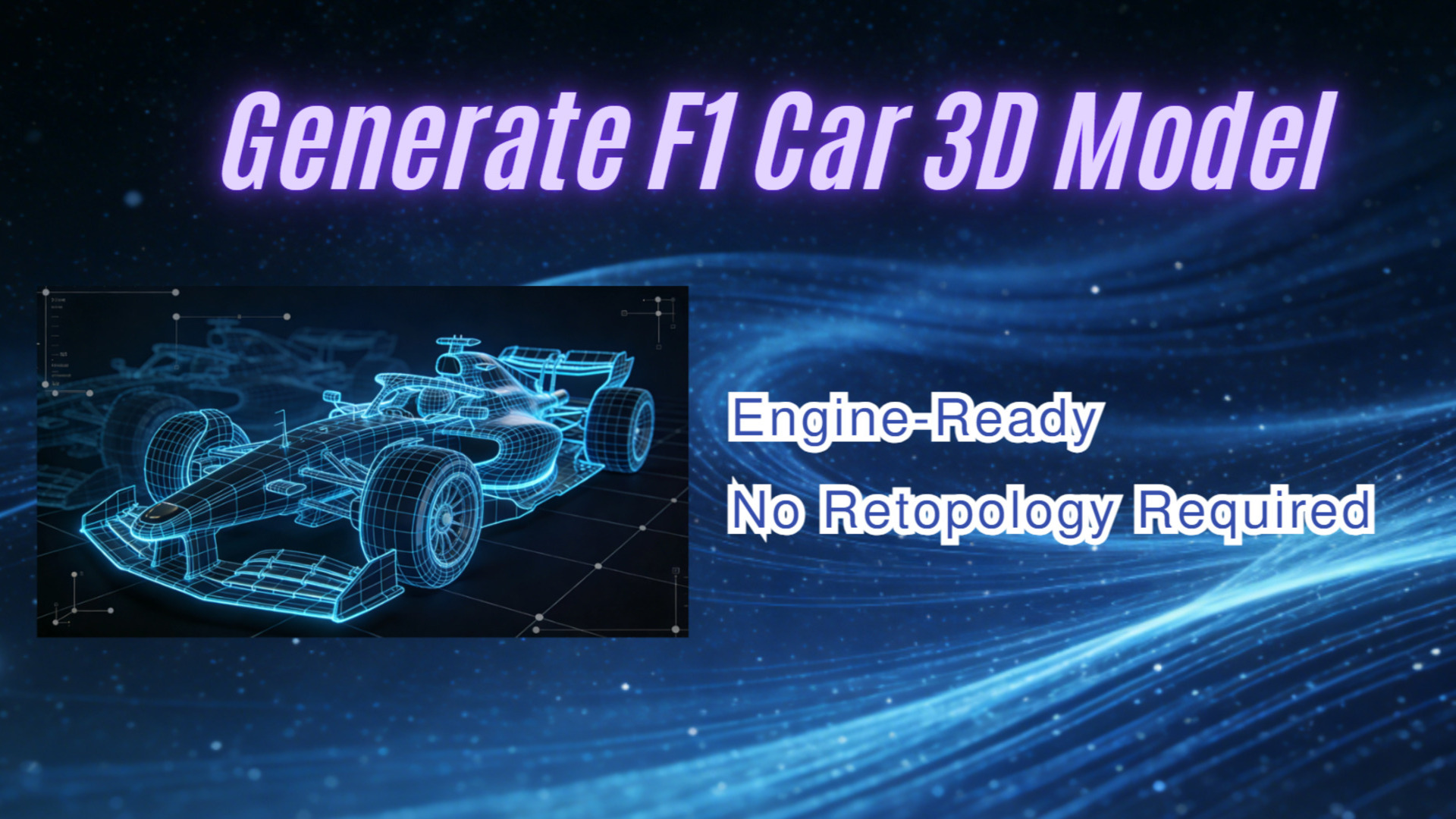
Generate an Engine-Ready F1 Car 3D Model (No Retopology Required)
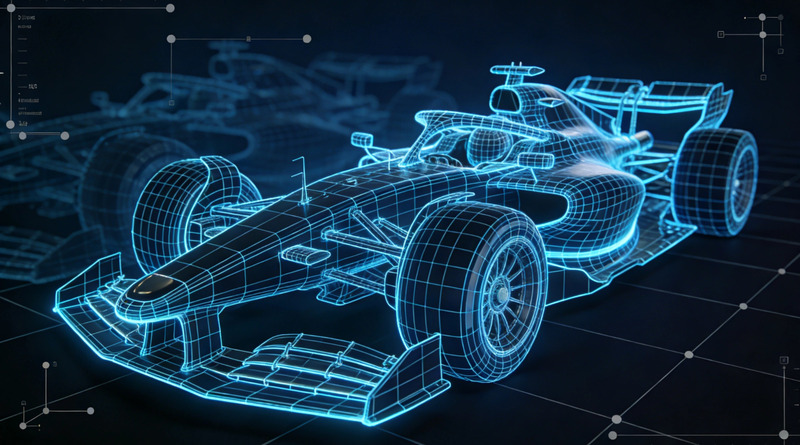
Aerodynamic geometry is mathematically unforgiving. When you attempt to build a high-performance F1 car 3D model from scratch, you are fighting complex curvatures and multi-element cascades. The front wing of a modern racing vehicle isn’t just a flat surface; it is an engineered assembly of strakes, endplates, and precisely angled flaps.
Recreating this geometry digitally exposes the flaws in most modeling workflows. You push vertices. You adjust edge loops. You apply a subdivision surface modifier, only to find severe pinching and shading artifacts. Why? Because the topology wasn’t perfectly quad-dominant.
The industry average for constructing a production-ready vehicle asset is pure computational overhead applied to human labor. Indie developers and technical artists cannot afford that latency when populating a starting grid. You need a fast, deterministic output without the unpredictable mess.
- Part 1: The Aerodynamic Nightmare of Manual Retopology
- Part 2: Why Probabilistic AI Fails at F1 3D Chassis Modeling
- Part 3: Direct3D-S2: Engineered for Engine-Ready 3D Models
- Part 4: Solving the UV Distortion Problem for Custom Liveries
- Part 5: 3D Printing the Chassis: Escaping the Non-Manifold Trap
- FAQ: Troubleshooting Your F1 Car Generation
- Part 6: Conclusion – Drop Your Chassis into the Engine
Part 1: The Aerodynamic Nightmare of Manual Retopology
High-fidelity modeling requires strict adherence to edge flow. If a tool gives you a dense, disorganized mesh for a complex aerodynamic part like a halo or a rear wing, it creates work rather than saving it.
Traditional software suites force you to manage this edge flow manually. You spend hours establishing the base mesh, only to realize the curvature of the sidepods doesn’t align correctly with the engine cover. A dense mesh kills performance in web viewers and AR environments. The goal is optimal topology, not maximum polygon density.
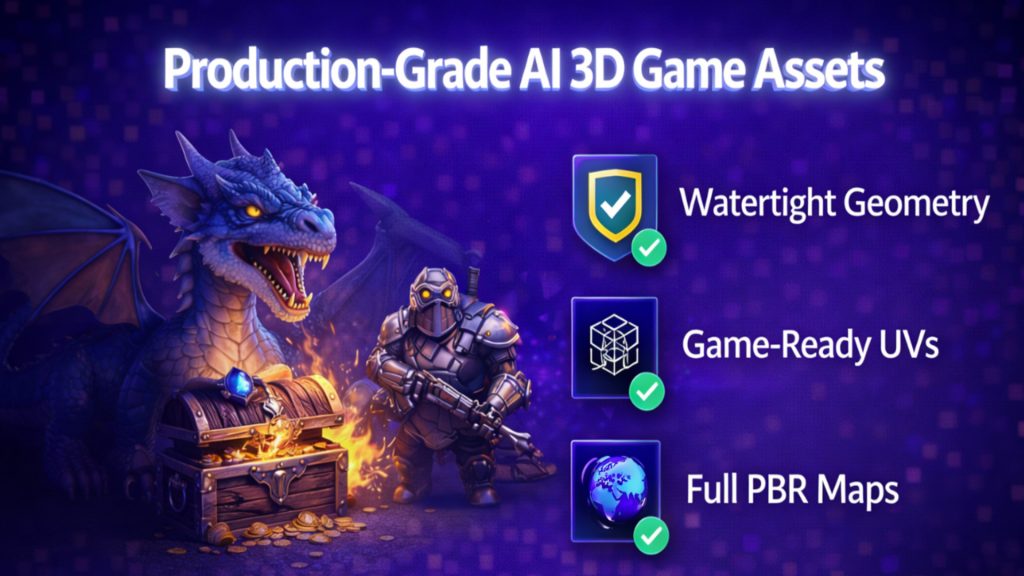
This is exactly why racing game studios are shifting toward AI 3D game assets. You need the geometry to be engine-ready from the moment of export, with low draw calls and clean triangulation when imported into Unity or Unreal Engine.
⚡ Generate a base chassis in ~90 seconds
🧩 Quad-dominant topology suitable for game engines
🔧 No manual retopology required
🖨️ Watertight meshes for 3D printing
🎨 Clean UVs for racing liveries
Part 2: Why Probabilistic AI Fails at F1 3D Chassis Modeling
The first generation of AI 3D generators attempted to solve the manual labor problem, but they introduced a worse one: unpredictable outputs. We call this the slot-machine problem. You input a prompt, hit generate, and hope the algorithm doesn’t hallucinate the backside of the vehicle.
Most of these probabilistic models output triangle soup, a chaotic mess of polygons with reversed normals and overlapping faces. When an algorithm only sees a flat, front-facing profile of a vehicle, it guesses the depth. The result instantly breaks down in a 3D environment.
This failure rate is why technical artists constantly search for a reliable solution. You cannot build a deterministic development pipeline on tools that fail 40% of the time. Formula 1 mesh generation requires structural integrity, not a melted estimation of a racing car.
Create Your F1 Base Mesh in 90 Seconds
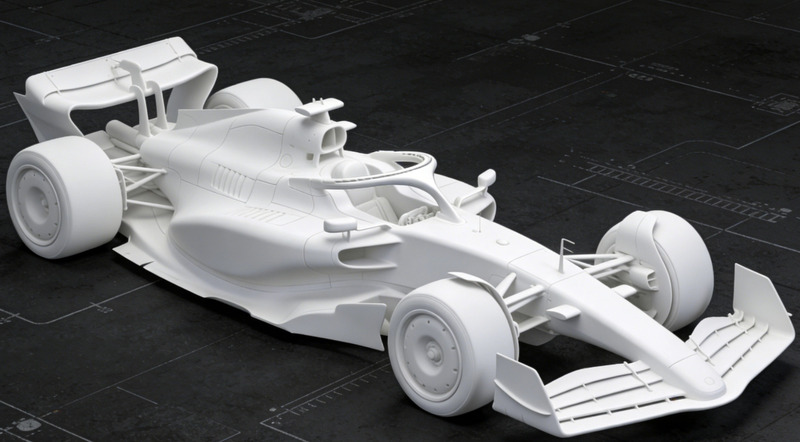
Stop pushing vertices. Upload your vehicle reference photo and get a quad-dominant, engine-ready white mesh instantly.
Generate Your First F1 Chassis in 90 Seconds
Used by indie game developers, simulation teams, and 3D printing makers.
Part 3: Direct3D-S2: Engineered for Engine-Ready 3D Models
Generating a usable vehicle asset isn’t just about surface visuals. It requires a native understanding of spatial logic. Neural4D doesn’t rely on brute-force depth estimation. Our Direct3D-S2 architecture utilizes Spatial Sparse Attention (SSA).
What Spatial Sparse Attention enables:
✅ Symmetrical vehicle geometry calculated from a single angle
✅ Connected aerodynamic components without microscopic gaps
✅ Fully enclosed manifold meshes for physical prototyping
✅ Game-engine ready topology supporting efficient draw calls
No other 3D modeling tool provides watertight, engine-ready meshes with such high accuracy. The computational overhead is drastically reduced, allowing for a rapid 90-second inference time for the base white mesh while maintaining a 2048³ ultra-high resolution output. You get a clean foundation, allowing you to immediately begin rigging the suspension rather than patching holes.
Part 4: Solving the UV Distortion Problem for Custom Liveries
Racing vehicles are essentially high-speed billboards. Applying custom sponsor graphics, racing numbers, and intricate paint schemes is a core requirement for any formula racing model. This exposes another severe limitation in early AI models: baked-in lighting and distorted UV maps.
If the lighting is baked directly into the texture, you get dead shadows. The car will look incorrect under your game engine’s dynamic lighting. A production-ready asset requires a Pure Albedo workflow. While the Direct3D-S2 engine reconstructs the watertight geometry in 90 seconds, calculating accurate light reaction requires a dedicated texturing phase.
Neural4D utilizes an advanced material separation algorithm. When you generate PBR texture from image references, the system allocates additional computational time to output clean Normal, Roughness, and Metallic maps alongside the geometry. The UV islands are logically unwrapped. Drop the `.fbx` file directly into Substance Painter, select the sidepod UV islands, and apply your custom livery with zero pixel stretching.
Part 5: 3D Printing the Chassis: Escaping the Non-Manifold Trap
A massive segment of the maker community uses these assets for physical prototyping and resin printing. There is nothing more frustrating than a print failing at hour seven because of a hidden hole in the mesh.
Free online vehicle models are notorious for non-manifold edges. They look solid on the screen, but the slicer software sees a hollow shell with zero wall thickness. We designed the Direct3D-S2 engine to eliminate this failure point entirely.
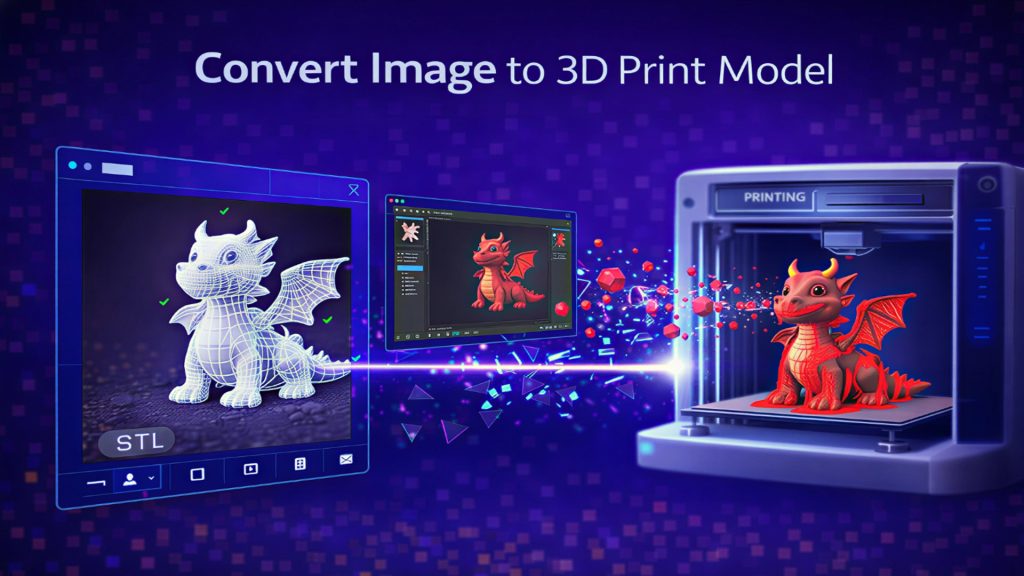
Because the algorithm relies on native volumetric logic, the generated assets possess actual physical volume. When you convert image to STL file using Neural4D, the output goes straight into Chitubox or Lychee Slicer without requiring secondary software to patch holes.
🎯 The topology is solid. You hit print, and the resin cures exactly as calculated.
FAQ: Troubleshooting Your F1 Car Generation
Q: Why do traditional aerodynamic 3D models fail in slicing software?
Traditional models are often built for visual rendering, not physical production. They contain “non-manifold geometry”—meaning edges don’t connect properly, leaving microscopic holes. Slicing software cannot process a shape that lacks a fully enclosed volume.
Q: How does Spatial Sparse Attention (SSA) improve chassis mesh quality?
Instead of guessing the back of an object like older AI, SSA processes the entire 3D volume at once. This drastically reduces errors, ensuring structural symmetry and a watertight mesh with much lower computational demand during the 90-second base generation.
Q: Can I use the generated racing vehicle in Unreal Engine 5?
Yes. The engine exports to formats like .fbx and .glb. Because the texturing workflow uses pure Albedo and PBR textures rather than baked-in lighting, the asset reacts accurately to Unreal Engine’s Lumen dynamic lighting system immediately.
From Reference Image to Game-Ready Model
Upload a racing car image and generate a clean F1 chassis in about 90 seconds.
Part 6: Conclusion – Drop Your Chassis into the Engine
The barrier to entry for high-performance vehicle prototyping has shifted. You no longer need to spend a week meticulously routing edge loops around an air intake or fighting subdivision artifacts on a rear wing. The technology has moved past experimental probabilistics and into deterministic, production-grade tools.
Whether you are populating a racing simulator grid, designing custom aerodynamics for a visualization project, or sending a highly detailed F1 car 3D model directly to a resin printer, the pipeline demands speed and structural perfection. By leveraging the Direct3D-S2 architecture, you eliminate the manual cleanup phase.
Share this workflow with your development team. Secure the watertight geometry, the separated PBR textures, and the engine-ready export formats necessary to push your project across the finish line.